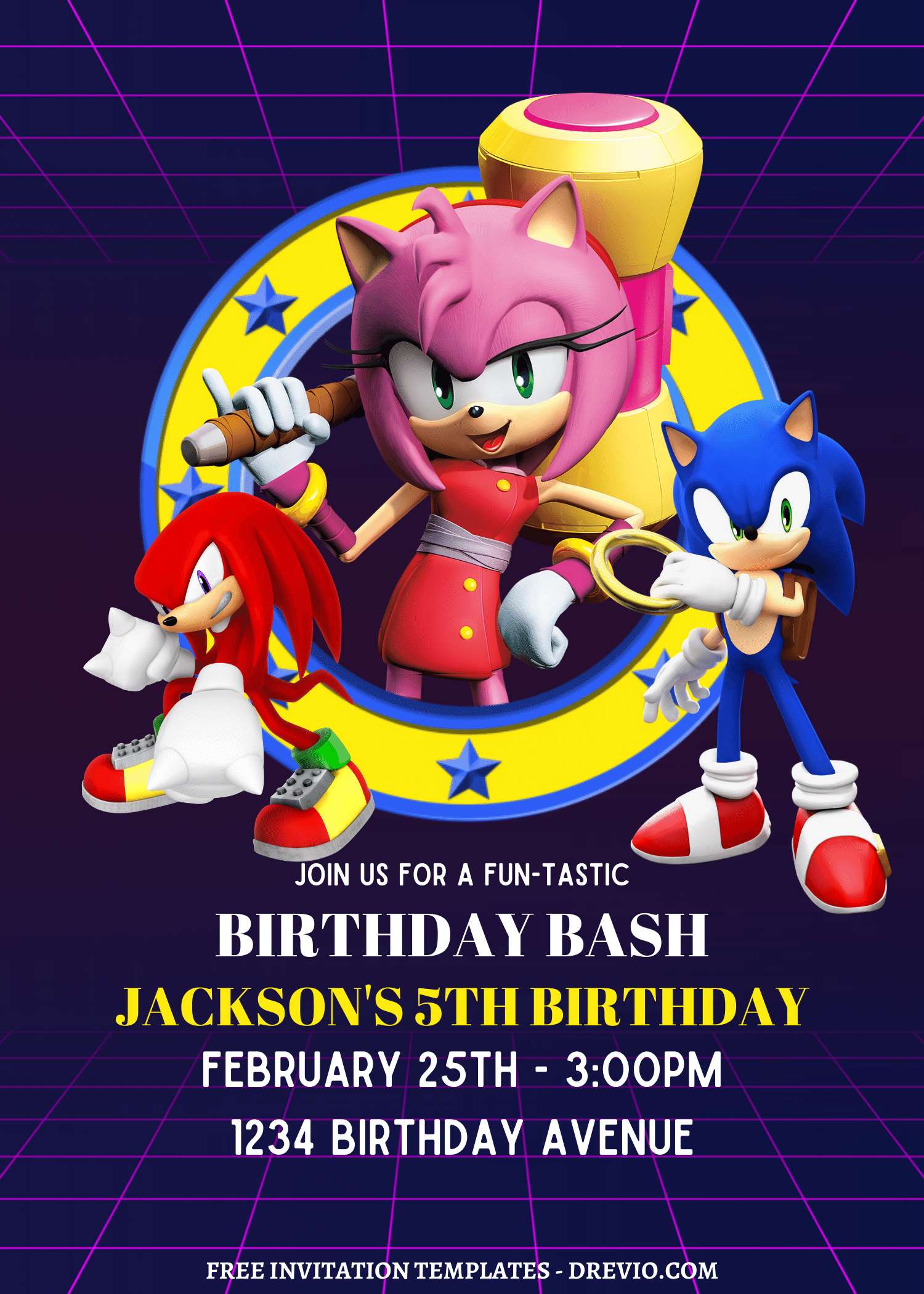
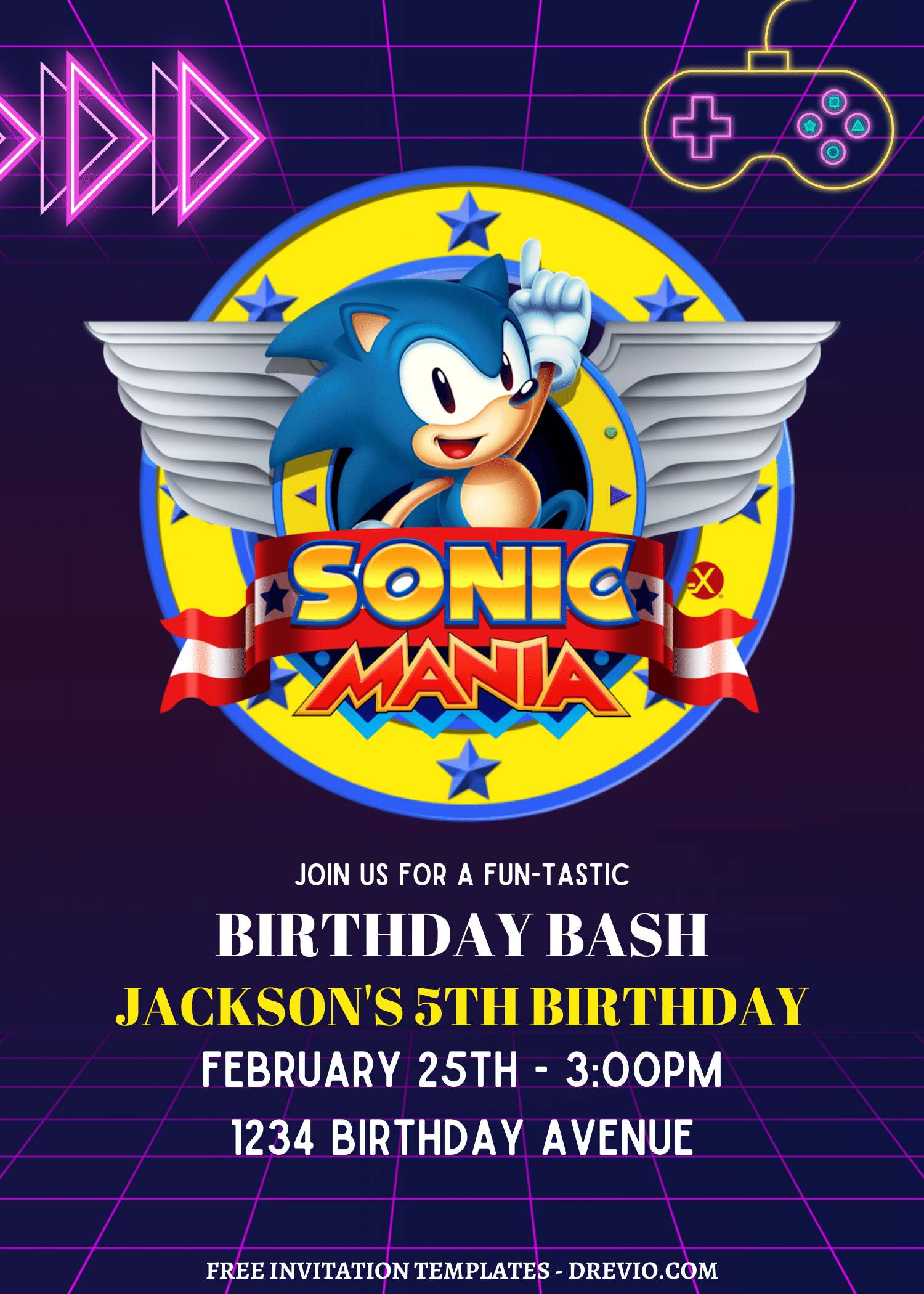
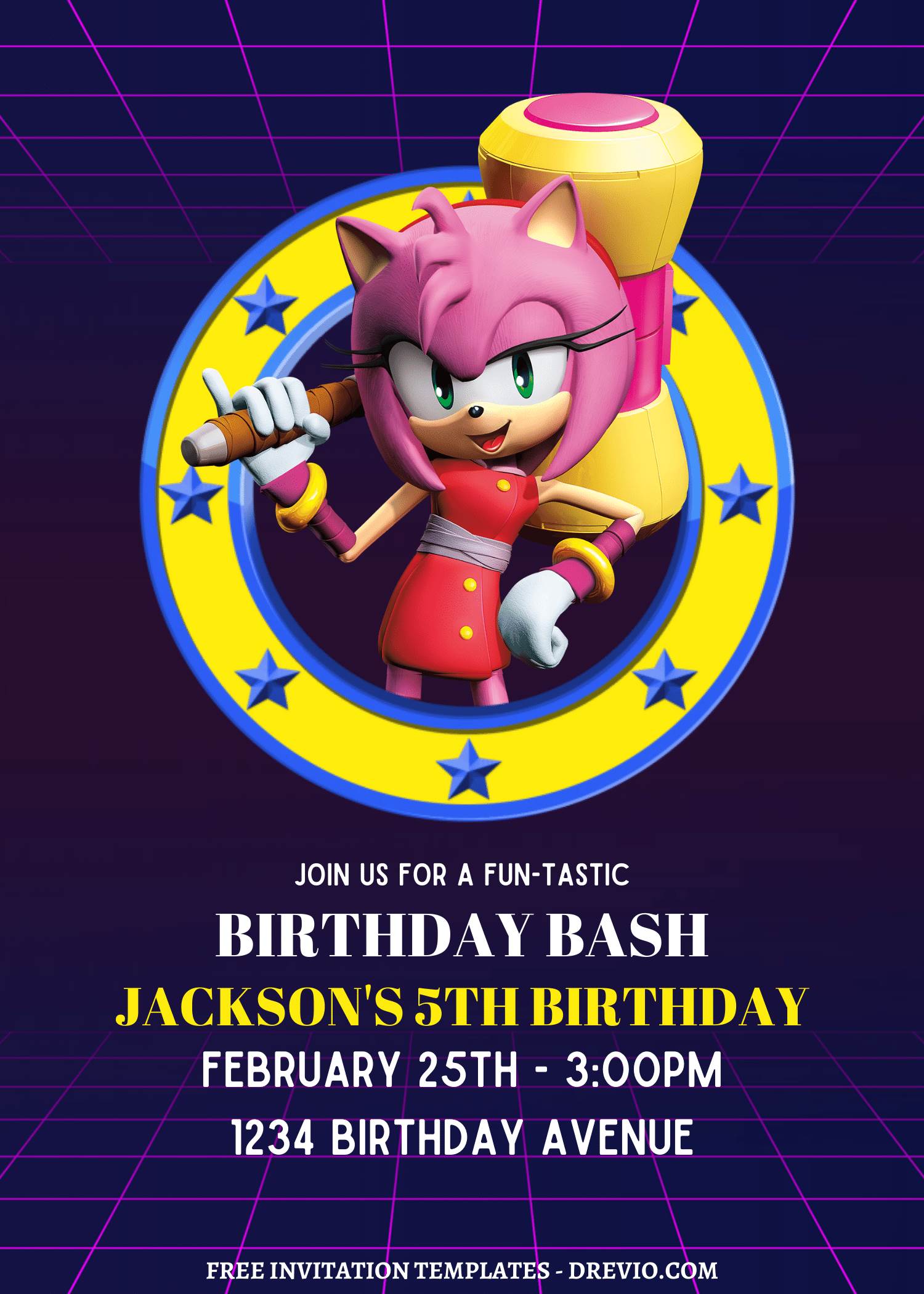
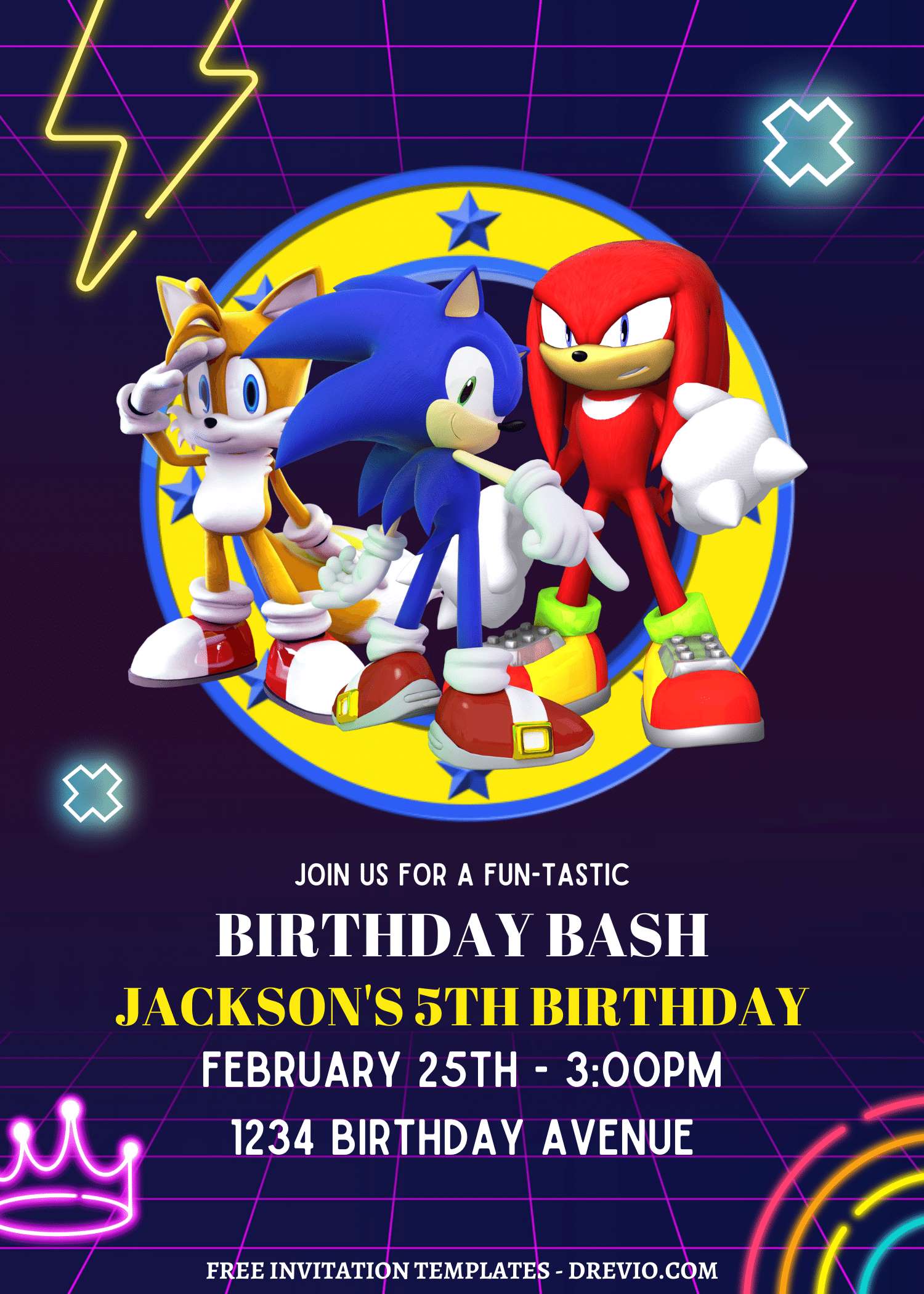
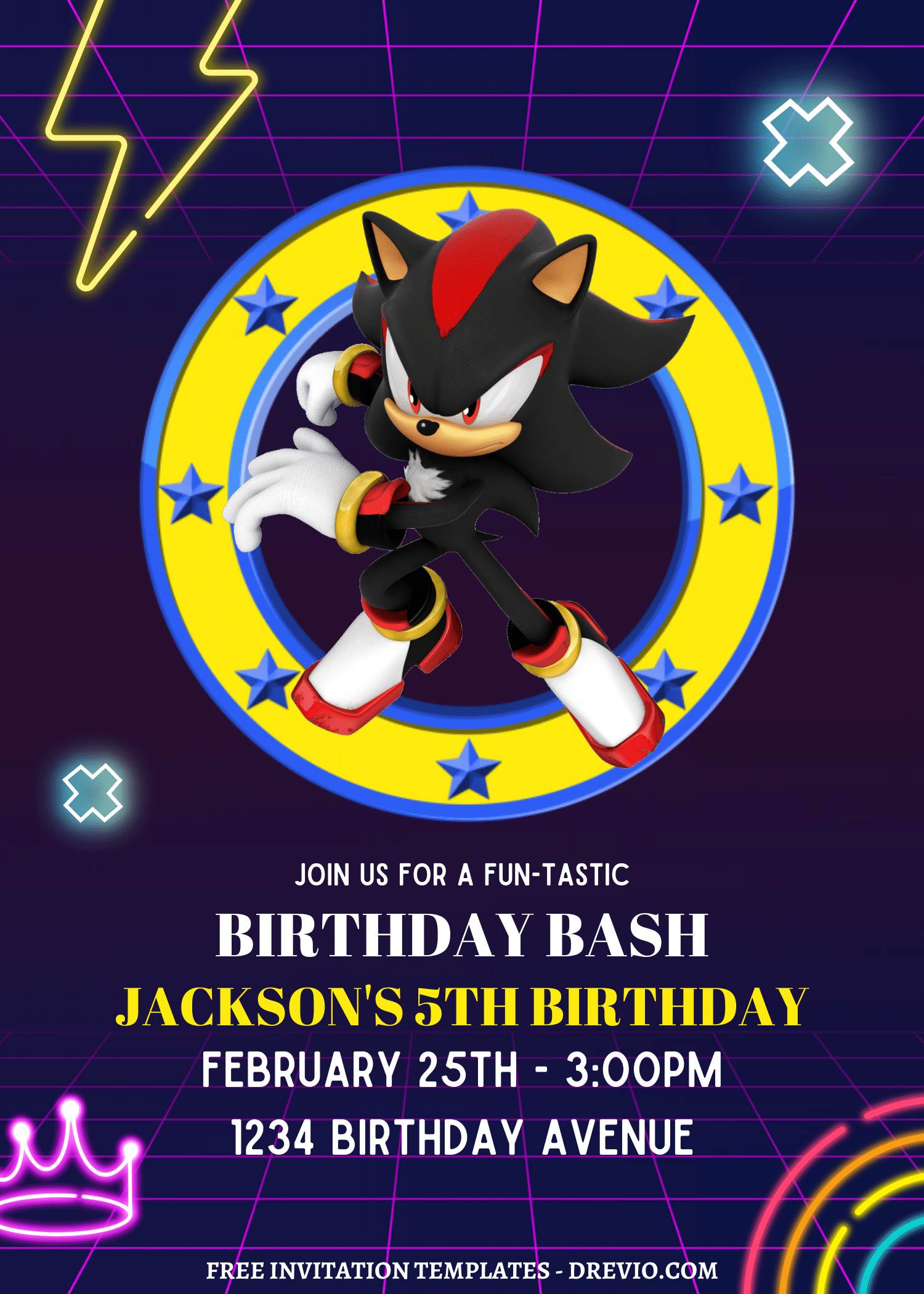
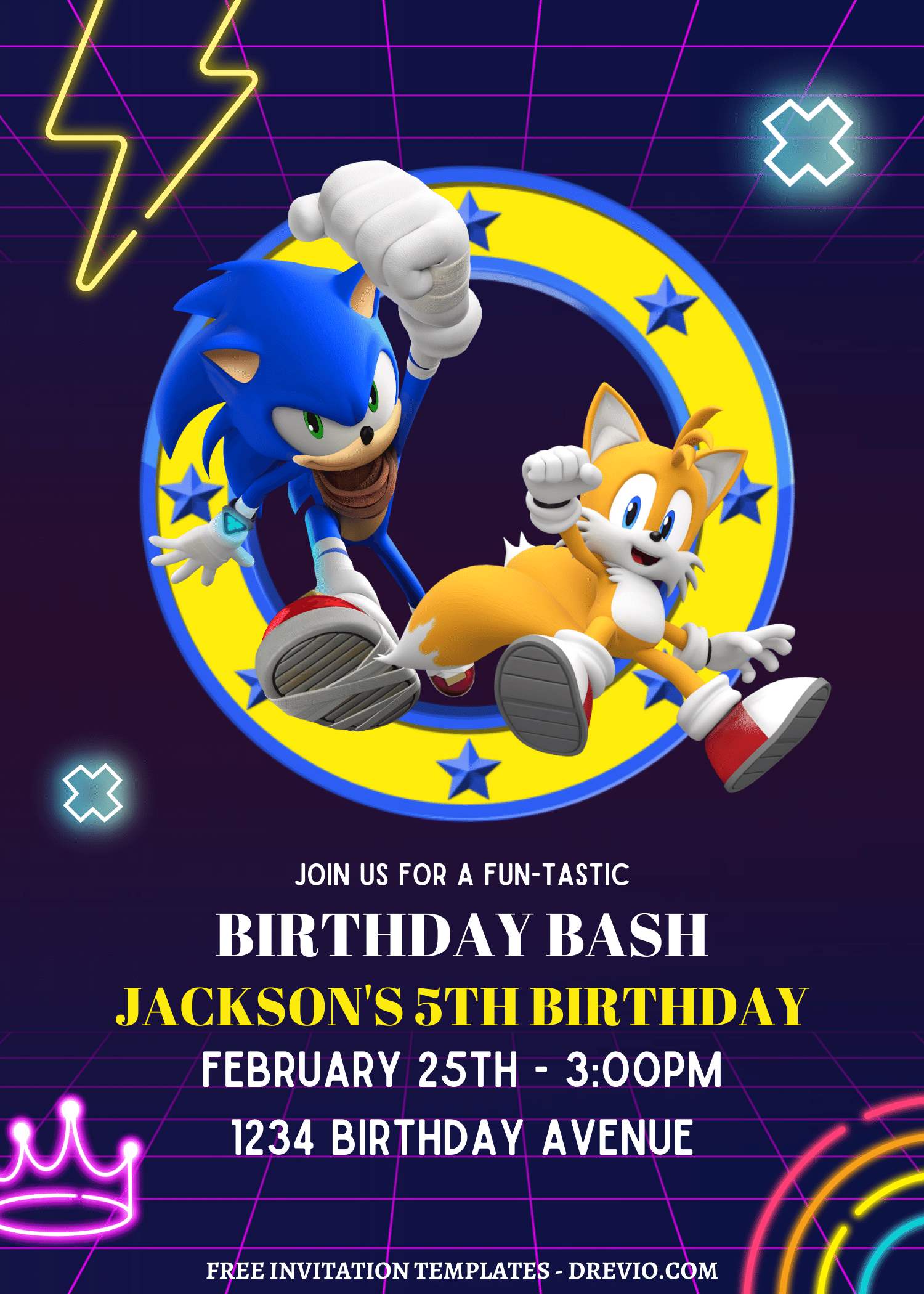
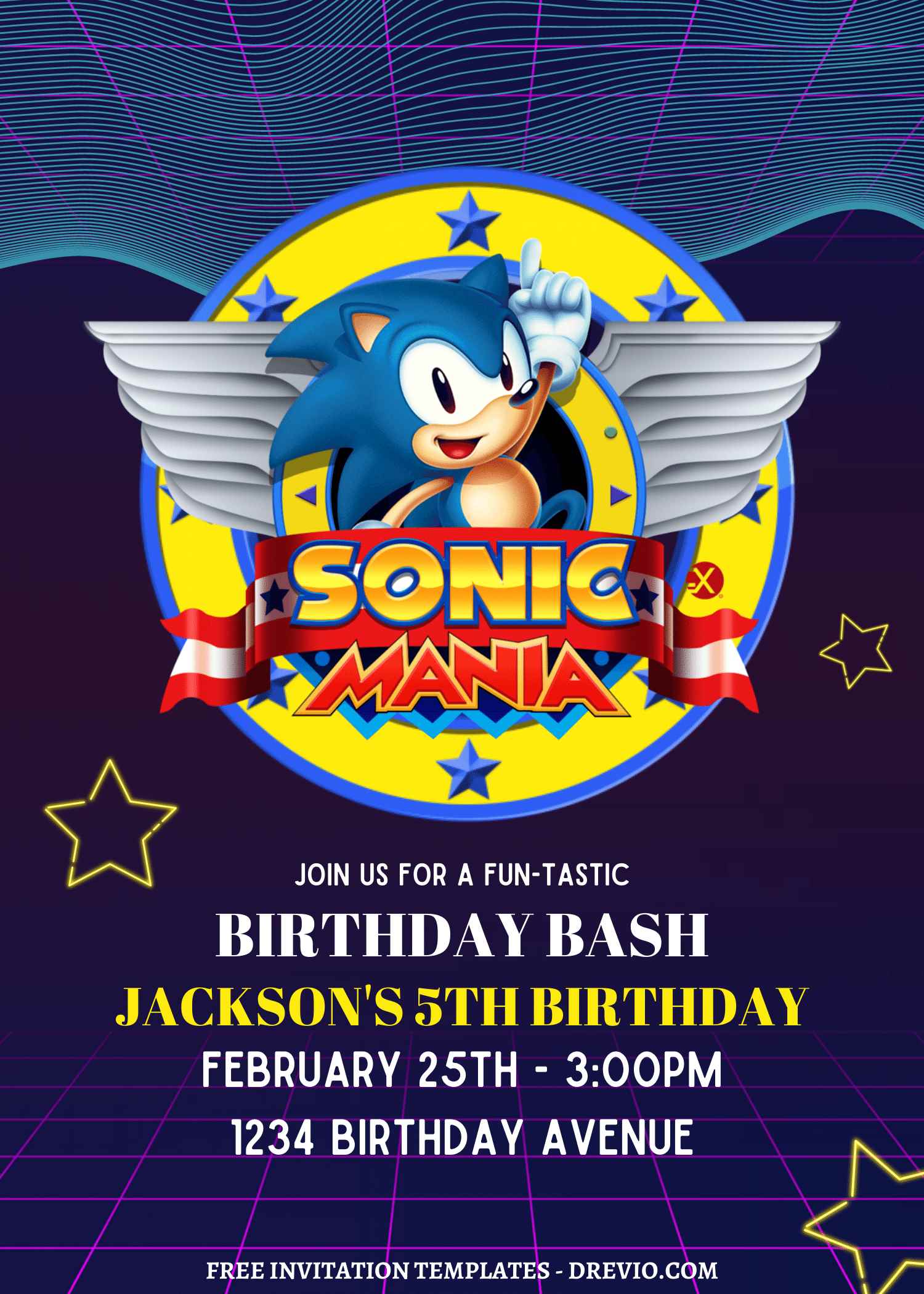
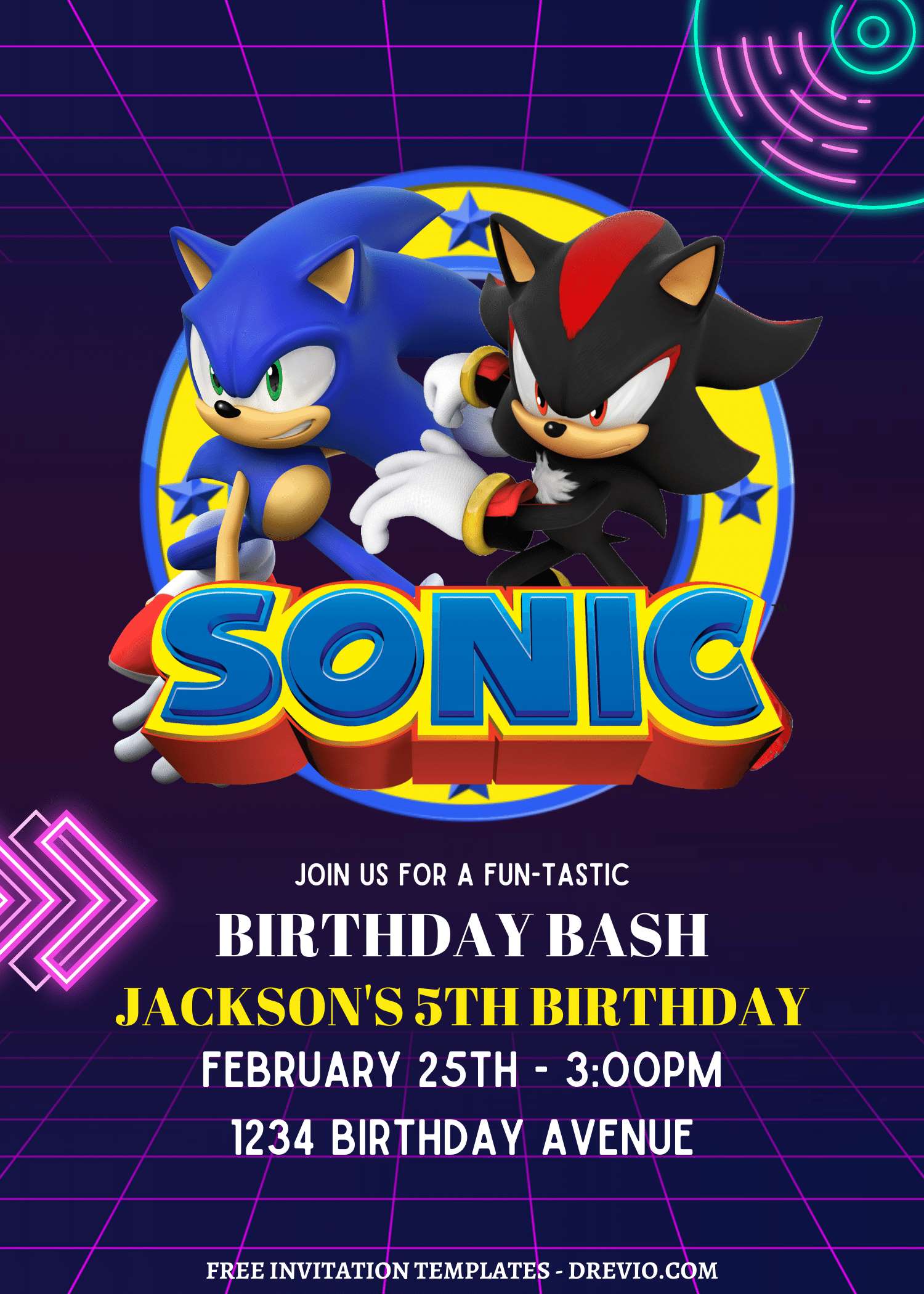
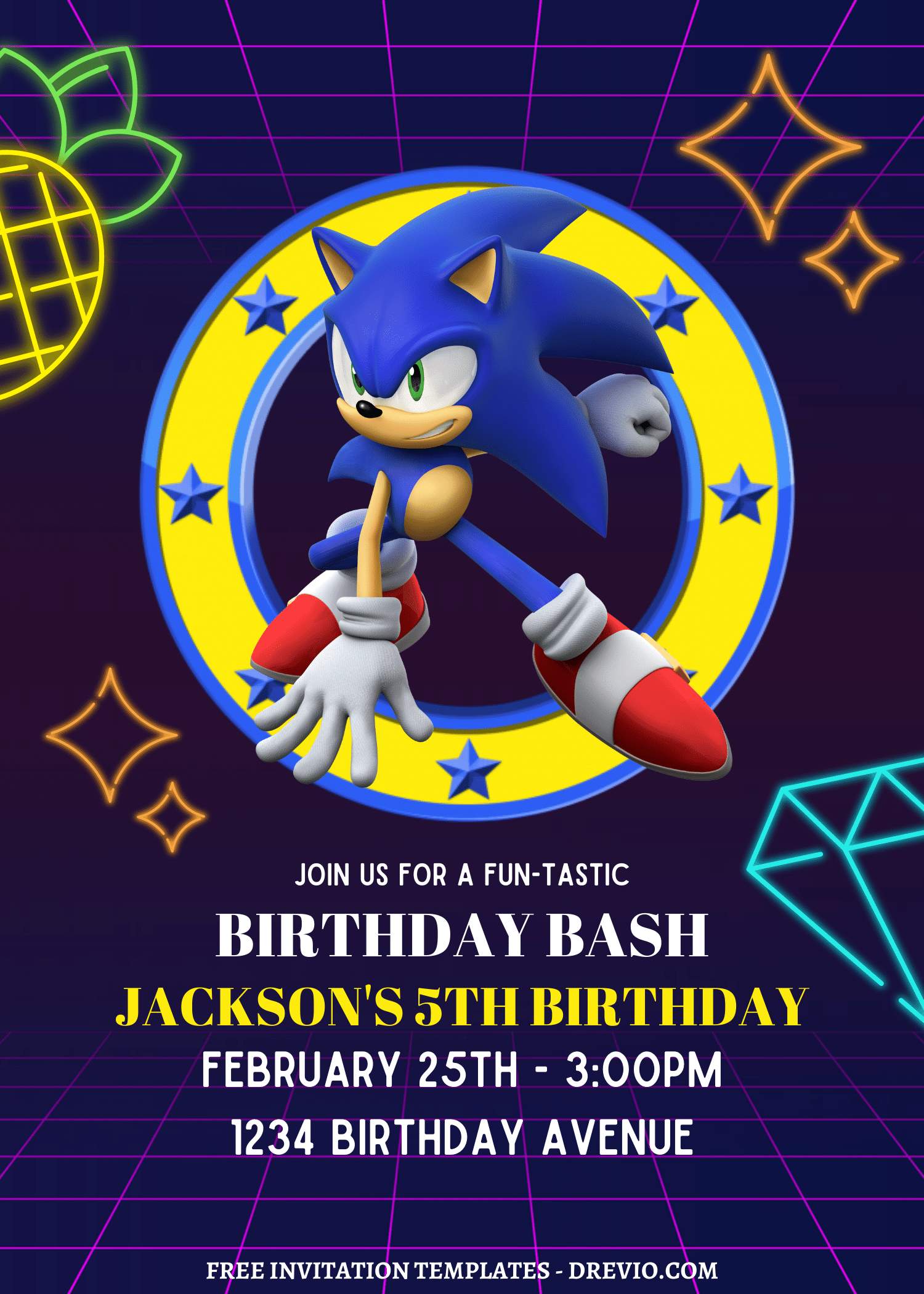
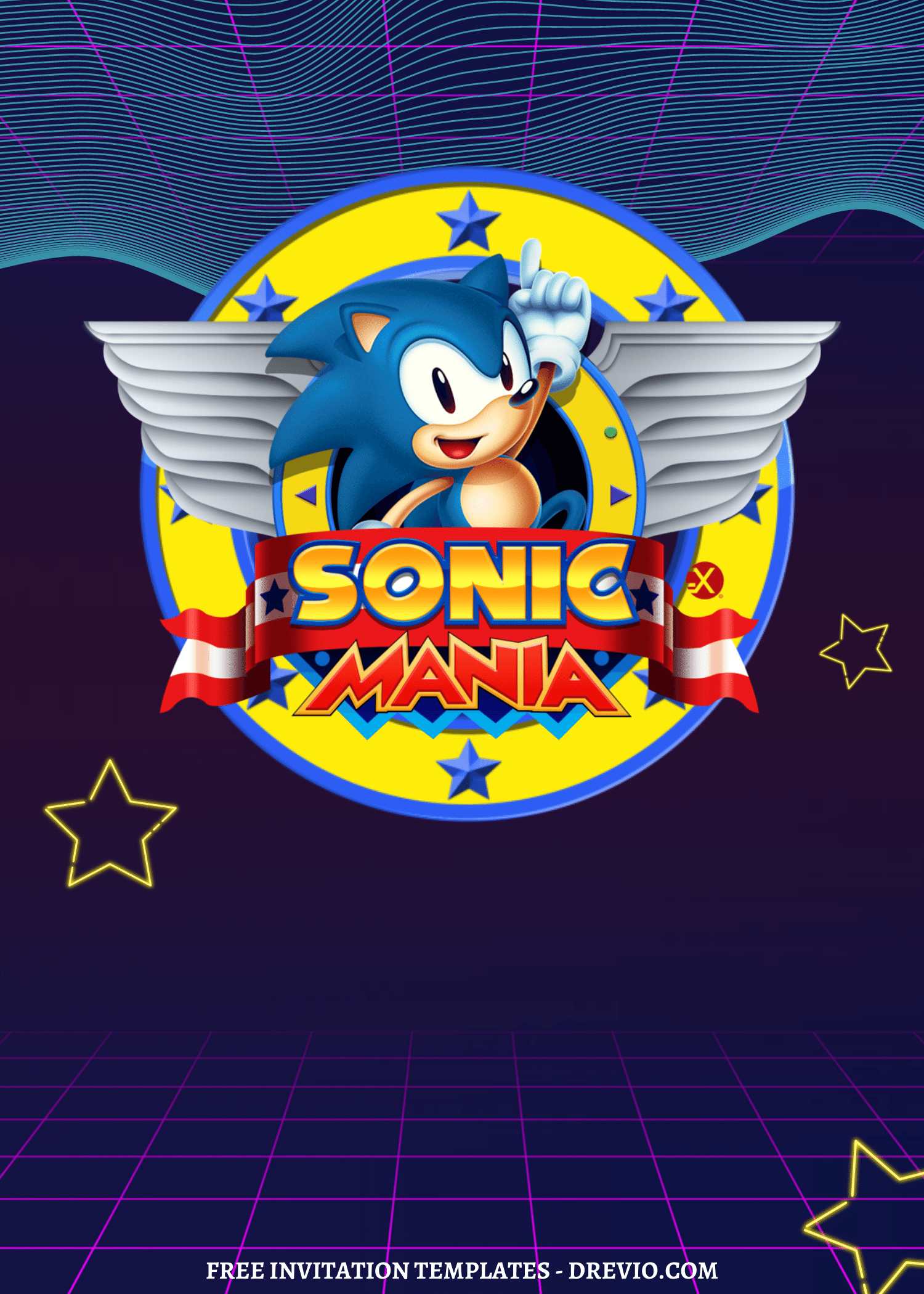
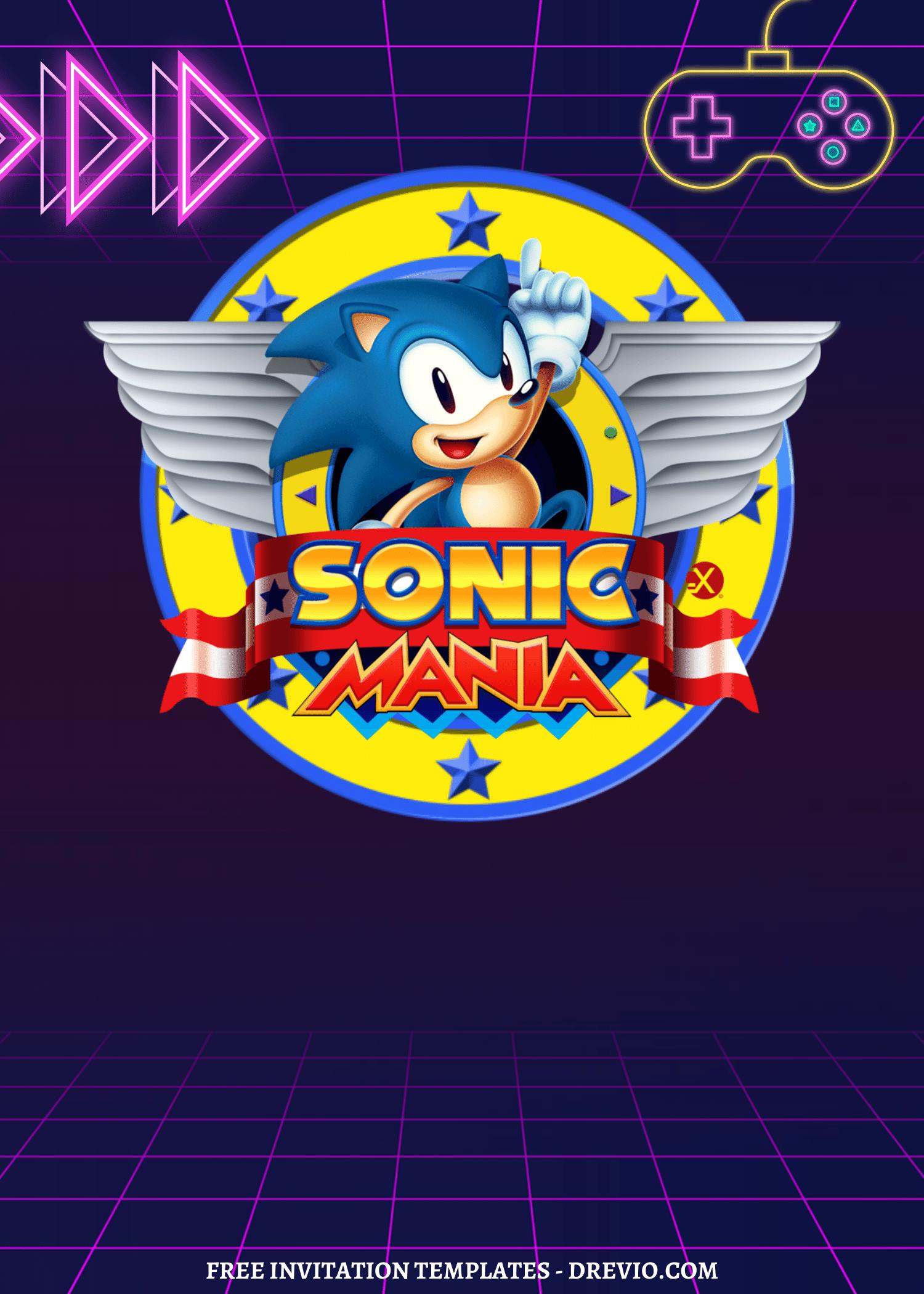
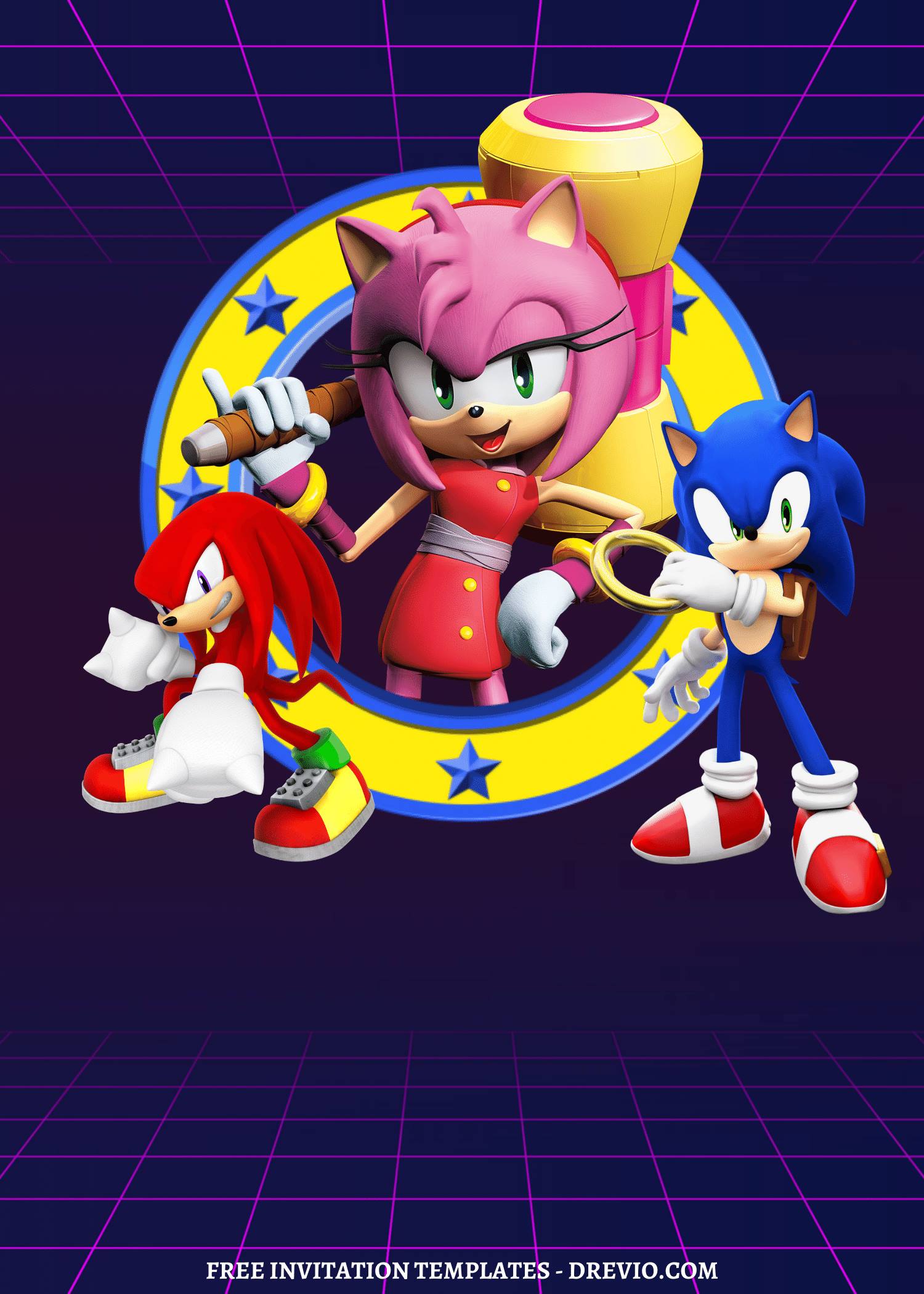
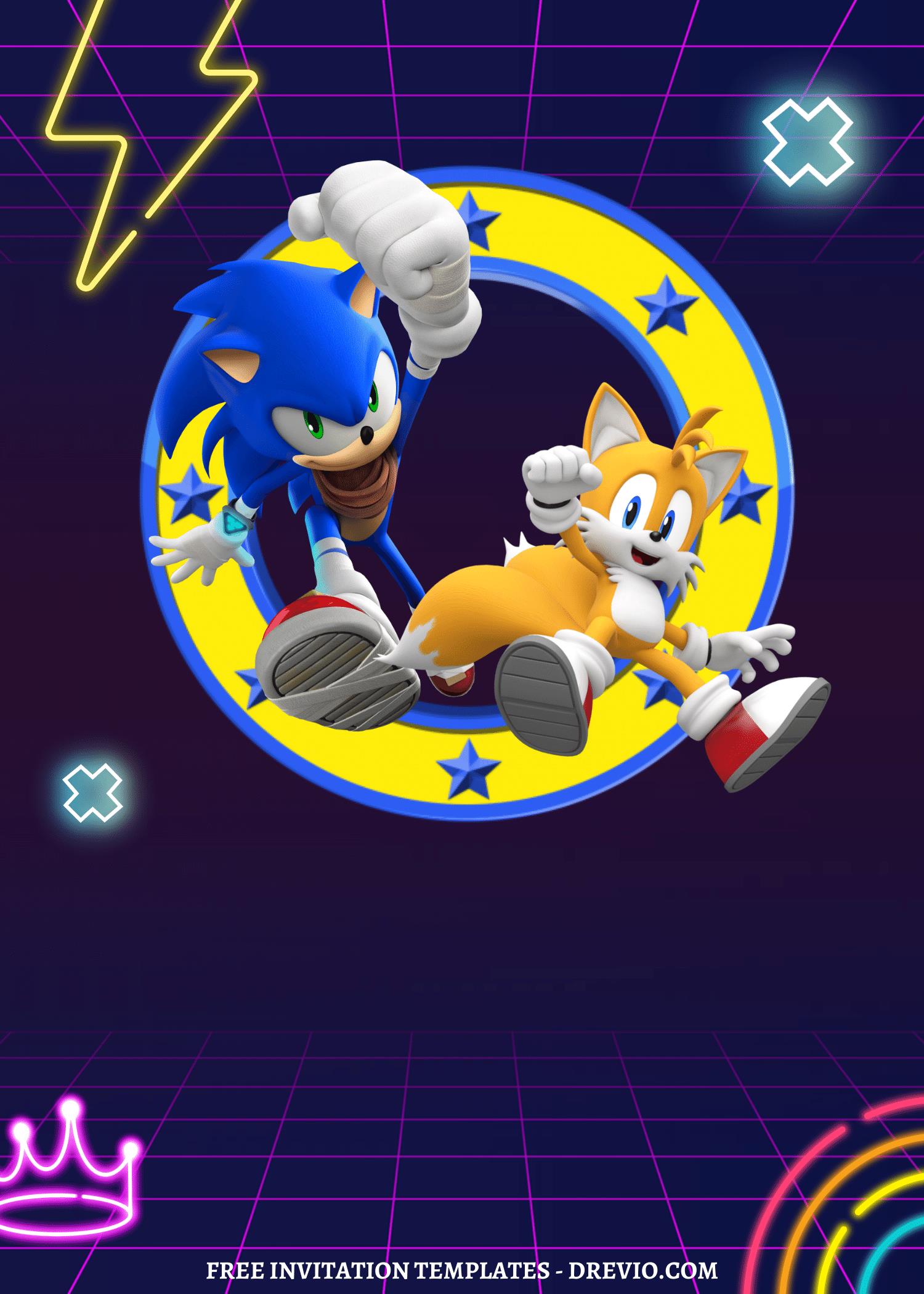
While digging through a bin of old party stuff, I came across one of our old Sonic the Hedgehog birthday invitations from a few years back.
And I kinda froze for a second.
Not because it was bad.
Just because… wow, there was A LOT happening on that invite.
Colors everywhere. Text everywhere. Rings. Stars. Lightning bolts. I apparently had zero fear of clutter back then.
I mean, it did its job. Kids showed up. Everybody ran around like tiny maniacs. Pizza disappeared. The birthday boy was happy.
That’s really all that matters.
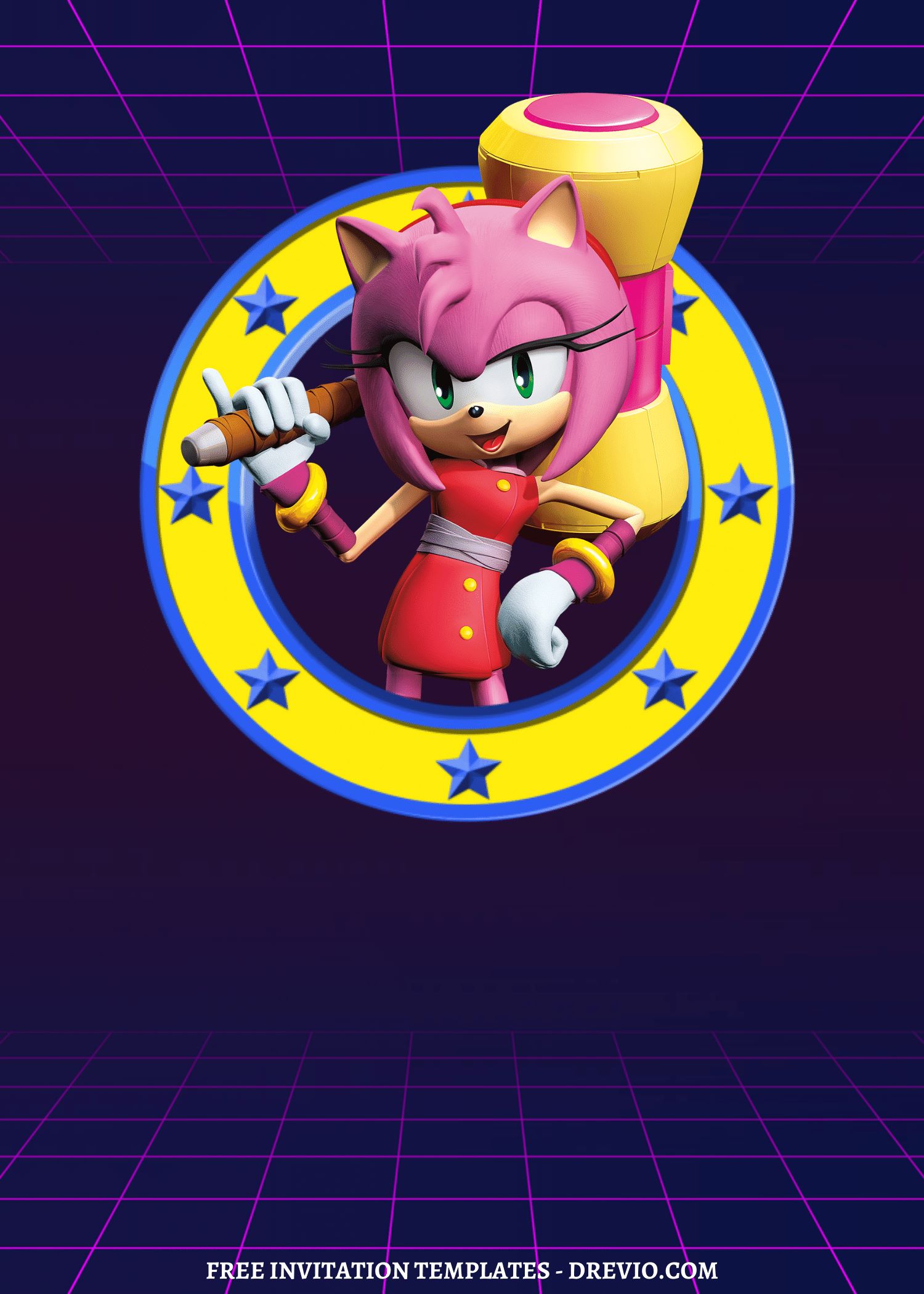
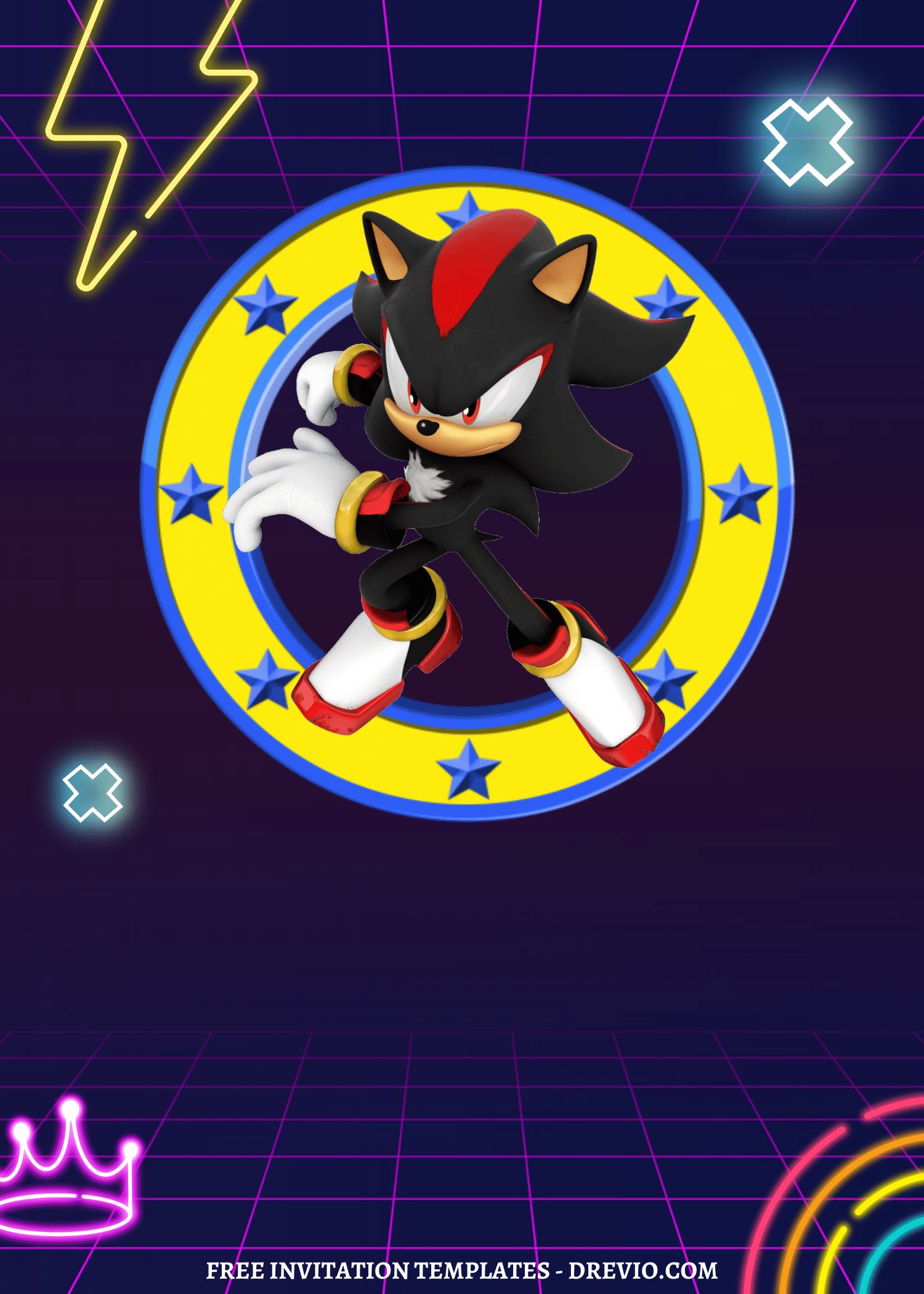
DIY Sonic The Hedgehog Party Invitation: 18+ Free Updated Canva Template (No Watermark)
But sitting there looking at it, I kept thinking, “Huh. If I made this today, I’d probably do a few things differently.”
So I grabbed my laptop right off the coffee table, opened Canva from the floor, and started playing around with it again.
No grand plan. No deadline. Just one of those random little mom projects that somehow turns into a whole afternoon.
And honestly? It ended up being way more fun than folding laundry.
Why Sonic Invitations Still Hit (Even After All the Theme Phases)
It’s still “the thing” in our house
I swear we’ve rotated through everything.
Dinosaurs. Space. Avengers. That one weird slime phase.
But Sonic? Still hanging on.
And not quietly either. Like… full obsession mode.
Shoes? Sonic.
Backpack? Sonic.
Random YouTube marathons? Yep—Sonic again.
So doing Sonic the Hedgehog birthday invitations just made sense without me having to overthink it.
Kids don’t want “cute” – they want FAST
This part cracked me up.
I showed my son two versions:
- One where Sonic was just standing there
- One where he looked like he was zooming
He didn’t even pause.
“Make this one. He looks faster.”
That’s it. That was the feedback 😂
And honestly? He’s not wrong.
Even on paper, if Sonic looks like he’s mid-run, it just feels more exciting. Like something’s happening.
I Didn’t Start From Scratch (Because… Who Has Time for That)
Free templates saved me, again
Look, I love a good DIY moment… but only when it’s not making my life harder.
So no, I did not build this from zero.
I grabbed a free Canva template and just… fixed it.
That’s kinda my thing now – don’t reinvent, just improve.
What I actually changed (aka fixing my old habits)
When I opened my old invite file… wow.
It was doing a lot.
random stars everywhere
too many icons
text kinda floating around with no real structure
Sonic just… existing in the background??
Like girl, what was I thinking 😅
So I cleaned it up:
deleted like half the extra decorations (felt scary at first, not gonna lie)
centered everything so it felt less chaotic
made Sonic the main focus (duh, why wasn’t I doing that before?)
And instantly—it looked better.
Not “Pinterest perfect.” Just… easier on the eyes.
The Tiny Mistakes I Made (Again… Because Apparently I Don’t Learn)
The font situation… yeah
So I picked this thin, cute font.
Looked AMAZING on screen.
Printed it?
…where did it go?? 😭
It basically disappeared into the blue background.
So I switched to a thicker font and added a tiny shadow behind it.
Boom. Fixed.
Note to self (again):
screens lie. printers expose everything.
Almost forgot the address (actual chaos moment)
I printed a test copy.
Looked at it.
Felt proud for like 2 seconds.
Then I realized…
There was no address.
Like… cool, where are these kids supposed to show up?? 😂
So yeah, double check your details before printing. Seriously.
Printer drama is real
My home printer always makes dark blue look like… navy midnight sadness.
So I brightened the background just a bit.
Printed again—way better.
It’s such a small tweak, but it made the whole Sonic the Hedgehog birthday invitation pop more.
The Design I Ended Up Loving (and would 100% reuse)
Nothing fancy. Just worked.
bold electric blue background (very Sonic, obviously)
gold rings—but not too many, learned my lesson
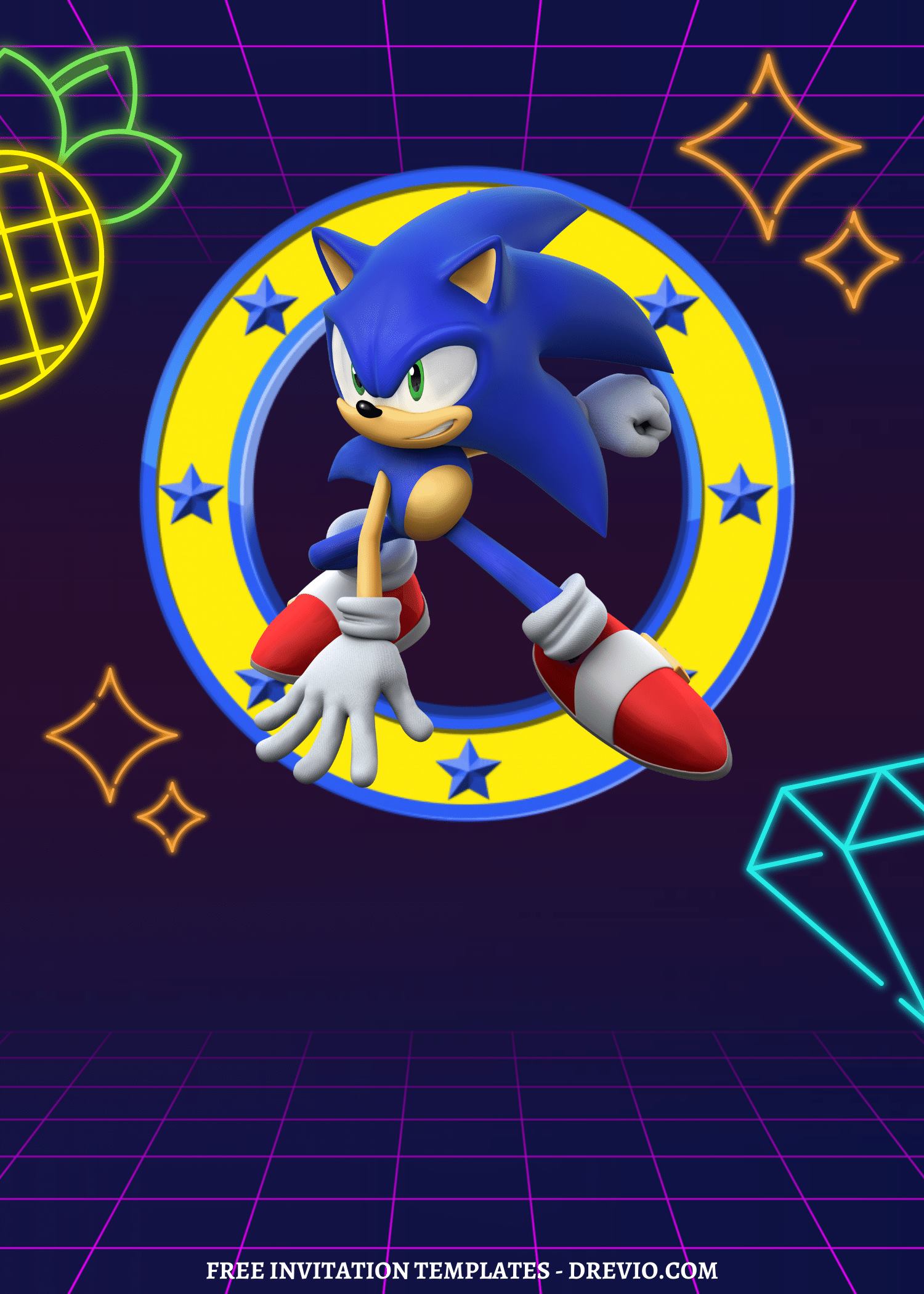
Sonic angled like he’s mid-run
clean white text that you can actually read
That’s it.
No extra chaos. No overthinking.
Picking a Template Without Spiraling (because too many options = nope)
Okay quick and real, scrolling through templates can get overwhelming fast.
So here’s how I narrowed it down:
Fast/racing style → kids who love action (this is what mine picked instantly)
Softer cartoon Sonic → better for younger kids
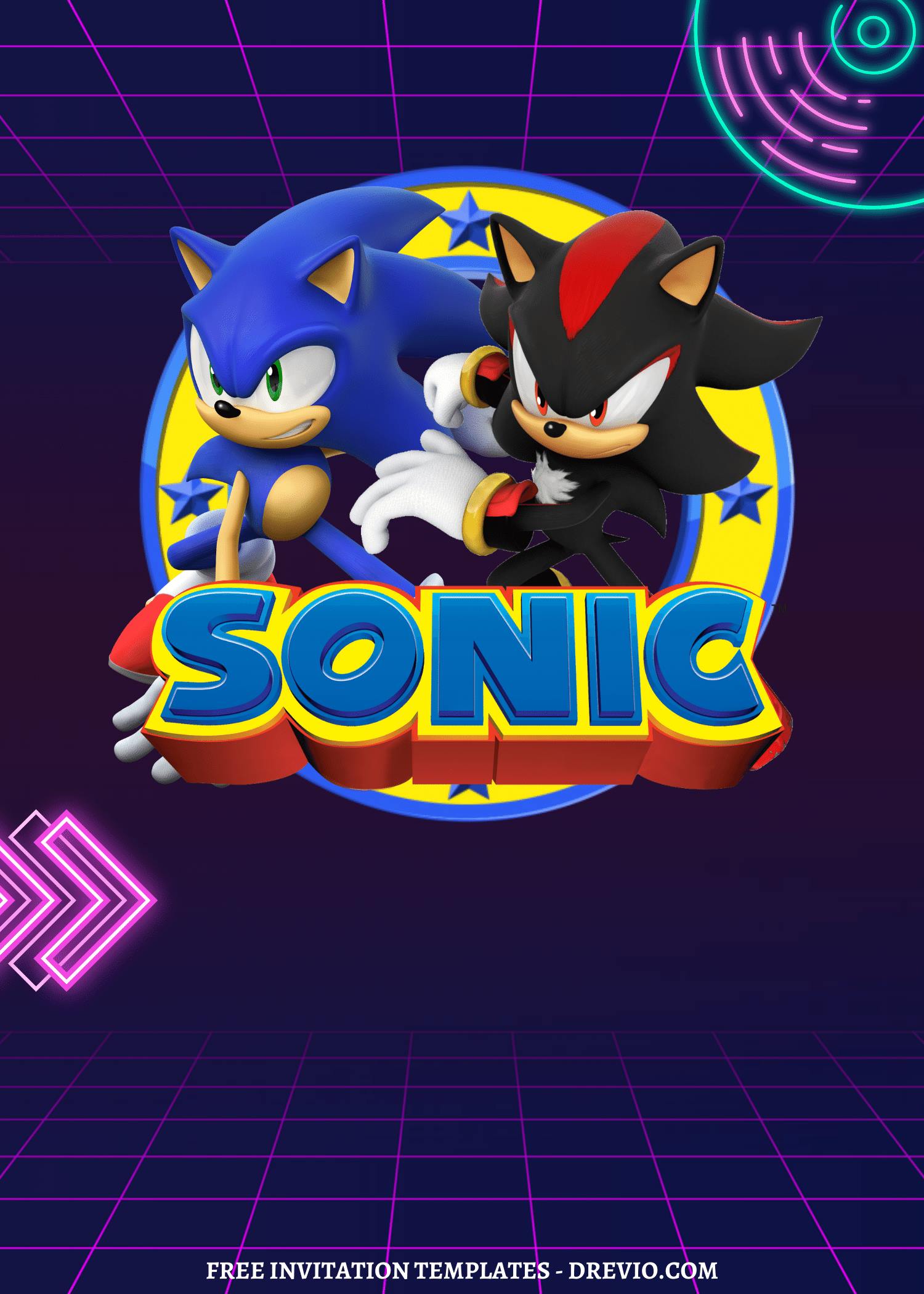
Game-level vibe → if your kid is into gaming aesthetics
Clean/simple layout → for moms who want less visual chaos
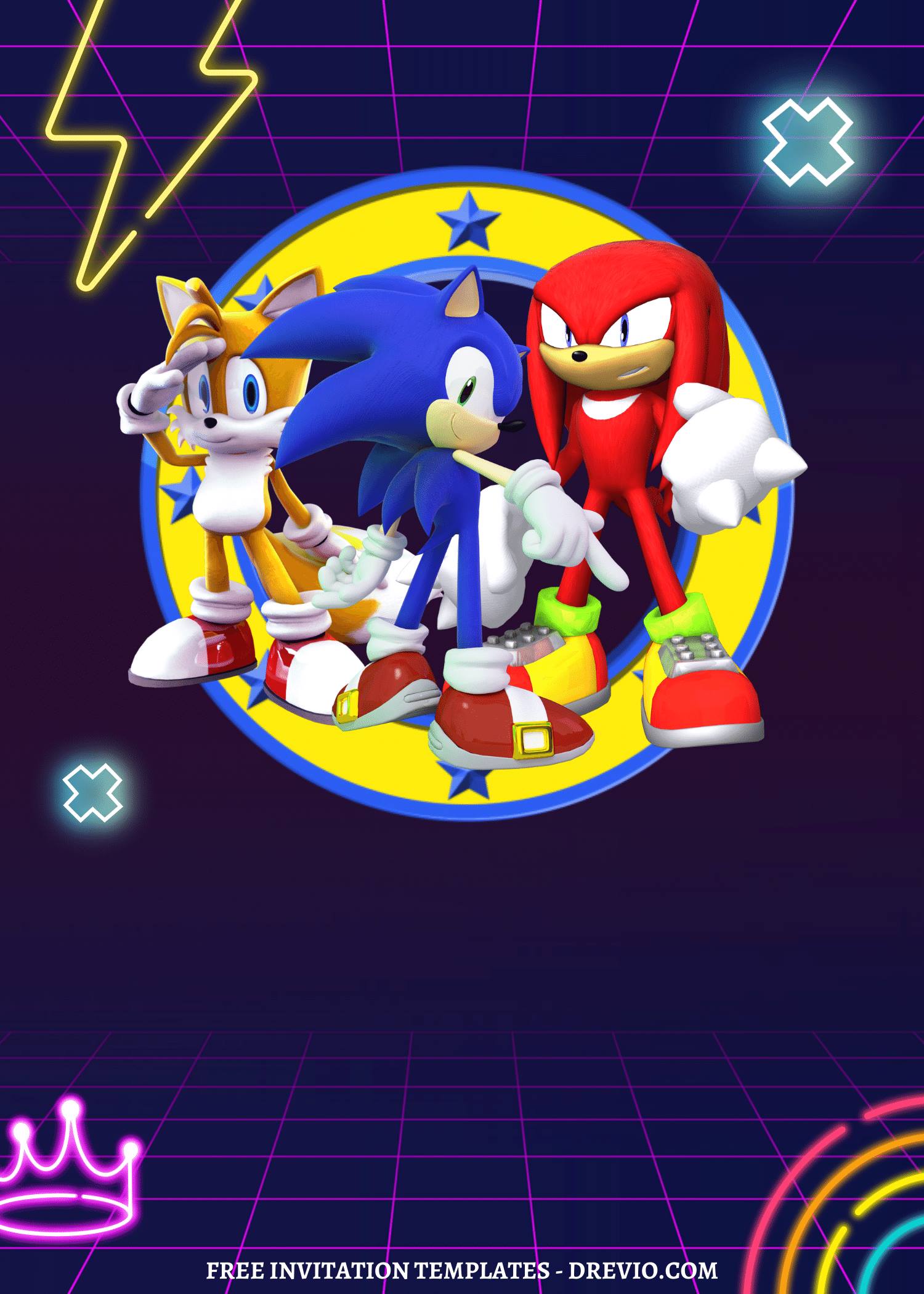
Sonic + friends → if your kid loves the whole crew
I let my kid choose and called it a day.
No overthinking = less stress.
Printing… This Is Where It Either Works or Doesn’t
Glossy vs matte (I tested both because of course I did)
Glossy:
colors pop like crazy
kinda shiny, almost like a photo
Matte:
easier to read
feels more like a “real” invite
I went with matte.
Glossy looked cool but the glare? Annoying. Especially under lights.
Home vs printing shop (my honest take)
I always try printing at home first.
And every time I’m like… why did I do that 😅
So yeah, I went to Walgreens again:
cheap prints (love that for me)
same-day pickup (huge win when you procrastinate like I do)
colors came out way cleaner
Staples is great too if you want thicker paper, but Walgreens just fits into my regular errands.
The little finishing touches
Nothing crazy here.
trimmed one edge because it bothered me (just me being picky)
stacked them with envelopes so they felt “complete”
That’s it.
Once the Invite Looked Right… Everything Else Got Easier
Not even kidding.
Fixing the Sonic the Hedgehog birthday invitations kinda unlocked the rest of the party planning.
Decorations (kept it simple, didn’t lose my mind)
blue + yellow balloons
DIY gold rings (again, yes, I committed)
kinda made the table look like a race track
Was it perfect? Nope.
Was it cute enough? Yep.
Games (aka controlled chaos)
backyard races
ring toss
tiny obstacle course
It got loud. Like… really loud.
But they had fun, so I’m calling it a win.
Food (I did not overcomplicate this)
blue frosted cupcakes
donuts = Sonic rings (easy win)
juice boxes with little stickers
Kids were happy. That’s the only review that matters.
Real Questions I Had While Doing This
- Can you actually edit everything?
Yep. I moved stuff around a lot.
- What size works best?
Most Sonic the Hedgehog birthday invitations are 5×7.
Super easy for printing. No weird resizing needed.
- Are the templates really free?
Mostly, yeah.
Just watch for little paid elements—swap them out if needed.
After the Party… This Was the Part That Got Me
So I showed my son the old invite and the new one side by side.
And he goes:
“This one’s faster.”
That’s it. That was the review 😂
And weirdly… that meant everything.
At the party, one mom asked where I ordered the invites.
I was like, “Oh I just made them.”
Which still feels funny to say because it sounds way fancier than it actually was.
It was literally:
me + Canva + fixing a few dumb mistakes
If You’ve Made Invites Before… Try This
Don’t start over.
Seriously.
Just go back, clean it up, remove the extra stuff, fix the fonts, make Sonic the star.
That’s it.
It took me maybe an hour (with interruptions, snacks, random scrolling, you know how it goes).
And somehow it turned out way better than my first version.
And yeah… my kid noticed.
Which, honestly, is kinda the whole point.