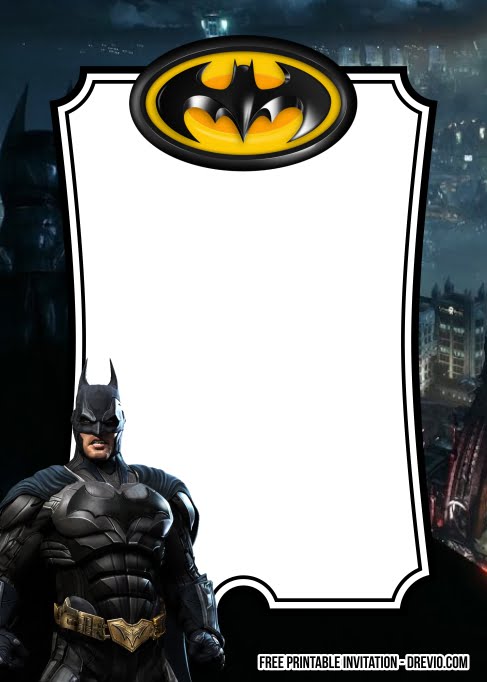
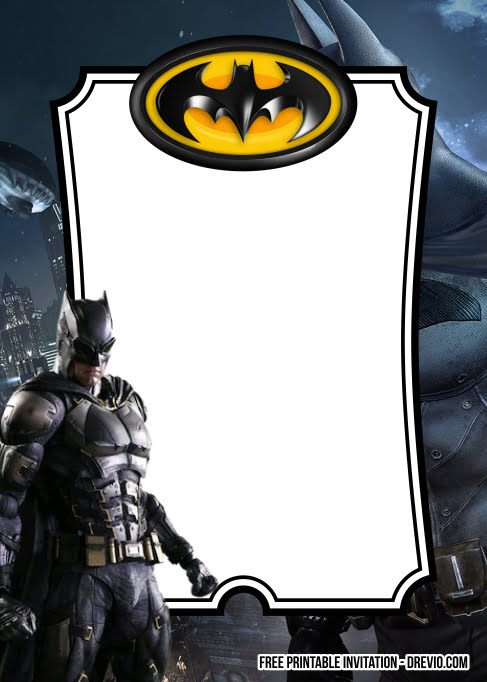
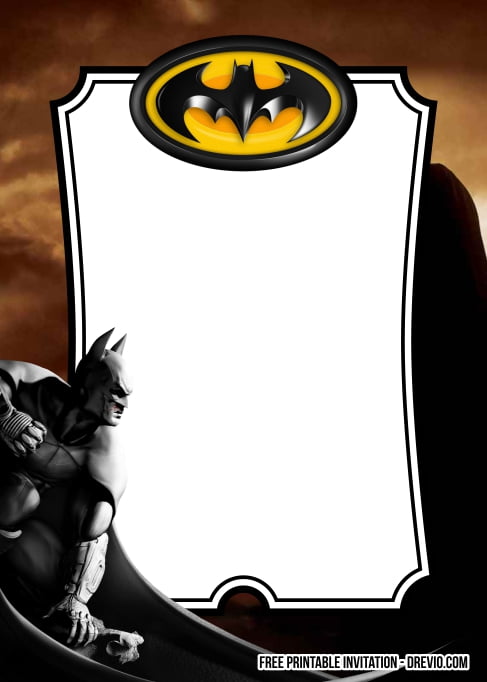
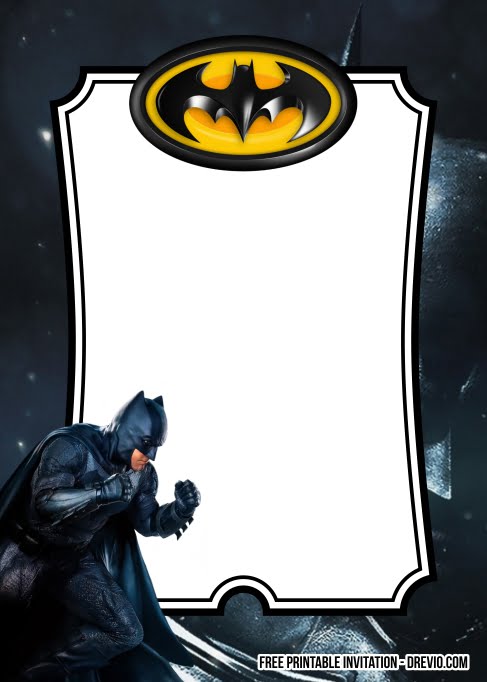
Batman has always been one of those birthday themes that never seems to go out of style. Every year new superhero movies come out, kids discover Gotham all over again, and suddenly parents are searching for Batman invitations. Honestly, I understand why. Unlike some superhero themes that are full of bright colors, Batman feels a little cooler. The black and yellow colors, the Bat-Signal, the city skyline—everything looks exciting without needing hundreds of decorations.
I came across this Batman invitation while looking through superhero birthday ideas, and I immediately imagined how fun the whole party could become. It already feels like guests are being recruited for a mission in Gotham City instead of simply attending another birthday. If your little one spends more time pretending to save the city than watching cartoons, this theme might be exactly what you’re looking for.
First Look At The Invitation
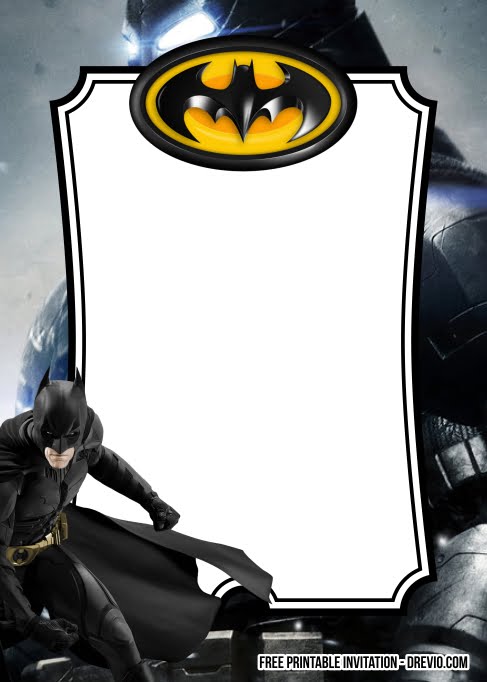
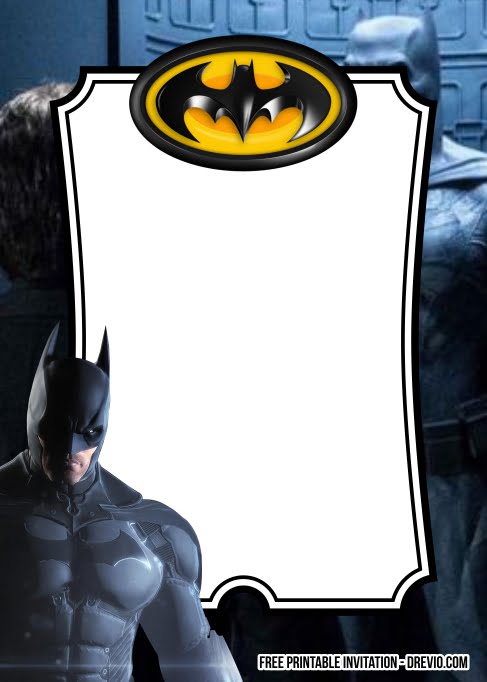
What I love most about this design is that it doesn’t try to be overly complicated. The dark background instantly creates that Gotham City atmosphere, while the bold yellow details brighten everything just enough to keep it fun for younger children. Batman naturally becomes the star of the invitation, but the birthday information still stands out clearly because the layout is clean and well balanced. I also like how the design feels exciting without becoming too serious. It captures the superhero mood while still reminding everyone that this is a birthday party filled with fun.
The Fonts Give It A Comic Book Feel
The font plays a big role here. Large display fonts like Bangers, Luckiest Guy, or Anton fit Batman invitations perfectly because they resemble comic book lettering. They immediately grab attention and give the birthday child’s name plenty of impact. For the smaller information, fonts such as Montserrat, League Spartan, or Poppins help everything stay neat and readable. Together, the fonts create a nice balance between superhero excitement and practical information.
Need More Inspiration Ideas?
If you are still browsing for the right fit, I also have a few other templates you might love. Check out this Epic Star Wars, or Guardians of the Galaxy 4, or maybe this Fun Toy Story 5 invitation design. These collections can become surprisingly brilliant ideas to help you host a one-of-a-kind celebration for your little ones.
CUSTOMIZE AND DOWNLOAD YOUR INVITATION NOW ON CANVA!
Ready To Customize?
One reason I enjoy using Canva templates is because all the difficult design work has already been done. All you really need to do is replace the sample wording with your own information. Start with your child’s name, then update the birthday age, party date, location, and RSVP details. If you’d like to make the invitation feel even more fun, you could include a short mission briefing near the bottom, something like:
“Calling all superheroes! Gotham needs your help!”
or
“Suit up and join Batman for an unforgettable birthday mission!”
Little details like that help build excitement before guests even arrive. Before downloading, I always zoom in once more to check spelling, addresses, and phone numbers. It’s a tiny step that saves a lot of headaches later.
Time To Print and Ready To Deliver?
Batman invitations always look fantastic when printed because the dark background gives the colors incredible contrast. I usually recommend smooth matte cardstock around 250–300 gsm since it gives the invitation a premium feel while keeping fingerprints and glare to a minimum.
The standard 5×7-inch format is still my favorite because it fits easily into envelopes and leaves enough room for all the artwork without feeling cramped. If you’re inviting classmates or family members online, simply export the invitation as a high-quality PNG or PDF and send it digitally. Both options look sharp.
Let’s Bring Gotham City To The Party
Batman decorations don’t have to be expensive to look impressive. Black and yellow balloons immediately create the signature Batman colors. Add a few gray accents to resemble city buildings, then decorate with bat silhouettes, comic book speech bubbles, and printable Bat-Sign logos
One idea I really likd was using cardboard boxes wrapped in gray paper to create tiny skyscrapers around the dessert table. It instantly transformed an ordinary room into Gotham’s skyline. If you’re decorating outdoors, shining a simple spotlight onto a homemade Bat-Signal at night would be such a fun surprise for the birthday child.
I Found Some Batman Cake Ideas You’ll Want To Save
While looking around, I found several Batman cakes that looked amazing. One featured a dramatic Gotham skyline made from black chocolate pieces standing behind the birthday candles. It looked surprisingly elegant while still feeling playful. Another design kept things simple with bright yellow buttercream.
With a large Bat emblem in the center, and little fondant buildings surrounding the base. If baking isn’t your thing, a plain chocolate cake topped with a Batman cake topper and matching cupcake decorations still creates a fantastic centerpiece. You could even add cookies shaped like bats, lightning bolts, masks, and superhero symbols to complete the dessert table.
Final Thoughts
Batman continues to be one of those birthday themes that grows alongside children. The decorations are bold, the colors are timeless, and there are endless ways to turn an ordinary birthday into an exciting superhero adventure. This invitation captures that feeling beautifully from the very beginning.
It sets the tone for a celebration full of imagination, teamwork, and just enough mystery to make every little guest feel like Gotham’s newest hero. If you’re searching for a birthday theme that’s exciting, memorable, and guaranteed to make young superhero fans smile, Batman is always a fantastic choice.
FAQ
- Can I edit this invitation on my phone?
Yes. Canva works smoothly on phones, tablets, and computers, so you can edit the invitation anywhere.
- What paper works best for printing?
I personally recommend 5×7 A7 matte cardstock paper (250gsm) because it looks clean, premium, and uses less ink.
- Should I print a test copy first?
Definitely. I usually print one black-ink-only test page first to check spacing and spelling before using colored ink.
- Can I send the invitation digitally?
Of course. You can save it as PNG or JPG and send it through text, WhatsApp, email, or social media.