My daughter was sitting at the kitchen island eating cereal while I was trying to figure out party stuff between answering emails and moving laundry from the washer that had definitely been done for too long.
She glanced at my screen, pointed at a Soul Eater design, and went, “Okay wait… that one’s actually cool.” Honestly, that was all the approval I needed.
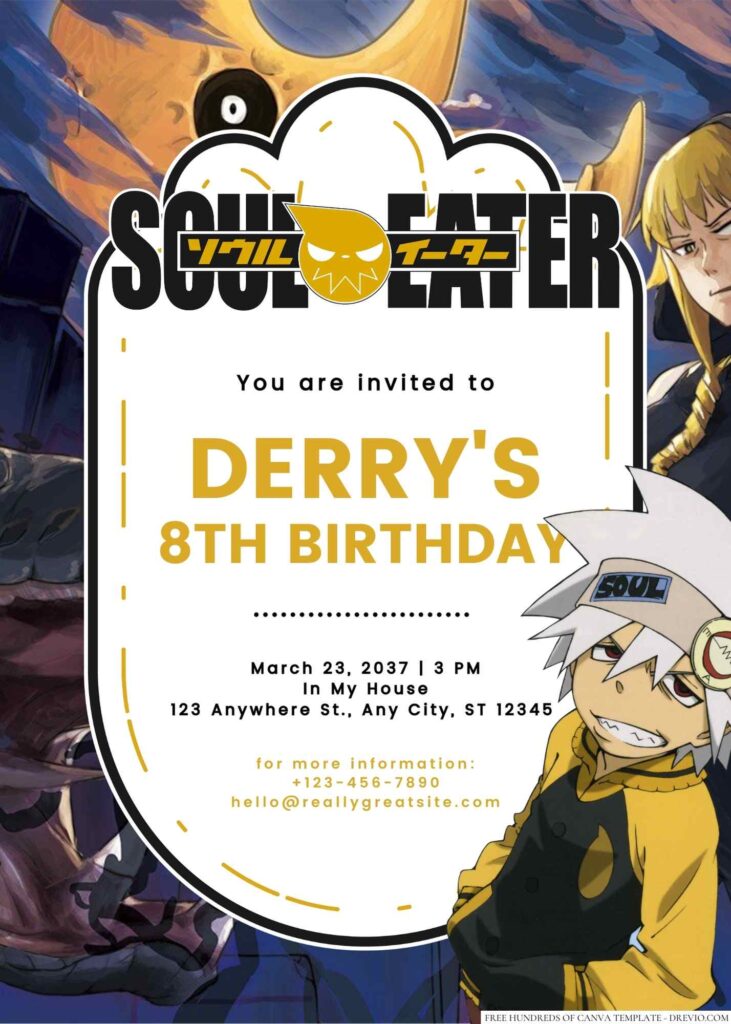
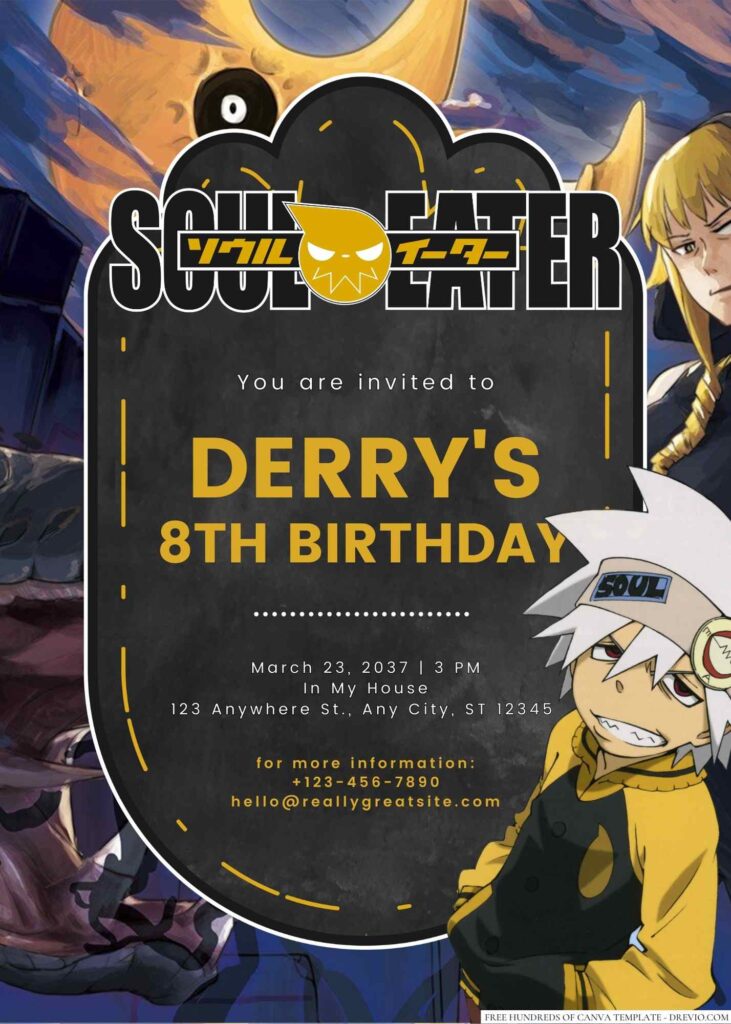
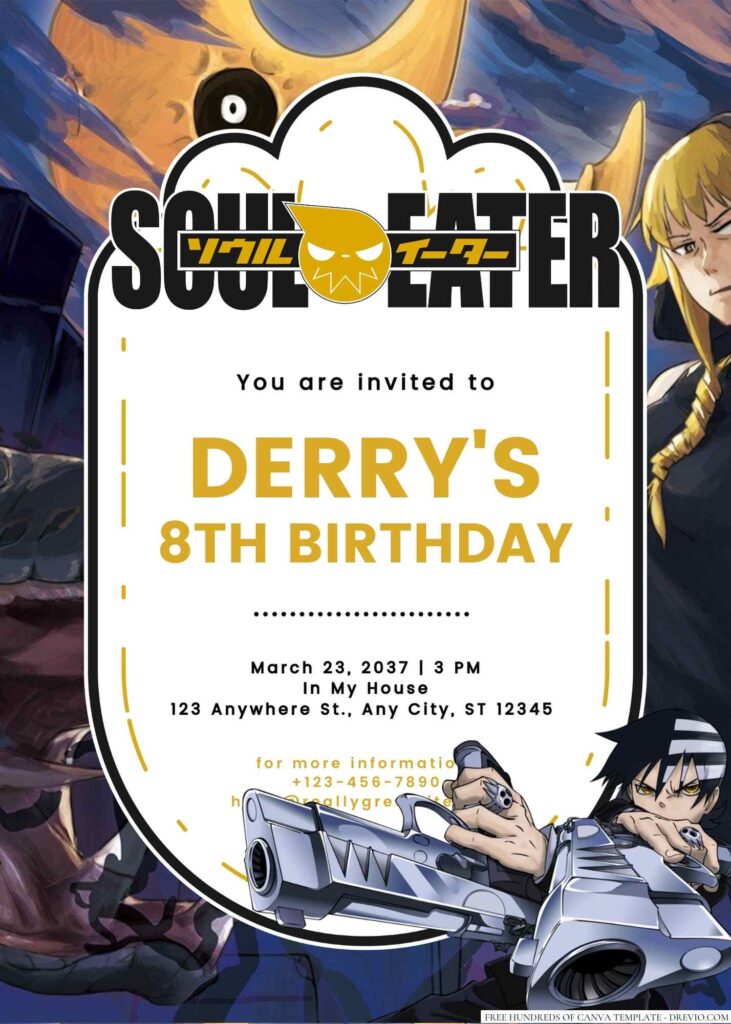
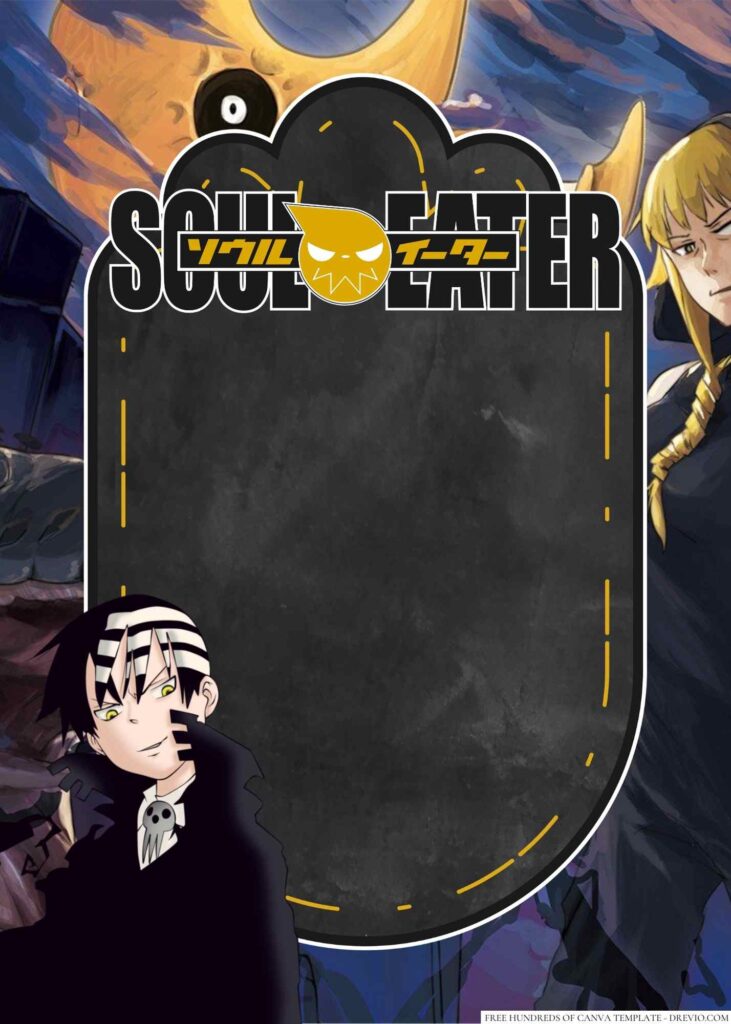
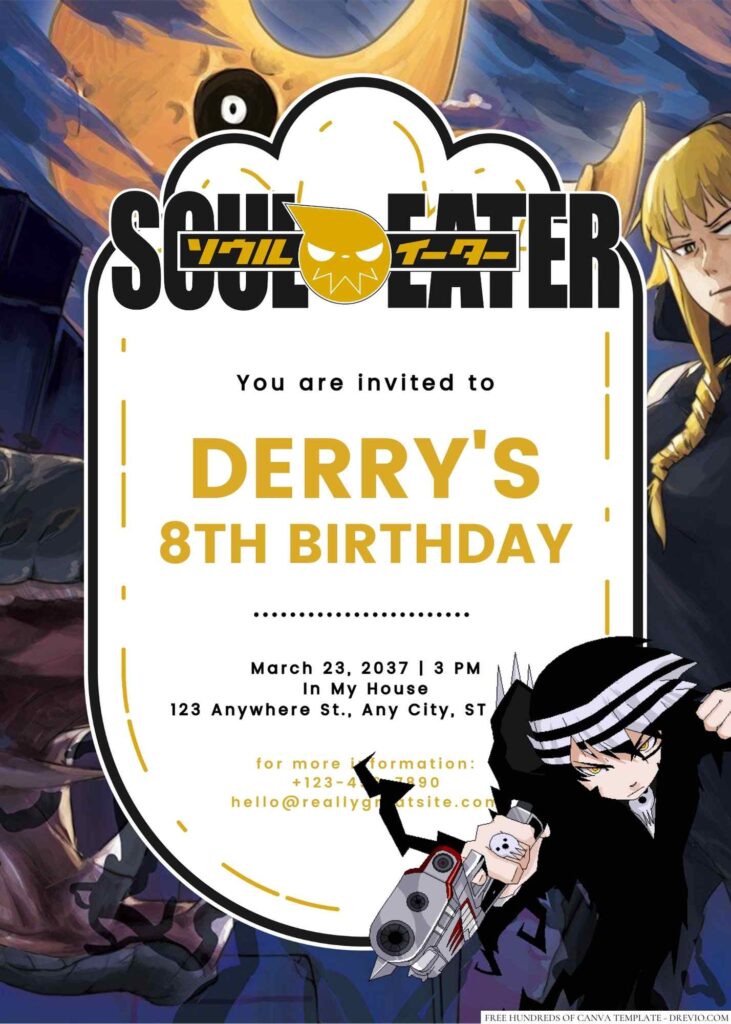
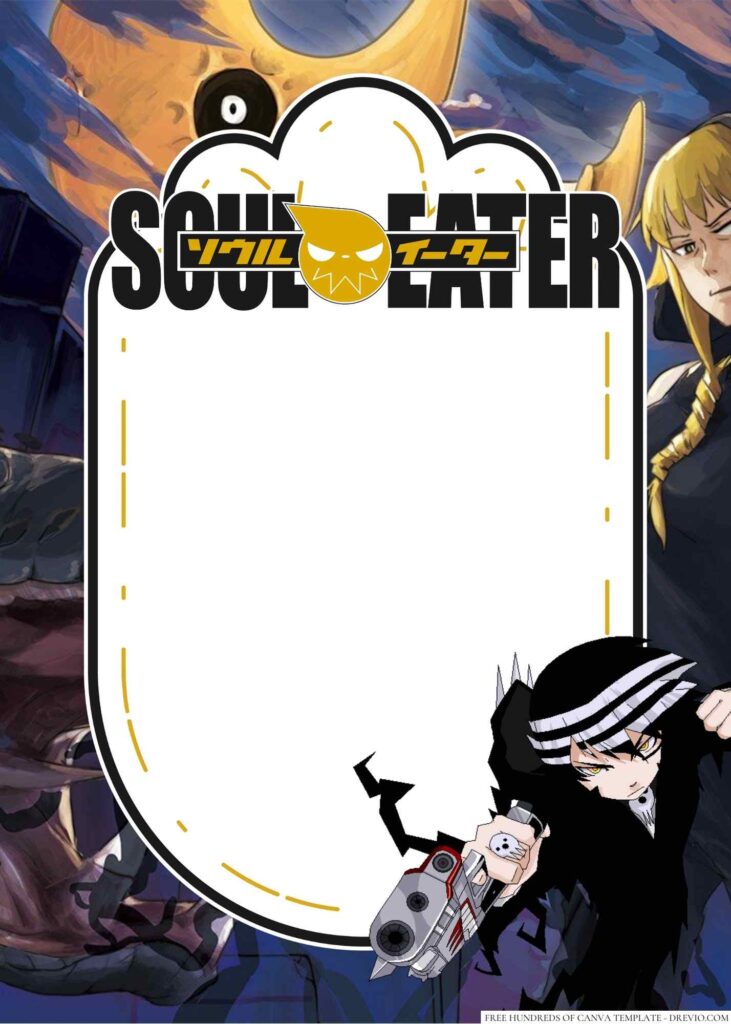
If you’ve got an anime-loving kid, a Soul Eater Invitation theme is one of those surprisingly fun party ideas that feels a little different from the usual superheroes and princesses.
Why Soul Eater is the Perfect Birthday Theme
22+ Soul Eater Birthday Invitations You Can Edit in Minutes (Free Canva 2026)
Embracing the Anime Aesthetic
I feel like a lot of older kids are moving away from the really little-kid themes and leaning hard into anime right now. Soul Eater has that perfect mix of spooky, funny, chaotic, and stylish without feeling overly scary for a birthday party.
For these invitation designs, I leaned into:
- Purple, black, silver, and deep red color palettes
- Crescent moon elements
- Gothic-style stars
- Anime-inspired typography
- Scythe silhouettes
- Checkerboard accents
- Night sky backgrounds
- Manga-style character layouts
The vibe feels edgy enough for tweens and teens, but still party-friendly.
Iconic Characters for Your Celebration
The thing kids seem to love most about Soul Eater is that everybody has a favorite character.
Some kids immediately pick Maka. Others are all about Soul, Black☆Star, or Death the Kid. So when I was putting these templates together, I made sure there were different layouts that could spotlight different character styles rather than making every design look exactly the same.
Because trust me… if your kid has a favorite anime character, they absolutely notice when you leave them out. 😅
Discover Our Exclusive 22+ Soul Eater Canva Templates
CUSTOM YOUR SOUL EATER INVITATIONS HERE!
A Glimpse at Our Top Designs
Here are a few of my favorites from the collection:
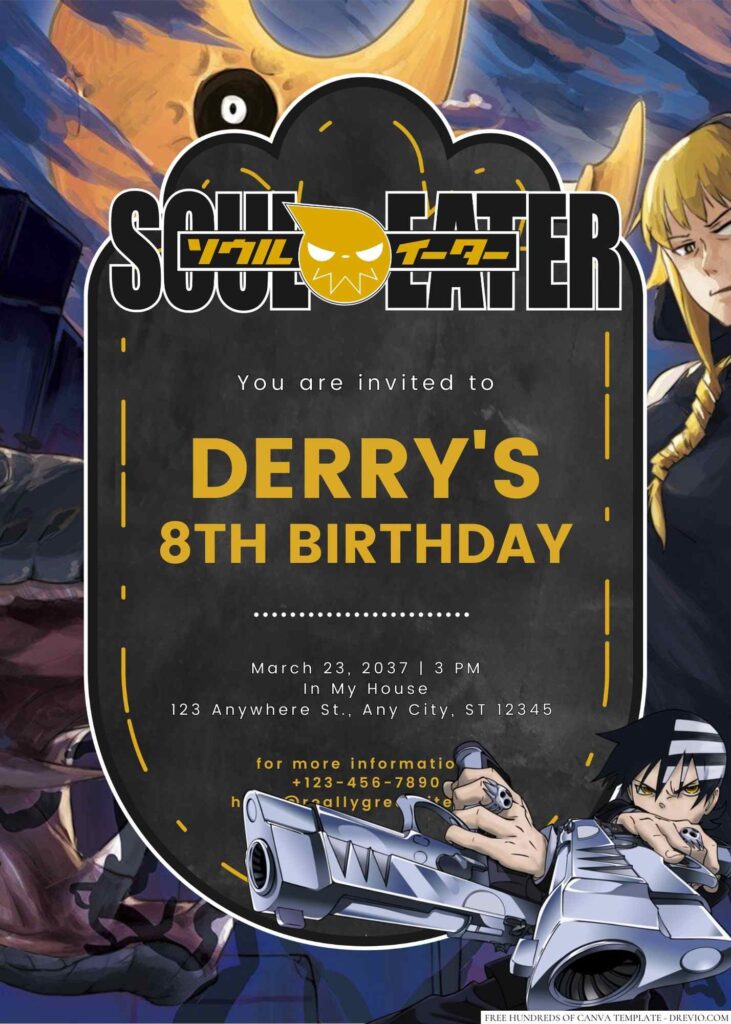
Dark Moon Party Invite
Perfect for kids who love the spooky-but-not-too-spooky side of Soul Eater.
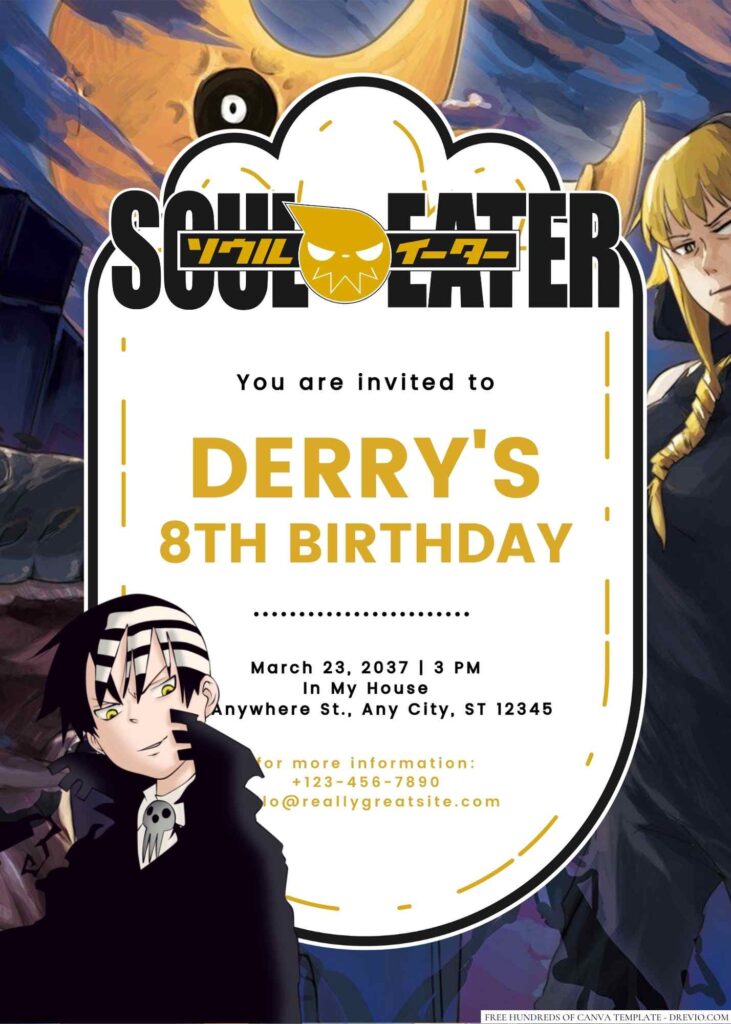
Maka & Soul Character Design
A good choice if your birthday kid already has their favorite duo picked out.
Anime Night Birthday Invite
Works really well for sleepovers or evening parties with older kids.
Gothic Purple Celebration
For kids who love darker colors but still want something fun and birthday-ish.
Death City Theme Invitation
This one feels the most like stepping right into the anime world.
What Makes Our Templates Unique?
Honestly? I made these with actual parents in mind.
I get irrationally annoyed when templates look cute online but then become a nightmare to edit.
These Canva templates are:
Fully editable
Easy to personalize
Designed for phone or desktop editing
Ready for printing
Ready for texting
Canva beginner-friendly
No weird locked layers.
No spending twenty minutes trying to figure out where the birthday date is hidden.
We’ve all been there.
How to Easily Customize Your Invitation in Canva
Step-by-Step Design Guide
What I usually do:
Open the Canva template.
Replace the name.
Update date, time, and location.
Add RSVP details.
Double-check spelling.
Download as PDF for printing or PNG for sharing.
That’s literally it.
The whole thing usually takes me less time than figuring out what everyone wants for dinner.
Personalizing Text, Images, and Colors
Ngl, I always end up tweaking something.
For one of our test prints, the purple background printed way darker than it looked on my laptop. It wasn’t terrible, but the party details were harder to read than I wanted.
So I bumped the text brightness up a little and added a lighter outline around some lettering.
Huge difference.
Another thing I learned the hard way: don’t use super fancy gothic fonts for every single line. They look awesome for titles but kinda turn into alphabet soup when Grandma is trying to read the address.
A mix of decorative and simple fonts usually works best.
Beyond the Invite: Soul Eater Party Ideas
Decorating Like a Death Scythe Meister
You don’t have to go full Comic-Con.
Some easy stuff that worked for us:
Black tablecloths
Purple balloons
Silver streamers
Moon-shaped cutouts
Battery-powered candles
Anime poster prints
Checkerboard snack labels
One of my favorite little hacks was grabbing inexpensive foam board from the craft store and making giant moon decorations.
Super cheap.
Looked way more expensive than they actually were.
Fun Games & Activities for Your Guests
Kids honestly don’t need a packed schedule.
A few things that kept everyone busy:
Anime trivia
Character guessing game
DIY button-making station
Manga drawing challenge
Scavenger hunt
Photo booth corner
The photo booth ended up being way more popular than I expected.
Half the party spent their time making dramatic anime poses.
As they should. 😂
Downloading & Sharing Your Masterpiece
Print-Ready vs. Digital Sharing
These days I usually do both.
I text digital invitations to most parents because it’s easy and nobody loses them in a backpack.
But I still print a few copies because kids genuinely get excited handing invitations to friends.
It’s kind of old-school in the best way.
Troubleshooting Tips
A few things I’ve learned:
Always zoom in before downloading.
Triple-check dates.
Print one test copy first.
Make sure RSVP info is visible.
Don’t place important text too close to edges.
One year I accidentally left an old RSVP phone number on an invite.
The number belonged to my husband from years ago.
Let’s just say he got some unexpected birthday texts.
Oops.
Printing Guide (What I Actually Ended Up Doing)
For party invitations, I usually print 5×7 cards.
If you’re in the US, Walgreens is honestly hard to beat for convenience. The last time I checked, photo prints were around $0.20 each depending on promotions and quantity.
If I want cardstock, I usually swing by Staples.
For paper finish:
Matte cardstock
Easier to read
Less glare
Feels a little more premium
Glossy cardstock
Colors pop more
Great for anime artwork
Slightly more vibrant
Personally, I lean matte for invitations because all the party details stay easier to read.
But honestly? Both look great.
After Party Reflection
The funny thing is nobody spent the party talking about the invitations.
And that’s kind of how you know they worked.
Kids recognized the theme immediately, parents knew exactly where and when to show up, and my daughter kept one of the extra copies in her room afterward because she liked the design.
One of her friends actually asked where we got it because she wanted something similar for her own birthday later that year.
That’s probably my favorite compliment.
Not because the invitation was fancy.
Just because it felt like something kids genuinely thought was cool.
And if you’ve ever planned a birthday party, you know that’s not always guaranteed.
Frequently Asked Questions (FAQs)
Are these templates really free?
Yep. The templates are free to access and edit in Canva. Just make sure any optional Canva premium elements are removed or replaced if you’re using a free Canva account.
Do I need a Canva Pro account?
Nope. Most parents use the free version just fine. If a design includes a Pro element, Canva will usually tell you and let you swap it out.
Can I edit on my phone?
Absolutely. I actually do a ridiculous amount of invitation editing while sitting in carpool pickup lines.
What’s the best age for a Soul Eater birthday party?
I’d say around ages 10–16 tends to be the sweet spot, especially for kids who already enjoy anime and manga.
Should I print invitations or just text them?
Honestly, both works best. Texting is easier for parents, but printed invitations still feel special for kids.
What file should I download from Canva?
PDF is usually best for printing. PNG works great if you’re sending invitations through text messages, email, or group chats.
If you’re planning an anime-themed birthday this year, these refreshed Soul Eater Invitation Canva templates made the whole process way easier for me—and way more fun than staring at generic party invites for an hour while pretending to fold laundry. 😆