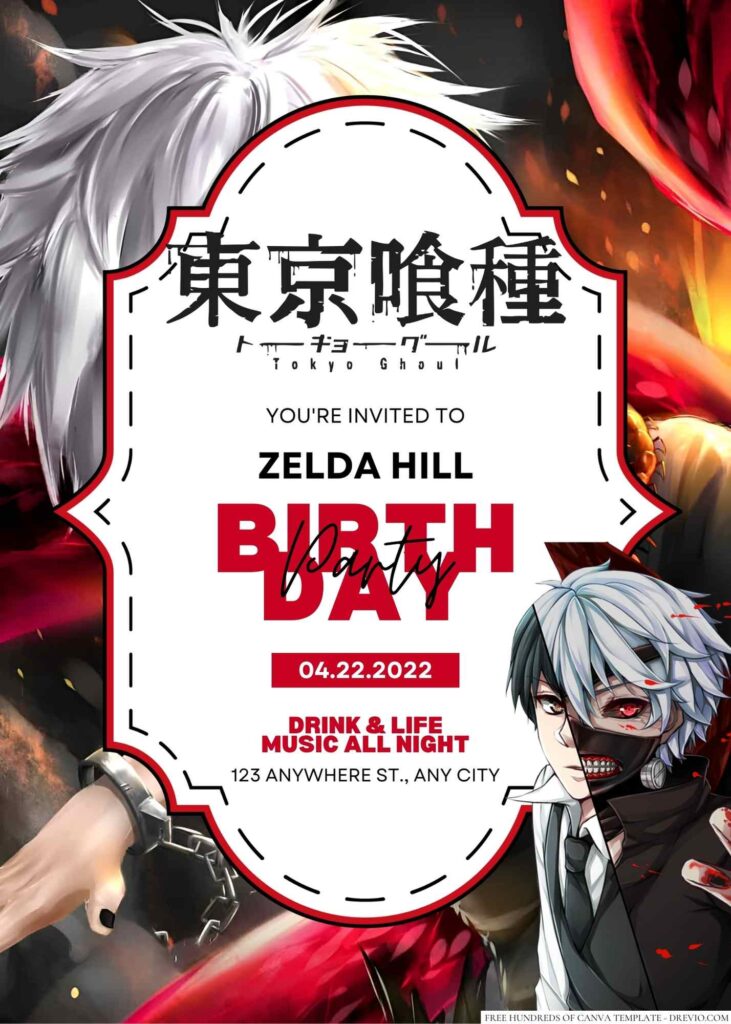
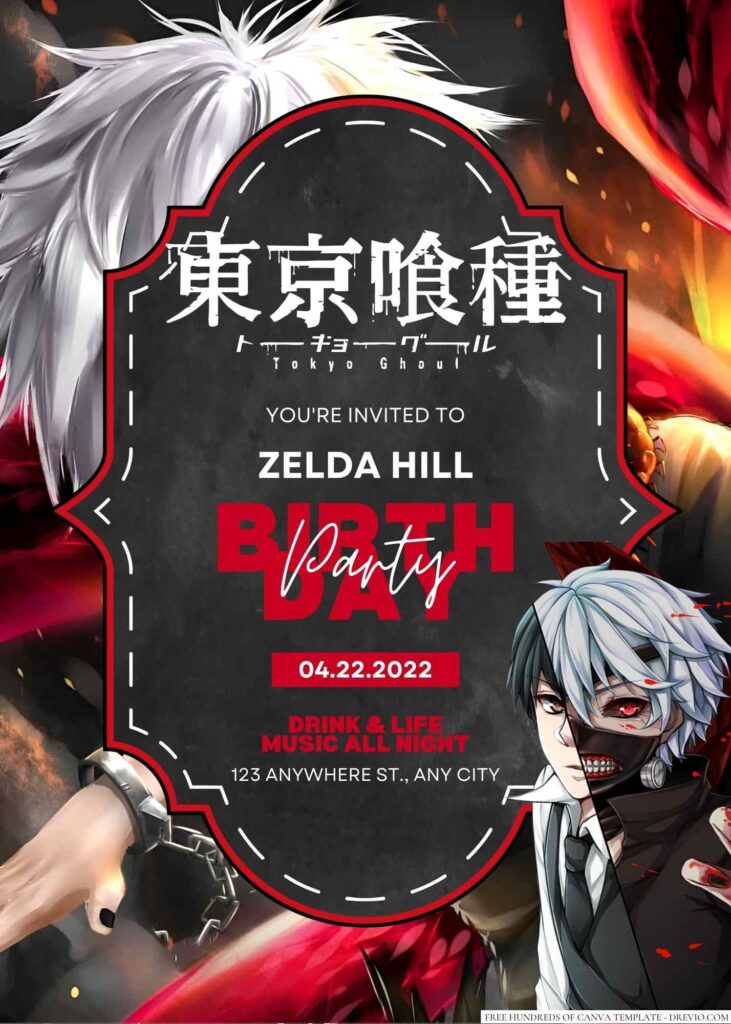
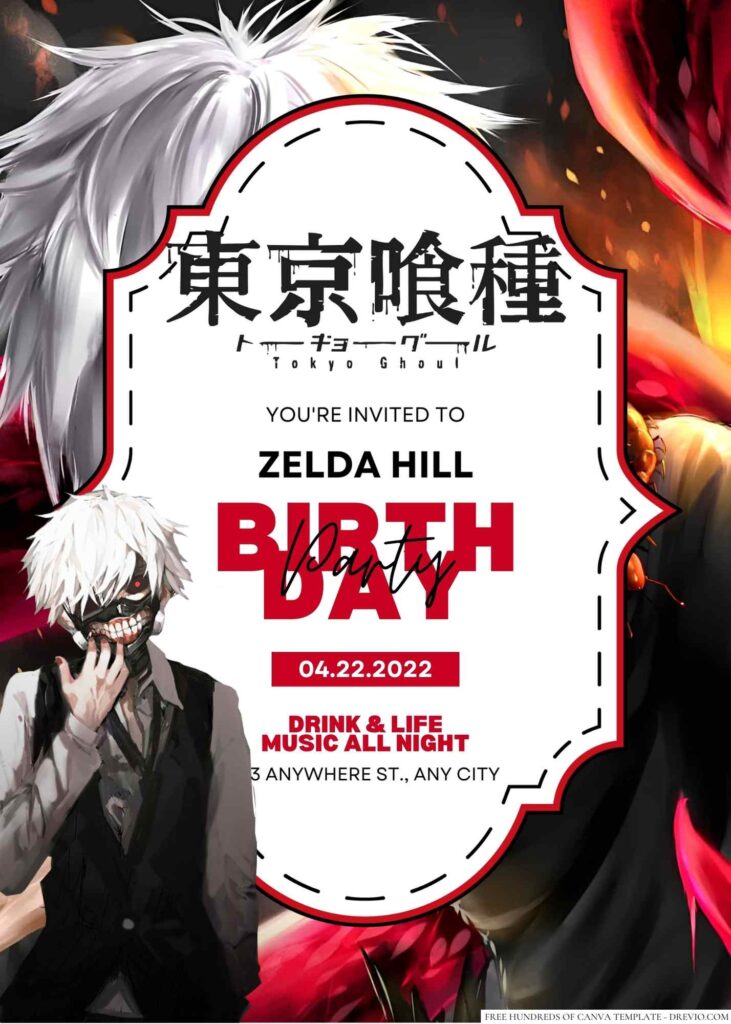
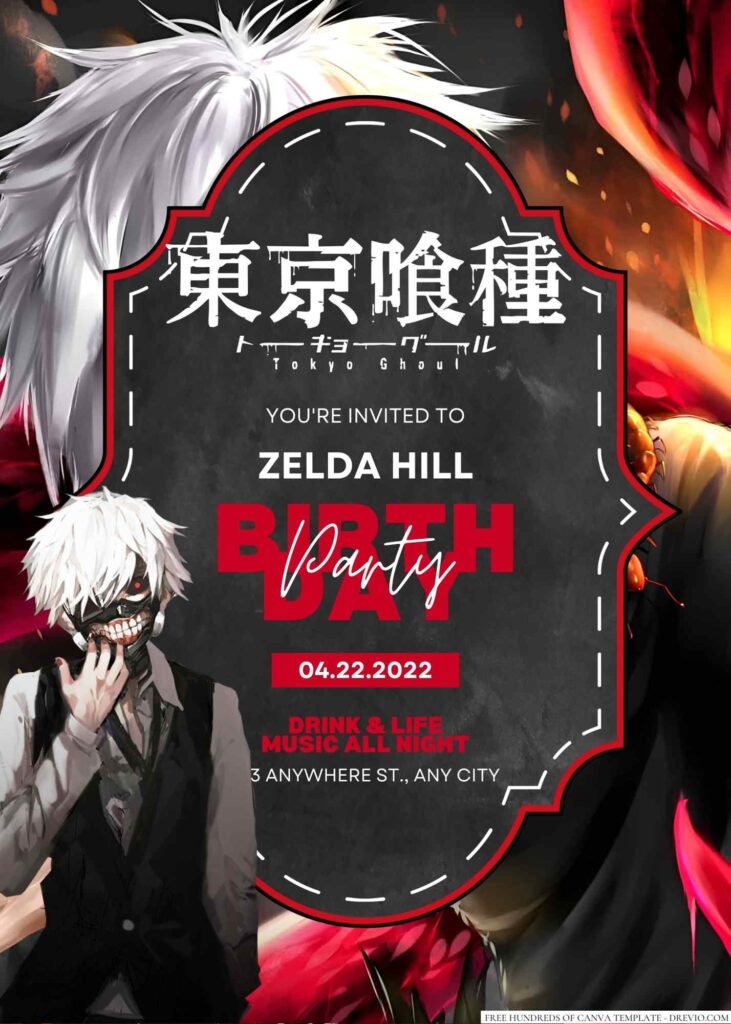
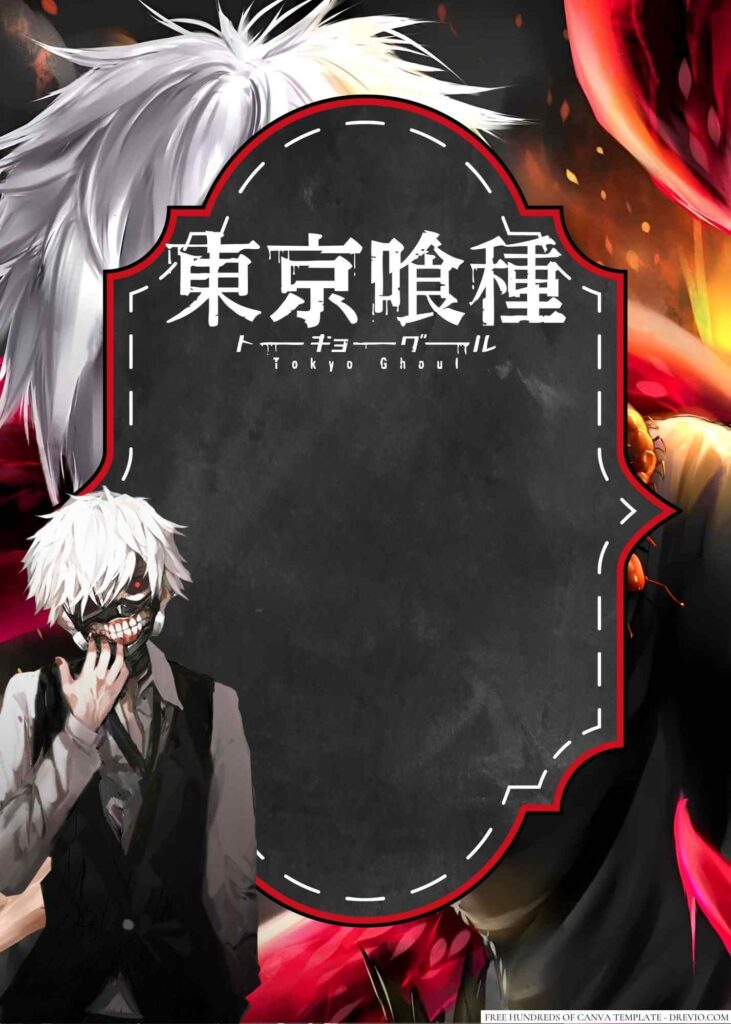
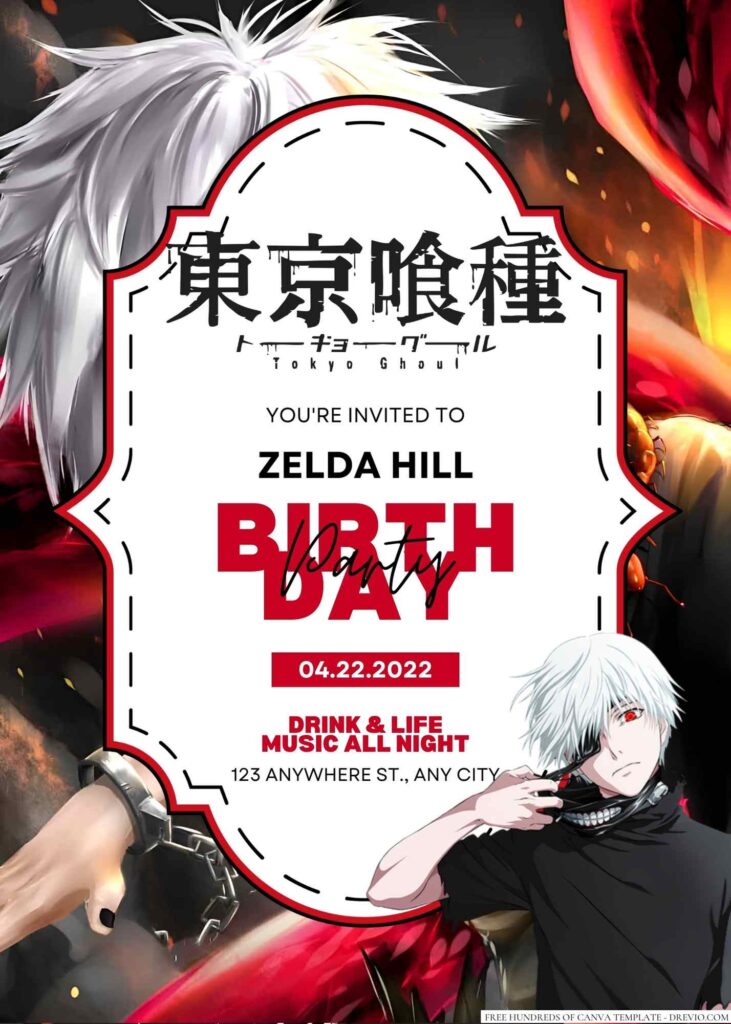
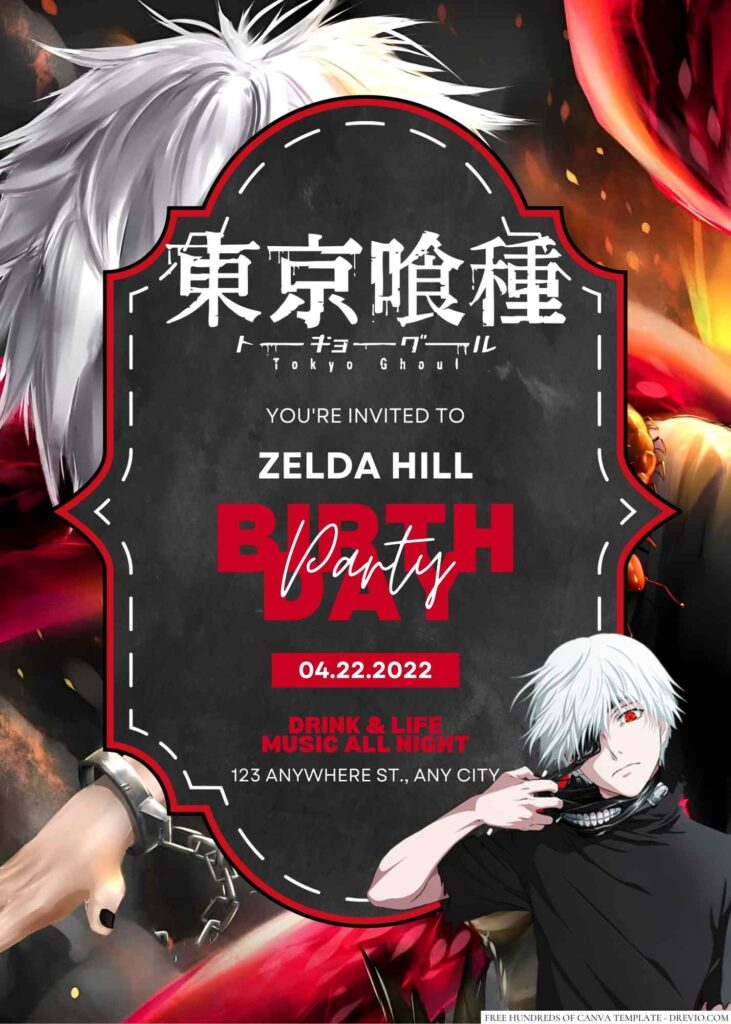
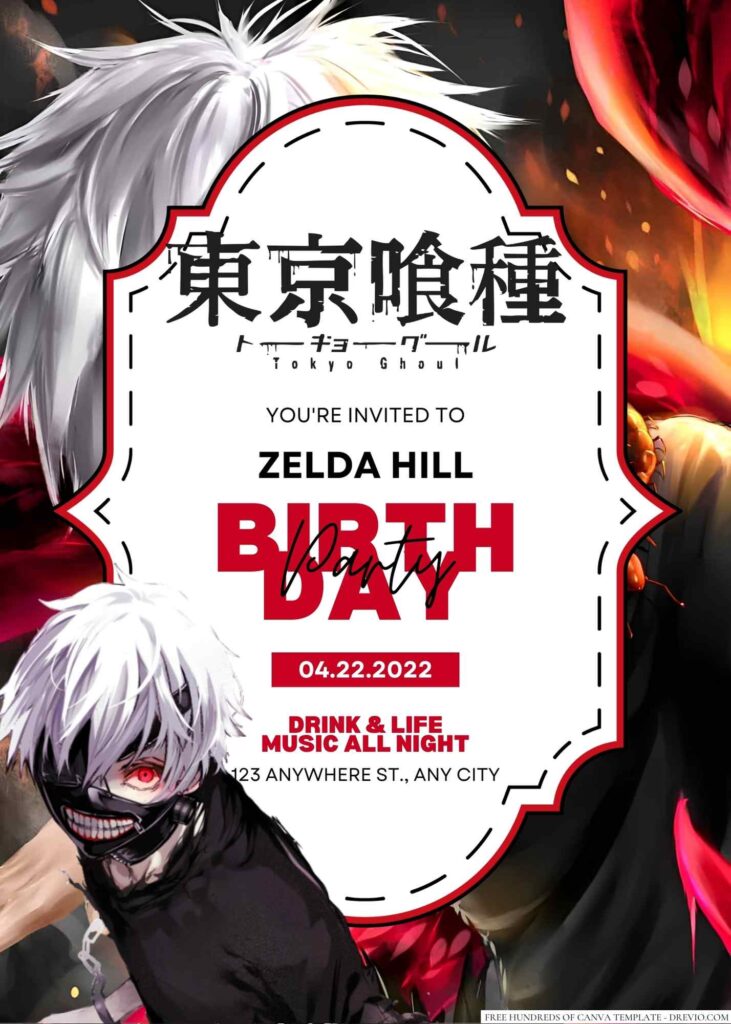
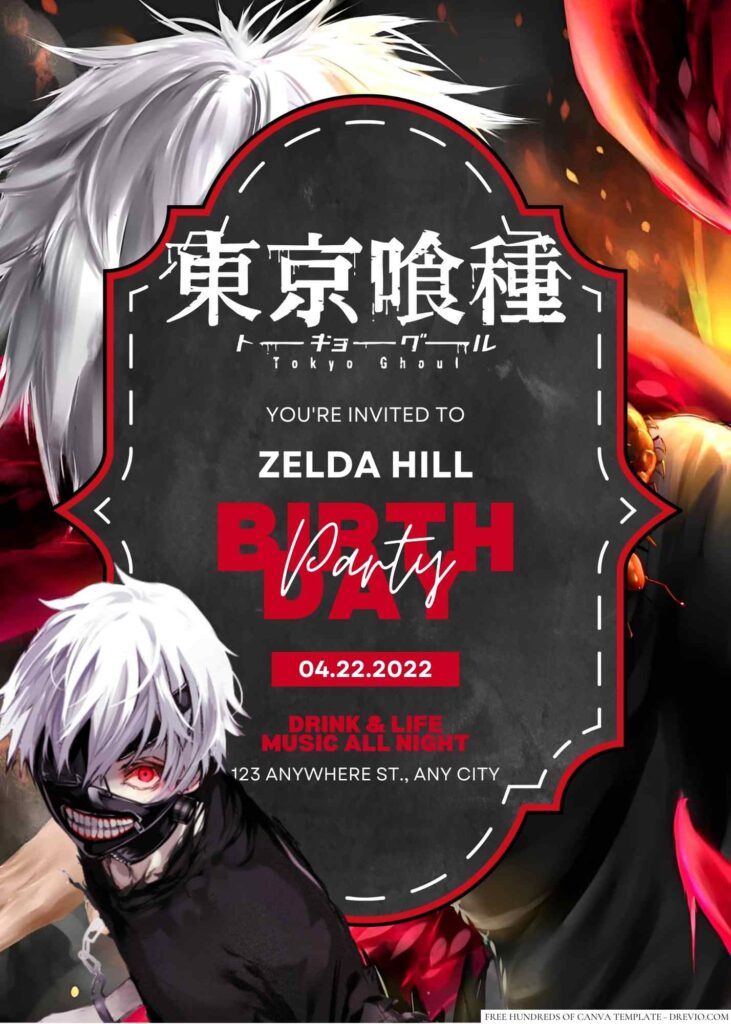
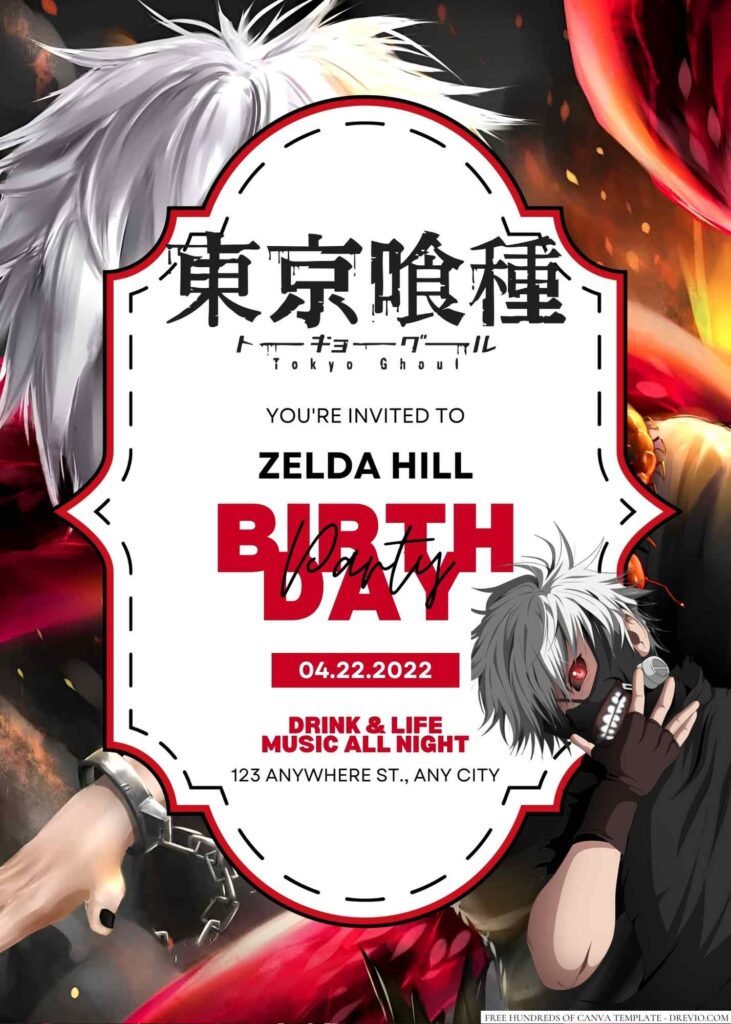
Are you a fan of the dark and gruesome world of Tokyo Ghoul? If you’re planning a birthday party and want to incorporate the series’ eerie and haunting aesthetic, our Tokyo Ghoul birthday invitations are the perfect choice.
Our designs feature iconic imagery from the series and are easy to customize through Canva. From the distinctive masks to the gruesome battles, our invitations capture the essence of Tokyo Ghoul and will set the tone for a birthday party that’s equal parts creepy and cool. So don’t wait – customize your Tokyo Ghoul birthday invitations today!










How to Download
- What you need to do is click (left-click) the preview image.
- You should see a new page popped-up in your display, then you need to “right-click” the image and select “Save image as”
- Locate the destination folder, or just leave it as it is. Then “Enter” to start the download process.
Please note this, all files/materials have been included in that package, so once it’s finished, you are able to customize it right away.
customize your invitation here
Throwing the Ultimate Tokyo Ghoul Birthday Party for Your Kid: Ideas and Tips
As a parent, you know how important it is to make your child’s birthday special and memorable. And if your child is a fan of Tokyo Ghoul, then you’re in luck! This popular anime and manga series provides plenty of inspiration for a unique and exciting birthday celebration. Here are some Tokyo Ghoul birthday party ideas to help you plan a bash that your child will never forget.
Decorations
Transform your home into the world of Tokyo Ghoul by creating a spooky and eerie atmosphere. Black, red, and white are the main colors associated with the series, so make sure to incorporate them into your party decorations.
Hang black and red streamers from the ceiling, and use white or red balloons to add pops of color. Set up a Tokyo Ghoul poster or banner as a backdrop, and scatter fake blood-stained handprints and bloody fingerprints throughout the room for added effect.
Food
The food you serve at a Tokyo Ghoul party should be both delicious and creepy. One idea is to serve sushi rolls with “ghoul eyes” (edamame beans) and “human fingers” (carrots or celery sticks). You could also make a red velvet cake with white frosting to resemble the series’ iconic “ghoul mask.” For drinks, serve red punch or a black lemonade made with activated charcoal for a spooky touch.
Activities
Keeping the kids entertained is essential for any successful party, and Tokyo Ghoul-themed games and activities are sure to be a hit. Here are a few ideas:
- Pin the mask on the ghoul: This game is a twist on the classic party game of pin the tail on the donkey. Print out a picture of a ghoul from the series, and cut out paper masks for each player to wear. Blindfold each player, spin them around, and see who can place the mask closest to where it belongs on the ghoul’s face.
- Tokyo Ghoul scavenger hunt: Hide “ghoul eyes” (edamame beans) throughout your home or yard, and have the kids search for them. The child who collects the most eyes wins a prize.
- Design your own ghoul mask: Provide each child with a plain white mask and art supplies, such as markers, paints, and glitter. Encourage them to get creative and design their own Tokyo Ghoul-inspired mask.
Music and Entertainment
Playing music from the Tokyo Ghoul soundtrack is a great way to set the mood for your party. You could also play episodes of the anime series in the background, or hire a face painter to create ghoul-inspired designs on the kids’ faces. Another option is to hire a magician or entertainer who can perform magic tricks or illusions with a Tokyo Ghoul twist.
Throwing a Tokyo Ghoul birthday party is a fun and unique way to celebrate your child’s special day. With the right decorations, food, activities, and entertainment, you can create a memorable experience that your child and their friends will love. So get creative and embrace your inner ghoul for a party that’s sure to be a scream!