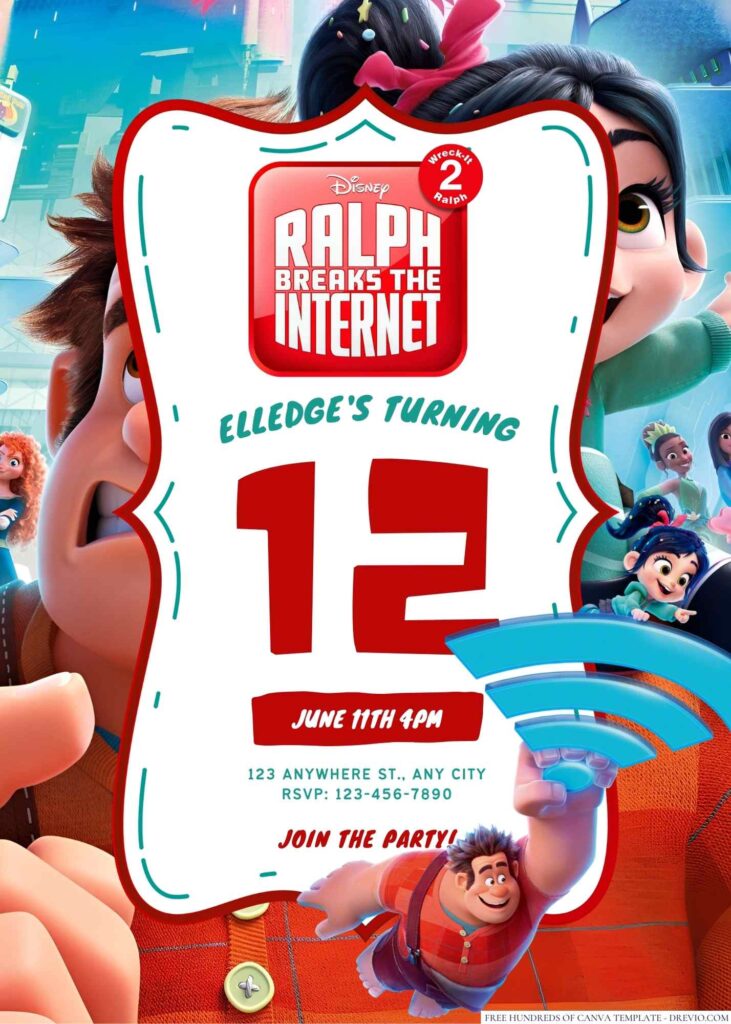
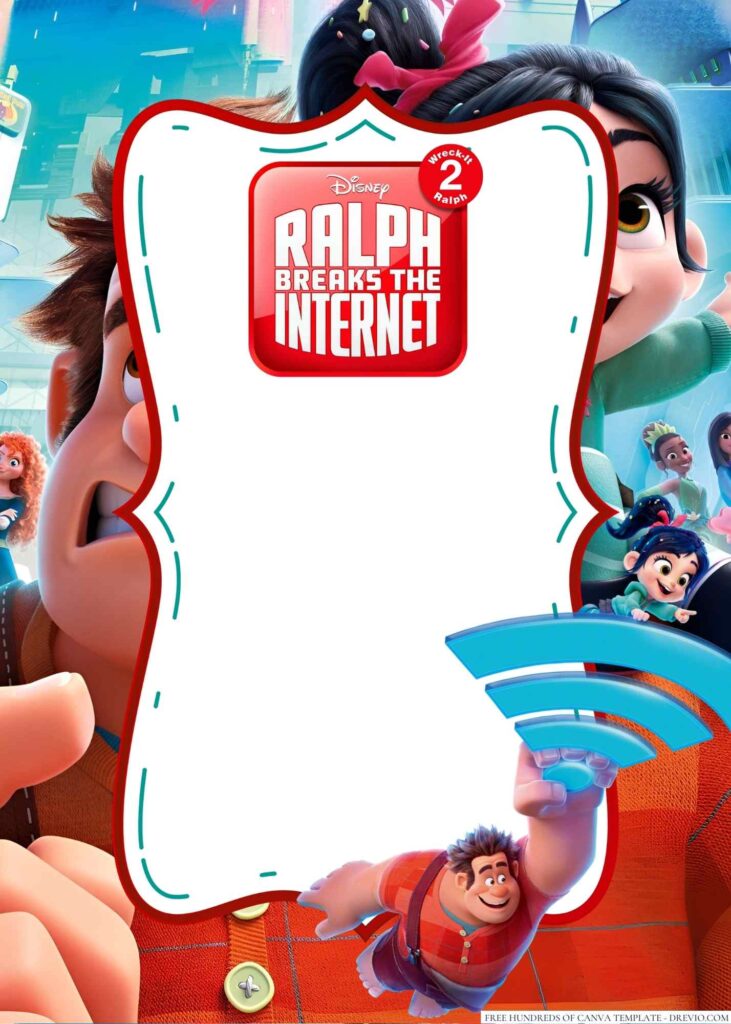
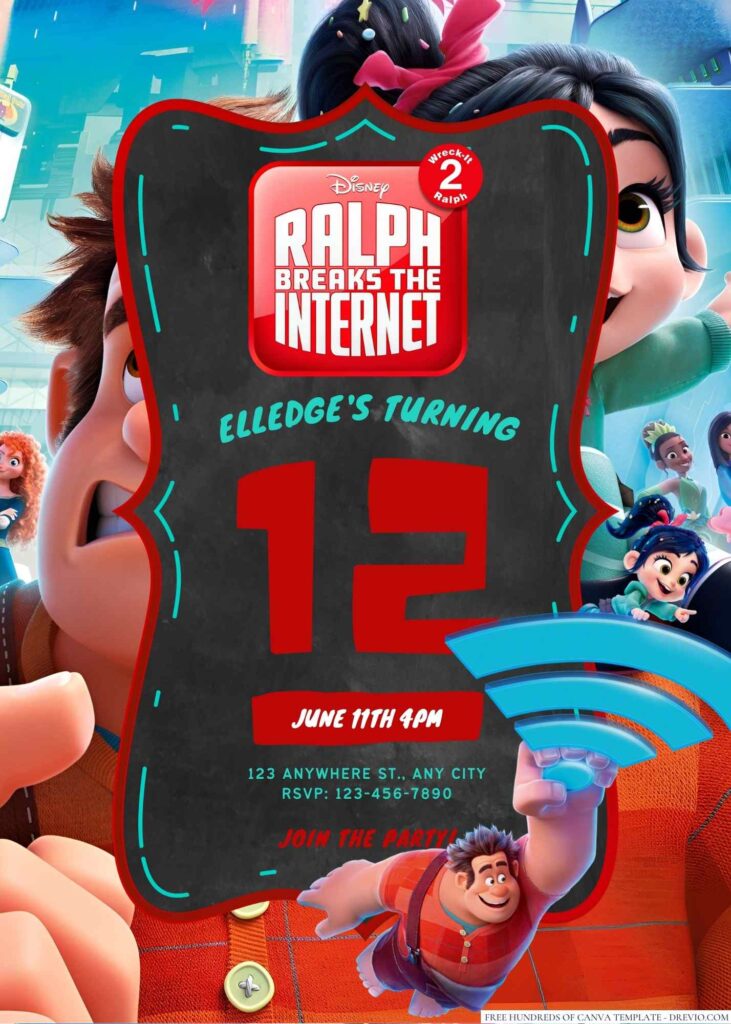
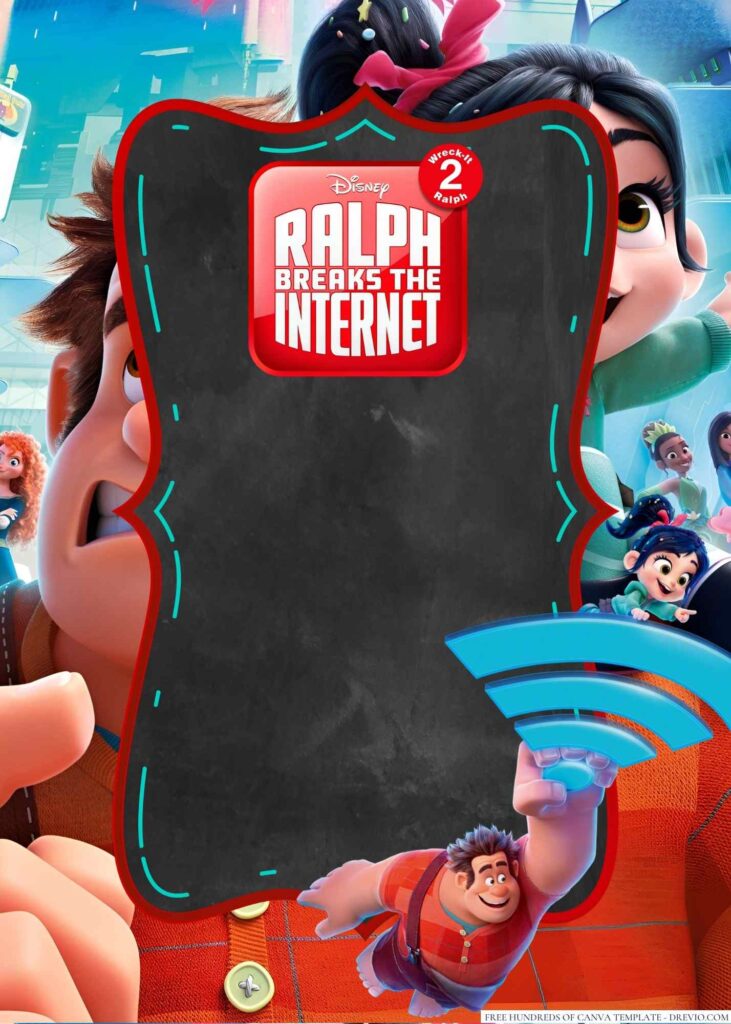
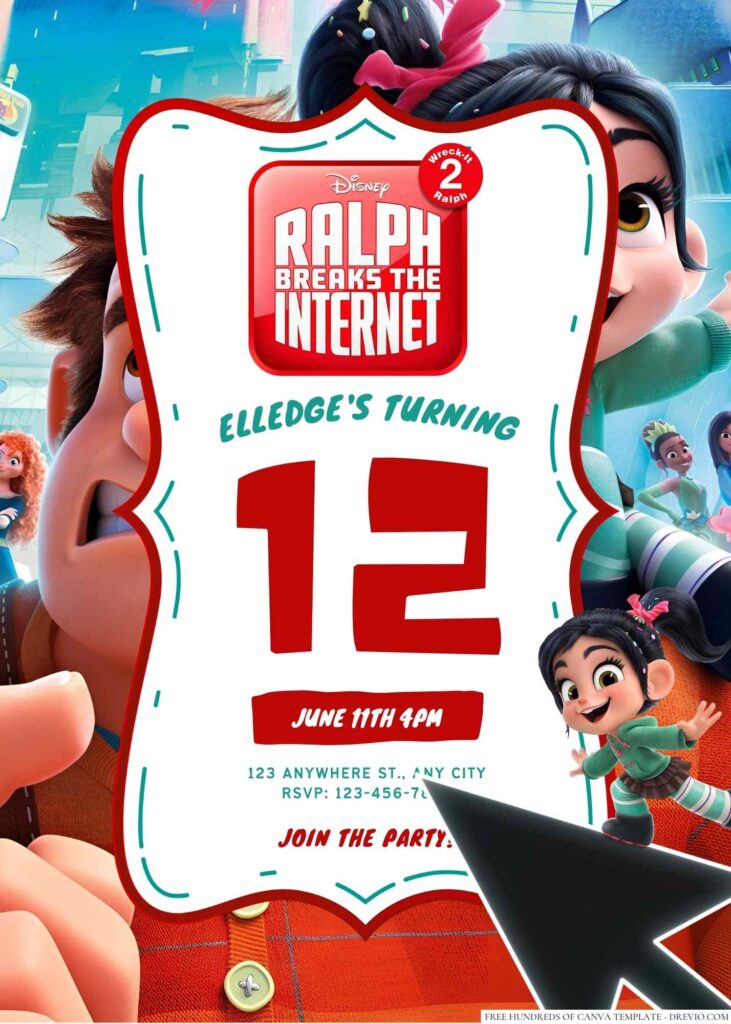
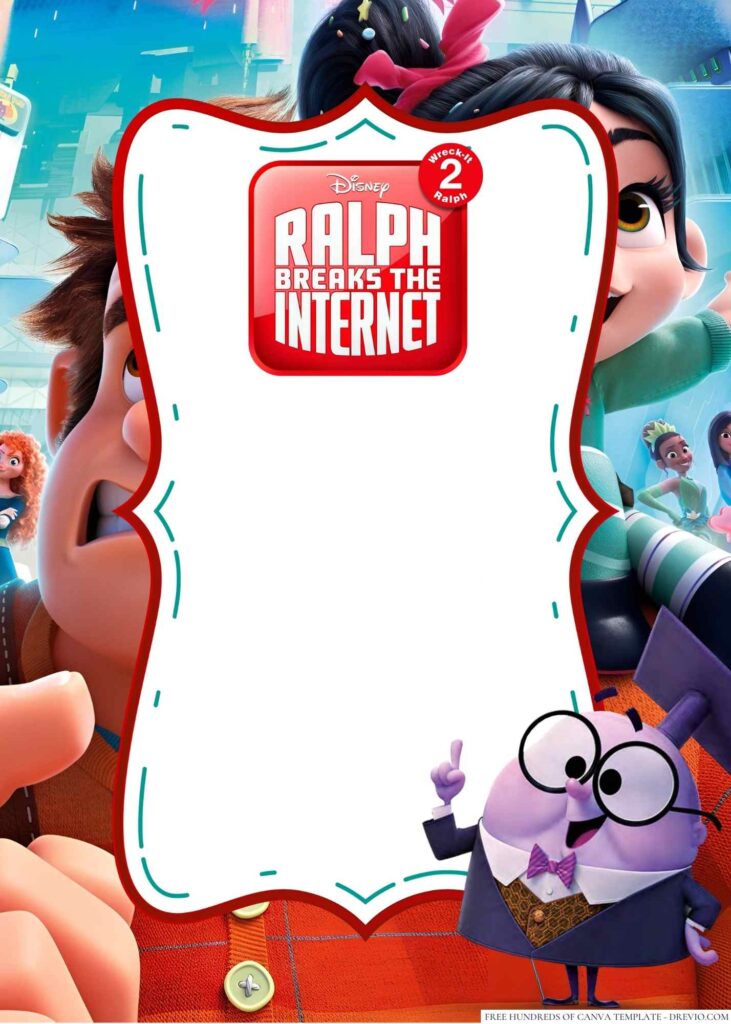
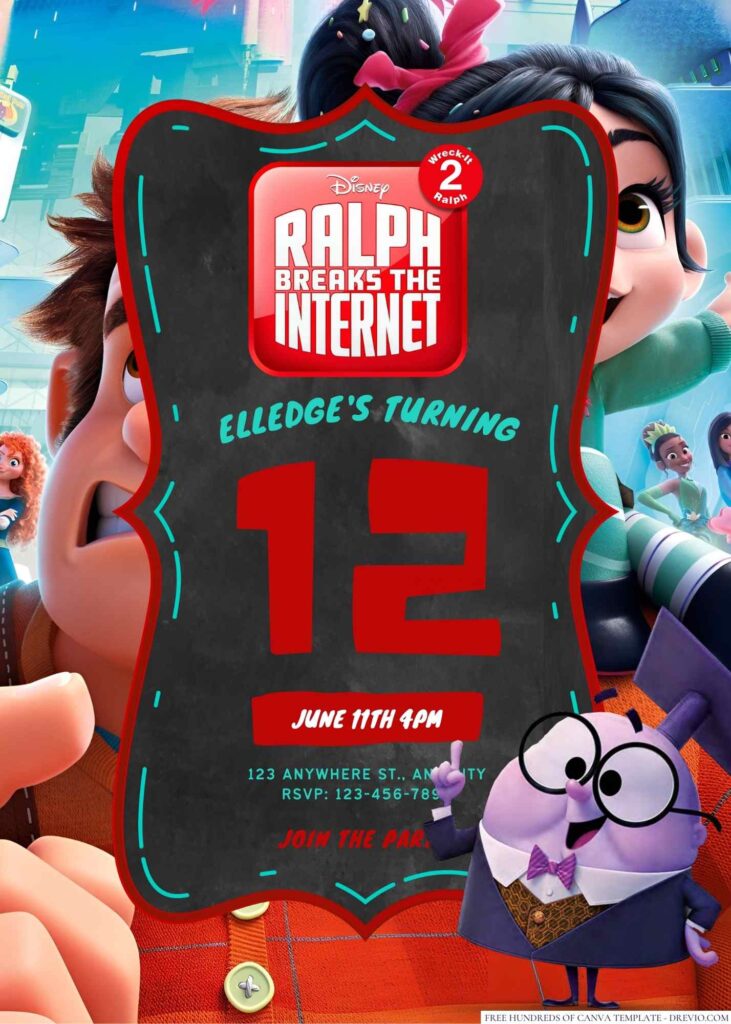
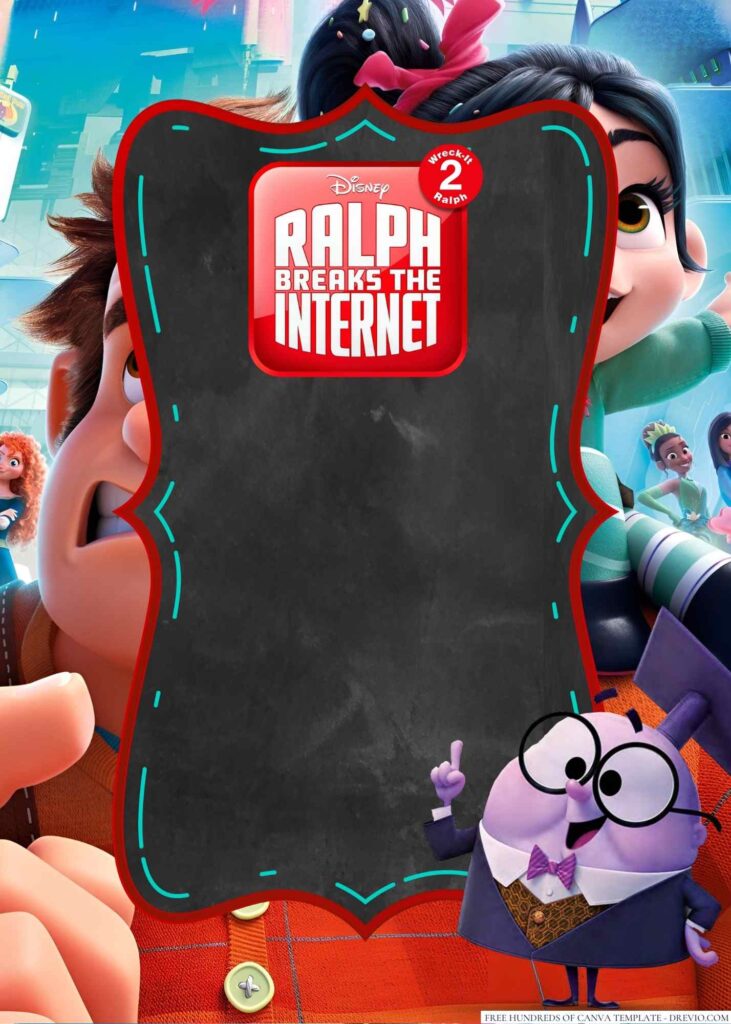
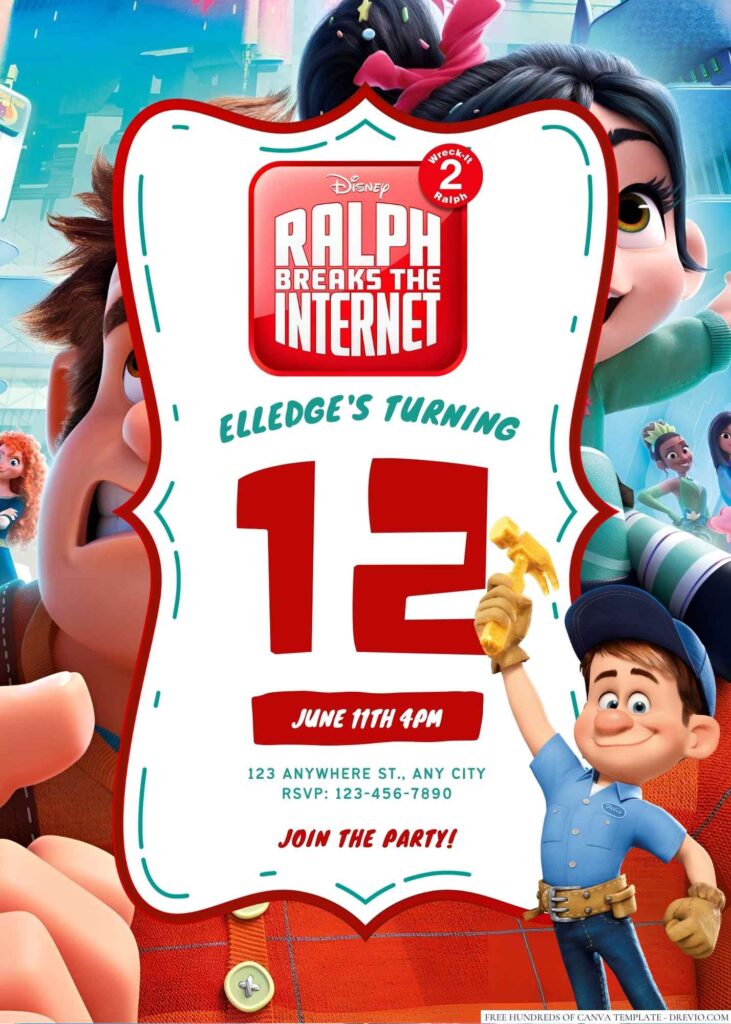
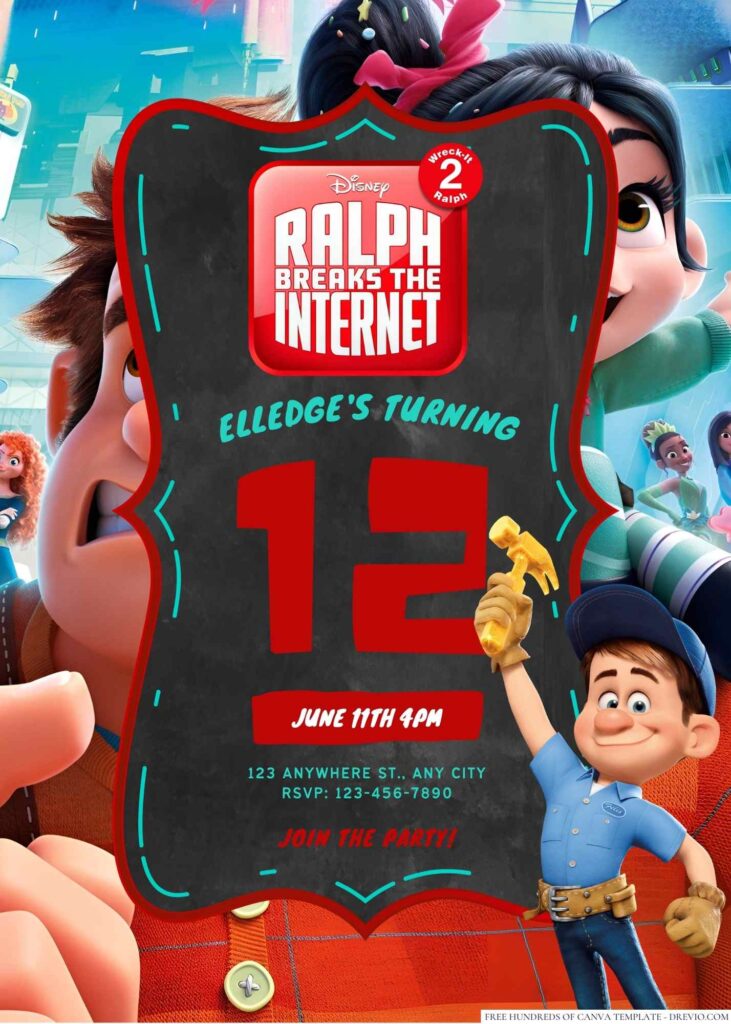
Calling all gamers, internet enthusiasts, and lovers of fun! Get ready to break free from the digital realm and step into a birthday party adventure like no other. Introducing the Ralph Breaks the Internet Birthday Invitations, designed to capture the magic, humor, and heart of the hit animated film.
These invitations will transport your guests into the exciting world of Wreck-It Ralph and Vanellope von Schweetz, where arcade games collide with the vast and wondrous expanse of the internet.


With eye-catching visuals, bold typography, and a modern touch, these invitations will set the stage for an epic celebration that’s ready to go viral! And the best part? Thanks to Canva, customizing these invitations to match your child’s unique style and party details is a breeze.
So, power up your imagination and get ready to level up the birthday fun with the Ralph Breaks the Internet Birthday Invitations!
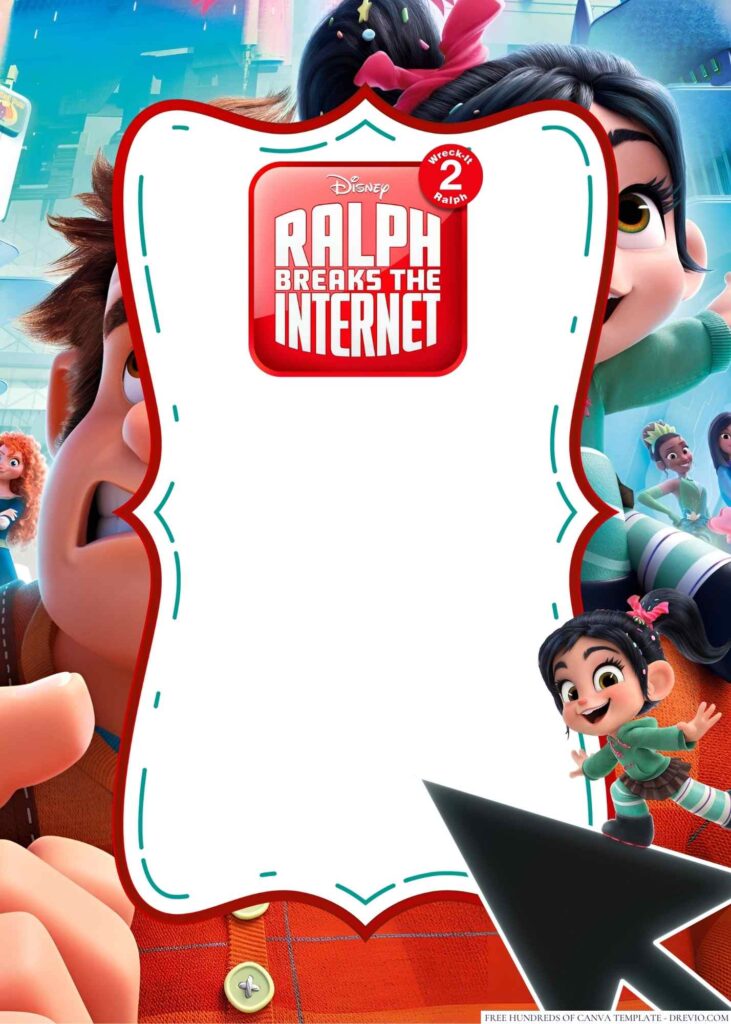
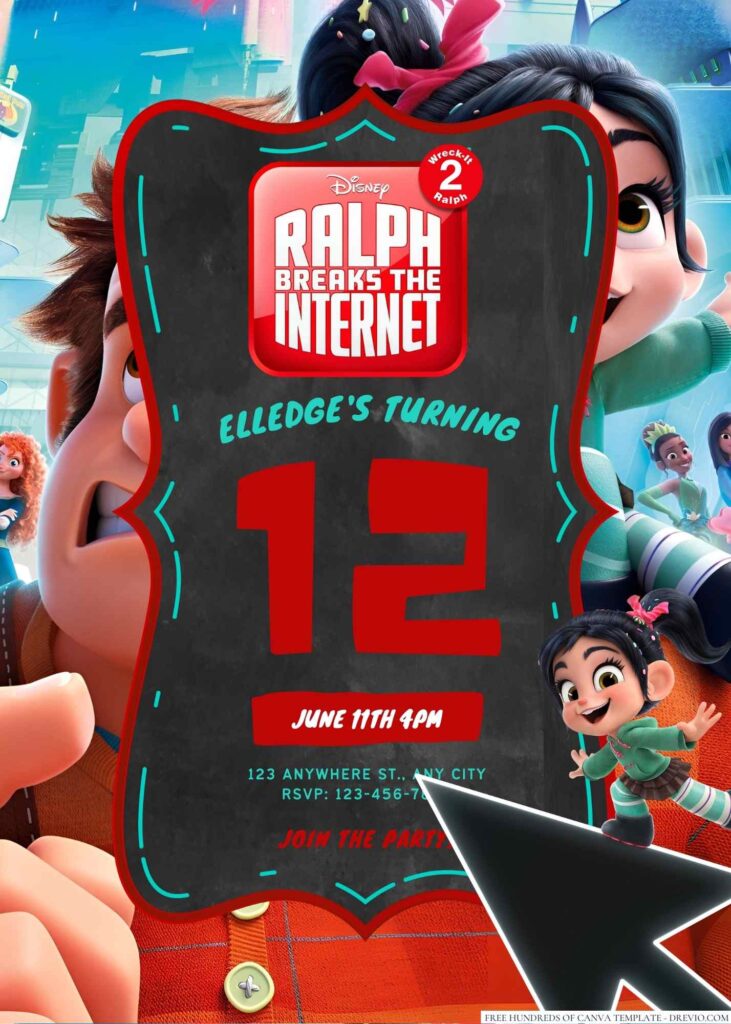
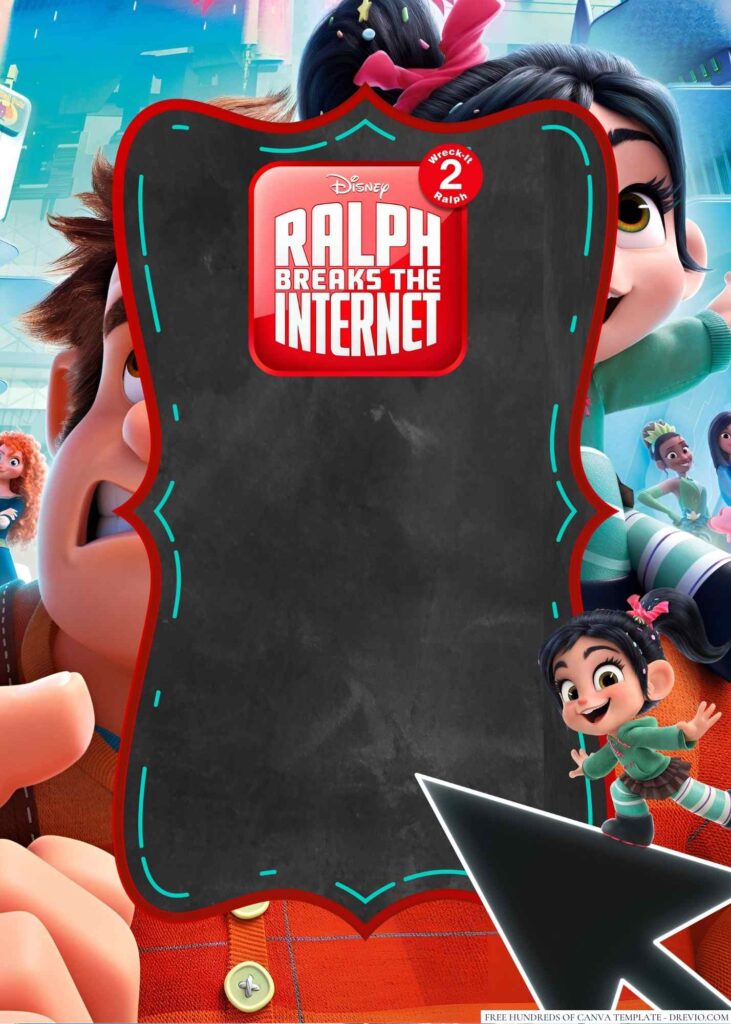
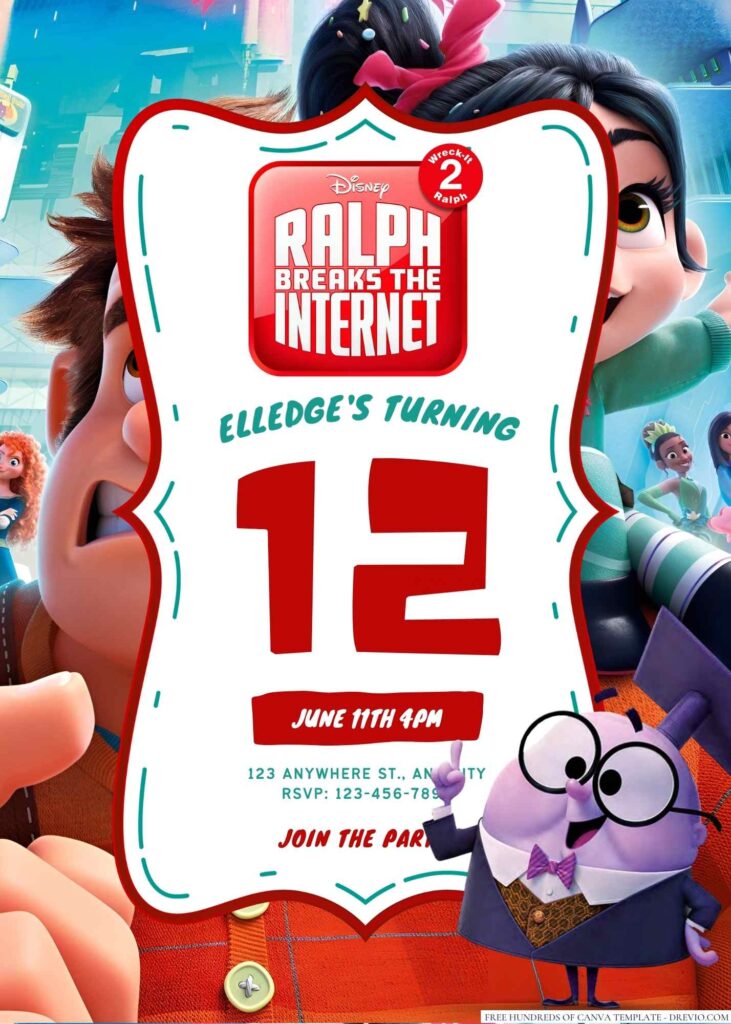
How to Download
- What you need to do is click (left-click) the preview image.
- You should see a new page popped-up in your display, then you need to “right-click” the image and select “Save image as”
- Locate the destination folder, or just leave it as it is. Then “Enter” to start the download process.
Please note this, all files/materials have been included in that package, so once it’s finished, you are able to customize it right away.
customize your invitation here
Planning a Memorable Ralph Breaks the Internet Birthday Party
Are you ready to break the internet and throw an unforgettable birthday party for your child? Look no further! In this comprehensive guide, we will provide you with all the tips and tricks you need to plan a Ralph Breaks the Internet-themed extravaganza that will have your child and their friends talking about it for years to come.
From decorations to activities and everything in between, let’s dive into the world of Ralph and Vanellope and make this birthday celebration a true adventure!
Setting the Scene:
Transform your party venue into the digital wonderland of the internet. Start by decorating with vibrant colors inspired by the movie, such as electric blue, fiery red, and neon green. Hang posters featuring Ralph and Vanellope on the walls, and scatter colorful balloons throughout the room.
Consider adding pixelated patterns to tablecloths and incorporating elements like circuit boards and emojis into your decorations. Creating a visually appealing atmosphere will set the stage for an immersive Ralph Breaks the Internet experience.
Invitations:
Get your guests excited right from the start by designing eye-catching Ralph Breaks the Internet-themed invitations. Include iconic imagery from the movie and cleverly worded phrases like, “Get ready to break the internet at [Your Child’s Name]’s birthday party!” Don’t forget to include the date, time, and location of the party, along with any special instructions or requests.
Costumes and Dress Code:
Encourage your guests to come dressed as their favorite Ralph Breaks the Internet characters. Whether it’s Ralph, Vanellope, Shank, or any of the other beloved characters, having everyone in costume will add an extra layer of excitement and make the party feel truly immersive. Provide a few extra costumes and accessories for those who may not have one, so that everyone can participate in the fun.
Themed Activities and Games:
Engage your young partygoers with a variety of Ralph Breaks the Internet-inspired activities and games. Set up a digital scavenger hunt where the children have to search for hidden “internet treasures” throughout the venue.
Create stations with interactive games like “Fix-It Felix Jr.” or “Sugar Rush Speedway” and let the kids compete against each other for high scores. You can even organize a craft corner where they can design their own personalized emoji keychains or create their own “Netizens.”
Sweet Treats and Refreshments:
No party is complete without delicious treats! Incorporate Ralph Breaks the Internet-themed snacks and desserts into your menu. Serve “Sugar Rush” cupcakes, “Cy-Bug” candies, and “Vanellope’s Glitchy Gummies.”
Don’t forget to provide a variety of refreshing beverages to keep everyone hydrated during the excitement. Consider labeling the treats with clever names inspired by the movie, adding an extra touch of creativity.
Party Favors:
Ensure that each guest leaves the party with a memorable token of appreciation. Prepare personalized goody bags filled with Ralph Breaks the Internet-themed party favors. Include items such as mini figurines of the movie characters, stickers, temporary tattoos, and small games. These souvenirs will allow your child’s friends to relive the magic of the party long after it’s over.
With this ultimate guide to planning a Ralph Breaks the Internet birthday party, you have all the tools you need to create an unforgettable experience for your child and their friends.
From transforming your venue into a digital wonderland to engaging activities and delicious themed treats, every aspect of the celebration will contribute to a memorable day. Embrace the magic of the internet and let the adventure begin!