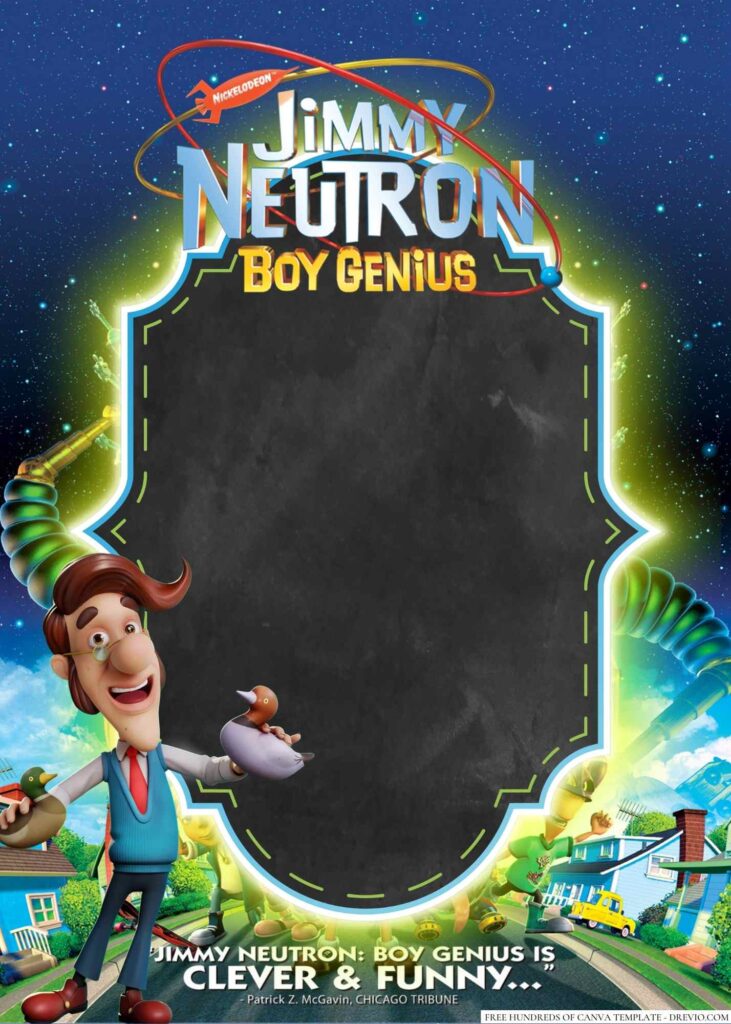
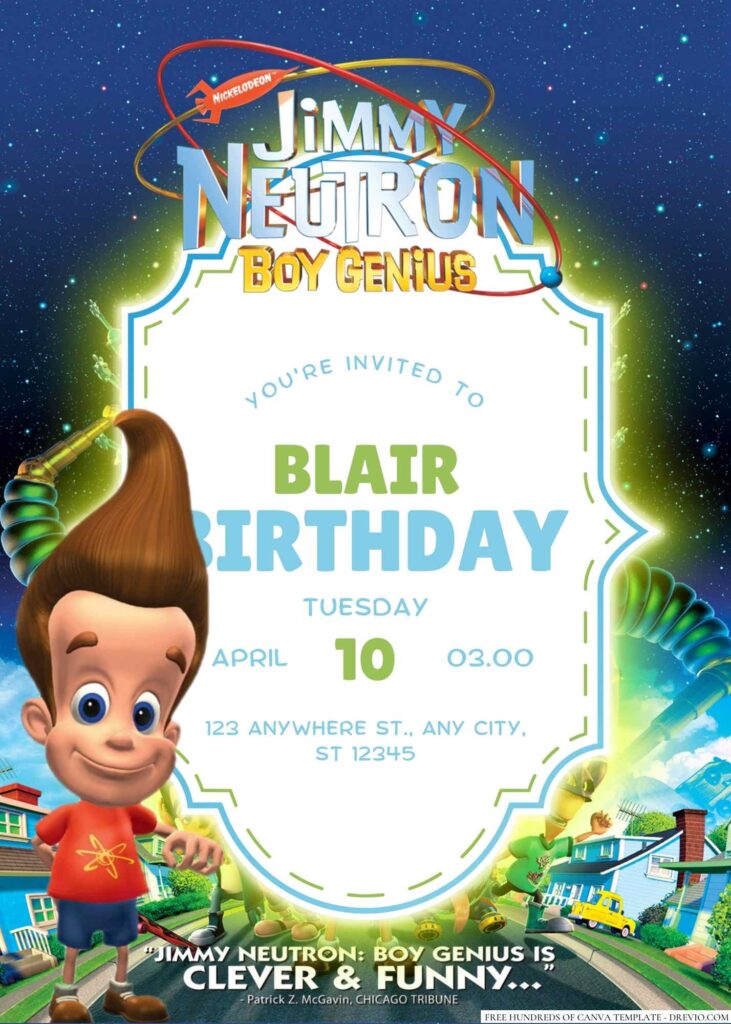
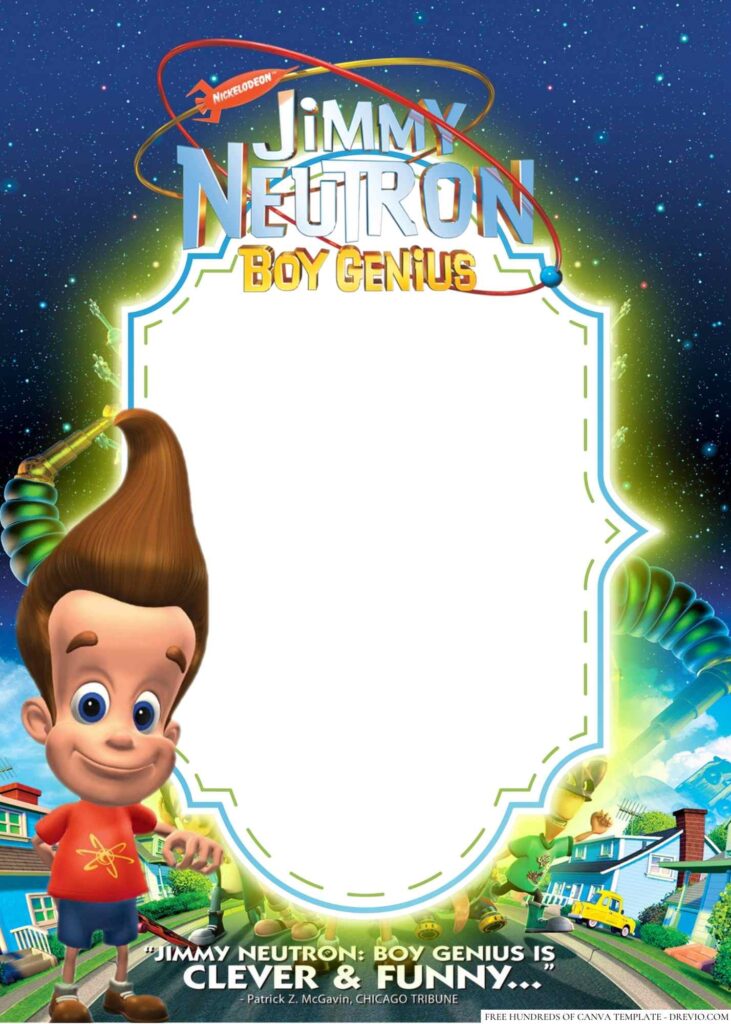
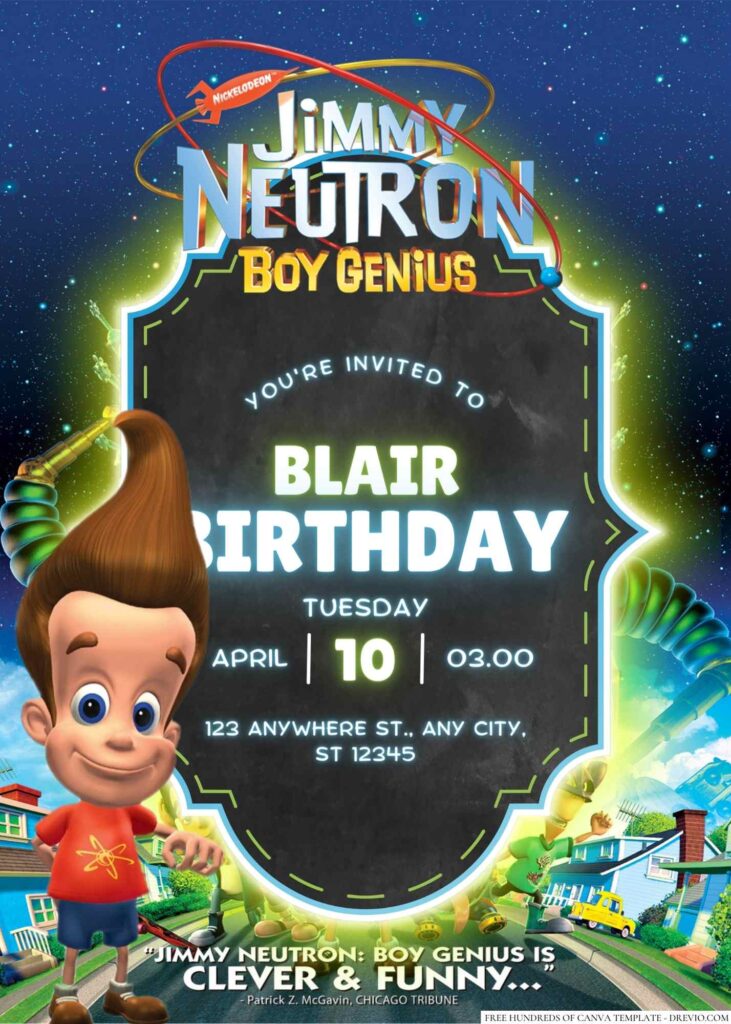
A couple weeks before my son’s birthday, he walked into the kitchen eating cereal and randomly said, “Mom… can we do Jimmy Neutron this year? Nobody else at school has done that.” I looked at him, looked at my coffee, and honestly… he had a point. Every invite lately has been superheroes or Minecraft, and this one felt kinda fun to bring back.
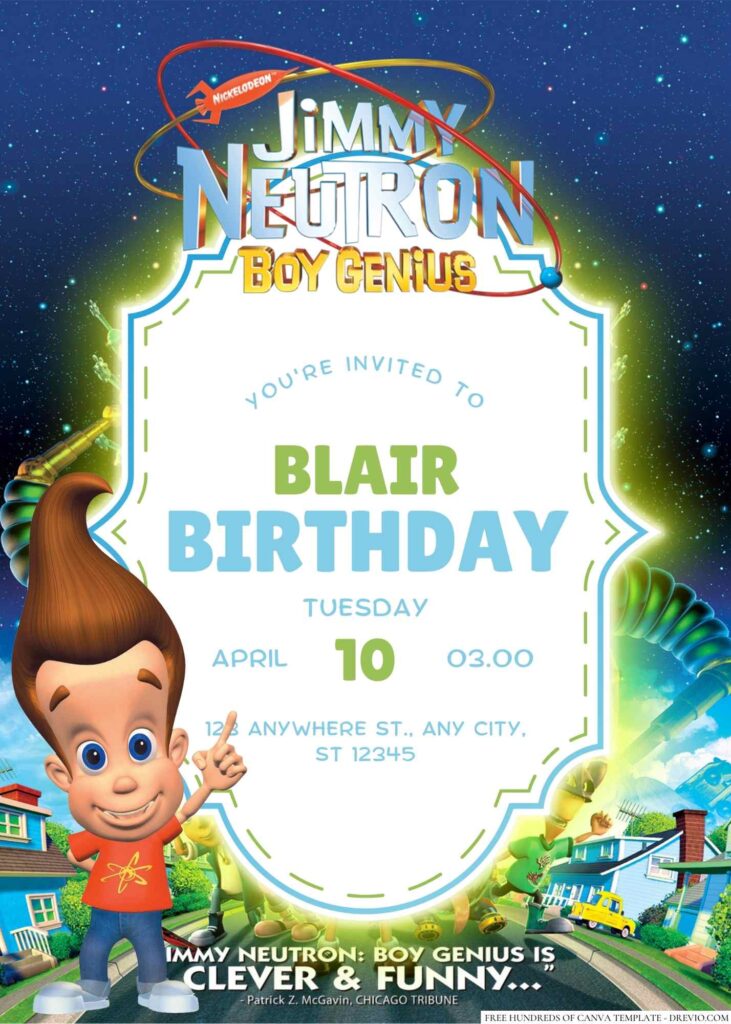
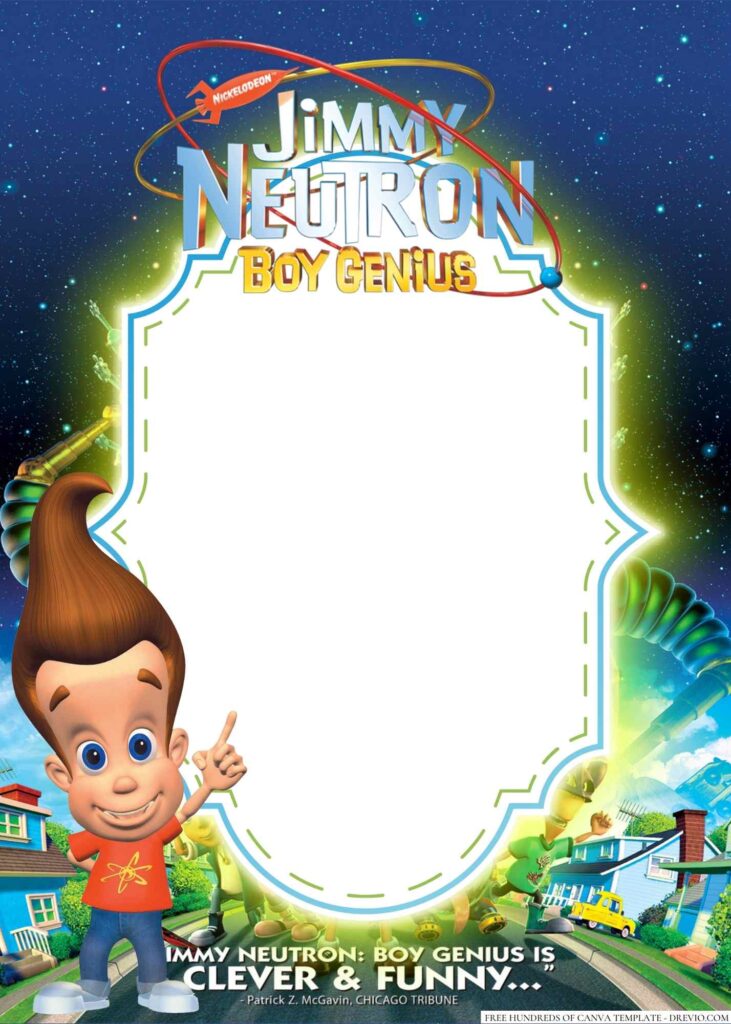
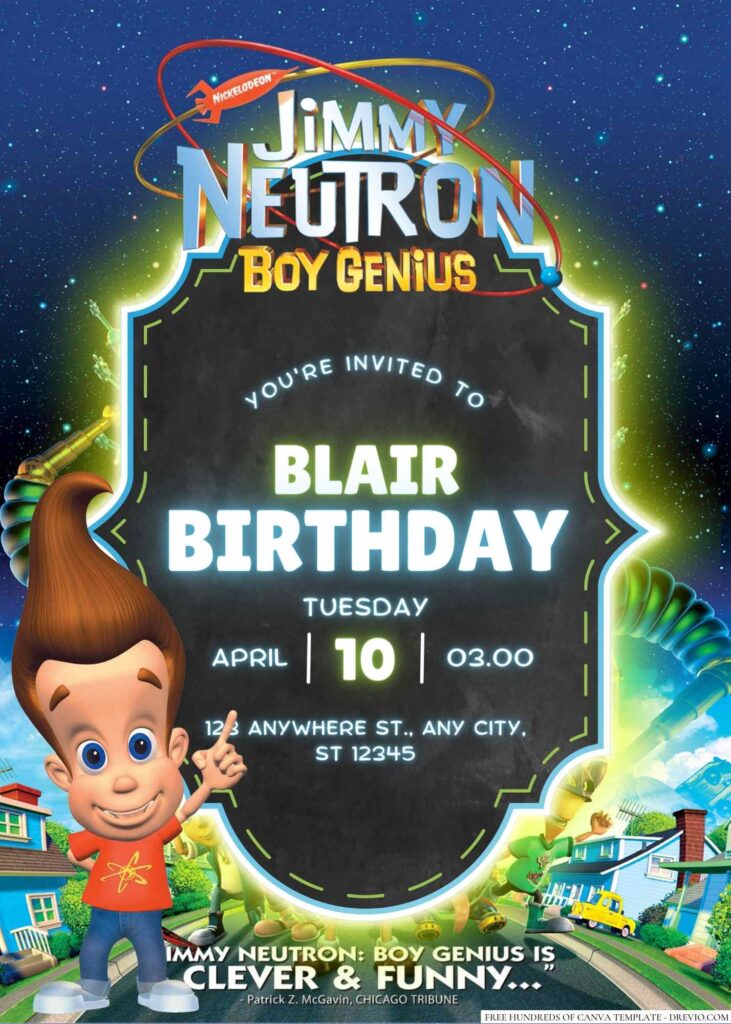
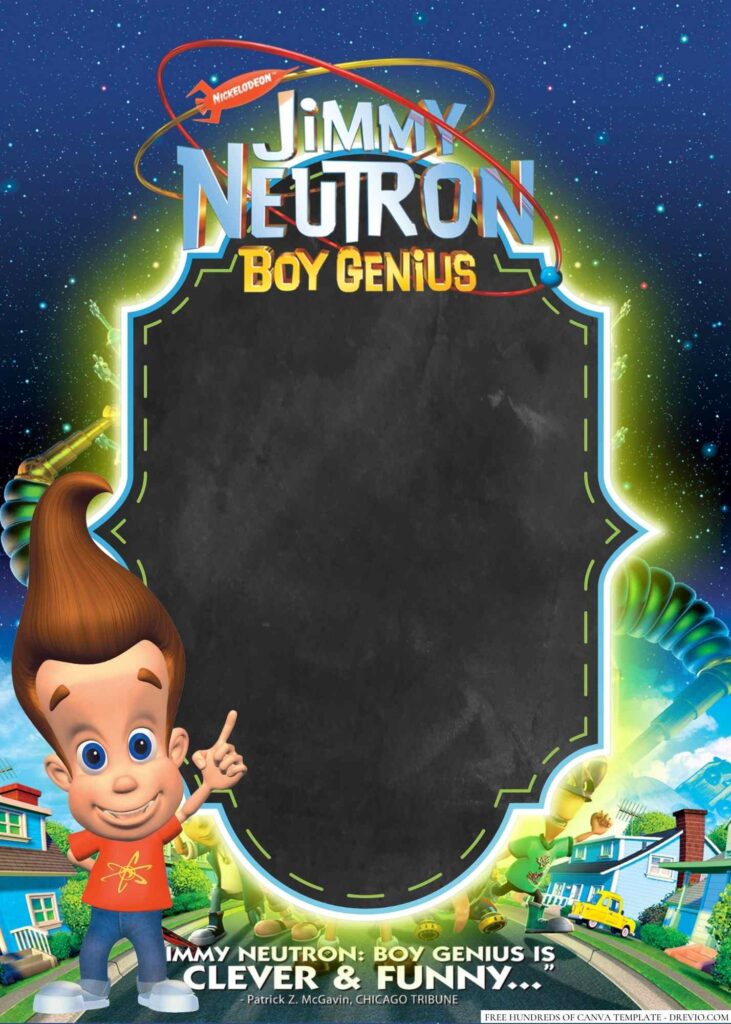
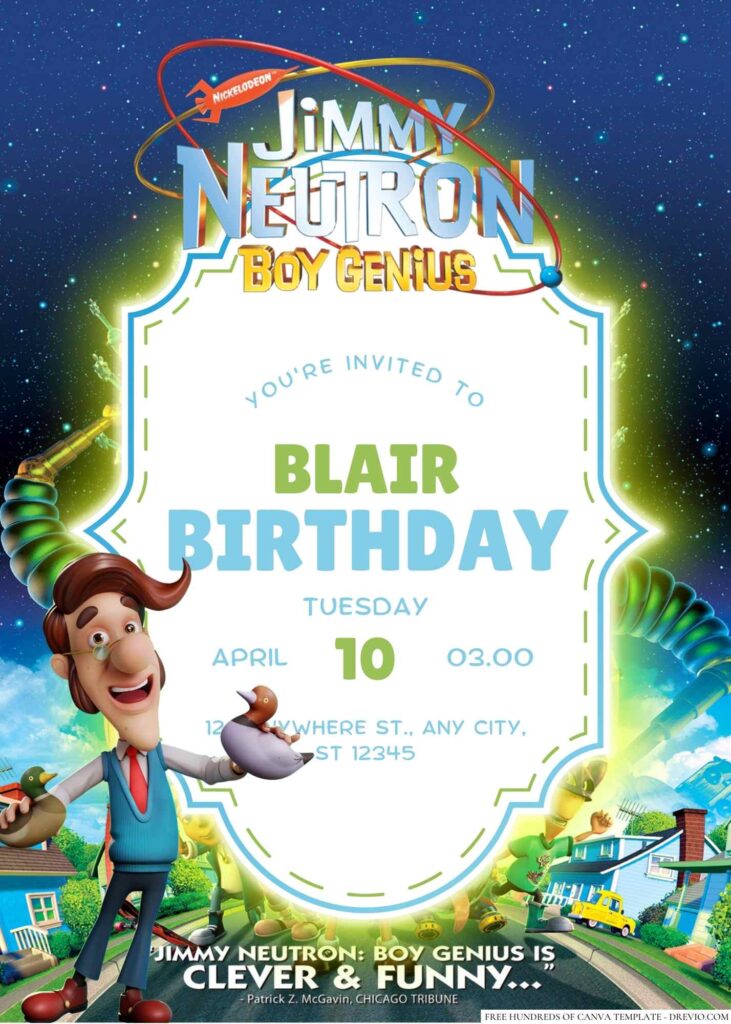
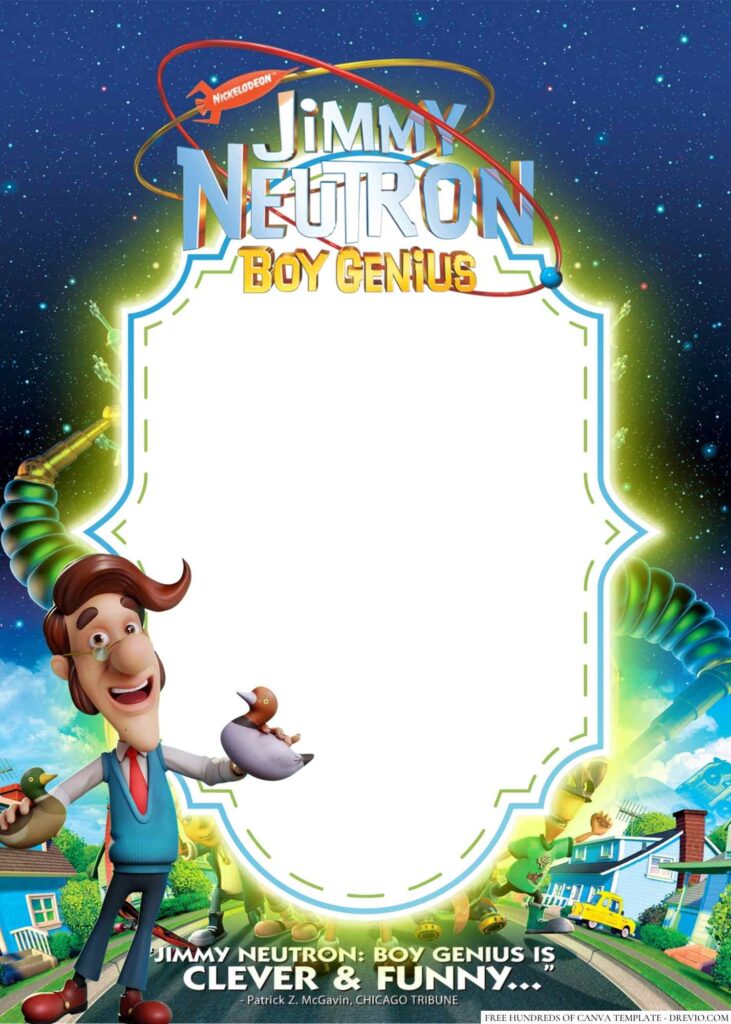
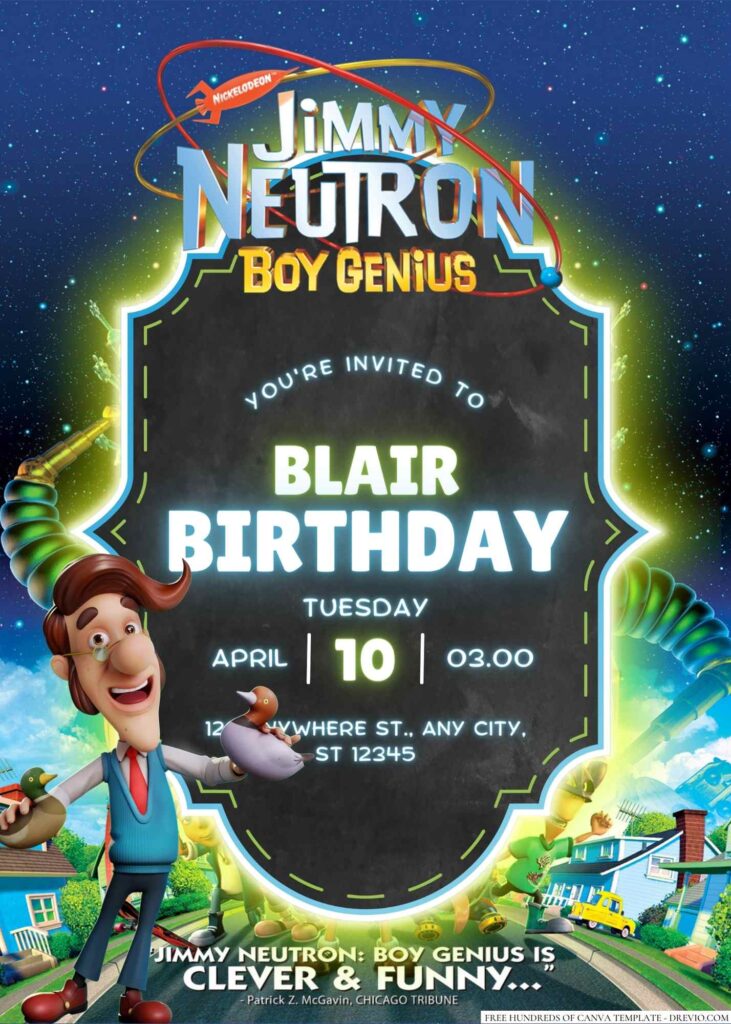
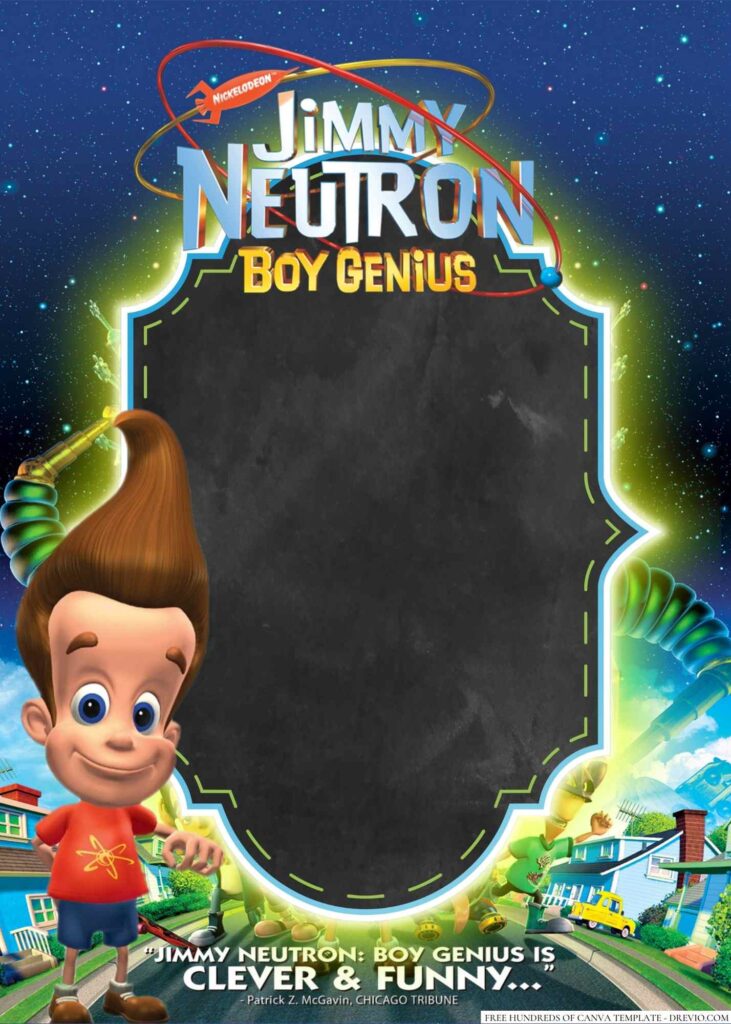
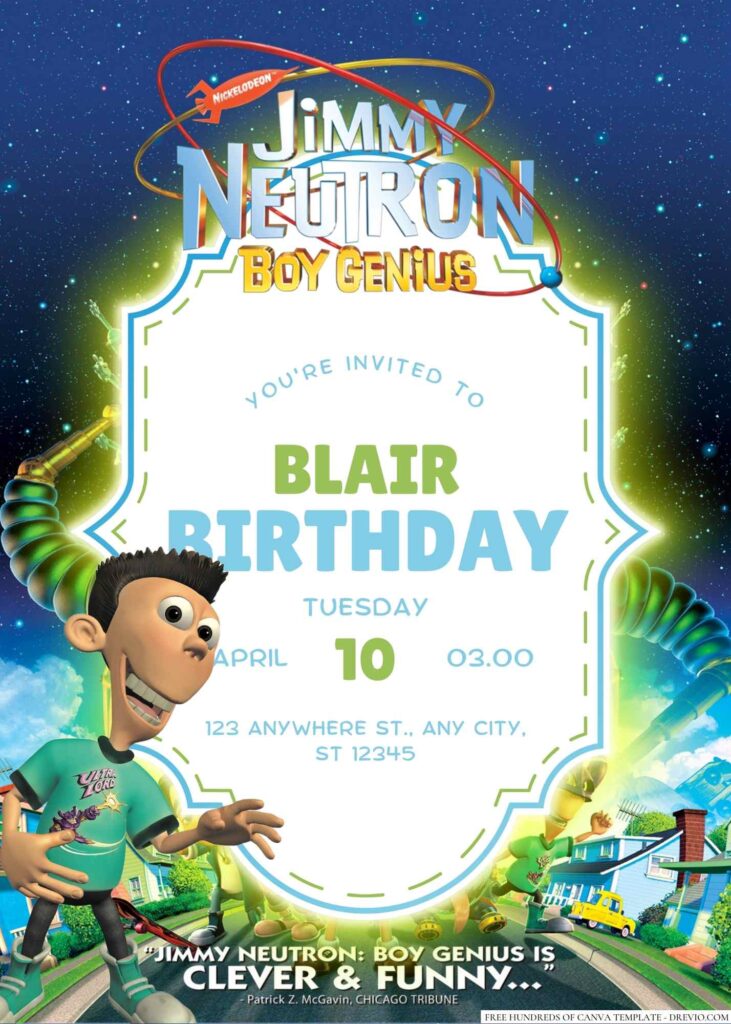
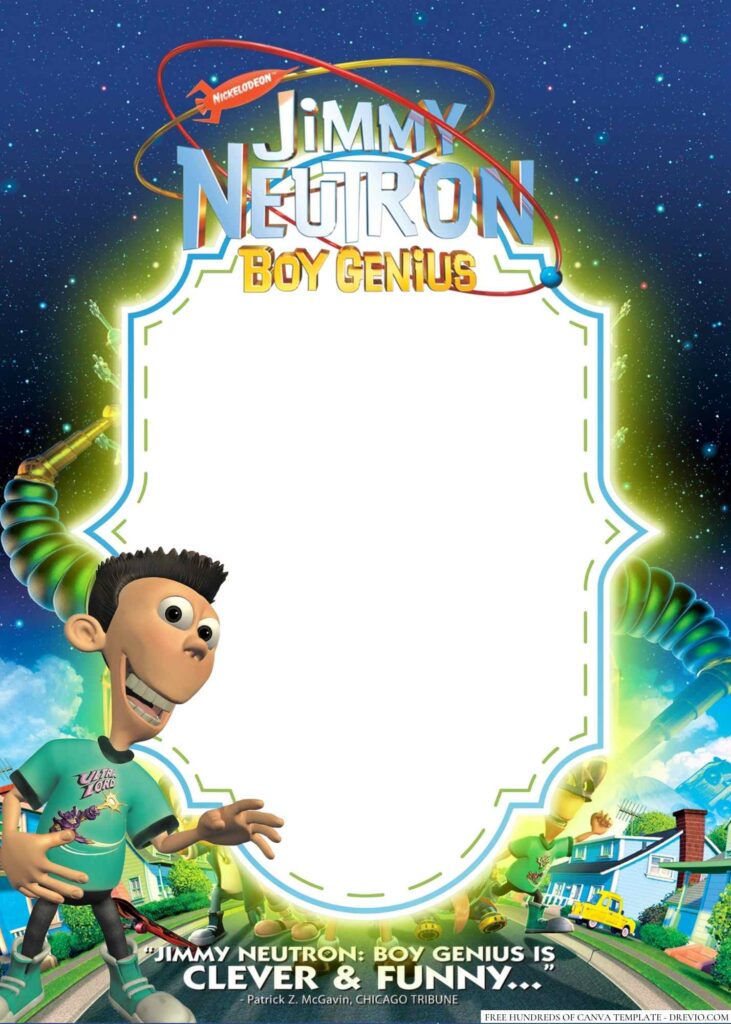
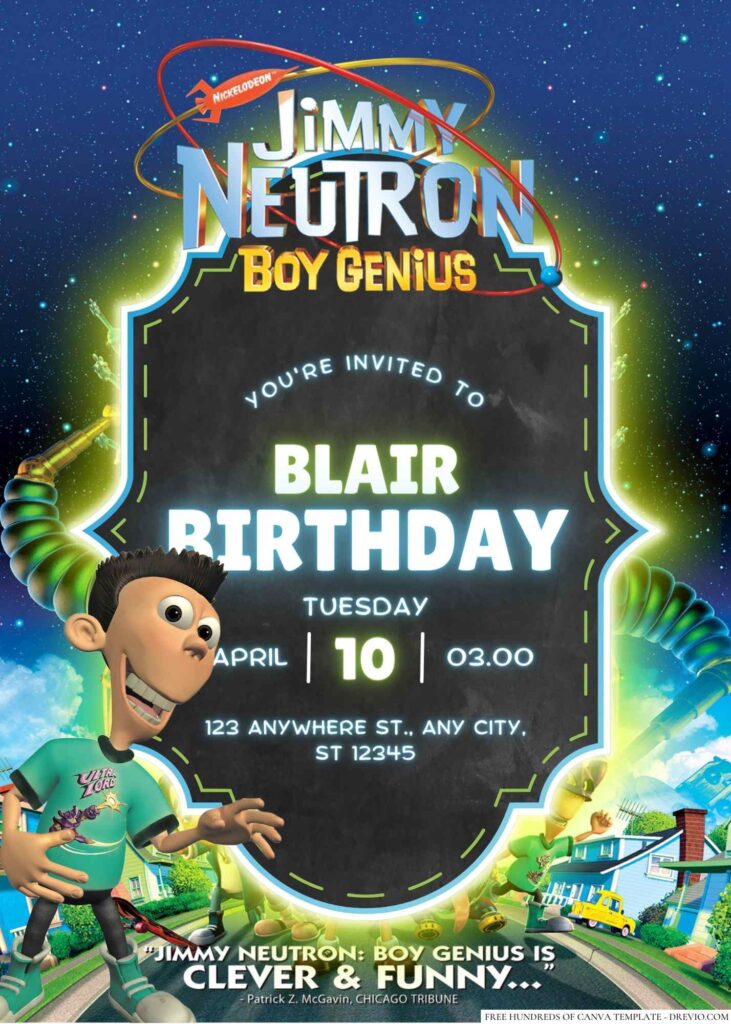
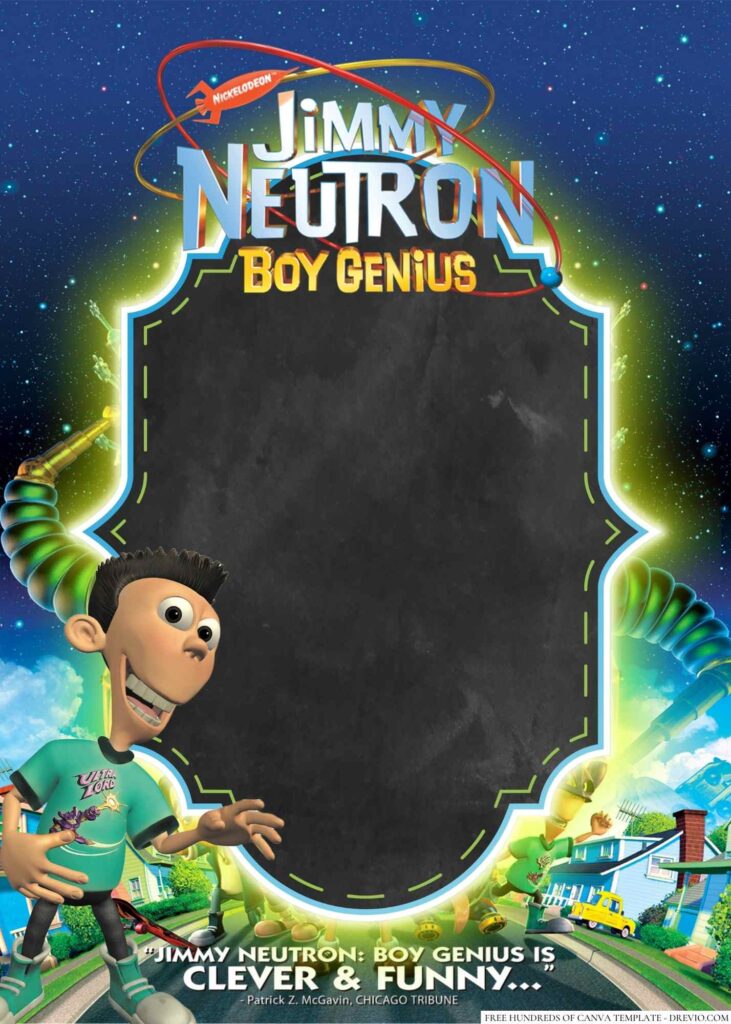
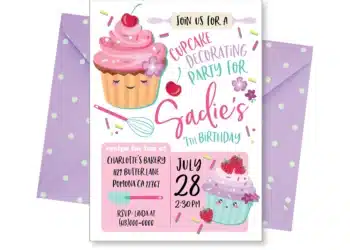
So I ended up making a whole new batch of Jimmy Neutron Boy Genius Invitation templates in Canva, and ngl, I forgot how ridiculously fun this theme is.
Discover the Ultimate Jimmy Neutron Canva Invite Collection
16+ Jimmy Neutron Boy Genius Birthday Invitations You Can Edit FREE in Canva (2026)
Jimmy Neutron has that perfect mix of science, space, gadgets, and goofy energy that kids somehow still think is cool. Especially those elementary-age kids who love building things, asking “why?” every five seconds, or pretending every cardboard box is some kind of invention.
For these new designs, I leaned into that colorful cartoon lab vibe without making everything feel too busy.
Think:
- bright electric blue backgrounds
- pops of orange and lime green
- atoms, gears, rockets, planets, and little lightning bolts
- comic-style speech bubbles
- playful science lab graphics
- chunky bold fonts that are actually easy to read
- little “Brain Blast!” moments scattered around the layout
One thing I’ve learned after making invites for way too many classroom birthdays… parents care about cute, kids notice the tiny stuff.
My youngest immediately spotted the little robot tucked into one corner before he even read his own name. 😂 That’s exactly the kind of thing that makes the invitation feel exciting before the party even starts.
A few favorites from this collection
Classic Brain Blast
Perfect if your kid loves the original cartoon and wants everyone to recognize it right away.
Science Lab Adventure
Great for kids turning 6–9 who are into slime, experiments, and asking for chemistry kits instead of toys.
Rocket Mission Party
A fun choice if you’re mixing space decorations with the Jimmy Neutron theme.
Color Explosion Version
This one’s definitely for the energetic kids who think “more color” is always the correct answer.
Minimal Cartoon Style
A little cleaner if you’re inviting classmates and family together without the design feeling too loud.
Why Choose Canva for Your Boy Genius Party Invitations?
I’ve tried editing invitations in random apps before and… whew… never again.
Half the fonts disappear.
Something shifts when you download it.
Then somehow Grandpa’s address ends up covering the party date.
Canva just saves me from all that nonsense.
I can open it while waiting in the school pickup line, swap the birthday info in maybe five minutes, save it, text it to grandparents, and keep moving with my day.
The editable text boxes make life super easy too. If your kid suddenly decides they want “Mad Scientist Birthday Bash” instead of “Birthday Party,” you’re not rebuilding the whole thing.
Kids also love seeing their name on the invite. I don’t know why, but watching them realize it’s their party somehow makes everything feel real.
How to Personalize Your Jimmy Neutron Templates in Minutes
CUSTOM YOUR JIMMY NEUTRON INVITATIONS HERE!
This is basically what I ended up doing.
I opened the Canva template and immediately made the birthday kid’s name bigger because… apparently every seven-year-old believes their name should be the largest thing on the page. 😂
Then I changed the party time.
Then I realized the orange text looked a little too close to the yellow rocket behind it once I zoomed out.
It looked totally fine on my laptop.
Printed? Not so much.
So I switched the wording to white, bumped the font up just a tiny bit, and suddenly everything was way easier to read.
Another thing I almost forgot?
Double-check the RSVP phone number.
I somehow copied last year’s invite at first (don’t ask), and my friend texted me saying, “Girl… this still says 2025.”
Bless moms who catch stuff before 40 invitations go out.
One little hack that’s saved me over and over is sending the finished invite to my phone before printing.
For whatever reason, mistakes jump out way faster on a tiny screen than they do on my computer.
Printing & Sharing Your Brain Blast Invites
I’m usually not trying to spend a fortune on invitations because let’s be honest… kids look at them for about twelve seconds before asking where the cake is.
For printed copies, I’ve had really good luck with Walgreens.
Their 5×7 photo prints are usually around 20 cents each, and the colors always come out surprisingly bright.
If I’m making something that feels a little more keepsake-worthy, I’ll swing by Staples and print on heavier cardstock instead.
As for paper?
Personally, I keep grabbing matte cardstock.
Glossy definitely makes the colors pop, especially with all the blues and oranges in a Jimmy Neutron design, but little fingerprints somehow find glossy paper immediately at my house.
Matte just feels easier to hand out during school pickup or tuck into backpacks.
And honestly?
Half our family still wants a printed invitation while every other parent is totally happy with a quick text message.
So I usually do both.
Print a handful.
Text the Canva version to everyone else.
Done and done.
Tips for a Super-Powered Jimmy Neutron Birthday Party
The invitation kind of sets the mood, so I like carrying a few little science details into the party too.
Nothing Pinterest-perfect.
Just fun enough that the kids immediately know what they’re walking into.
A few things that ended up being easy wins:
- Grab colorful balloons in blue, orange, and lime green.
- Name the snack table “Fuel Station.”
- Put gummy worms in clear beakers from the dollar store.
- Let each kid make one super simple slime or baking soda experiment.
- Use silver tablecloths to give everything a tiny spaceship vibe without spending much.
One funny thing…
The experiments weren’t even the biggest hit.
The kids spent forever pretending they were inventors and giving each other ridiculous scientist names.
Sometimes they create the entertainment themselves if you just hand them a theme.
After the Party… Here’s What Actually Happened
My son’s favorite part wasn’t even the decorations.
He kept picking up one extra invitation we had left over because his cartoon version was on the front.
One of his classmates even asked where we “bought” the invitations, which made me laugh because they literally started as a Canva template on my laptop while I was sitting at the kitchen counter waiting for pasta water to boil.
Parents mostly commented that all the party information was easy to find.
Honestly, that’s probably the biggest compliment.
Nobody texted asking for the address.
Nobody showed up at the wrong time.
No one missed the RSVP.
That alone feels like a parenting win some days.
And my kid?
He told everyone his party was going to include a “Brain Blast mission” before they even got there.
Mission accomplished.
Frequently Asked Questions About Themed Invitations
Can I edit everything inside the Canva template?
Yep! Names, age, date, time, location, RSVP details, fonts, and colors can all be changed pretty easily.
Do I need Canva Pro?
Nope. These templates are made to work with Canva’s free editor unless otherwise noted.
What’s the best size for printing?
I still think 5×7 is the sweet spot. It’s easy to print, easy to mail if you’re doing that, and doesn’t feel tiny.
Should I print matte or glossy?
I’d go matte for school handouts or backpack invites. Glossy is really pretty if you want brighter colors for family keepsakes.
Can I just send the invitation digitally?
Absolutely. That’s honestly what most of our friends prefer now. I usually save the finished design as a PNG and text it to parents.
What age works best for a Jimmy Neutron party?
I’d say around ages 5–9. Kids who love cartoons, science, robots, rockets, or building things usually get really into this theme.