The other day I was digging through the kitchen junk drawer for tape (because apparently that’s where literally everything ends up 😂), and I found one of our old Rugrats invitations from a few years back.
My youngest grabbed it, laughed for like… way too long, and goes, “Where’s Angelica? She’s the funniest one.”
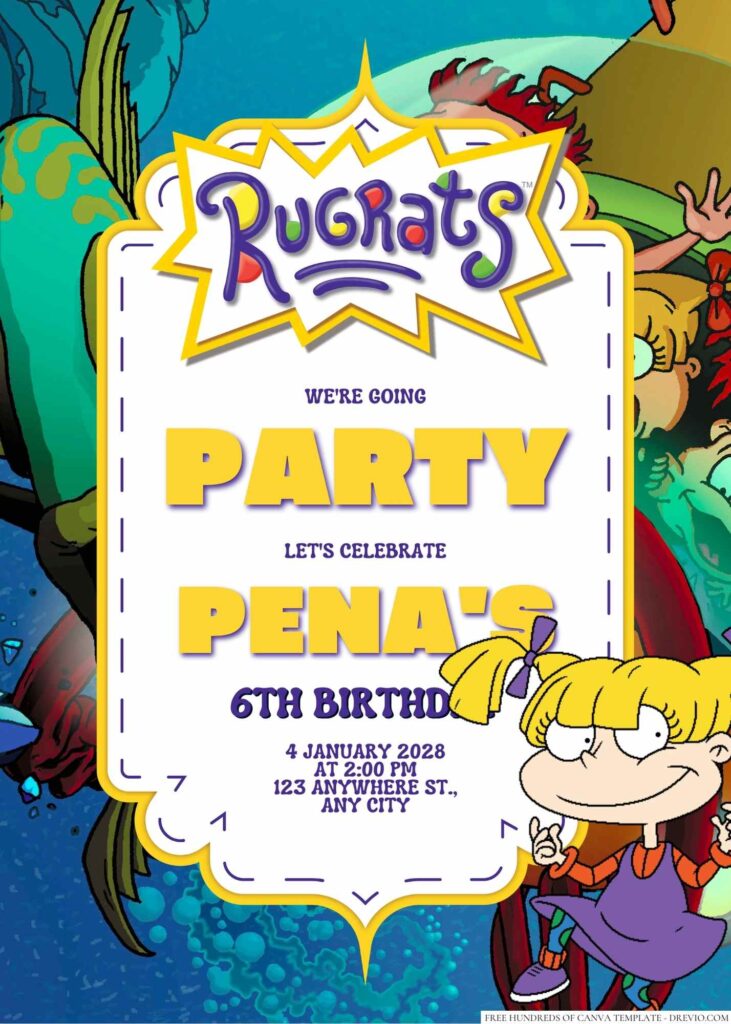
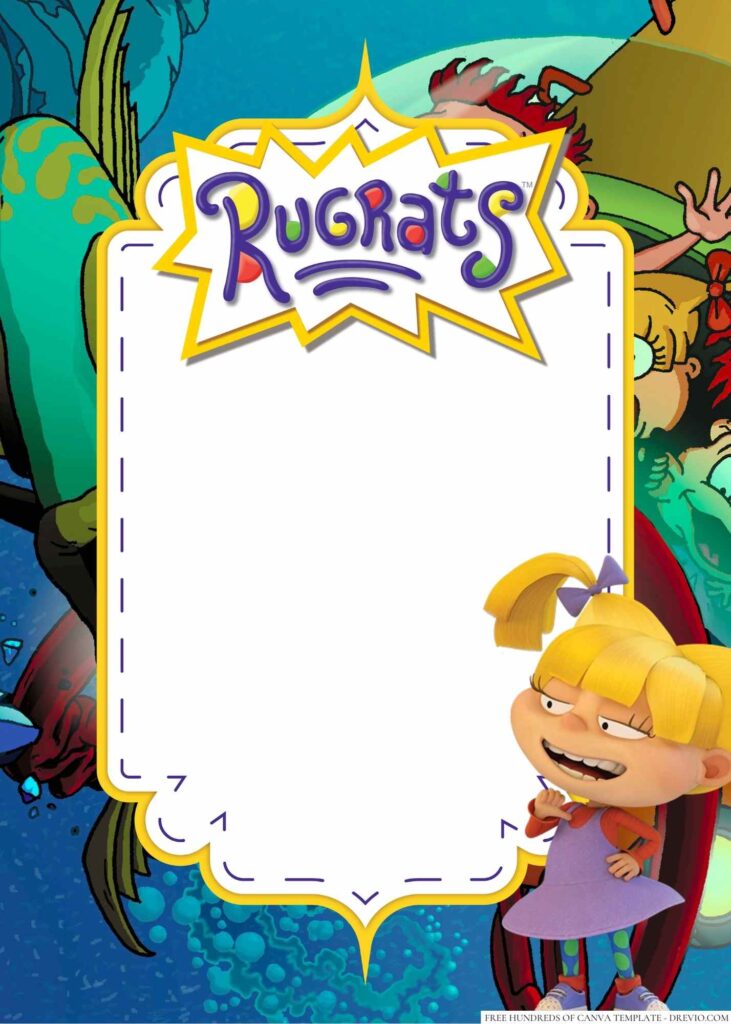
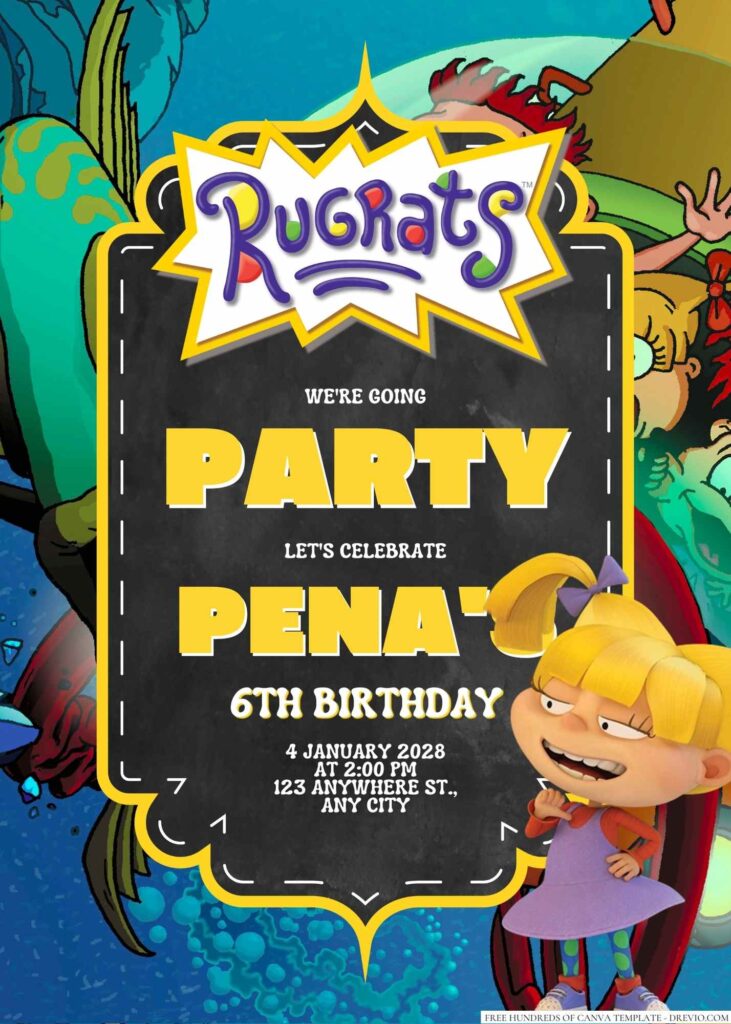
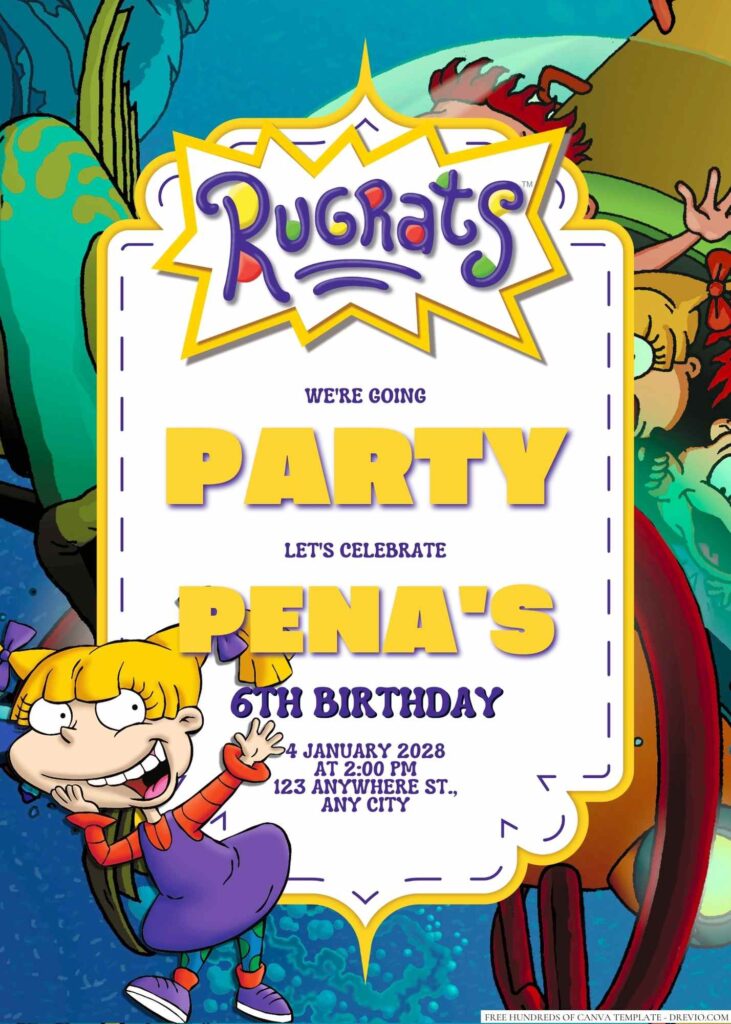
FREE Angelica Pickles (Rugrats) Birthday Invitation Templates – 14+ Canva Designs (2026)
Excuse me??
Poor Tommy got tossed aside in about two seconds.
So that night, instead of folding the mountain of laundry that was definitely giving me dirty looks, I opened Canva and started messing around.
Zero regrets.
Why Angelica Totally Steals the Show
She Has Main Character Energy… and Honestly, the Kids Agree
Every classroom has that kid.
You know the one.
Tiny little boss. Loud opinions. Somehow running the whole friend group without anyone voting for them.
That’s Angelica. 😂
My kids spot her before anybody else every single time, so making Rugrats invitations centered around her just felt… obvious.
I skipped the super soft baby colors this time and leaned into the fun stuff instead.
Think hot pinks, bright purple, teal, sunny yellow, chunky zigzags, doodles everywhere, toy blocks, little Cynthia-inspired details, goofy stars… basically all that chaotic 90s cartoon goodness.
It feels like Rugrats without looking like somebody copied a screenshot and called it a day.
One thing I’ve learned after doing way too many birthday parties…
Parents are hunting for the address.
Kids are hunting for the characters.
So I try really hard to keep both happy.
Why I Keep Using Canva (Because Ain’t Nobody Got Time)
Real talk…
Starting an invitation from a blank page sounds fun until you’re 15 minutes in and somehow you’ve only picked a font.
Been there.
Now I just grab one of my Canva templates, swap the birthday info, maybe change a color because somebody suddenly decided purple is “for babies now” 🙄, hit download, and move on with my life.
Honestly…
It takes less time than getting everyone to agree on pizza toppings.
And somehow that’s saying a lot.
I Gave My Favorite Rugrats Invitations a Fun Little Refresh
CUSTOM YOUR FREE RUGRATS INVITATIONS HERE!
I Wanted Them to Feel More… Actually Rugrats
This update wasn’t about making everything look fancy.
Not even close.
I mostly wanted the invitations to feel like they belonged inside the Rugrats universe instead of slapping Angelica onto some random pink background and hoping for the best.
So I added way more playful shapes, chunky borders, colorful confetti, toy-inspired graphics, squiggles, little stars… basically every fun thing my kids immediately pointed at.
Also…
I left a lot more breathing room around the party details.
Ask me how I learned that one. 😂
Actually don’t.
Let’s just say tiny fonts look perfectly readable on your computer.
Then you print them.
Then suddenly Grandma needs binoculars to read the address.
No thanks.
Another little tweak?
I made the RSVP section bigger.
My husband looked at one draft and said,
“Where’s the phone number?”
Exactly.
If he couldn’t find it in five seconds, nobody else was gonna either.
So… fixed.
A Few Designs I’m Low-Key Obsessed With
Okay, picking favorites is impossible…
But if I had to…
I’d probably grab one of these first.
A bright purple Angelica design that basically screams, “Yep, it’s my birthday.”
A softer pastel version for kids who love Rugrats but aren’t into super loud colors.
A fun 90s-inspired design packed with squiggles, doodles, and colorful patterns.
A Cynthia-themed invite because honestly… that doll deserved more attention.
A full-cast design with Tommy, Chuckie, Phil, Lil, and Angelica together for the kids who refuse to choose.
Mine definitely falls into that last category.
Apparently choosing one favorite character is “too hard.”
Fair enough.
What I Actually Did Inside Canva
Opened the Template… Then Immediately Got Distracted
I clicked Use Template, poured myself leftover coffee that had definitely gone cold already, and started editing.
About three minutes later…
One kid couldn’t find a shoe.
The other was convinced the dog looked hungry.
The dog was absolutely not hungry.
Just another Tuesday over here.
Eventually I got back to the invite. 😂
The Birthday Details Take Like… Two Minutes
Changing the name, age, date, and time is honestly the easiest part.
The only thing I always check now is spacing.
One year I typed our whole neighborhood name because I wanted to sound official.
Big mistake.
The address wrapped onto three different lines and looked… kinda wonky.
Now I shorten things whenever I can.
Instead of writing:
“Community Recreation Center Building”
I just type:
“Community Rec Center.”
Nobody’s ever texted me confused.
Not once.
Tiny Changes Make a Huge Difference
Here’s one thing I didn’t know until I actually printed invitations.
Colors lie.
Seriously.
One purple looked super cute on my laptop.
Printed?
It came out looking like an eggplant had entered the chat.
Still purple.
Just… moodier.
So I brightened it up, tossed in a couple extra stars because why not, and liked Version Two way better.
Sometimes it’s the tiniest edits that end up making the whole thing feel finished.
Funny how that works.
Printing, Texting, and All the Last-Minute Stuff
Save Yourself Future Headaches
If I’m printing my Rugrats invitations, I always download them as PDF Print.
If I’m sending them to family, the class group chat, or texting literally everyone because nobody checks email anymore…
PNG.
Easy.
I also keep both versions saved because somebody—every single year—will message me like…
“Heyyy… can you send the invite again?”
Usually the day before the party.
Without fail.
Printing Tips I Wish Somebody Told Me Earlier
Most years I print at Walgreens because it’s close, quick, and honestly the colors come out way better than my sad little printer at home.
If I need a bigger stack, Staples has been awesome too, especially for cardstock.
And can we talk about matte vs. glossy for a second?
Matte wins.
Every time.
Glossy is pretty for about… five minutes.
Then somebody with Goldfish cracker fingers picks it up.
Boom.
Fingerprints.
Everywhere.
Matte just survives real life a whole lot better.
If you’re printing at home, grab heavier cardstock if you can.
Around 80–100 lb makes a huge difference.
It instantly feels like an actual invitation instead of something your printer spit out during math homework.
Half My Guests Never Even Get Paper Copies 😂
Not gonna lie…
These days I probably send more digital invites than printed ones.
School moms?
Text messages.
Family?
Group chat.
One cousin always screenshots it instead of downloading it and somehow it still works out.
Less paper.
Nobody loses the invitation in the minivan.
Nobody calls asking what time the party starts because it’s sitting right there in the chat.
Love that for us.
Throwing an Angelica-Style Rugrats Party Without Spending a Fortune
Skip the Licensed Party Aisle
One of my favorite little money-saving tricks?
I buy plain purple, teal, and yellow decorations.
That’s it.
Then I print a few Rugrats characters, tape them around the room, throw in some balloons, and suddenly everybody thinks I planned this for weeks.
I absolutely did not.
I also spend way too much time scrolling Pinterest before every party.
Not because I’m making those crazy balloon arches.
Absolutely not.
I’m mostly stealing the simple ideas.
Way less stress.
Way cheaper.
The Easiest Games Ended Up Being the Biggest Hits
I almost bought one of those giant party game kits.
Then I remembered…
Kids really don’t care.
So we hid little toy dinosaurs around the yard and turned it into a Rugrats scavenger hunt.
Huge hit.
Another favorite?
Making mini Cynthia dolls with yarn, googly eyes, stickers, and markers.
The table got messy.
Very messy.
Worth it.
Those kids stayed busy for almost half an hour.
I should’ve written whoever invented googly eyes a thank-you letter.
Keep the Snacks Simple. Seriously.
Every year I tell myself I’m gonna make adorable themed desserts.
Every year reality humbles me.
So here’s what actually disappeared first.
Purple cupcakes.
Goldfish crackers.
Fruit snacks.
Popcorn cups.
Juice boxes.
Little pudding cups.
Done.
Nobody complained.
Nobody asked where the custom cookies were.
And bonus…
I actually got to enjoy the party instead of frosting cookies until midnight.
Big win.
After the Party
My favorite part wasn’t even the decorations.
It was hearing the parents laugh when they saw Angelica on the Rugrats invitations.
A bunch of them immediately started talking about watching Rugrats after school back in the day.
Then the kids grabbed the invites and started naming every character before they even opened them.
That made my little 90s heart ridiculously happy.
My youngest even tucked one invitation into their room afterward because apparently…
“It’s too cute to throw away.”
I mean…
If that isn’t the best review I’ve ever gotten, I don’t know what is.
Frequently Asked Questions
Are these Rugrats invitations really free?
Yep!
Everything works with Canva’s free plan. If you decide to swap in premium graphics yourself, Canva will let you know before you download.
Do I need Canva Pro?
Nope.
I made these so anyone with a regular Canva account can jump in and edit them.
Easy peasy.
Can I use them for something besides birthdays?
Oh, for sure.
I’ve turned these into playdate invites, family get-togethers, cartoon watch nights, and one super cute baby shower because the mom was a huge Rugrats fan growing up.
Honestly… once you start editing them, it’s hard to stop.
What if I’m totally new to Canva?
You’ve got this.
Seriously.
If you can click a text box and type your kid’s name, you’re already halfway there.
One little tip though…
Make a copy before you start changing stuff.
That way if you accidentally move something weird (ask me how I know 😂), you’ve always got the original sitting there waiting for you.