Last Saturday we were wandering around Costco, grabbing the usual stuff we absolutely did not need (looking at you, giant box of muffins), when my son suddenly goes, “Mom… do robots have birthdays?”
And y’all… I knew right then I was about to spend my evening making Wall-E invitations instead of watching my show.
By the time we got home he had cereal boxes lined up across my living room like tiny robot condos, one sock somehow became a “space worm,” and the dog was apparently Eve.
Free Editable WALL-E Birthday Invitations (16+ Canva Templates) | Printable 2026 Designs
Kids are weird. I kinda love it.
So yep… I opened Canva again.
I already had a bunch of Wall-E invitation designs saved from last year, but they felt a little stale. Nothing wrong with them, they just needed a little glow-up. Softer colors, cuter details, more room for the party info… because somehow I always end up squeezing addresses into the tiniest corner possible.
Oops.
Why Wall-E Is Still One of My Favorite Birthday Themes
Kids Just Can’t Quit This Little Robot
I’ve noticed something funny.
Half the kids coming to the party haven’t even watched the whole movie.
Doesn’t matter.
They see Wall-E’s giant binocular eyes and immediately go, “Awww!”
Same, honestly.
He’s basically a little trash-compacting robot rolling around collecting random stuff, and somehow he’s still one of the sweetest characters ever made.
My youngest spent fifteen minutes looking at one invitation because he spotted the tiny green sprout.
Then he asked if we could plant flowers during the party.
Buddy… we were talking about invitations five seconds ago.
That’s just kid logic.
The Colors Feel So Different
I love a loud birthday theme as much as anybody.
Dinosaurs? Chaos.
Monster trucks? Loud.
Superheroes? Somehow everything becomes neon.
But Wall-E has those rusty oranges, dusty yellows, soft blues, little stars, gears, plants… it’s cozy.
Like space… but comfy.
Which sounds ridiculous now that I typed it.
The whole vibe feels playful without looking like confetti exploded on paper.
Honestly my brain appreciates that.
My Favorite Wall-E Invitations From This New Collection
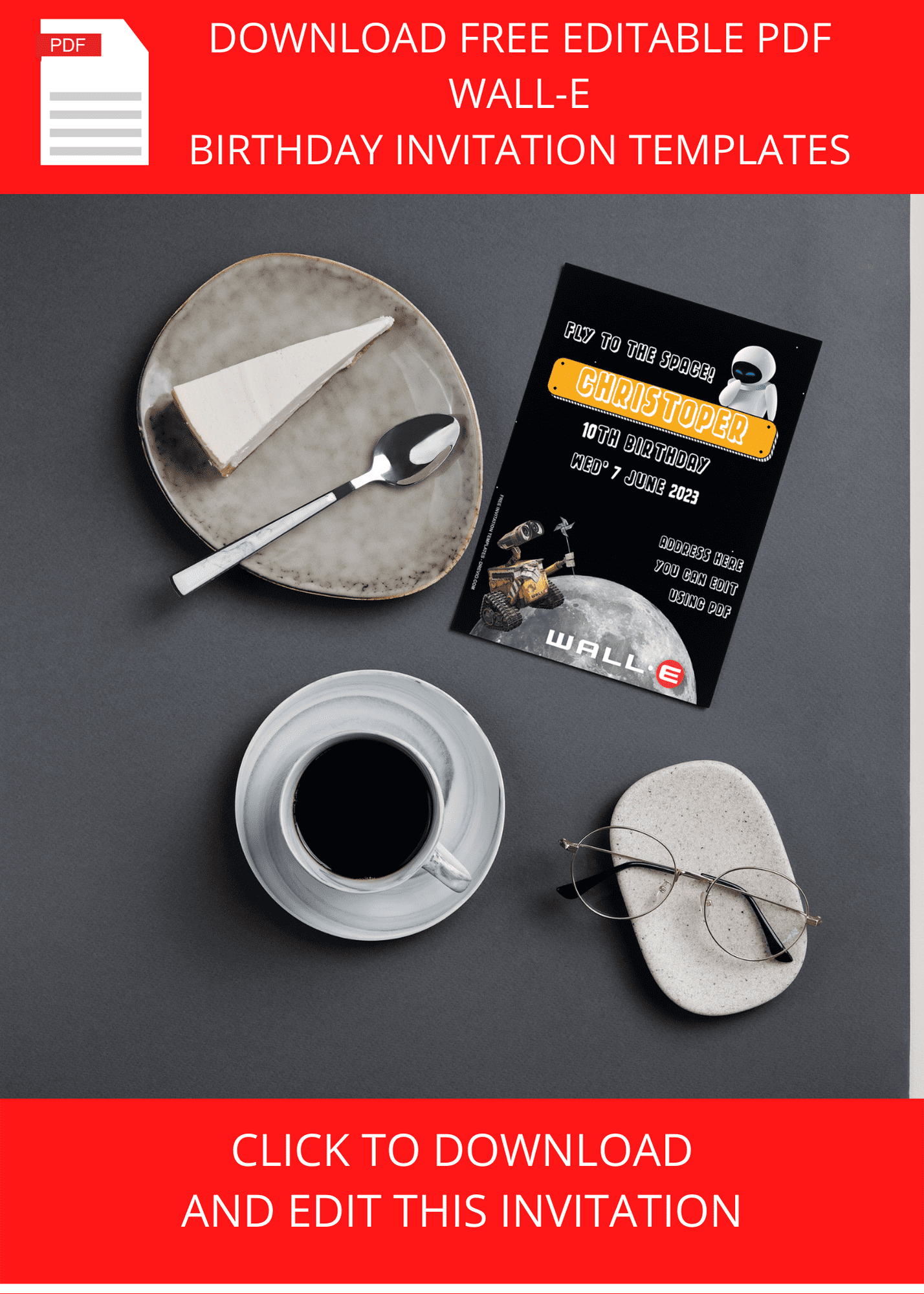
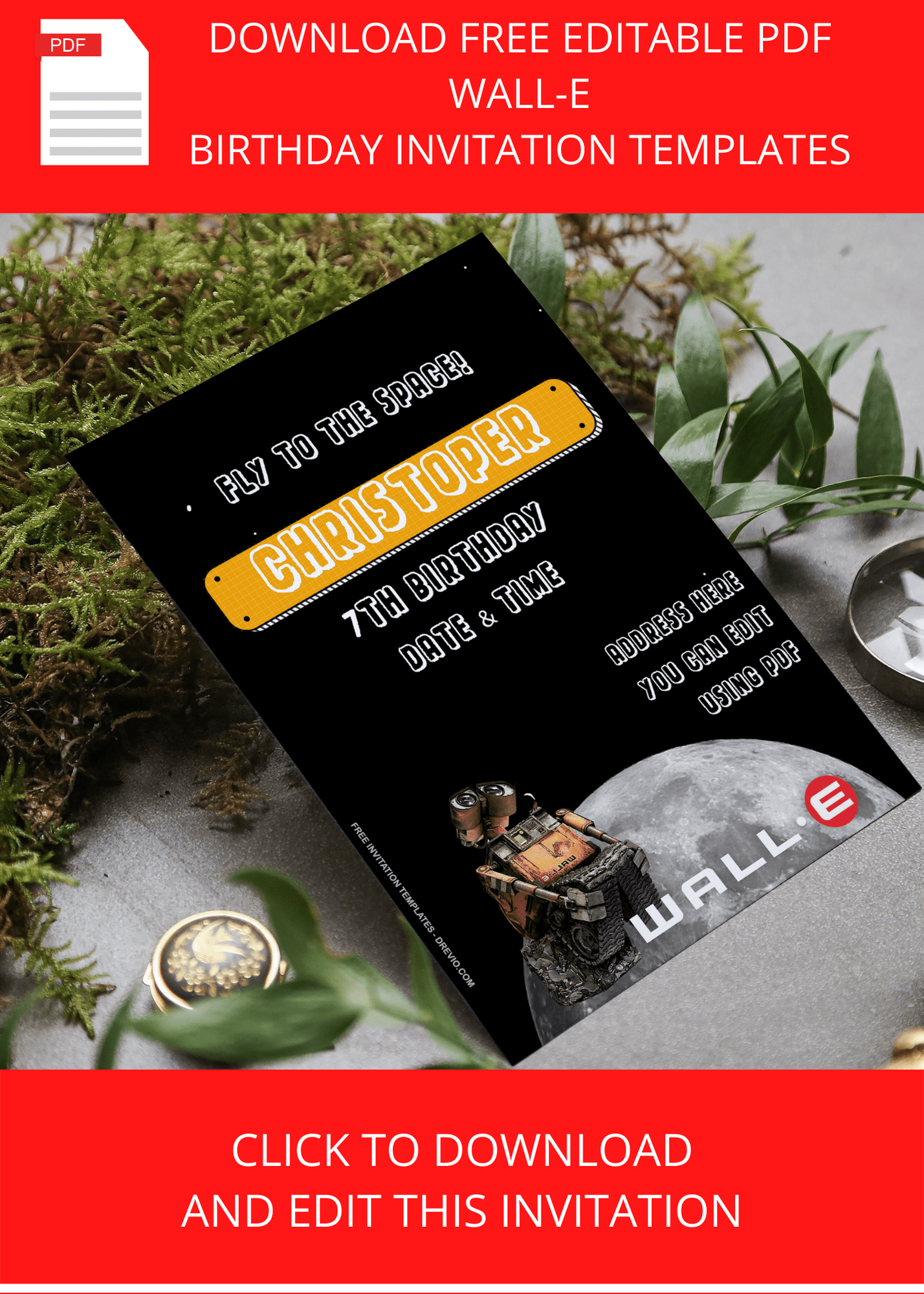
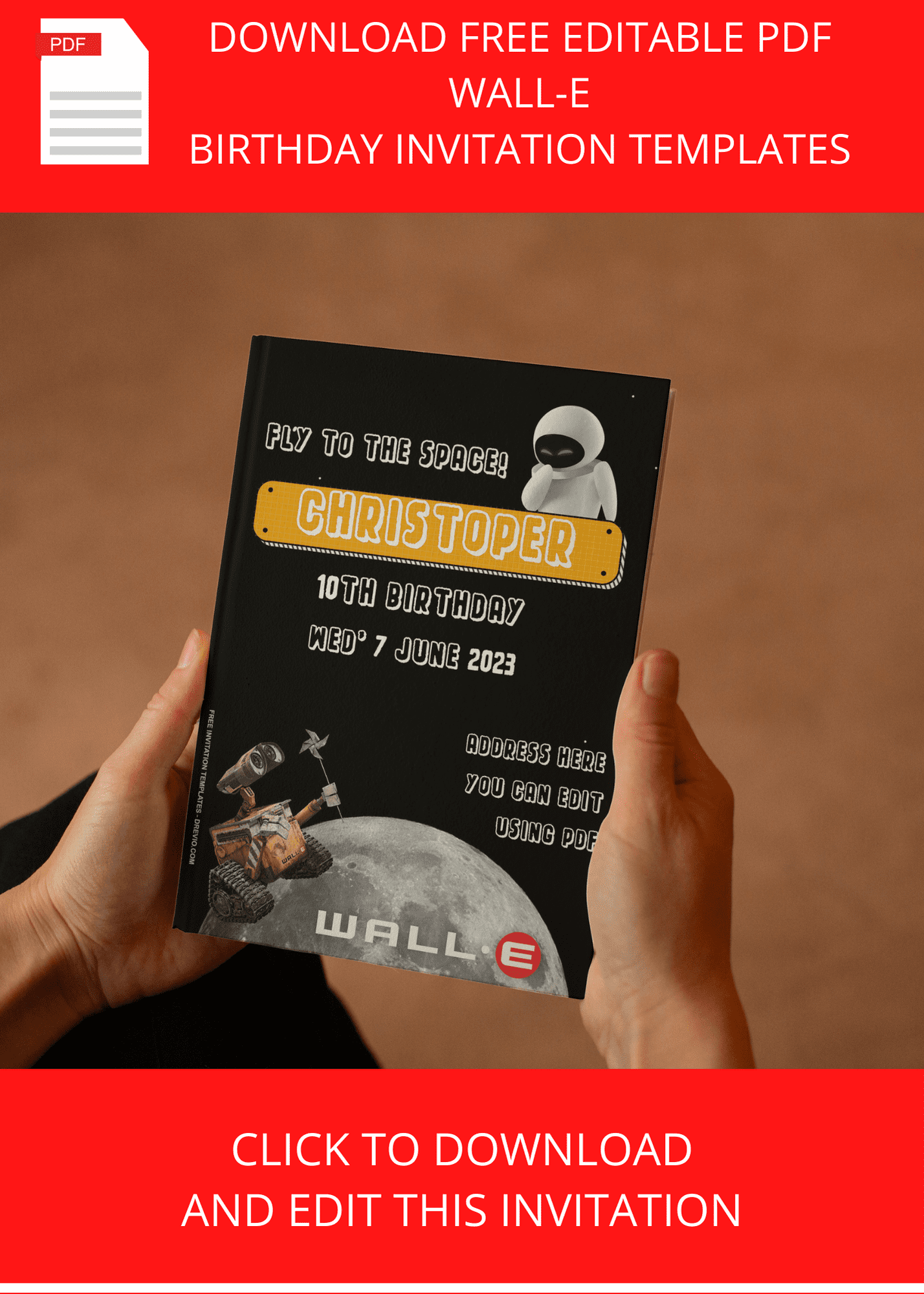
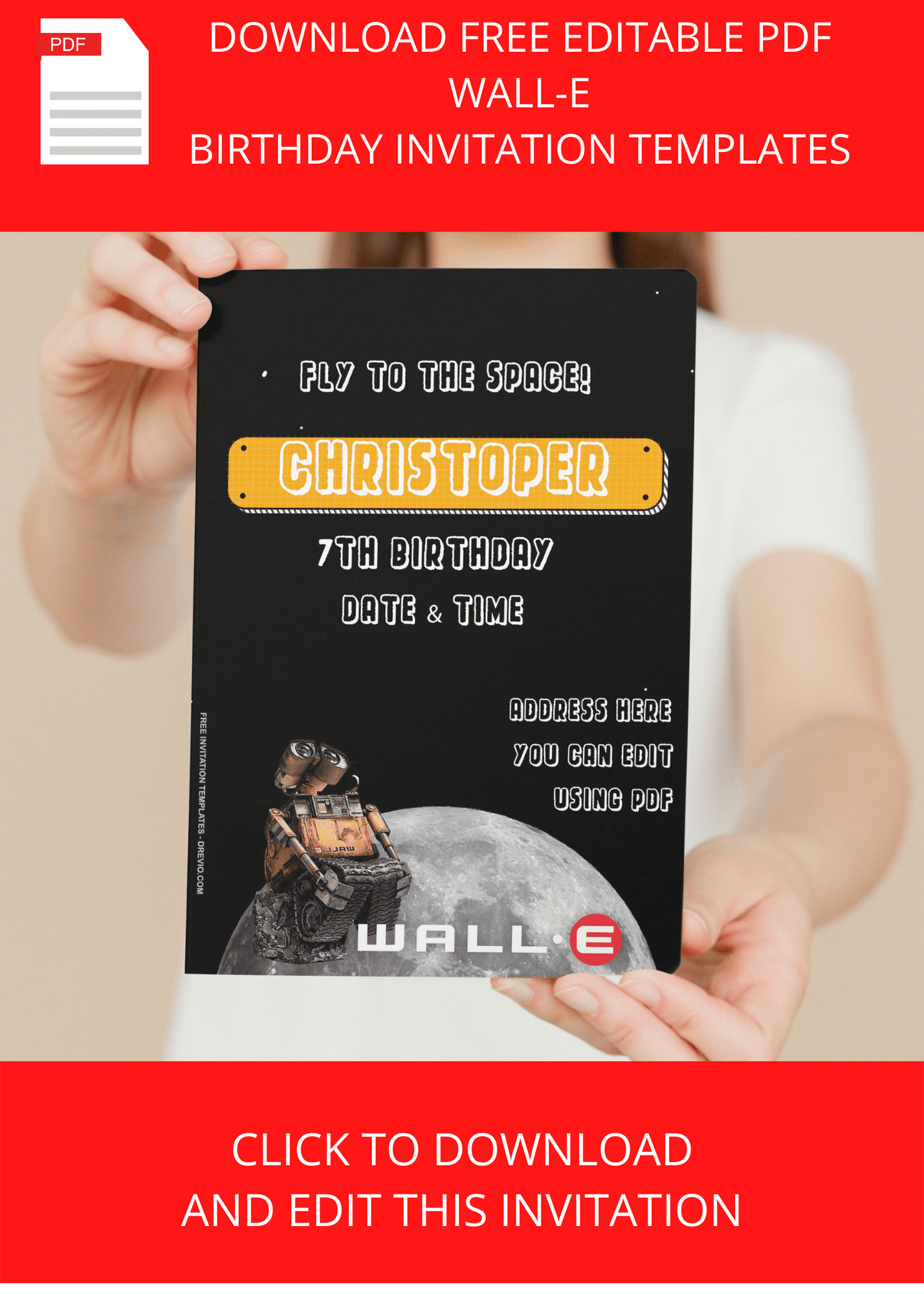
This batch definitely leans into that abandoned-Earth-meets-space-adventure look.
It has:
- warm rusty orange accents
- faded yellow robot details
- tiny green sprouts
- stars everywhere
- little gears and bolts
- watercolor textures
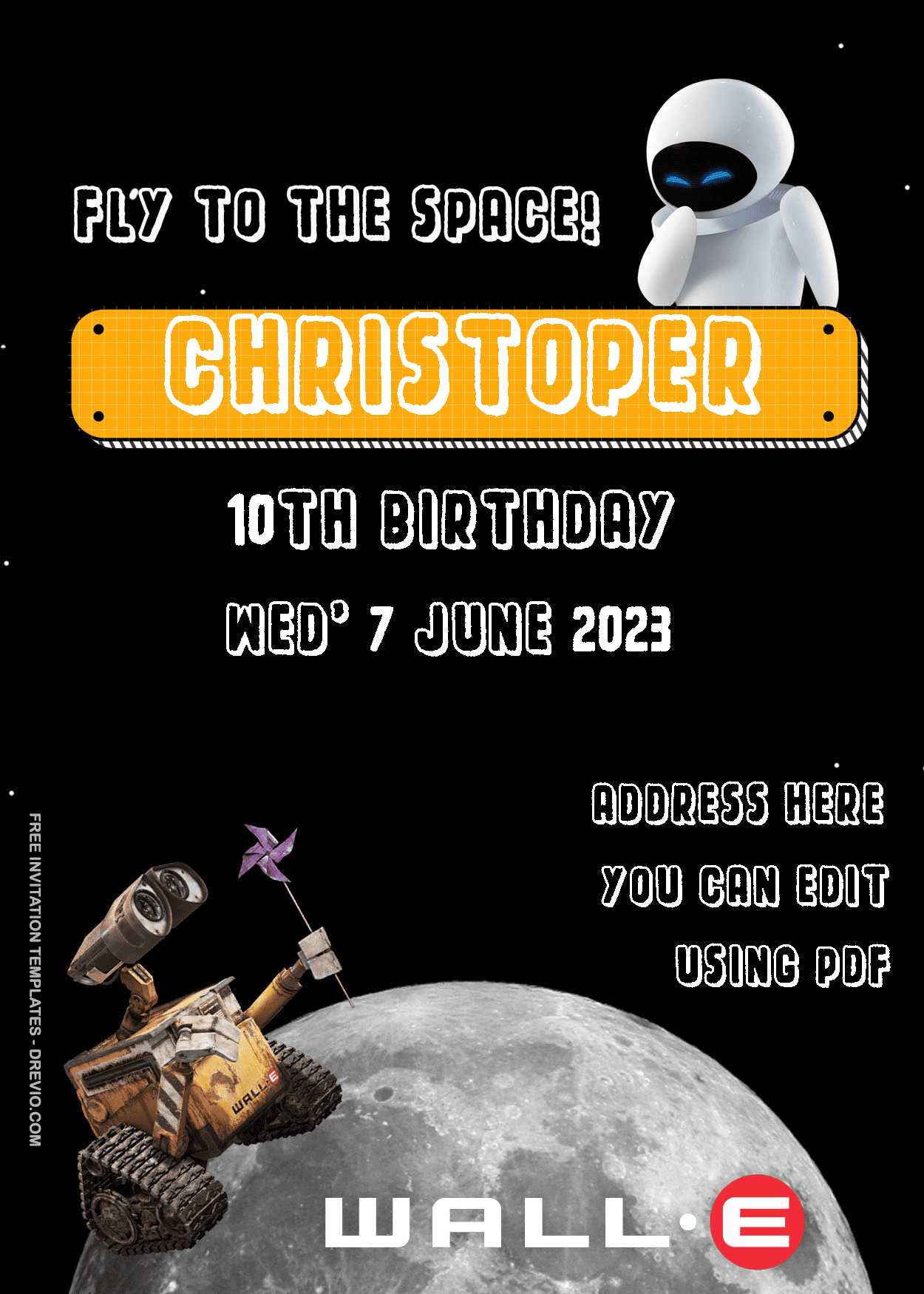
- adorable Wall-E and Eve artwork
- clean layouts with room to actually read the information
Because listen…
I learned my lesson with fancy script fonts.
My mother-in-law called asking if the party started at “one” or “seven.”
It was three.
So chunky fonts forever.
The Wall-E and Eve Designs Are Ridiculously Cute
Some invitations have Wall-E and Eve floating through space together, and they’re honestly so sweet.
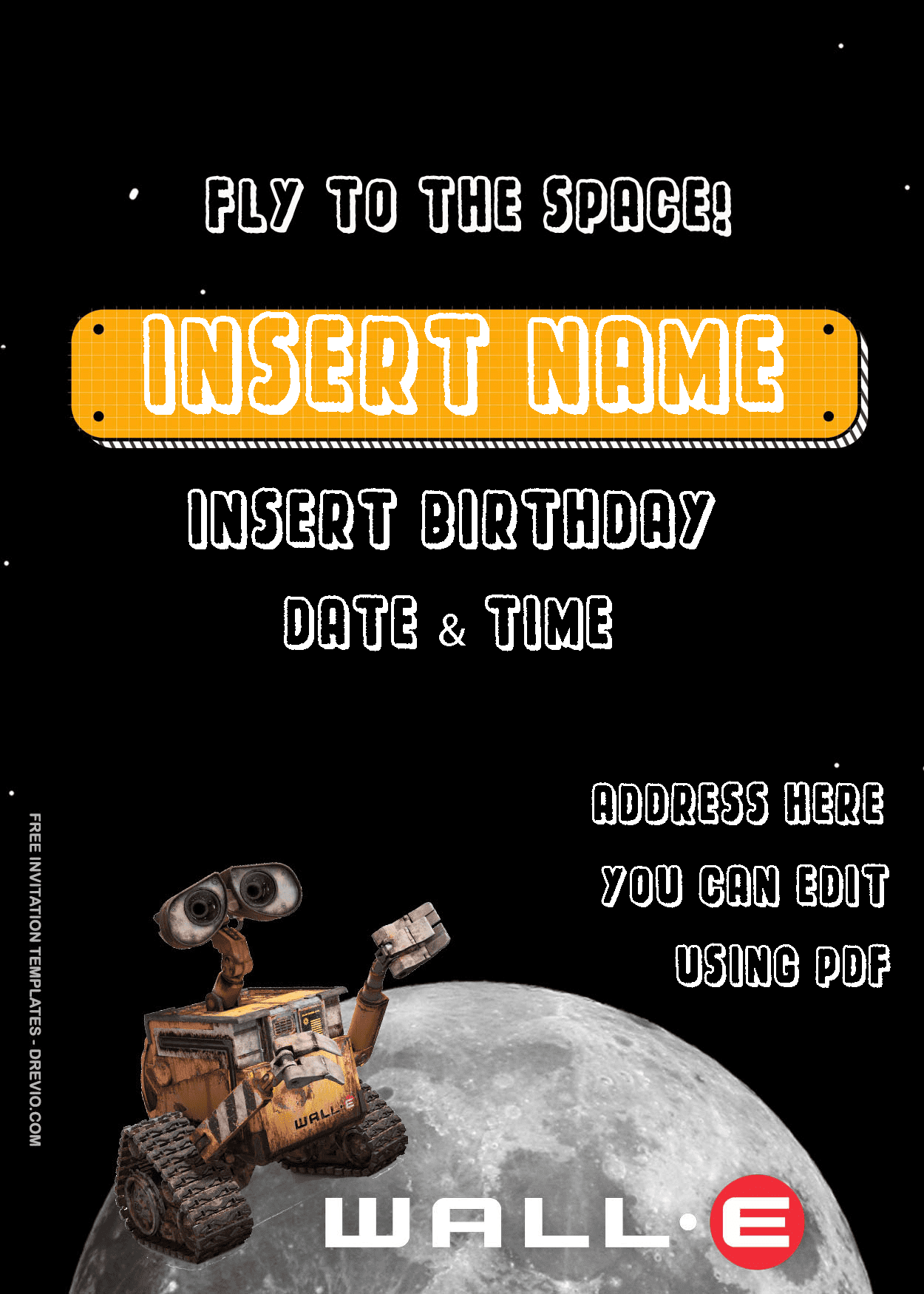
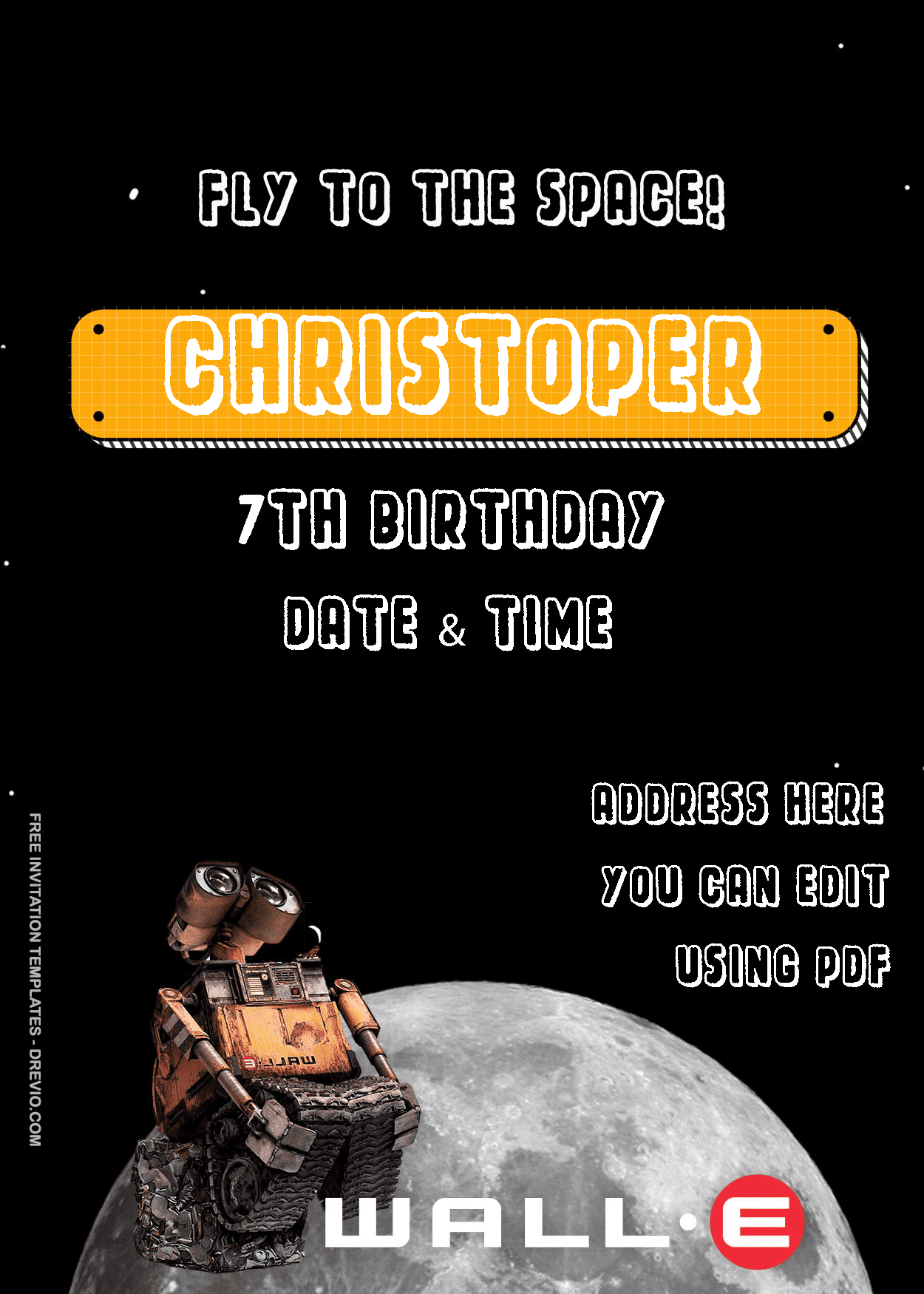
Others focus more on Wall-E collecting treasures with his little plant friend.
I like that they’re cute without looking too baby-ish.
My neighbor’s second grader picked one.
Her preschooler picked the exact same one.
Easy win.
The Stuff I Actually Change Every Time
Editing Wall-E invitations inside Canva is pretty simple.
Name.
Age.
Date.
Address.
RSVP.
Done.
…except it never actually ends there.
The first draft looked perfect on my laptop.
Printed it out?
Girl.
The white text disappeared into the blue background like it was trying to hide.
I changed everything to charcoal gray, made the font slightly bigger, and boom.
Problem solved.
Then my son noticed I’d accidentally covered one of Wall-E’s wheels with the RSVP box.
How.
How do children notice everything?
I swear they miss socks on the floor for three weeks but spot one missing robot wheel instantly.
The Collection Has Something For Every Kid
I ended up narrowing my favorites down to a few different styles.
- one that’s extra cute and cartoon-ish
- one with a cleaner modern look
- one full of galaxies and stars
- one covered with robot gears
- one softer design featuring Eve
My two kids couldn’t even agree on the same favorite.
Which honestly shocked me.
Normally they fight over who gets the blue cup.
What Editing In Canva Actually Looks Like At My House
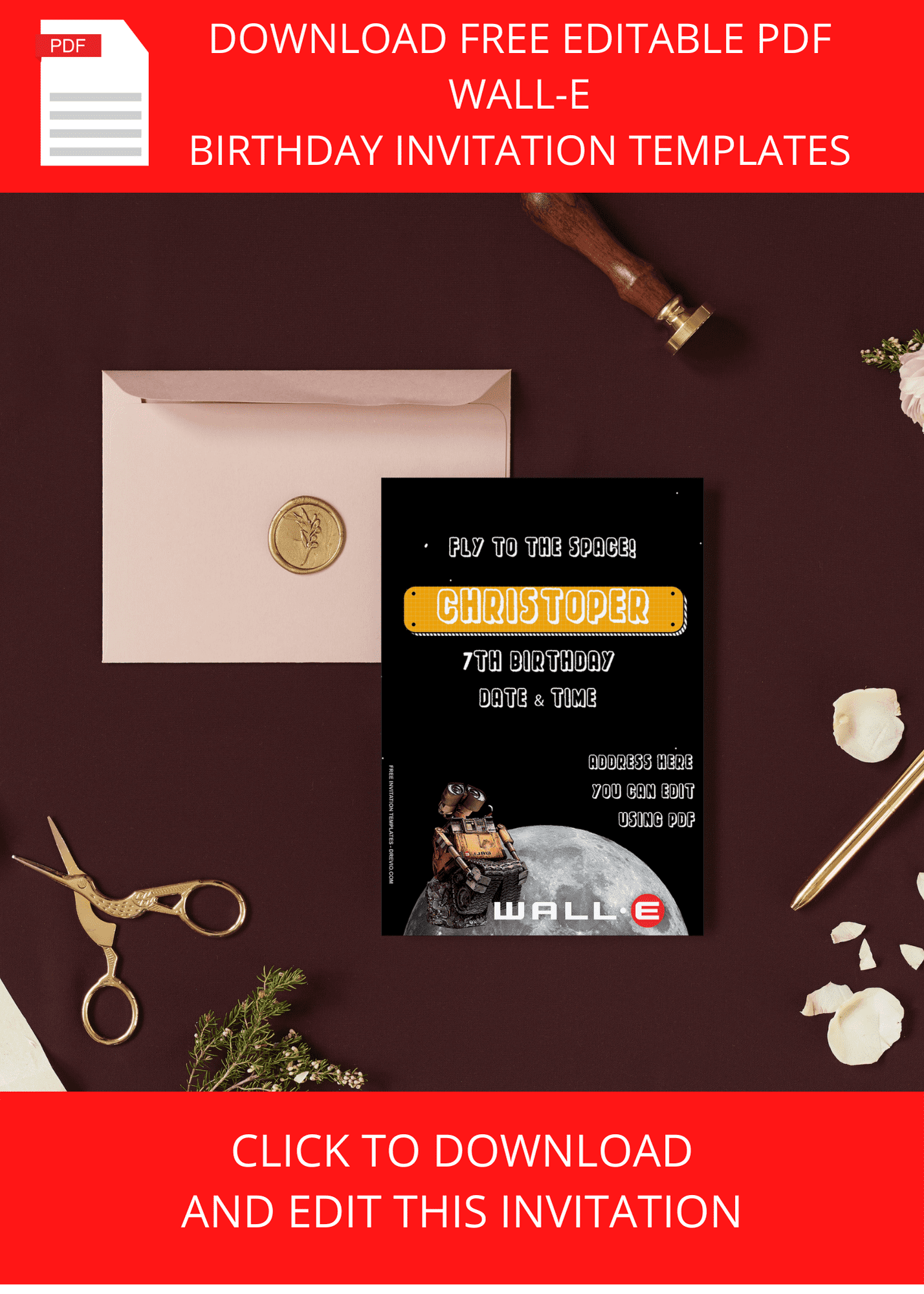
DOWNLOAD FREE EDITABLE PDF WALL-E INVITATION HERE
People always tell me invitations only take five minutes.
Sure.
Maybe if you live alone.
I sat down with coffee.
Changed the wording.
Spelled my own street name wrong.
Fixed it.
Realized I copied last year’s date.
Changed that.
Forgot the ZIP code.
Added balloons.
Deleted balloons because they looked weird.
Changed one font.
Changed it back.
Went to answer “Mom where’s the tape?” four separate times.
Somehow an hour disappeared.
Classic.
The nice thing is Canva really does make moving stuff around easy.
Click.
Type.
Drag.
Done.
I left most of the decorations exactly where they were because every time I start “improving” something, I somehow make it worse.
Anybody else?
My Little Routine For Downloading Wall-E Invitations
Before You Hit Print…
Here’s my routine now because I’ve made enough mistakes.
Open the template.
Replace the details.
Read it once.
Read it again.
Check the date.
Check the time.
Seriously.
Then hand your phone to another adult.
Fresh eyes catch the dumb stuff.
Birthday brain is absolutely real.
I once almost invited everyone for Sunday when the venue was booked Saturday.
That would’ve been fun.
Not.
Printing Hack That Saved Me Money
I’ve printed invitations at Walgreens so many times the employees probably recognize my kids.
Fast.
Affordable.
Done.
If I want something a little fancier, I’ll order cardstock.
Matte is usually my pick.
Little kid fingerprints show up on glossy paper approximately 0.4 seconds after they touch it.
Matte forgives everybody.
Glossy does make those space colors pop though.
Either one looks adorable.
Don’t overthink it.
We’re talking about paper that’s probably ending up on someone’s fridge with a magnet shaped like a pineapple.
Sending Digital Invites Is So Much Easier
Honestly?
Half my guest list lives inside the class group chat now.
I download the PNG version and send it out.
Done.
One mom texted back, “Okay this is adorable.”
That was enough validation for me.
I rode that compliment for like three days.
Easy Wall-E Party Ideas That Cost Way Less Than I Expected
The invitations kind of set the mood, so I kept the party decorations in the same little robot vibe.
We Turned Literal Trash Into Decorations
Amazon boxes?
Robot buildings.
Empty oatmeal containers?
Robot parts.
Tin cans wrapped in foil?
Instant decorations.
Paper grocery bags?
Recycling game bins.
I spent way less than I planned and the kids thought everything was intentional.
Which… technically it was.
Let’s go with that.
Robot Games Were Surprisingly Hilarious
The biggest hit?
Robot Freeze.
Walk like a robot.
Freeze when the music stops.
That’s it.
Zero prep.
Maximum giggles.
We also hid little paper plants around the yard and called it Wall-E’s rescue mission.
The kids took that assignment way more seriously than I expected.
One little boy found six.
He was so proud.
Honestly I almost gave him my Starbucks gift card.
The Food Didn’t Need To Be Fancy
Square brownies became robot batteries.
Green grapes became Earth Plants.
Silver cupcake liners matched the robot theme.
Chocolate pretzels accidentally looked like rusty robot arms.
Perfect.
The cake had tiny gears around the bottom and a little Wall-E topper.
Done.
Sometimes less really is enough.
Especially when kids only care about frosting anyway.
The Sweetest Thing Happened After The Party
After everybody had eaten cake and run around until they were sweaty little tornadoes, one of my son’s friends was waiting to get picked up.
He grabbed an extra invitation sitting on the counter.
It had frosting smudges.
A bent corner.
Probably juice stains too.
He asked if he could keep it because he liked the robot.
Then he folded it carefully and put it in his backpack.
Y’all…
That made me smile more than any decoration ever could.
That’s why I keep making new Wall-E invitations every year.
They’re not just party paper.
Sometimes they’re part of the memory too.
And honestly?
That’s pretty darn cool.
Frequently Asked Questions About Wall-E Invitations
Are these Wall-E invitations really free?
Yep! You can personalize the Canva template with your own party details and download it. Just double-check if any optional Canva Pro graphics were added before exporting.
Can I edit everything?
Absolutely. I change names, dates, addresses, colors, fonts… basically everything except my own inability to proofread the first time.
Can I use these for other events?
For sure. I’ve seen parents tweak them for movie nights, classroom parties, Earth Day events, and even family gatherings. Once you swap the wording, they work for all kinds of robot-themed fun.
Matte or glossy?
Matte if little hands are touching them.
Glossy if Grandma is putting it in a scrapbook.
That’s my extremely scientific answer.
Is sending digital invitations okay now?
Honestly, yes. Most parents around me expect a text anyway. I still print a few because kids love handing invitations to friends at school, but digital saves so much time.
What’s the one thing you should always double-check?
The party time.
Every.
Single.
Time.
Ask another adult to look at it too.
Because after staring at your own invitation for thirty minutes, your brain starts reading what it thinks you typed instead of what’s actually there.
Been there.
More than once.