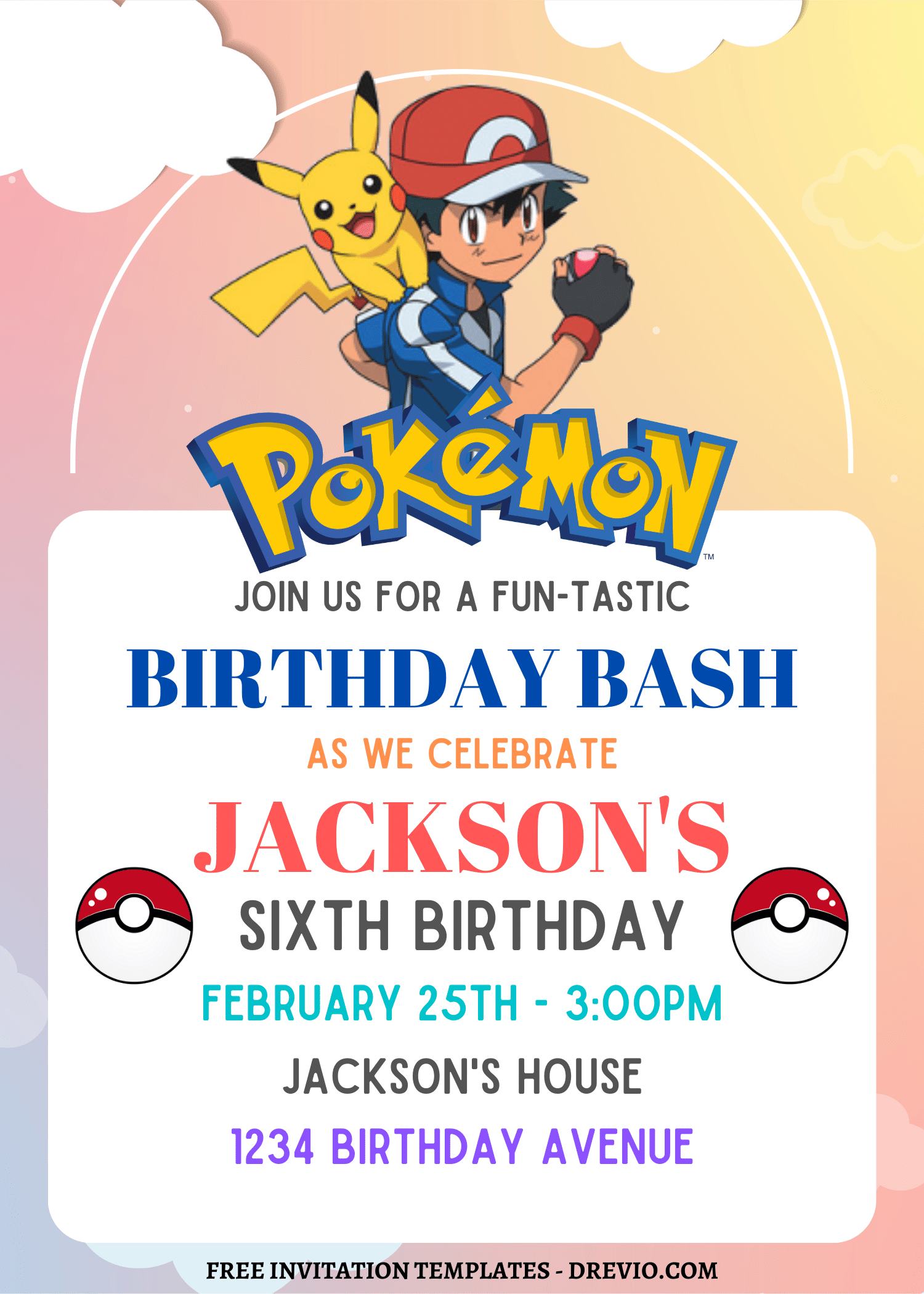
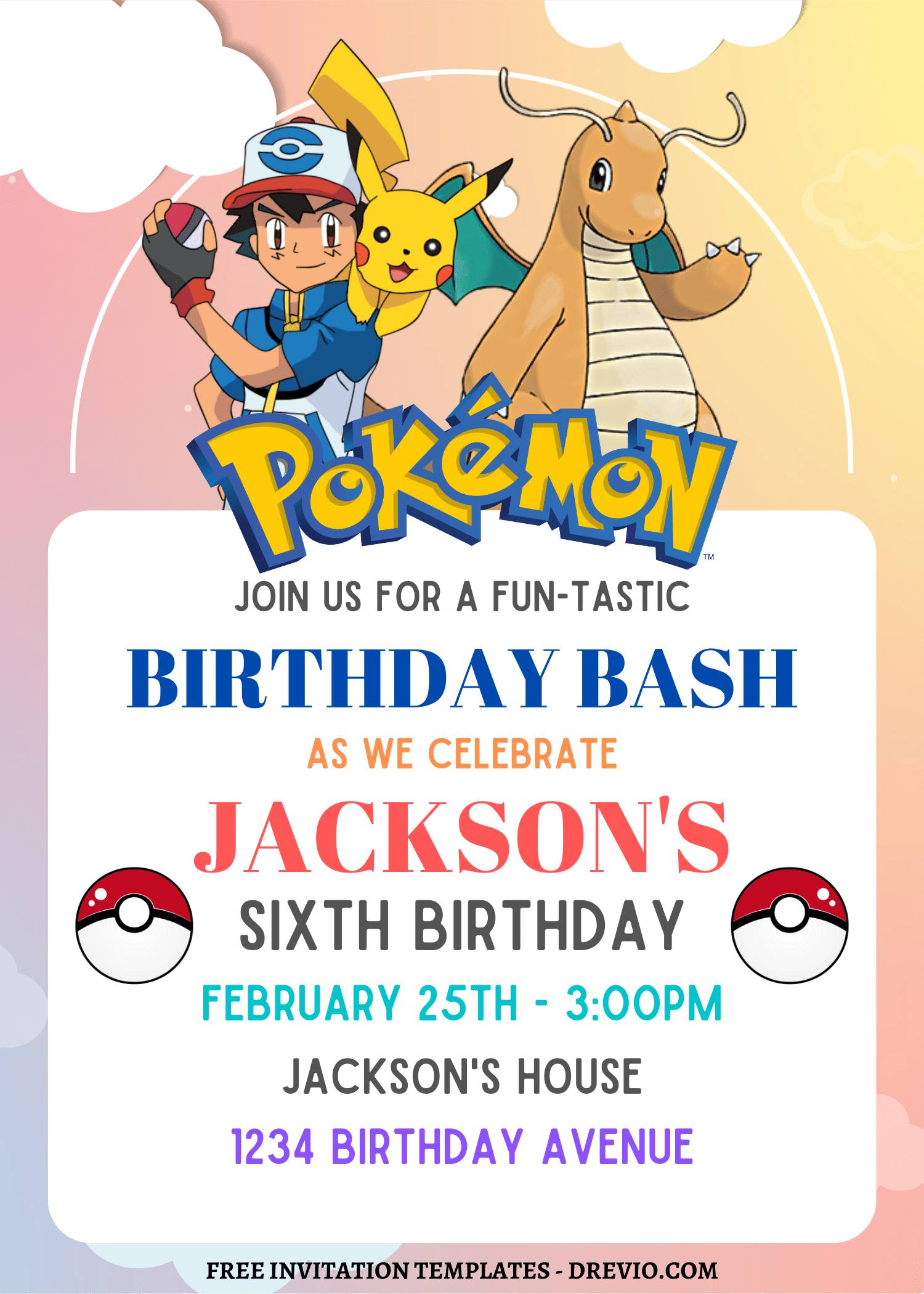
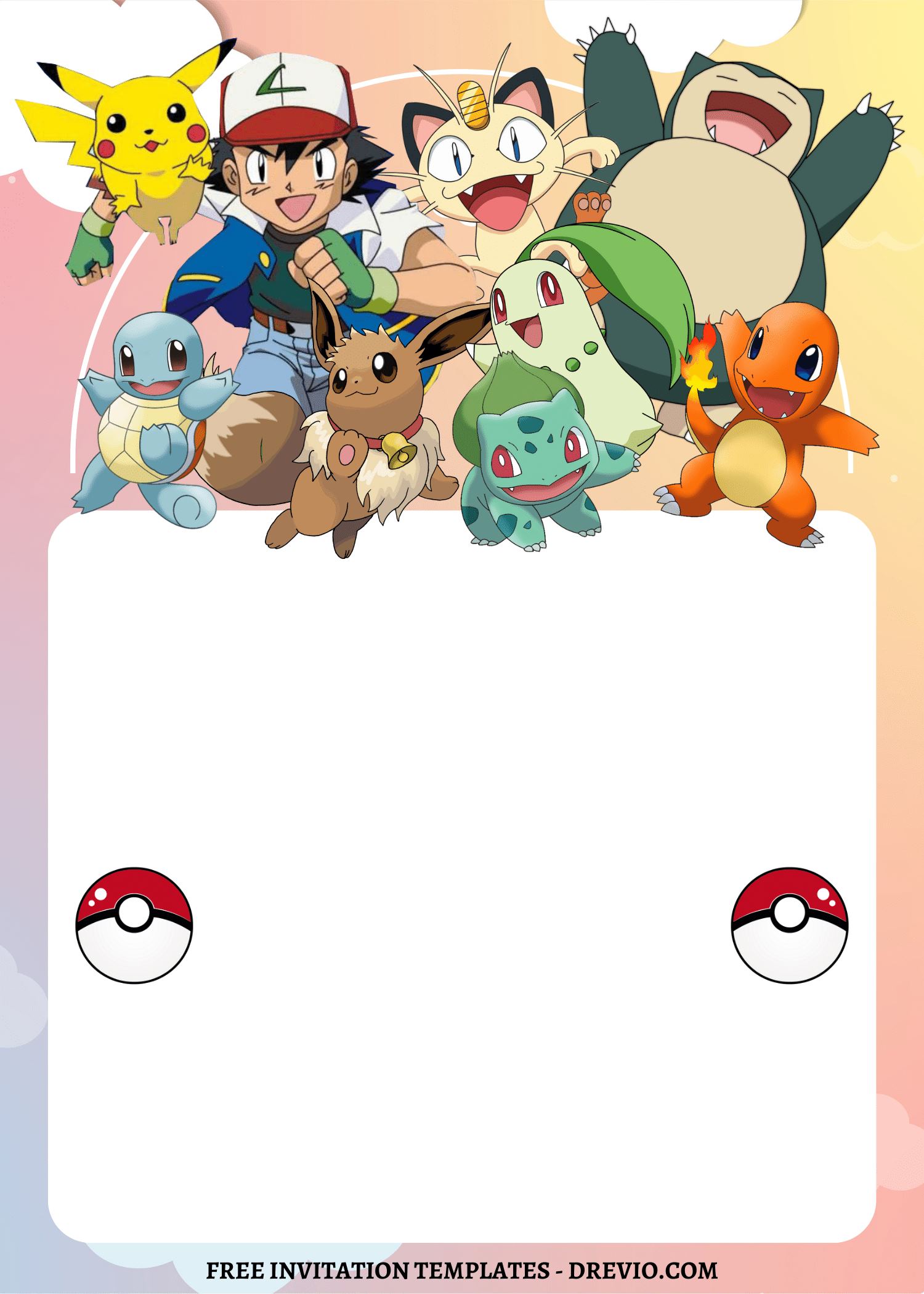
Okay so this wasn’t some Pinterest-mom moment, let me just say that upfront 😂. I was sitting on those cold metal bleachers at soccer practice (you know the ones… why are they always freezing??), half watching the game, half scrolling my camera roll like a zombie… and I found last year’s Pokemon birthday invitations.
And I was like…
“huh. this is… fine. but also… kinda blah??”
Not terrible. Just… not giving anything anymore.
So I opened Canva right there — like literally between handing out snacks and yelling “nice kick!” — and started messing with it.
No plan. Just vibes. Just me being like, “okay but what if we make this less boring without doing the most?”
Why I Keep Using Canva for Pokemon Birthday Invitations
It’s basically made for tired moms
I swear, Canva understands chaos.
I was editing while holding a juice box, answering a random “mom watch me!!!”, and trying not to drop my phone on the bleachers. And it still worked.
You don’t need skills. At all.
Like if you can move apps around your phone, you can make Pokemon birthday invitations.
Drag. Drop. Squint. Adjust. Done.
Free stuff that actually looks cute
I didn’t pay for anything this time. Not a dime.
If you search random things like:
“electric”
“lightning”
“monster”
“ball”
…you’ll fall into a rabbit hole real quick.
And honestly? That’s enough to fake a full Pokémon vibe without using actual characters everywhere.
Which, side note, sometimes looks better anyway. Less clutter, less chaos. (learned that the hard way lol)
You can tweak everything
This is where I spiral a little.
I start off normal, then suddenly I’m:
moving text 2 pixels left
changing colors 17 times
zooming in like I’m defusing a bomb
It’s giving… unhinged energy.
But also?? That’s how it ends up looking right.
The Design I Ended Up Loving (after too much fiddling)
So I went all in on:
bright yellow
red
that punchy electric blue
Basically colors that scream Pokémon without me having to overdo it.
Because kids? They clock bold colors FAST.
Like instantly. No hesitation.
I kept the middle clean (learned this the hard way)
Listen… parents need to READ the invite.
Old me would’ve been like:
“let’s add more icons!! more graphics!! more fun!!”
And then nobody can find the time or address 🙃
So this time:
center = clean + readable
edges = fun stuff (little Pokéball-ish circles, lightning bits, etc.)
Not too much though.
Because there is a line… and I have crossed it before 😅
What I Did (and what absolutely humbled me)
I reused last year’s template
EDIT your pokemon birthday invitation NOW ON CANVA
Because I’m not out here trying to suffer.
Changed:
colors
name
age
details
Boom. Instant upgrade.
Then my printer said “lol no”
I printed a test at home and WHY did my yellow look like sad mac and cheese 😩
Like… dull. dusty. disrespectful.
So I went back into Canva and cranked:
brightness
saturation
Way more than felt normal.
Printed again… okay NOW we’re talking.
So yeah, if you’re making Pokemon birthday invitations, your screen is lying to you a little. Just accept it early.
The font situation… embarrassing
I picked this super cute font. Felt very ✨on theme✨
My husband looks at it and goes:
“…I literally cannot read this.”
Sir?? be serious.
But he was right.
So I had to:
keep the fun font for the name
switch EVERYTHING ELSE to something boring and readable
It hurt my ego a little. But it fixed the problem.
Spacing (aka my villain origin story)
Why does spacing matter so much??
I don’t know. But it DOES.
I kept nudging things around like:
“this is off… I can feel it…”
No one else would notice.
But I would.
So yeah. I stayed there way too long until it stopped bothering me 😂
A Few Templates I Actually Messed With
Not gonna overwhelm you because that’s how you end up closing the app and doing nothing.
These were my go-tos:
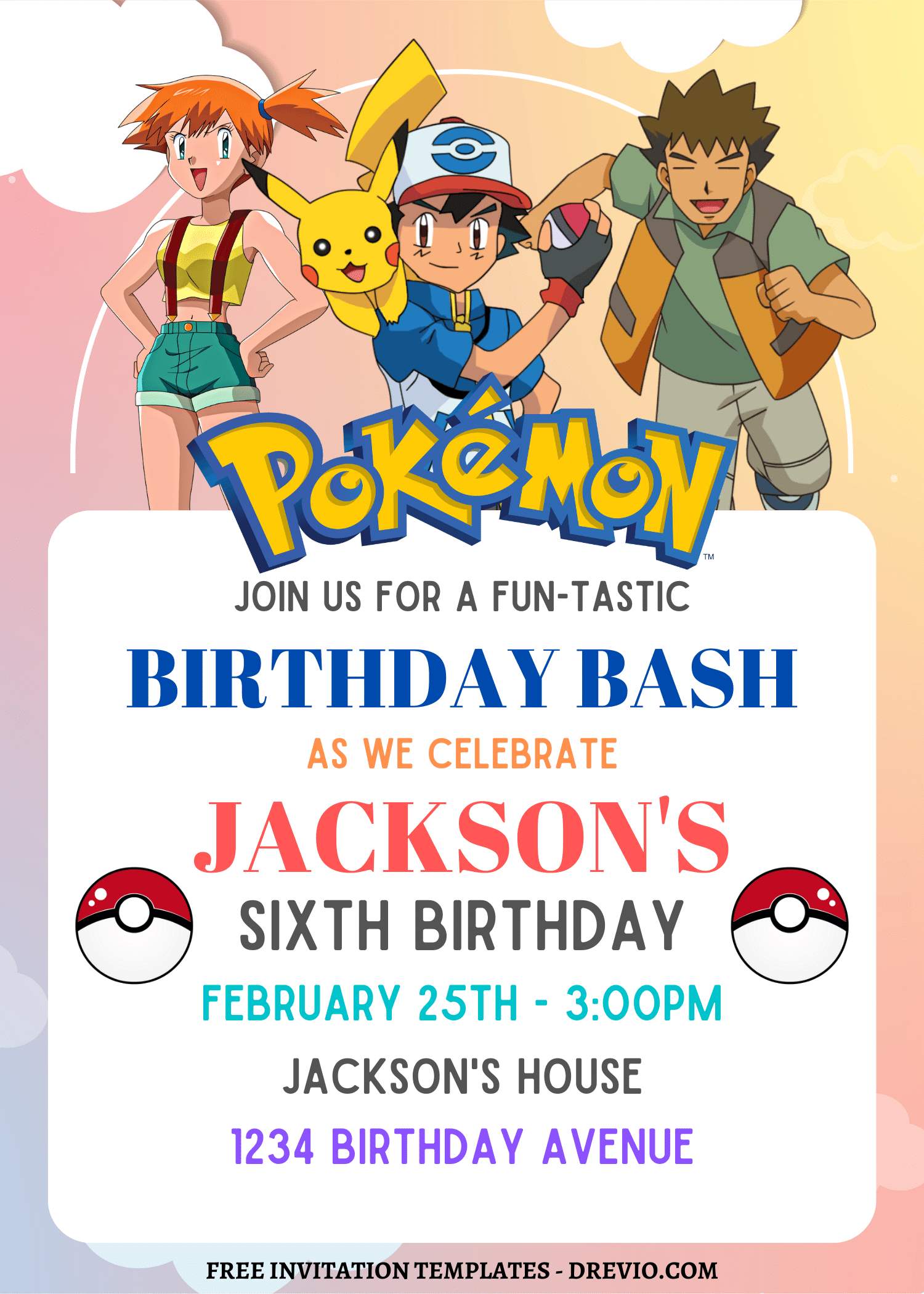
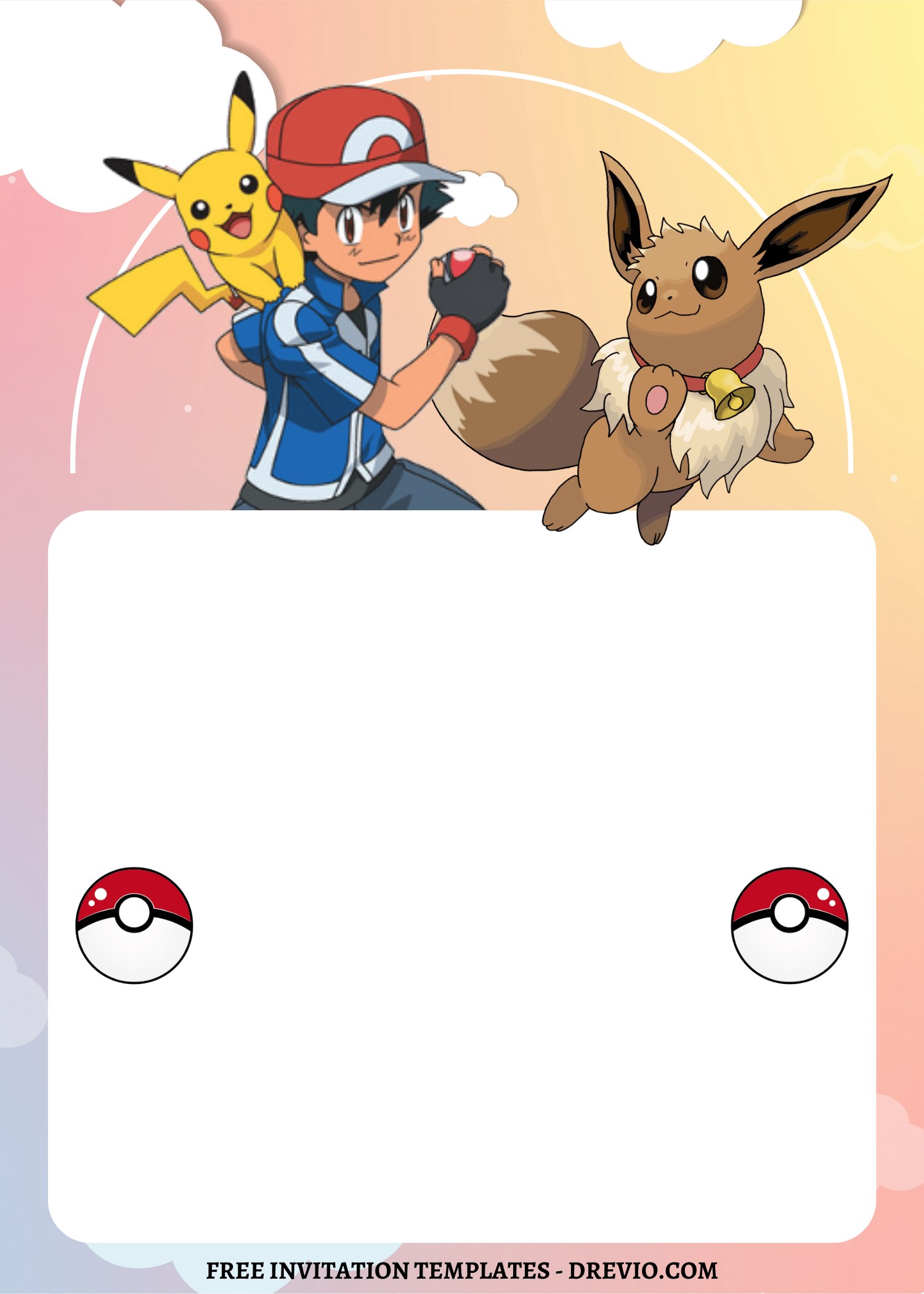
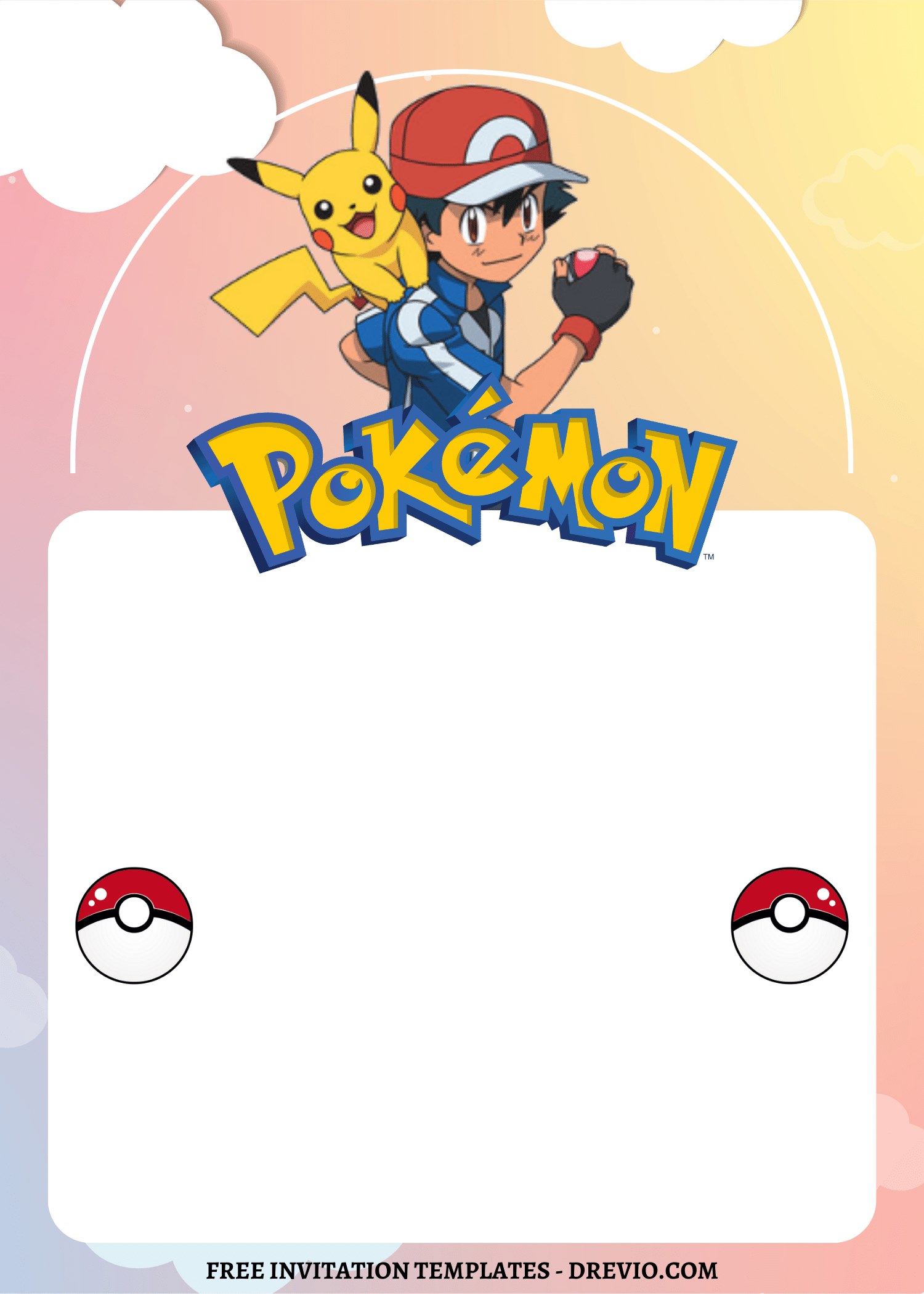
Bright Pikachu-style layout → loud, fun, perfect for younger kids
Darker “battle” vibe → my older kid said it felt “cooler” (okay sir)
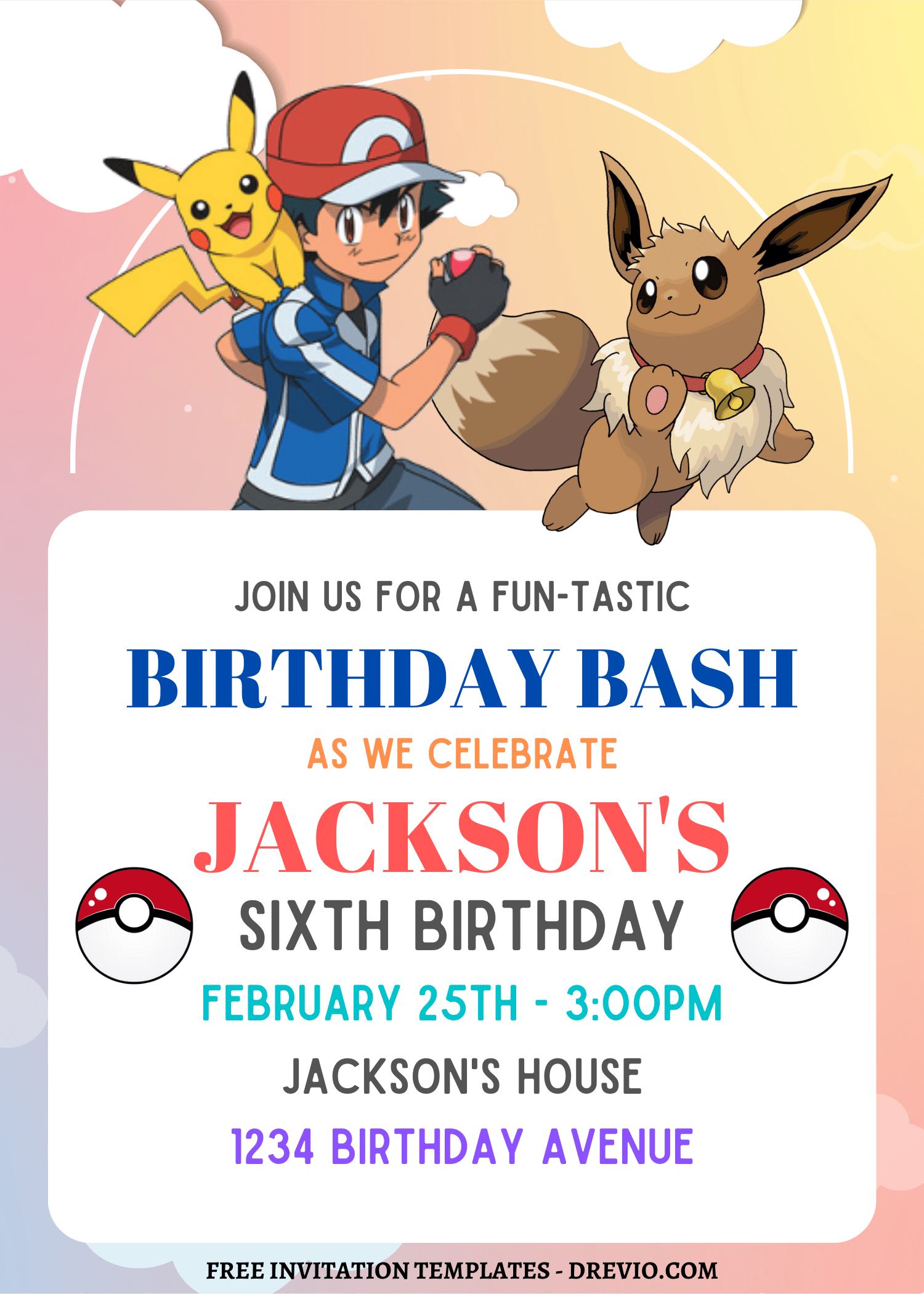
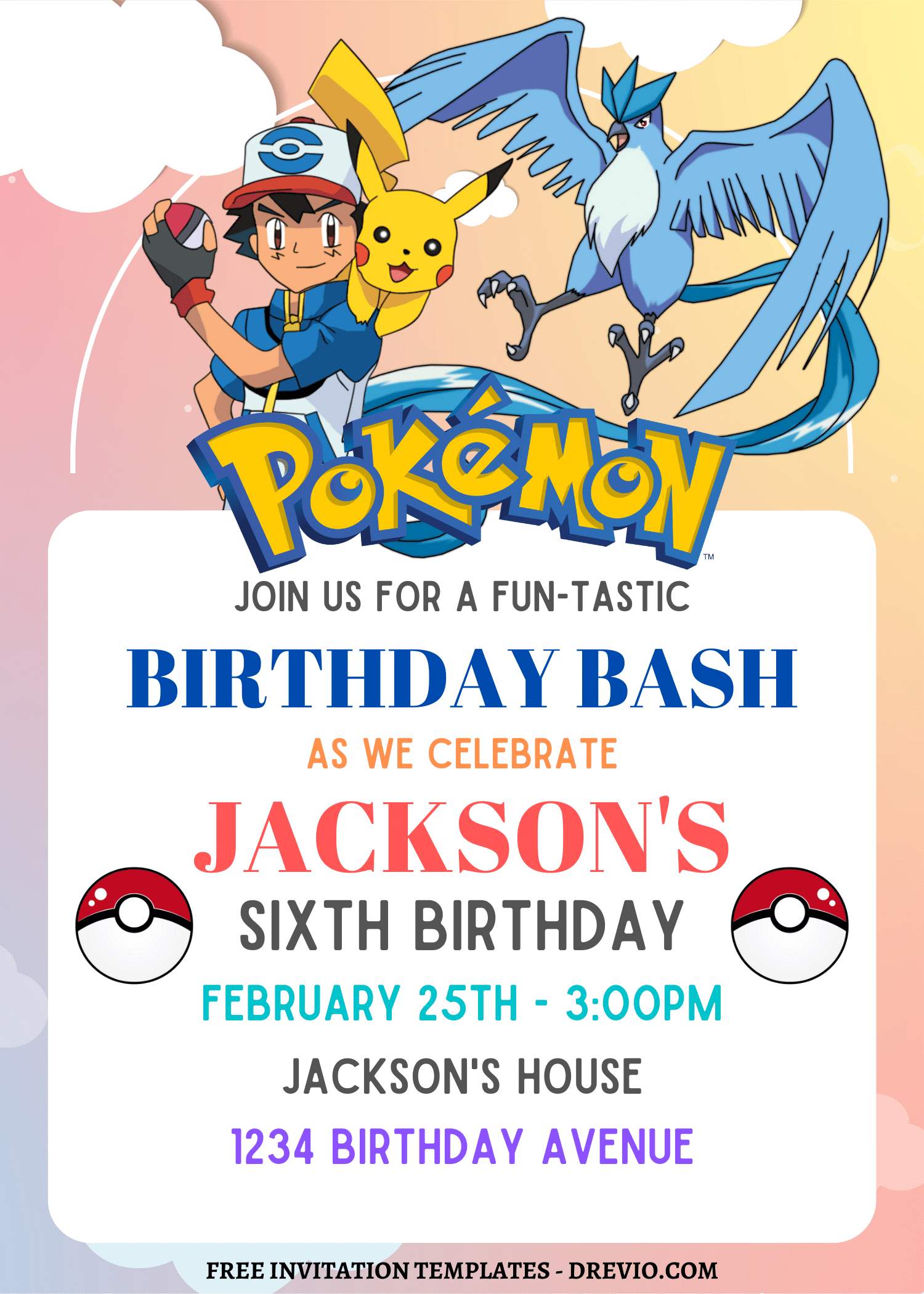
Pastel Pokémon look → softer, kinda cute-core energy
Clean Pokéball design → lifesaver when you’re short on time
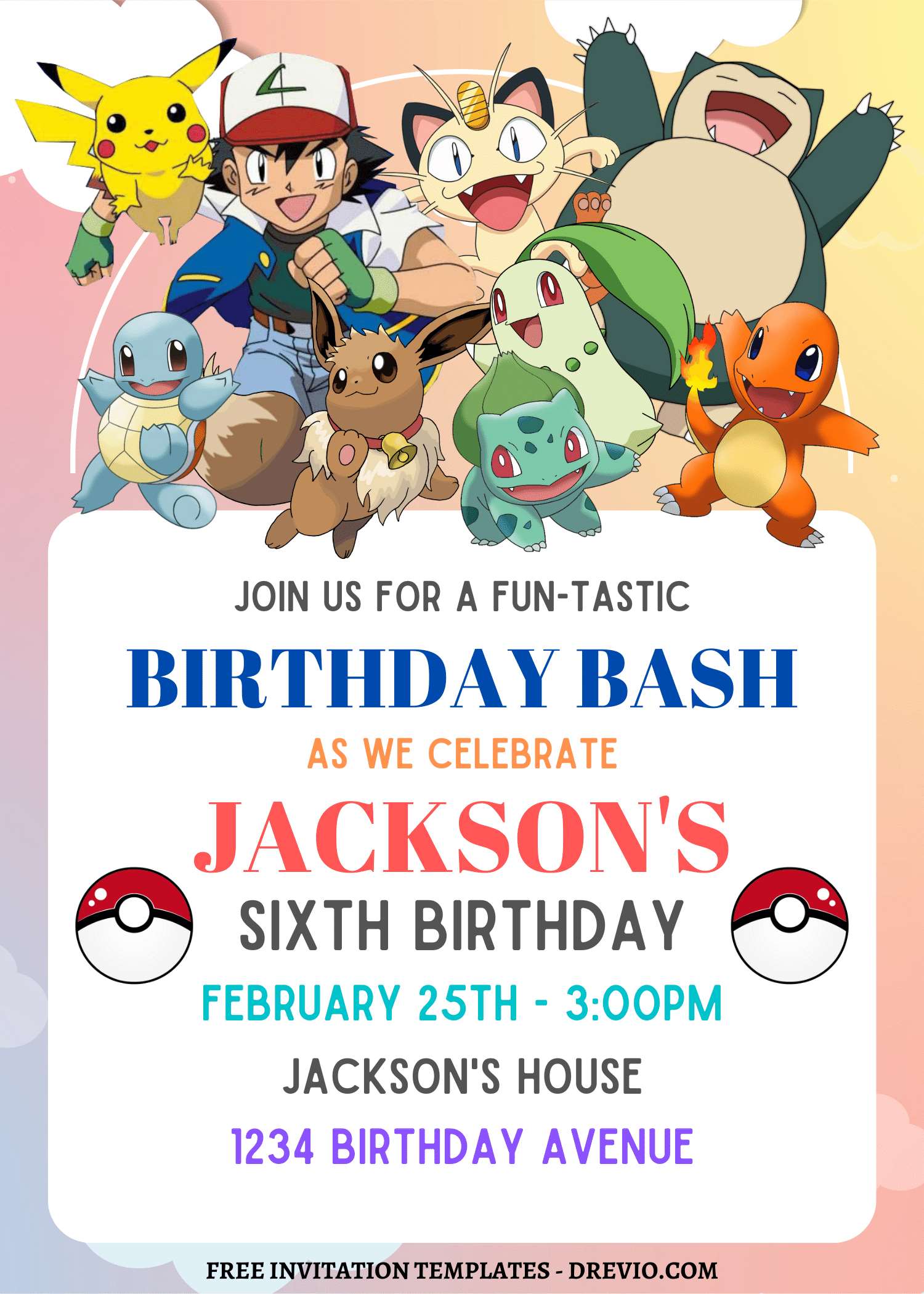
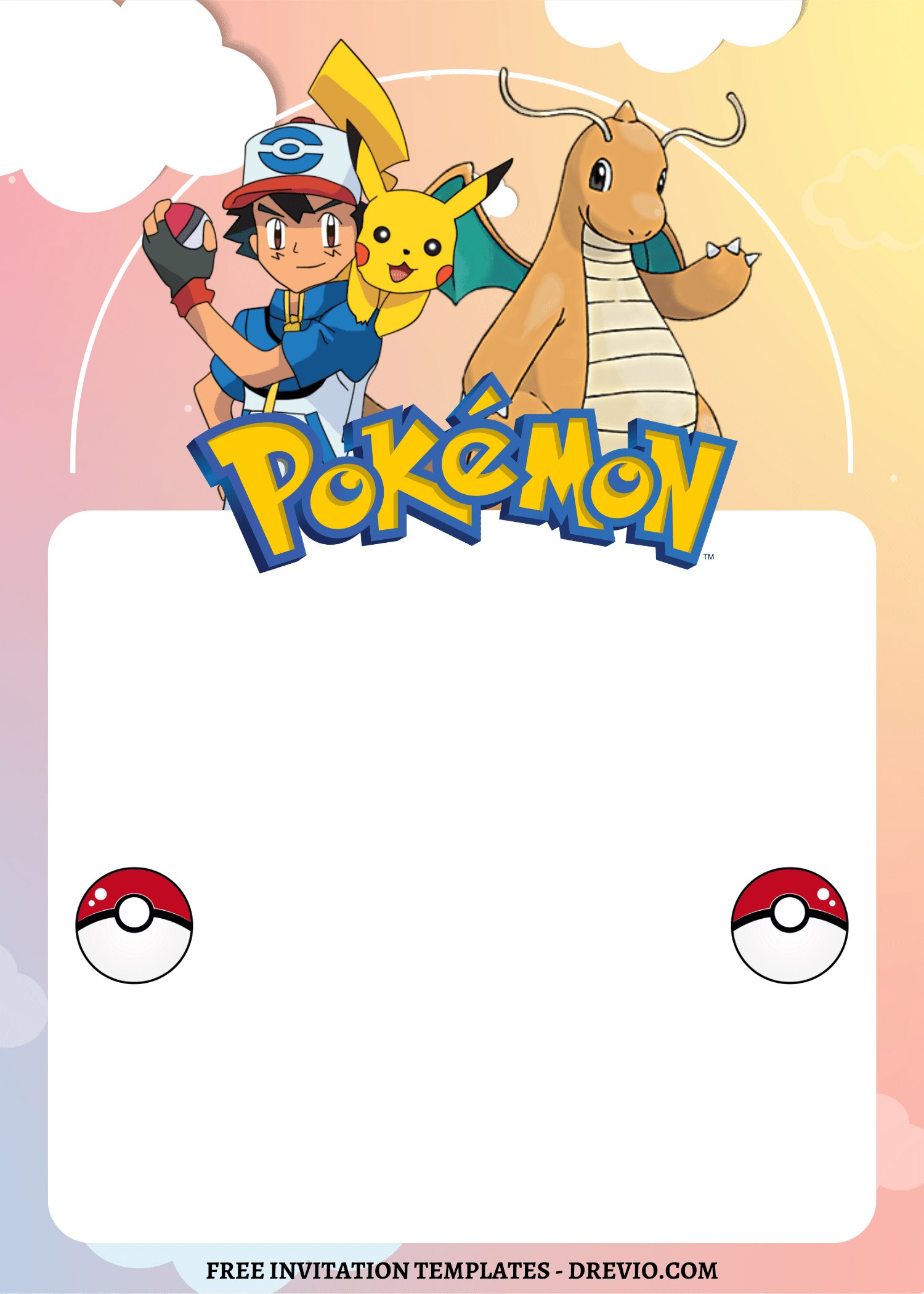
Mixed character chaos → for kids who refuse to pick ONE favorite (so… all of them)
Printing Without Losing Your Mind
I usually just send mine to Walgreens.
Because me printing at home turns into:
wasted ink
4 test prints
me questioning my life choices
Their 5×7 prints are cheap. Like… cheaper than my stress levels.
Matte > glossy (I will die on this hill)
Glossy looks cute for 2 seconds.
Then:
fingerprints
smudges
sticky kid hands everywhere
Matte just survives better. Period.
Staples if you wanna feel fancy
If you want that thicker cardstock moment, Staples is solid.
It gives “okay wow she planned this” energy… even if you made it in 30 minutes at soccer practice 😂
After the Party (the real test)
So one kid showed up holding the invite and goes:
“this lightning thing is cool”
I was like… wait… you noticed that??
I did not expect that level of detail from a 7-year-old.
Parents didn’t text me asking:
“what time again?”
“where is this?”
Which is honestly the biggest win.
That means your layout WORKED.
My kid’s review:
“this one looks cooler than last year’s”
That’s it.
That’s the feedback.
I’ll take it.
How I Actually Put These Pokemon Birthday Invitations Together
Start with a template. Always.
Blank page = instant regret.
Template = momentum.
Save your brain power for snacks and party chaos.
Add graphics (but don’t go feral)
Search random keywords.
You don’t need official Pokémon characters everywhere.
Sometimes the vibe is enough.
And honestly it looks cleaner.
Make the important stuff OBVIOUS
Name. Date. Time. Location.
BIG. CLEAR. NOT CUTE AND TINY.
I learned this the hard way, okay.
Fonts: fun + boring combo
fun font → name
simple font → everything else
This is the balance. Don’t fight it.
RSVP like a normal human
I literally wrote:
“text me here”
That’s it.
No one is emailing. Be real.
Tiny Tricks That Actually Helped (more than I expected)
Brightness & contrast = your best friend
Especially for printing.
What looks “too bright” on screen?
Probably perfect on paper.
Canva already has enough stuff
I tried going outside for clipart once…
Immediate regret.
Too many files. Too messy. Not worth it.
Stay inside Canva. Protect your sanity.
Download as PDF Print (trust me)
I used PNG before.
Never again.
Things came out weird and I don’t wanna relive that.
Digital invite = backup plan
I still printed, but I also texted it to a few parents.
Because let’s be honest… paper invites disappear into backpacks never to be seen again.
Extra Pokémon Party Stuff I Did (very low effort, still worked)
Thank you cards = same design
I literally duplicated the invite.
Changed the text.
Done in like… 5 minutes.
DIY decorations (aka we tried)
We made paper Pokéballs.
Were they perfect? No.
Did the kids care? Also no.
They had fun. That’s the bar.
Games got chaotic real fast 😂
We did a “catch the Pokémon” thing with little toys.
It turned into:
running
yelling
mild chaos
But honestly… best kind of chaos.
Real Questions I Had Too
- Is Canva free?
Yeah. I stayed on free the whole time.
Didn’t feel limited.
- Can I print at home?
You can.
Just… test print first unless you enjoy suffering.
- How do I send it digitally?
Download. Text it.
That’s literally it.
Final Thoughts (aka me being honest)
This wasn’t some big creative breakthrough.
I just didn’t wanna reuse the same invite and feel like I phoned it in.
It took maybe… 30-ish minutes total?
Spread out between soccer practice distractions and snack duty.
And somehow it ended up feeling:
more fun
more “us”
less meh
And yeah… I’m 100% gonna do the same thing next year and act like it’s brand new 😅