Anyway, I’m standing there cleaning up while my kids are finishing dessert, and out of nowhere my youngest goes,
“Can my birthday be Toy Story again?”
And I just kinda looked at him.
Like… again, buddy? We literally just did Toy Story.
But then I thought about it for approximately three seconds.
Because honestly? We are very much still living in our Toy Story era over here.
Buzz Lightyear is still a celebrity in this house.
Woody still gets quoted daily.
And somehow every toy ends up having dramatic conversations with each other before bedtime.
So… yeah. The answer was obviously yes.
I mean, what was I gonna do? Say no to that little face? Not happening 😂
Toy Story Birthday Invitations: 20+ Creative Invites I Completely Redesigned (Free Canva Templates)
The only thing I knew for sure was this:
If we were doing Toy Story birthday invitations again, I wasn’t recycling last year’s design.
Not because it was terrible.
It wasn’t.
It was cute.
But it was one of those things where you look back a year later and think,
“Huh. Okay. We can definitely do better than that.”
And honestly, that’s half the fun.
Every year I tell myself I’ll keep things simple.
Every year I end up tweaking fonts, changing colors, and spending way too much time comparing invitation designs while pretending I’m only making “one quick edit.”
It’s a problem. I’ve accepted it.
Finding a Toy Story Birthday Invitation That Doesn’t Feel Meh
So I opened Canva. Like I always do. At this point I should just pay rent there.
And I started scrolling for a Toy Story birthday invitation that didn’t feel boring or like… copy-paste vibes.
You know when you see one and you’re like “eh… it’s giving clipart energy”? Yeah, no thanks.
The ones I actually liked had:
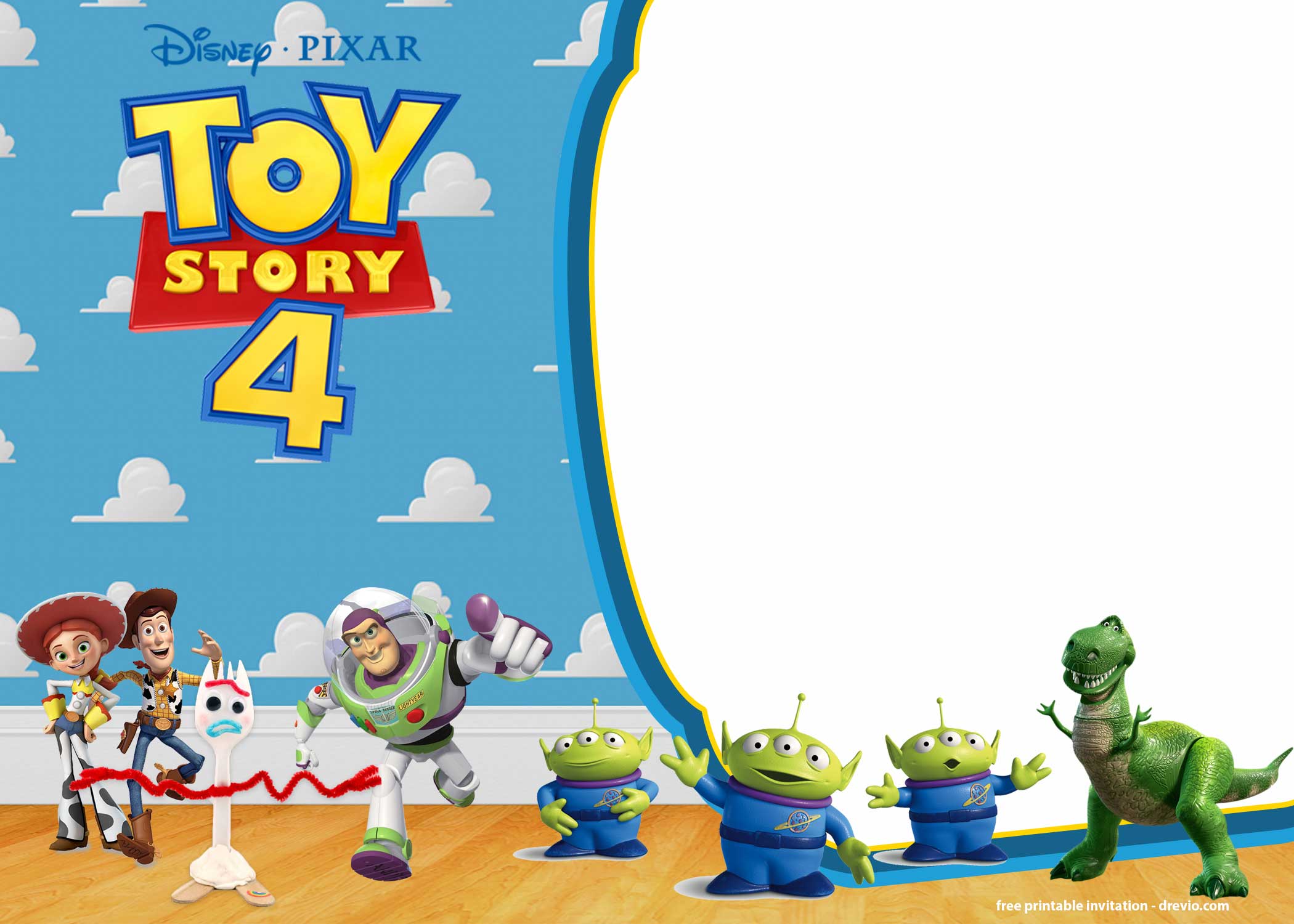
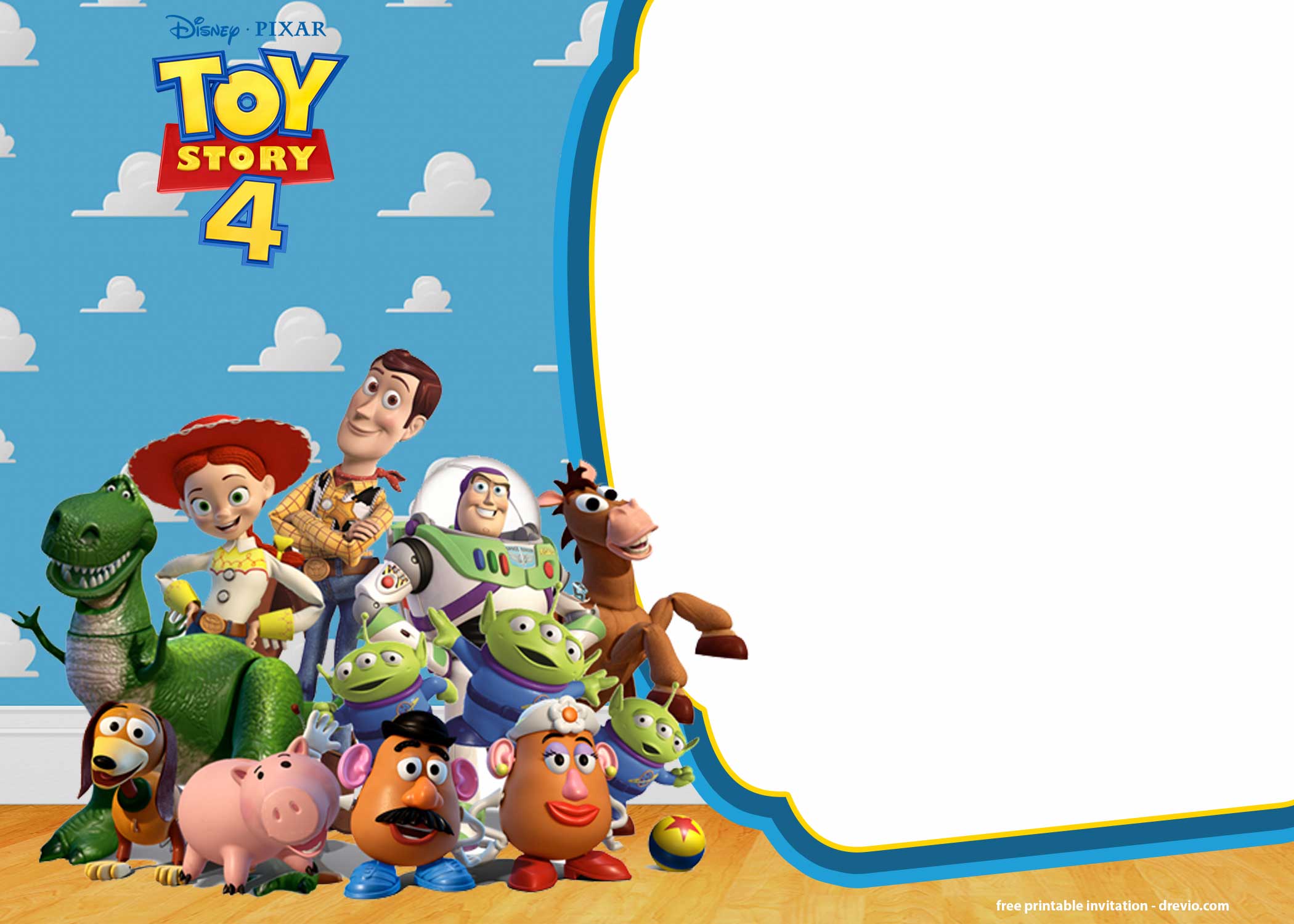
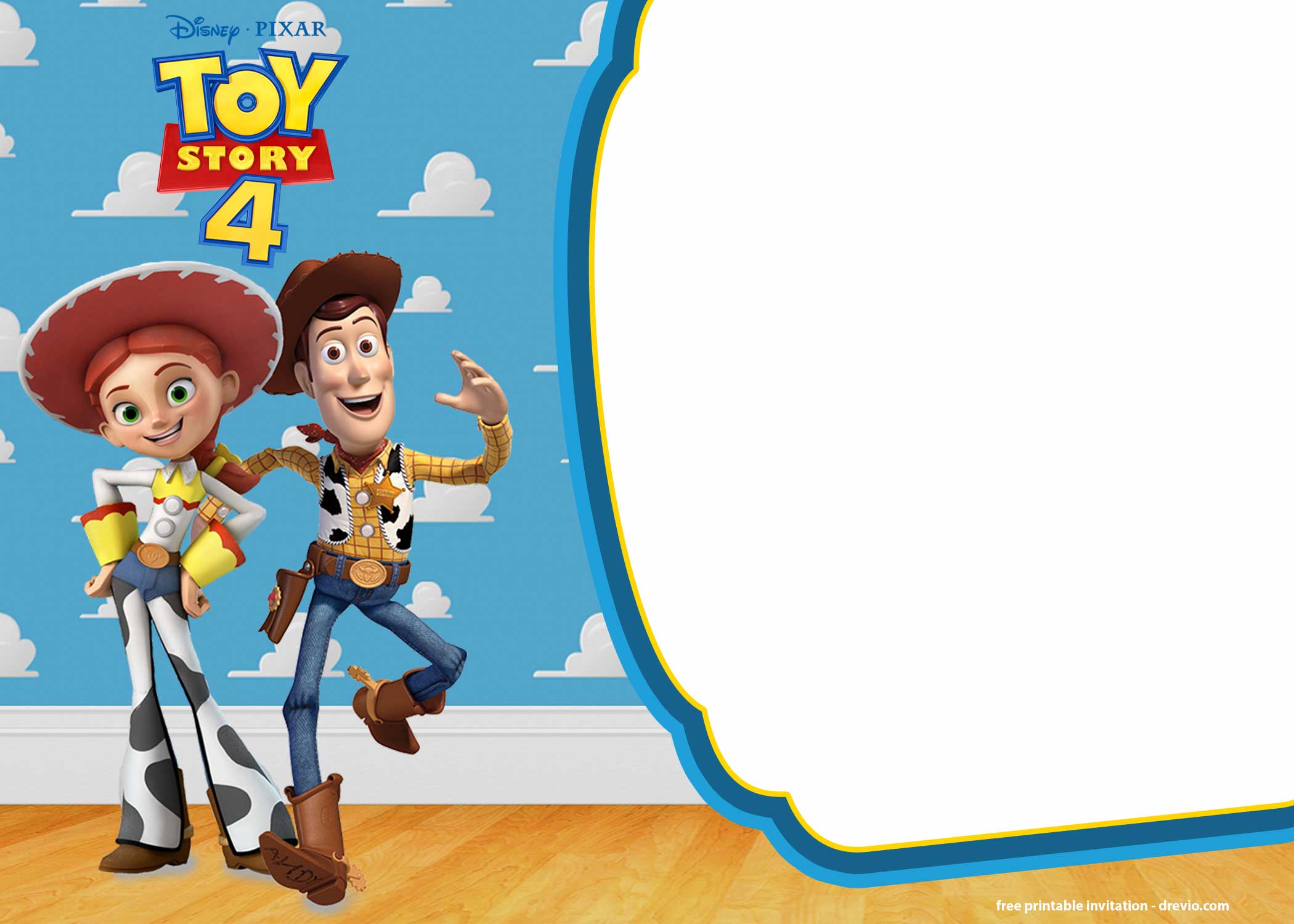
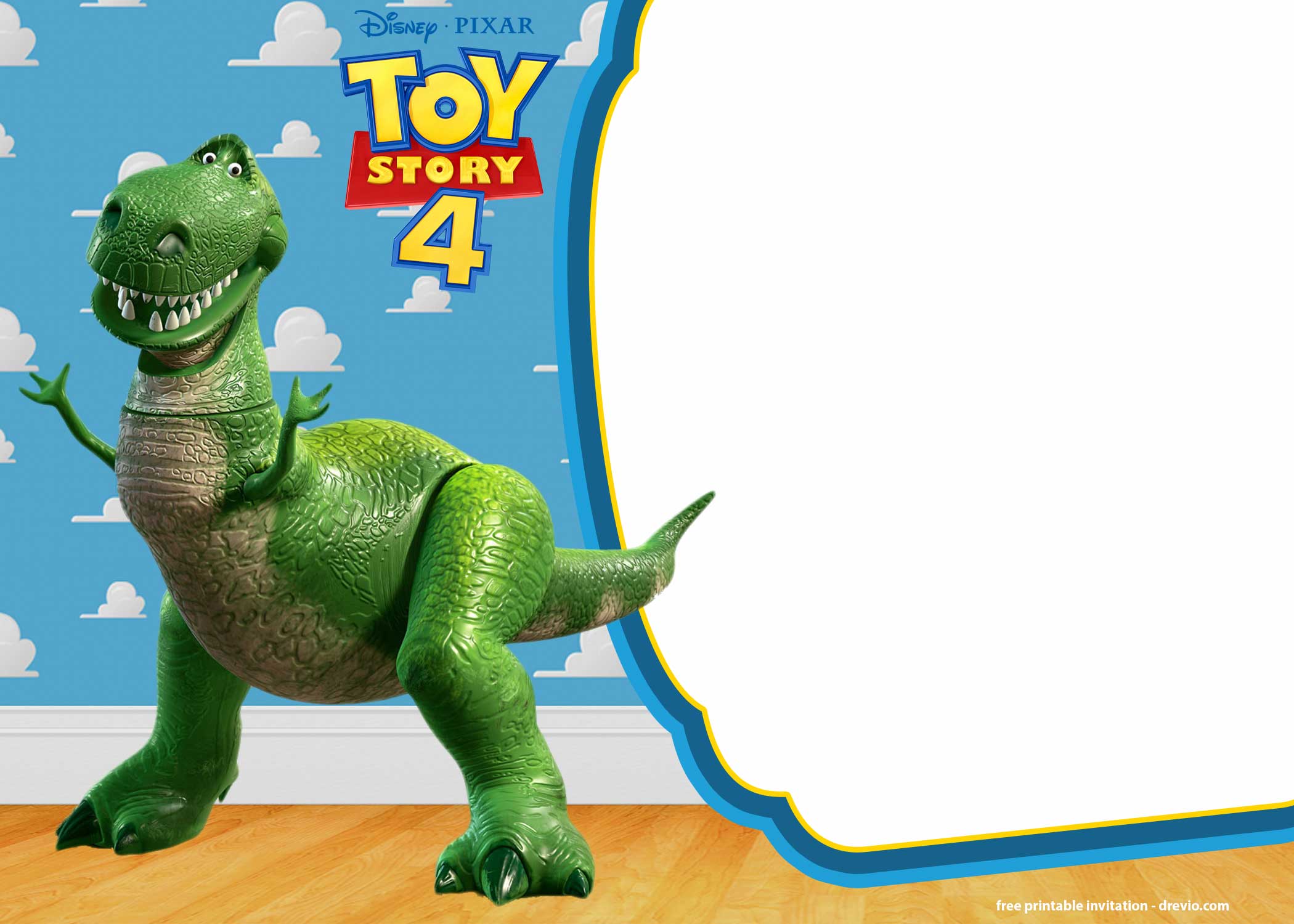
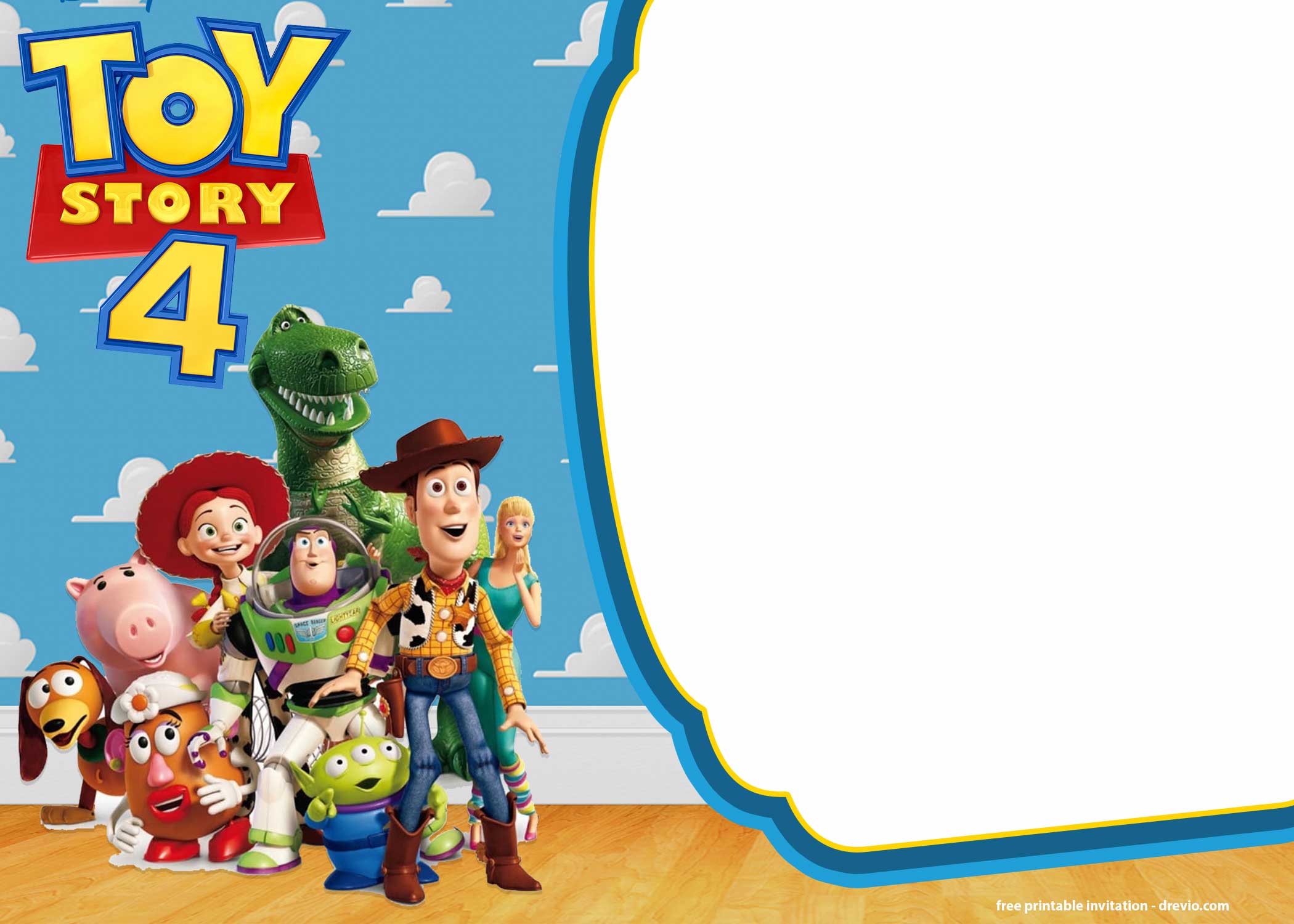
That bright blue sky with clouds (you know the one, instant Toy Story vibes)
Big, obvious characters (Woody, Buzz, Forky… the gang’s all here)
Yellow sheriff star details (lowkey makes it pop so much??)
Space to actually read the text without squinting like a grandma
My kid was sitting next to me for part of this and—no joke—he rejected one because
“Buzz looks too tiny.”
Excuse me??? 😂
Like okay, design director, noted.
So yeah… kids notice EVERYTHING. Way more than we think.
Customizing in Canva (aka me spiraling over fonts for no reason)
Okay so I picked a template. Cute, simple, solid.
Clicked in, started editing:
name
age
party info
Easy. Like, Canva really makes you feel like a graphic designer for 12 minutes.
BUT HERE’S WHERE I MESSED UP A LITTLE.
I kept the default font at first. And I stared at it like…
Why does this feel so… bland??
It just didn’t match the whole Toy Story vibe. It was giving corporate email, not birthday party.
So yeah, I fell into a font rabbit hole.
One minute I’m like “quick edit,” next thing I know I’ve tried 14 fonts and I’m questioning my life choices.
What worked in the end:
Chunky fonts
Rounded edges
Slightly cartoon-ish but still readable
Also—tiny tweak—but I made the blue background brighter. Because when I previewed it, it looked kinda dull. Not awful, just… meh. And meh is not the vibe.
Oh—and I resized Buzz.
Because apparently that matters A LOT 😂
Total time?
Like 20 minutes… once I stopped overthinking every single detail.
Adding Party Details (and almost forgetting the most important thing??)
This part should be easy. SHOULD.
I typed:
my kid’s name
age (BIG. Kids care. A lot.)
date + time
address
And I was literally about to download it when I realized…
I forgot to add what we’re actually doing??
Like hello?? Kids don’t care about location, they care about FOOD.
So I added:
“Pizza, cake, and games” at the bottom
And suddenly it felt 10x more real.
Also threw in a little
“To infinity and beyond!”
because I mean… you kinda have to. It’s legally required I think.
OH and quick tip from someone who learned the dumb way:
DOUBLE CHECK YOUR TIME.
I put 2:00 PM.
Then remembered half the kids have soccer.
Had to go back, fix it, re-download.
Not a huge deal but like… annoying enough.
The Toy Story Invitation Templates I Actually Used
click here to customize my new updates!
I didn’t go crazy. I used to save like 20 options and then never decide. This year? Nope. Growth.
Here’s what I stuck with:
The Classic Blue Sky One
Woody + Buzz front and center
Super bright, super obvious
Perfect for younger kids
The Forky One (lowkey chaotic but cute)
This one made me laugh.
It’s a little goofy, but kids LOVE that.
The “Slightly Older Kid” Version
Muted colors, more characters
Felt less baby-ish, if that makes sense
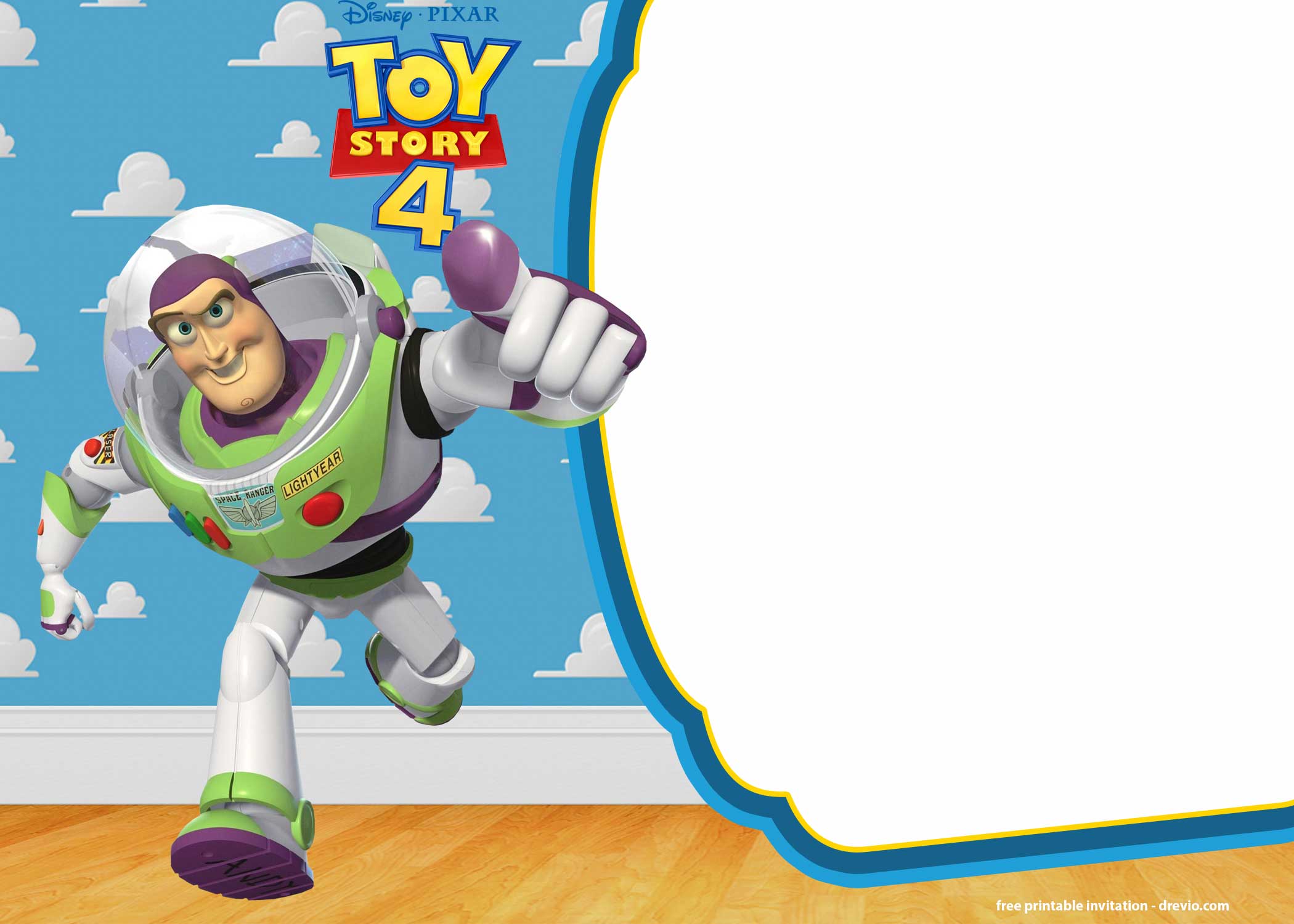
The Buzz-Only One
For the obsessed kids
You know the type. If it’s not Buzz, it’s wrong.
That’s it. Four options. No stress.
Printing (aka me vs my unreliable printer… again)
Listen. I have a printer.
Do I trust it? Absolutely not.
So I just sent my Toy Story birthday invitations to Walgreens.
Same-day pickup. Done. Easy.
5×7 prints are super cheap—like honestly cheaper than the stress of printing at home.
I’ve tried both finishes, so here’s my very serious review:
Glossy = super bright, colors pop, kinda fancy
Matte = easier to read, no glare, less chaotic energy
This time I went matte.
I just didn’t feel like dealing with shiny fingerprints and weird reflections.
Sending Them Out (goodbye backpack black hole)
I did a mix this year.
Printed some for:
school friends
close friends
Because handing out physical invites still feels cute. I don’t care. I’m keeping that.
BUT for everyone else?
I downloaded the PNG and texted it.
Game changer.
Because:
Parents actually SEE it
It doesn’t disappear into the backpack void
You don’t have to chase people down later
Honestly, digital invites are kinda the move now. I said it.
Random Party Stuff That Actually Helped (nothing fancy)
Once the invite was done, everything else felt… easier? Like the vibe was already set.
So I just matched everything to the invite colors:
Blue tablecloth (cloud vibes, duh)
Yellow plates (Woody energy)
Red balloons (because why not, we’re committing)
And I grabbed a cheap pack of Toy Story stickers for favors.
When I tell you kids went feral… I mean it.
Also—PLEASE—write your kid’s name on everything.
Cups. Bags. Snacks. All of it.
Because otherwise you’ll hear
“IS THIS MINE???”
47 times in 10 minutes.
After the Party (aka the part that actually matters)
Okay so here’s the thing.
One of the moms looked at the invite and was like,
“Wait, this is so cute—where did you get it?”
And I got to say…
“I made it.”
Which felt kinda cool, not gonna lie.
And my kid??
He saw the stack before we handed them out and goes,
“That’s Buzz. That’s MY party.”
And yeah. That’s it. That’s the moment.
Not Pinterest-perfect. Not over-the-top.
Just… it worked.
FAQs (aka things I googled at midnight)
- Do I need Canva Pro?
Nope. I used free stuff.
Just avoid the little crown icons unless you’re feeling fancy.
- What size is best?
5×7. Always.
Not too big, not too tiny. Goldilocks energy.
- Why do my colors look weird when printed?
Been there.
Try bumping brightness/saturation a little before downloading.
- Can I just send it digitally?
1000% yes.
Honestly easier. Less paper. Less chaos.
- What if I mess something up after printing?
…listen. I have crossed out a time and rewritten it before 😂
But yeah, maybe double check first.
Real Talk Before You Go
Here’s the thing nobody tells you about making Toy Story birthday invitations (or any invites, honestly):
It doesn’t have to be perfect.
Like at all.
Your kid is not sitting there critiquing font choices (okay… unless they’re mine apparently).
They just wanna see their favorite characters and feel excited.
And you?
You just need something that:
looks cute
shares the info
doesn’t stress you out
That’s it.
This whole thing took me… maybe an hour total?
Including distractions, snacks, and me changing fonts 400 times.
And it made the party feel a little more “put together” without me losing my mind.
So yeah. That’s what I did.
Messy, simple, kinda chaotic… but it worked. And honestly? That’s the goal every single time.