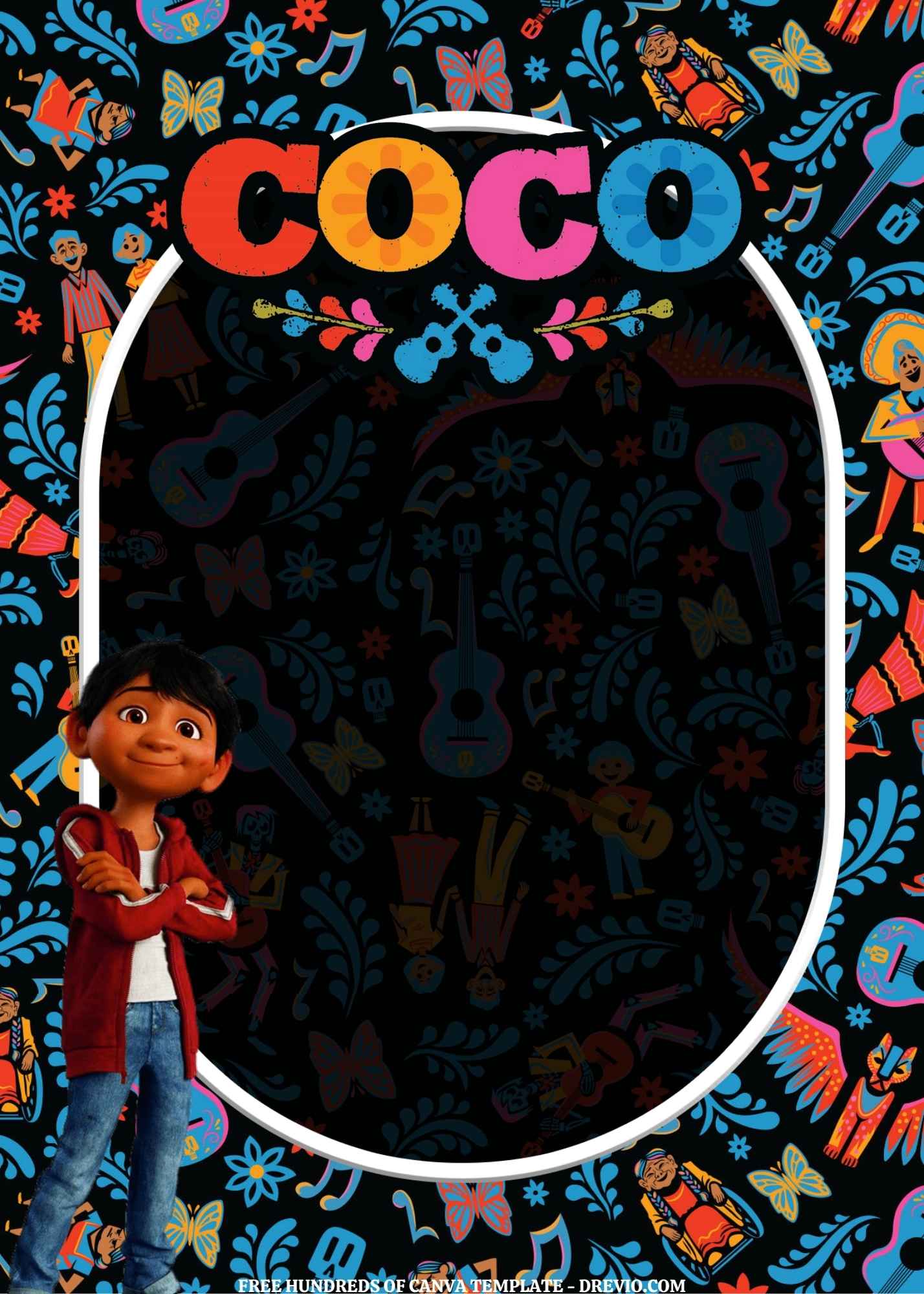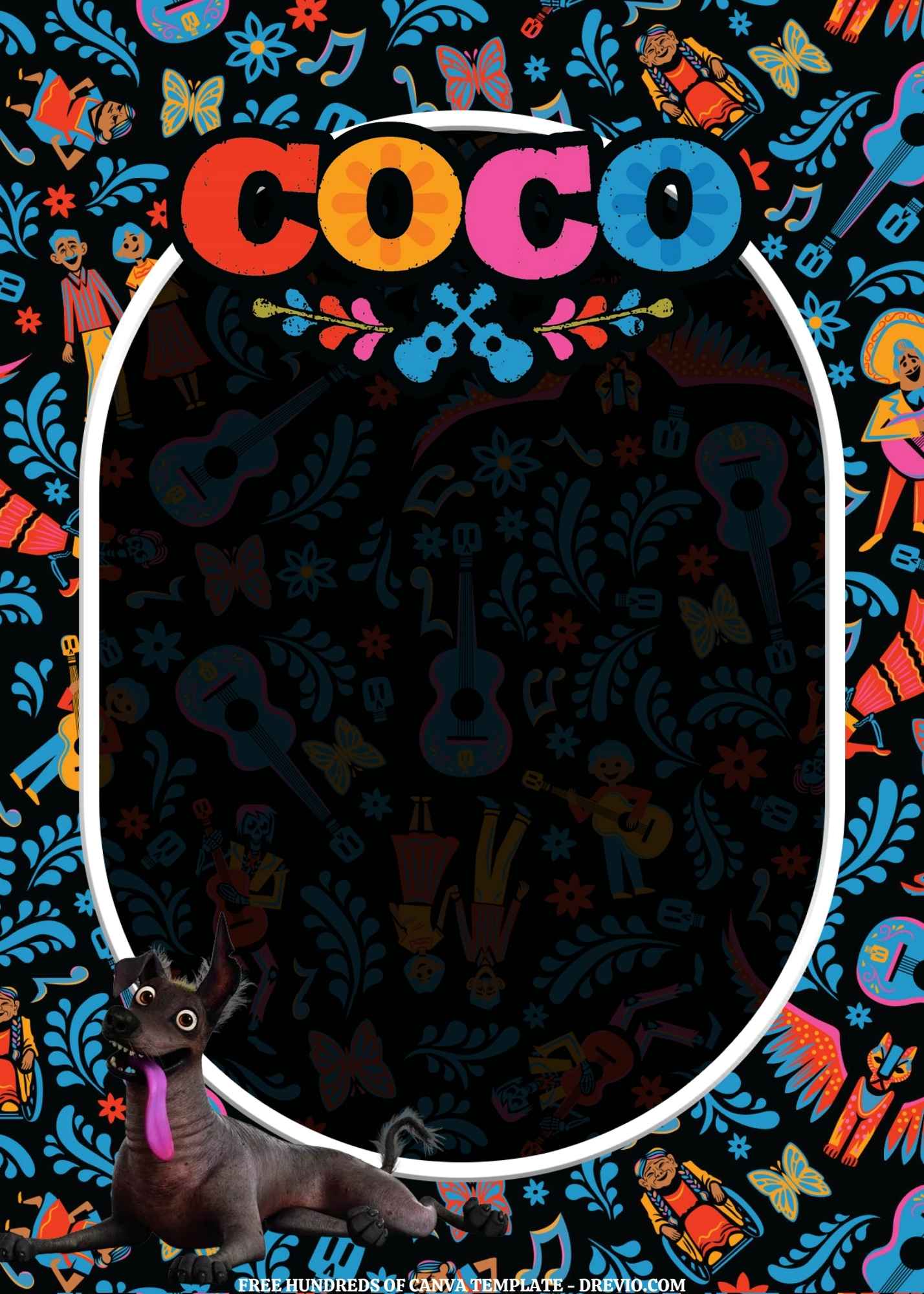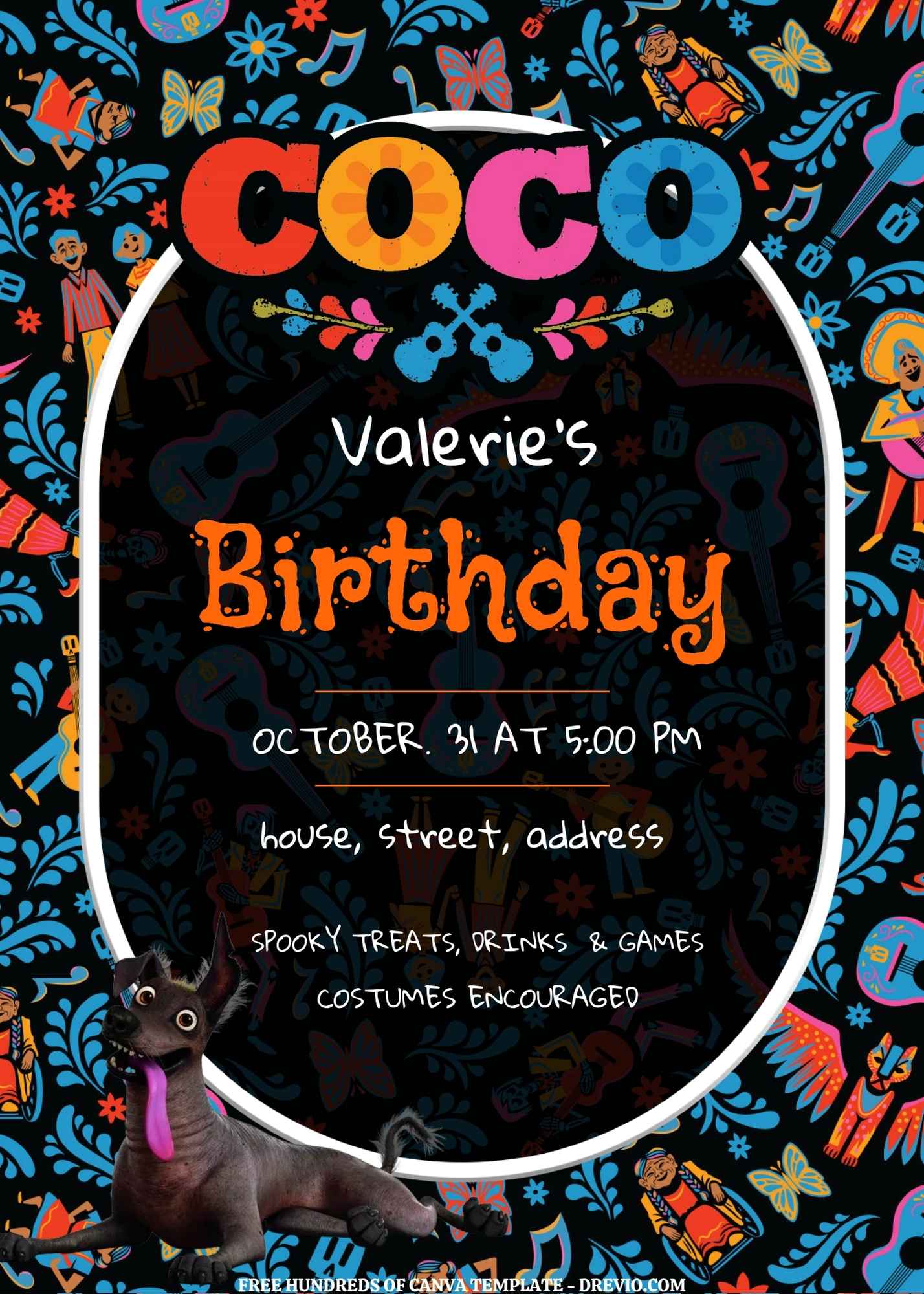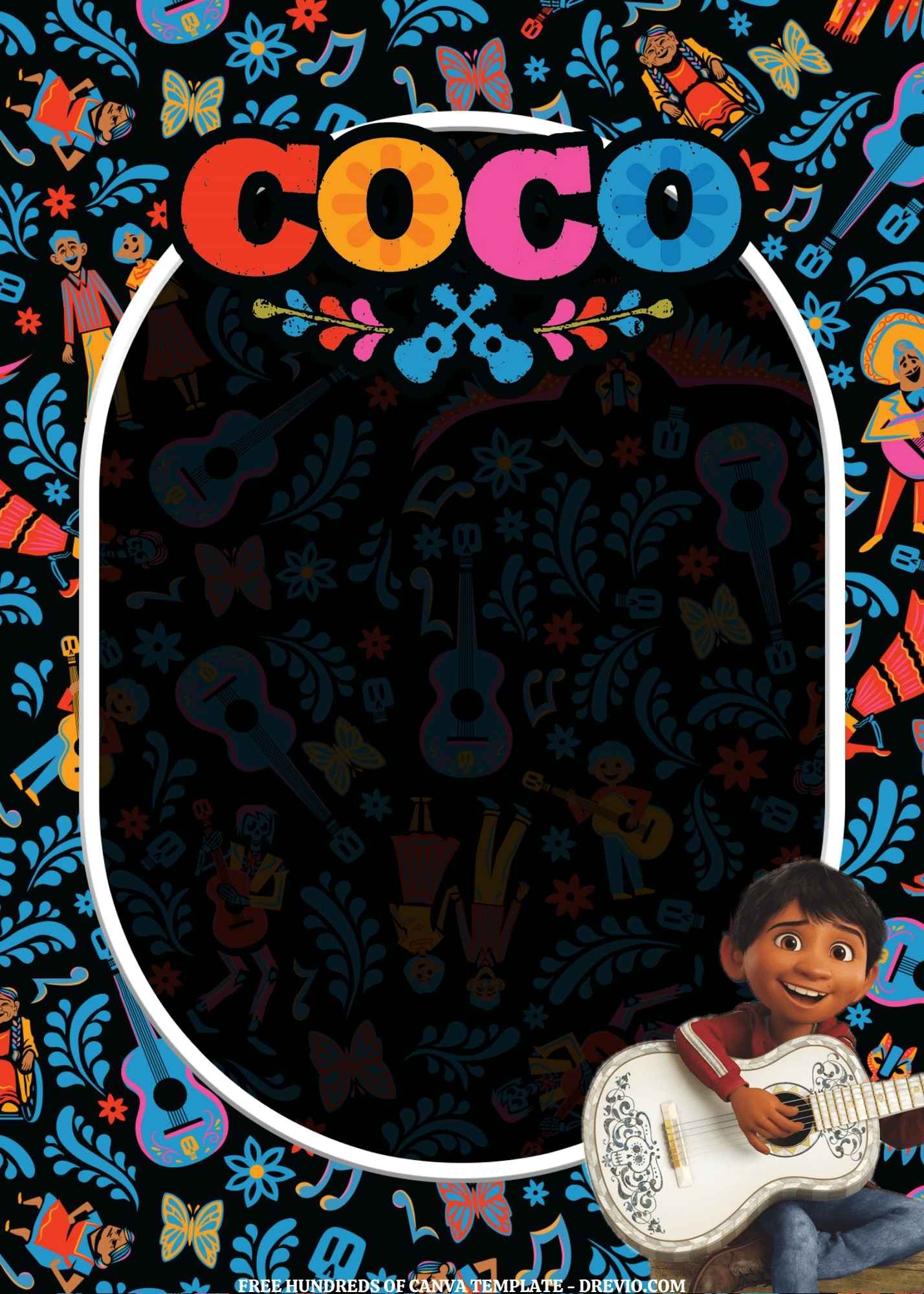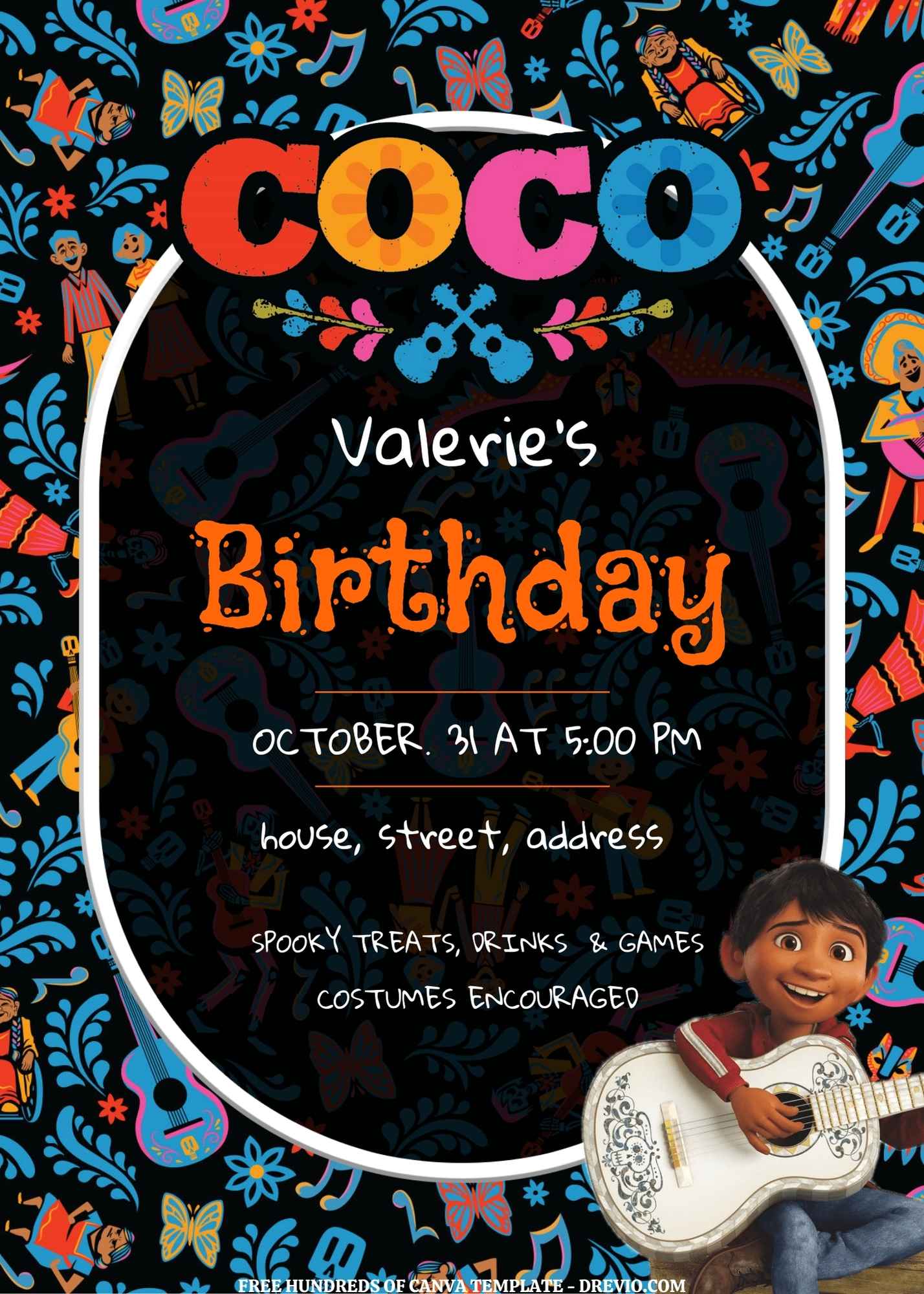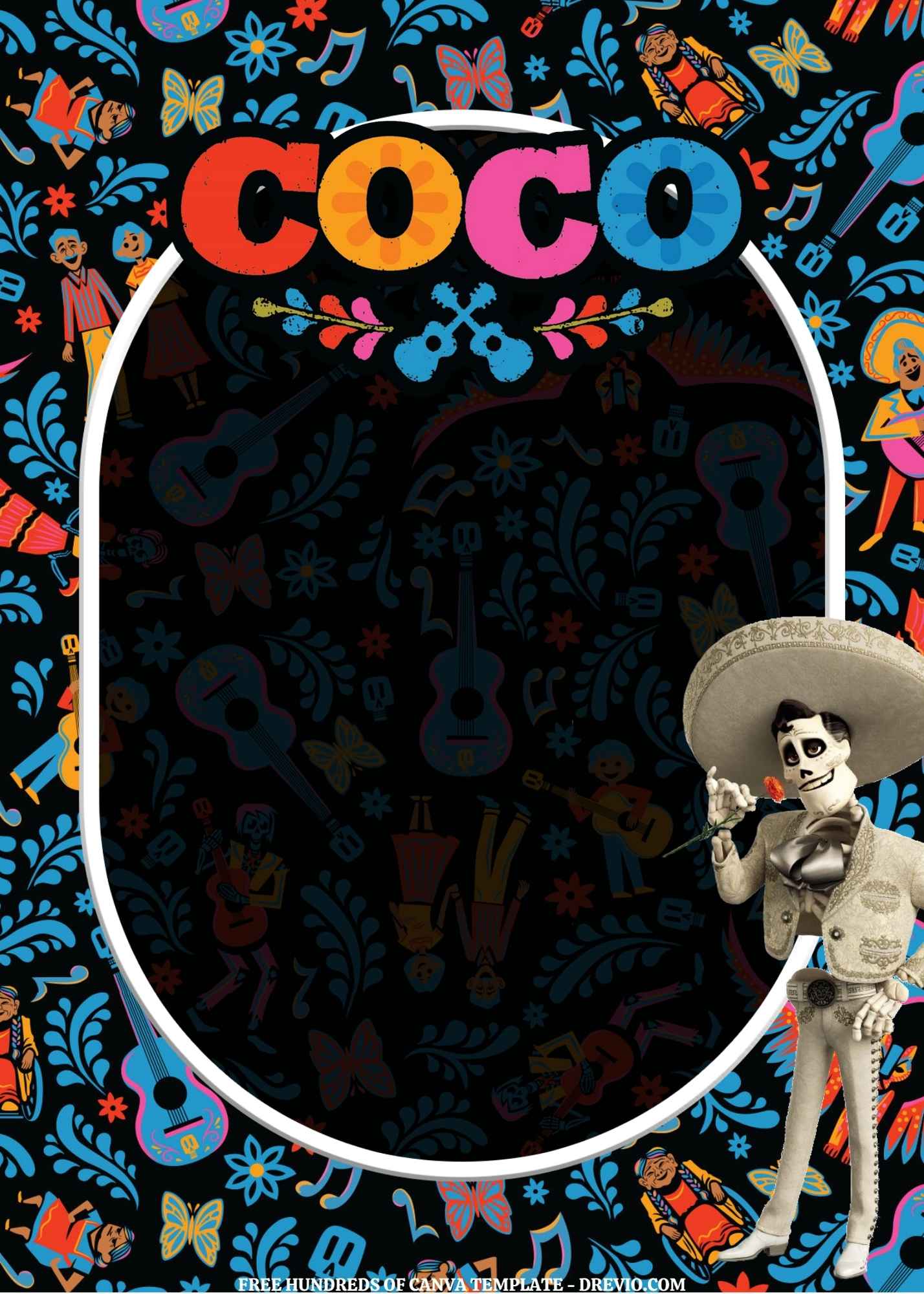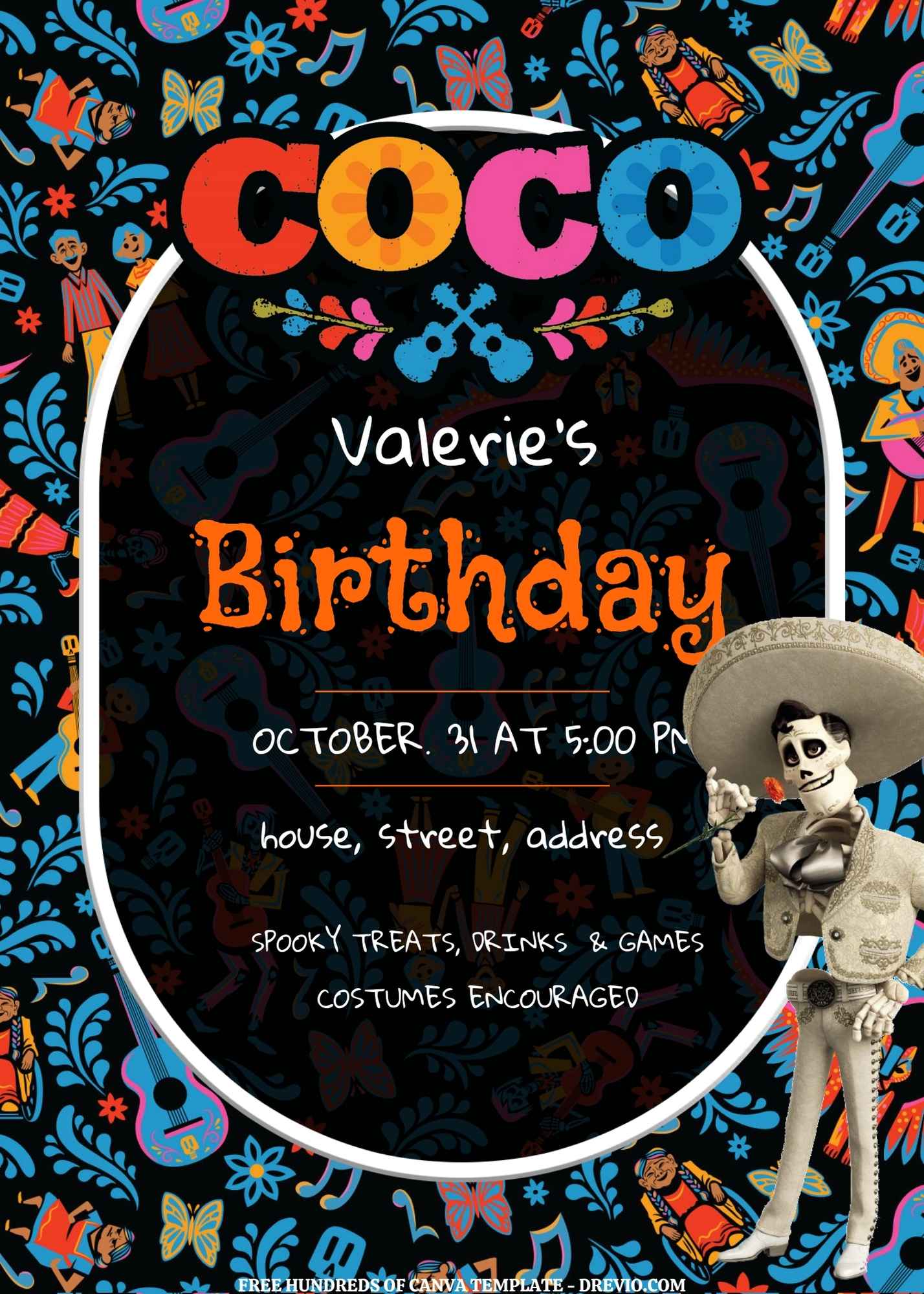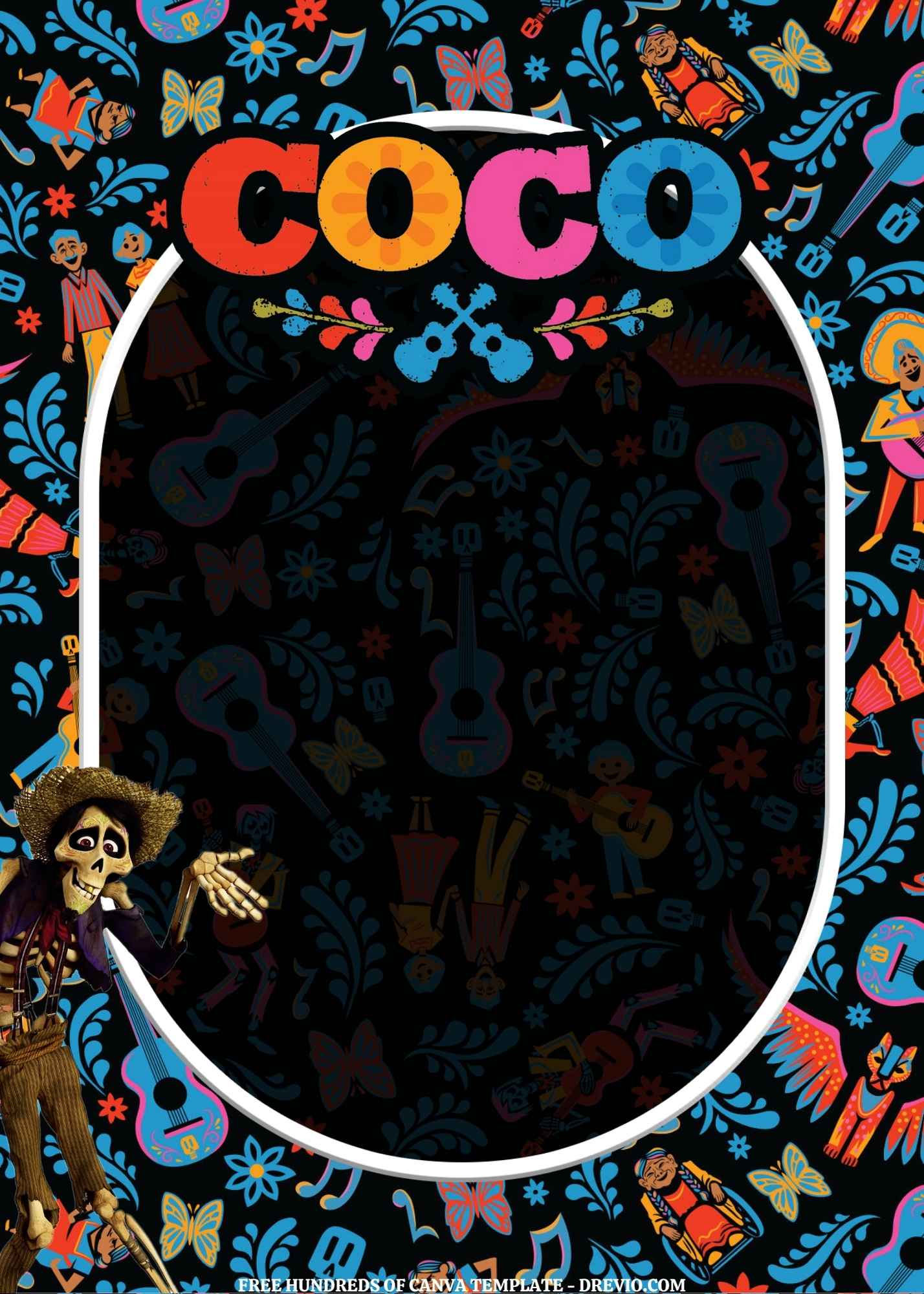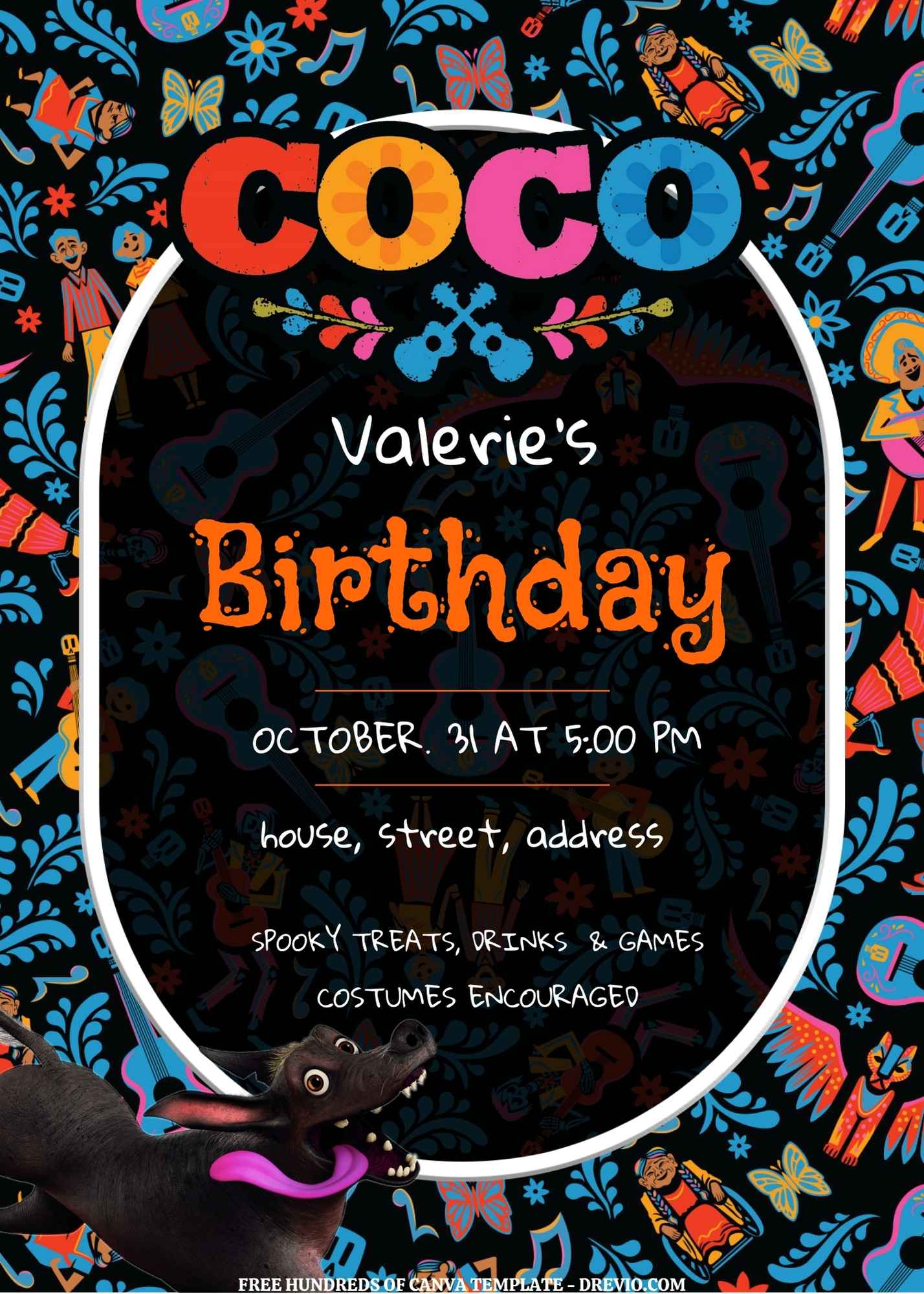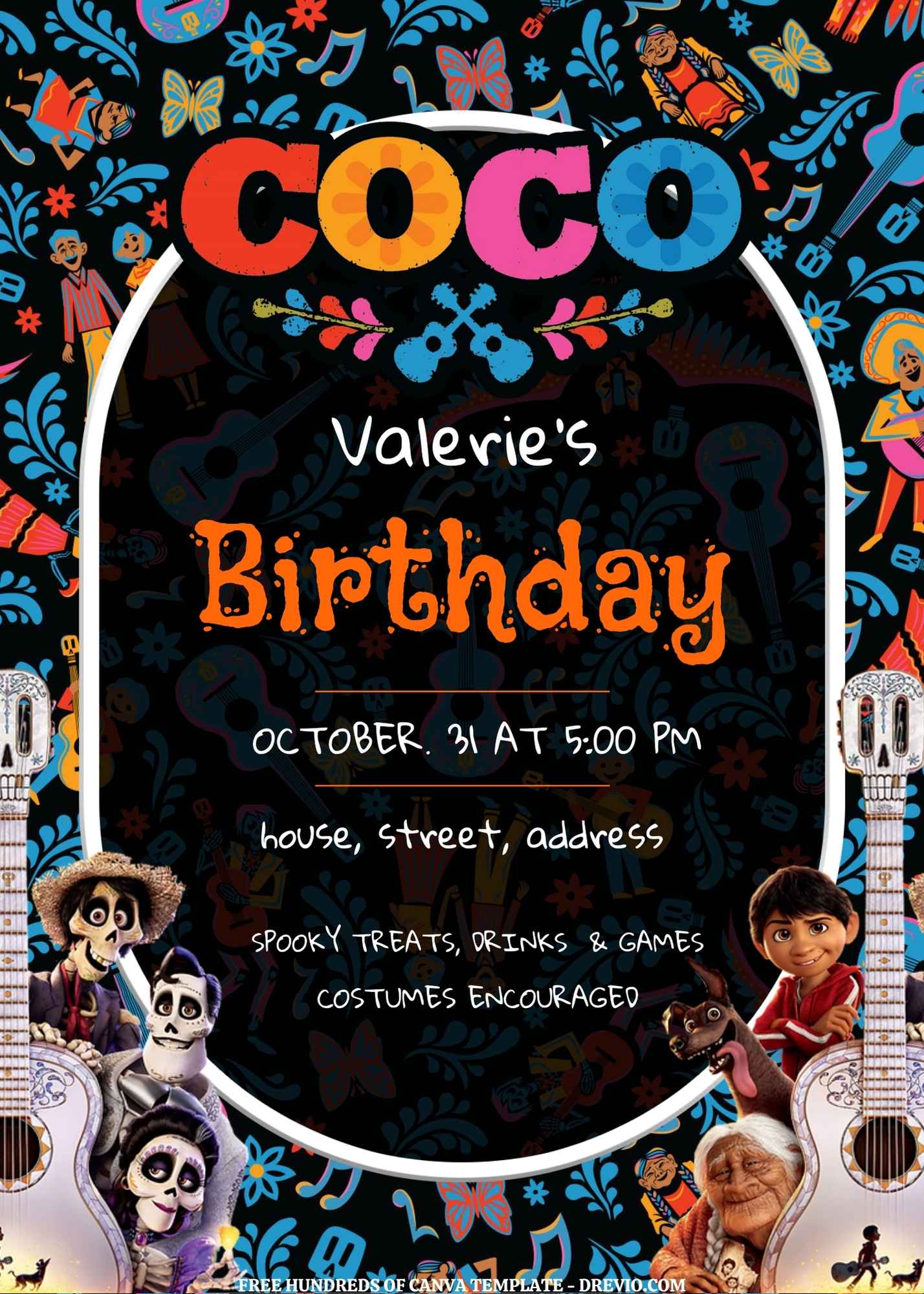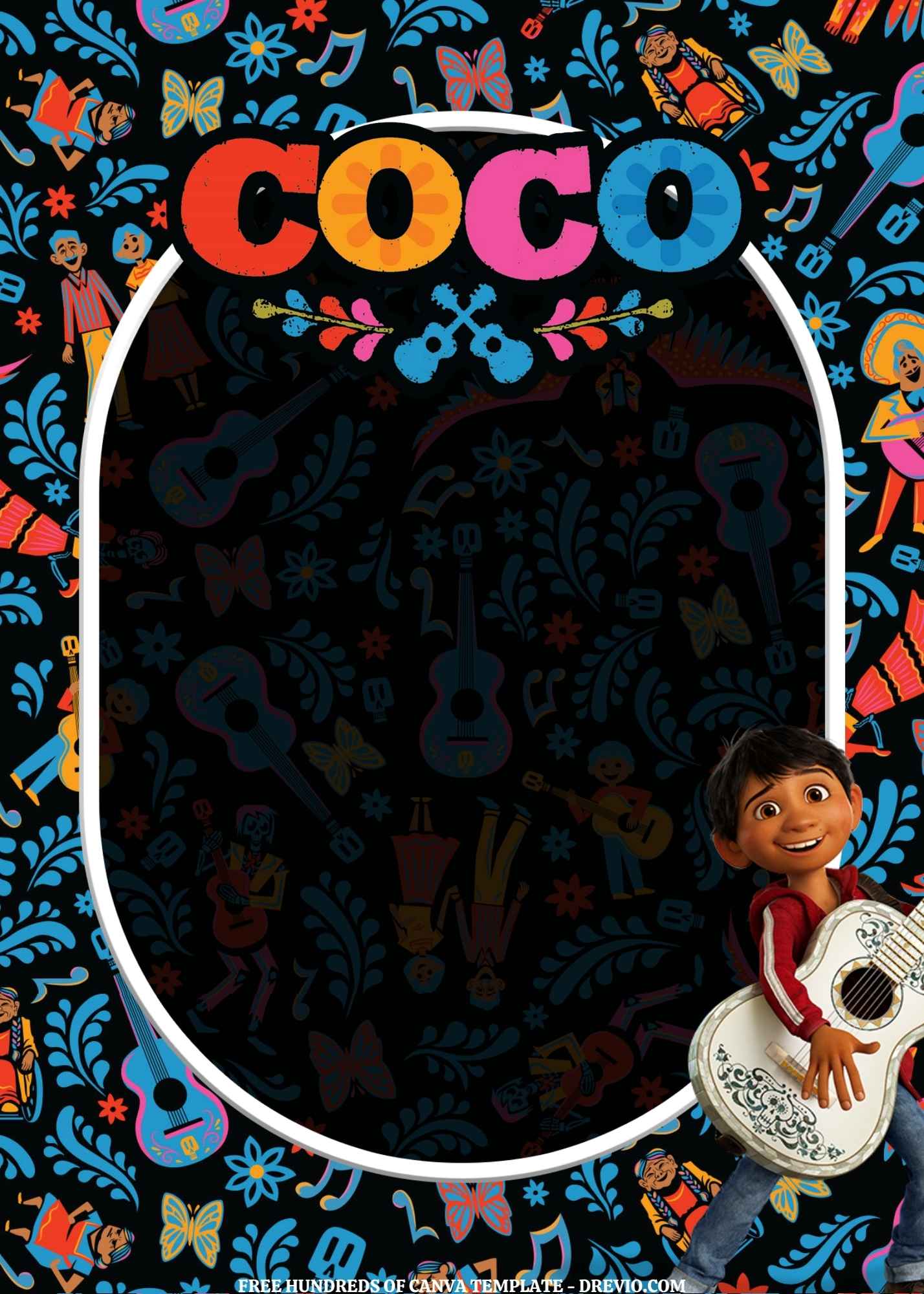
We started tossing around theme ideas during dinner, and after about five minutes of wildly unrealistic suggestions involving dragons, monster trucks, and somehow outer space, we landed on Disney Coco.
And honestly? I was totally okay with that.
16+ Disney Coco Birthday Invitation Templates Free on Canva | Updated for 2026
Coco is one of those movies that’s been on repeat in our house for years and somehow still doesn’t make me want to hide the remote.
So naturally, I ended up giving my old Disney Coco invitations a little 2026 refresh.
And honestly…they turned out way cuter than I expected.
My Kids Care About Completely Different Things Than I Do
Here’s something I’ve learned after making approximately one million birthday invitations over the years.
Kids don’t care about perfect design.
They just don’t.
Meanwhile I’m over here adjusting font spacing at midnight like I’m designing a billboard for Times Square.
The kids?
They notice one random guitar.
Or a flower.
Or a tiny skull graphic tucked in the corner.
That’s it.
When I showed my son the updated Disney Coco invitations, he didn’t even read his name.
Not even once.
He pointed at a guitar and yelled:
“THAT ONE.”
Okay cool.
Glad I spent twenty minutes choosing fonts.
Why I Updated These Disney Coco Invitations
I actually loved the older version.
But after printing them last year, I realized a few things.
Number one?
The colors looked way darker on paper than they did on my screen.
Classic.
Number two?
Some of the graphics were fighting for attention like siblings arguing over the last cookie.
Everything looked cute individually.
Together?
A little chaotic.
And trust me, I have enough chaos in my life already.
So for this refresh, I cleaned things up a bit while still keeping all that fun Coco energy.
The Colors That Instantly Feel Like Coco
One thing I didn’t change?
The colors.
Because let’s be real.
The second you see those bright marigold oranges and turquoise blues, your brain immediately goes:
“Oh yeah, Coco.”
I also kept lots of:
Marigold flowers
Papel picado banners
Guitars
Music notes
Bright pink accents
Festive layered backgrounds
The funny thing is adults usually compliment the layout.
Kids immediately start counting guitars.
Every single time.
The Disney Coco Invitation Designs I Keep Coming Back To

CUSTOM YOUR DISNEY COCO INVITATIONS HERE!
I ended up making over 16 editable templates, but there are a few I keep gravitating toward.
The Super Colorful One
This one is basically happiness exploded onto paper.
My youngest loved it.
I think his exact words were:
“It’s loud.”
Which apparently is a compliment.
The Music-Themed Design
If your kid is obsessed with Miguel and the guitar scenes, this one’s a winner.
This version gets the most reactions from kids.
Not parents.
Kids.
Important distinction.
The Cleaner Modern Version
I actually made this one because my older kid informed me that some birthday invitations look “baby-ish.”
Kids are brutal.
So if you’ve got an older elementary school kid, this version feels a little more grown-up without losing the Coco vibe.
The Family Celebration Design
This one leans more into the family side of the movie.
Warm colors.
Festive decorations.
A little less busy.
Still fun.
Still colorful.
Still doesn’t require you to have a graphic design degree.
Editing Disney Coco Invitations in Canva Is Ridiculously Easy
Listen.
I love cute invitations.
But I do not love complicated projects.
If I need to watch a 47-minute tutorial video, I’m out.
Getting Started
If you’ve used Canva before, you’re already set.
Open the template.
Hit “Use Template.”
Done.
Seriously.
If you’ve never used Canva?
You’ll still figure it out.
My husband managed it while simultaneously watching football and eating chips.
And let’s just say multitasking is not his strongest skill.
What I Always Change First
The very first thing I update is the birthday kid’s name.
Immediately.
Because somehow seeing their actual name changes everything.
Suddenly it’s not just a template anymore.
It’s THEIR party.
Then I update:
Age
Date
Time
Address
RSVP info
Simple stuff.
Although I will admit…
I’ve almost sent invitations with the wrong party time before.
Twice.
Maybe three times.
Who’s counting?
My Favorite Little Canva Hack
Okay, this sounds silly.
But zoom all the way out before saving.
Seriously.
When you’re zoomed in, everything looks perfect.
Then you zoom out and suddenly discover one random text box floating halfway across the page like it escaped prison.
Ask me how I know.
Actually don’t.
The Budget Hack I Use Every Single Year
This is probably my favorite mom trick.
I reuse invitation graphics for decorations.
Every year.
Every single year.
And nobody notices.
Turn Your Invitation Into Party Decor
I’ve used graphics from my Disney Coco invitations to make:
Cupcake toppers
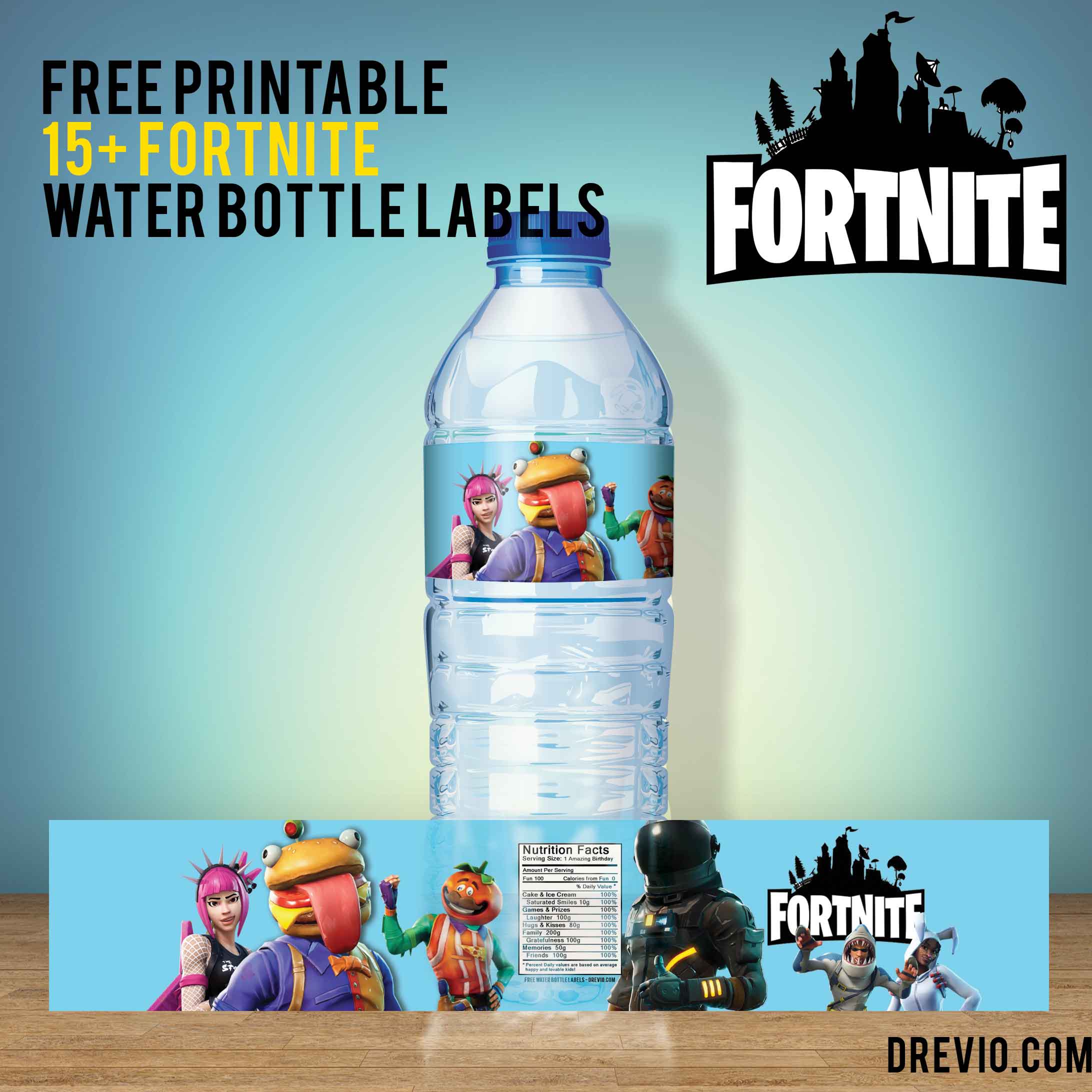
Water bottle labels
Welcome signs
Food labels
Mini banners
Favor tags
It’s basically the birthday equivalent of meal prepping.
One design.
Fifteen different jobs.
Love that for me.
Thank You Cards in Five Minutes
After the party is over, I duplicate the invitation file.
Change the wording.
Done.
Instant thank-you card.
And honestly, by that point I’m usually running on leftover cake and caffeine anyway, so the easier the better.
Printing Tips I Learned the Hard Way
Can I save you from one of my mistakes?
Don’t trust your screen.
Your printer and your screen are not friends.
They don’t communicate.
They don’t coordinate.
They’re doing completely different things.
Print one test copy first.
Always.
Matte vs Glossy
I’ve tried both.
Here’s my totally non-scientific opinion.
Matte cardstock
Easier to read
Less glare
Feels fancy
Glossy cardstock
Colors pop more
Looks bright and vibrant
Honestly?
Both look great.
I usually grab matte because it feels a little more expensive than it actually is.
And moms love a good fake-luxury moment.
Digital Invitations Are Winning
I still print some invitations.
But let’s be honest.
Most of my invites get texted now.
I send a digital version.
Parents respond faster.
Nobody loses it in a backpack.
And I don’t have to hear:
“My child forgot to give this to me.”
Again.
A Few Questions Moms Usually Ask Me
Are These Disney Coco Invitations Really Free?
Yep.
The templates themselves are free to edit.
Just keep an eye out for any optional Canva Pro elements if you’re swapping things around.
Do I Need Canva Pro?
Nope.
Free Canva works perfectly fine.
That’s actually one of the first things I check before recommending templates to other moms.
Because nobody wants surprise fees.
Can I Sell Them?
These types of templates are usually meant for personal use.
Birthday parties.
Family celebrations.
Stuff like that.
If you’re planning to sell printed products, definitely check the license details first.
More Birthday Themes You’ll Probably Need Eventually
Here’s the thing about kids.
The obsession changes weekly.
One month it’s Coco.
The next month it’s dinosaurs.
Then race cars.
Then princesses.
Then somehow sharks wearing sunglasses.
I don’t ask questions anymore.
I’ve learned to just go with it.
So whenever I find a good invitation template, I save it immediately.
Future me is always grateful.
My Favorite Moment From This Party
After we handed out the Disney Coco invitations, one of the kids grabbed it and immediately started pointing out all the little guitars and flowers.
Didn’t read a single word.
Not one.
A few days later, another mom texted me saying her daughter stuck the invitation on their fridge because she thought it was too cute to throw away.
And honestly?
That made me happier than it probably should have.
Because invitations aren’t the most important part of a birthday party.
They’re not.
The cake matters.
The kids matter.
The memories matter.
But invitations are kind of the first little peek at all the fun that’s coming.
And if a kid gets excited before the party even starts?
I’d call that a win.
Even if there are still crayons rolling around in my purse.