
What You’ll Find in This Article
- The printer features that actually matter for party printables.
- Skip the cardstock drama: Learn what to check for paper weight, feeding, and borderless printing.
- Print without the “wait… why does this look weird?” moment: Simple tips for better colors, sizing, and fewer wasted sheets.
I have absolutely been the mom standing in the kitchen at 10 p.m., holding a stack of party invitations that came out of the printer looking… aggressively homemade. The colors were weird, the cardstock kept jamming, and somehow the little pink balloons on the screen had turned into sad-looking beige balloons on paper. Cute.
And before you blame yourself, I made the same mistake: I bought a printer based mostly on the price tag and completely ignored whether it could actually handle the kind of party printables I wanted to make.
If you make birthday invitations, cupcake toppers, favor tags, signs, or little party games at home, the best printer for party printables isn’t necessarily the fanciest printer. You want one with the right features for thicker paper, color-heavy designs, and the occasional “why did it print like THAT?” emergency.
Here are the printer features I actually pay attention to now.
First: What Makes a Printer Good for Party Printables?
For regular homework pages or boring black-and-white documents, almost any decent home printer will do.


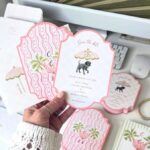
Party printables are a different story.
You’re usually dealing with:
- Colorful invitations with lots of graphics
- Photos or illustrations
- Cardstock instead of regular copy paper
- Small text that still needs to look crisp
- Designs that need to line up when you cut them
- Different paper sizes
- Sometimes a LOT of pages because apparently Charlotte needed 27 unicorn favor tags for a party with 12 children
So when I’m looking at printers, I care less about having every possible feature and more about these:
- Cardstock compatibility
- A rear or straight-through paper feed
- Good color printing
- Borderless printing
- Manual paper-size and media-type settings
- Reasonable ink costs
- Good alignment and paper handling
Let’s break those down because some of these sound more complicated than they actually are.
1. Cardstock Compatibility Is a Big Deal
This is probably the first thing I’d check.
Not every printer handles cardstock well. A printer may technically accept thicker paper, but that doesn’t mean it will happily pull your 80–110 lb cardstock through without making a horrible grinding noise.
And yes, I have stood next to a printer whispering, “Please don’t eat my invitations.”
When checking a printer, look at its supported paper weight or media thickness, not just whether the product description casually says “prints on cardstock.”
What printer features for cardstock should you look for?
Check the manufacturer’s specifications for:
- Supported paper weights
- Cardstock or specialty-media support
- Maximum paper thickness
- Supported paper sizes
- Whether cardstock can be fed through a rear/manual feed
Also remember that cardstock weight can be listed in different ways.
In the U.S., you’ll commonly see things like 65 lb, 80 lb, or 110 lb cardstock, but “lb” doesn’t tell you the actual thickness in a simple apples-to-apples way because different types of paper use different basis weights.
That’s why I don’t buy paper just because it says “110 lb” and assume every printer will love it.
My rule now: check the printer manufacturer’s supported media specifications first, then buy paper that falls comfortably within that range.
2. Look for a Rear or Straight-Through Paper Feed
This feature sounds boring.
It is not boring.
If you’re planning to print party invitations on thicker cardstock, a rear feed or straight paper path can make your life much easier.
Why?
Some printers make paper travel through several rollers and bends inside the machine. Thicker paper can struggle with those bends.
A rear feed can give the cardstock a straighter path through the printer, depending on the printer design.
This is especially useful when you’re printing:
- Invitations
- Folded cards
- Party signs
- Table numbers
- Thank-you cards
- Small decorations
I learned this one after trying to print a stack of thicker paper through our old printer. It jammed so dramatically that Andrew came running in like I had accidentally set the kitchen on fire.
It was just cardstock.
But still.
3. Good Color Printing Matters More Than You Think
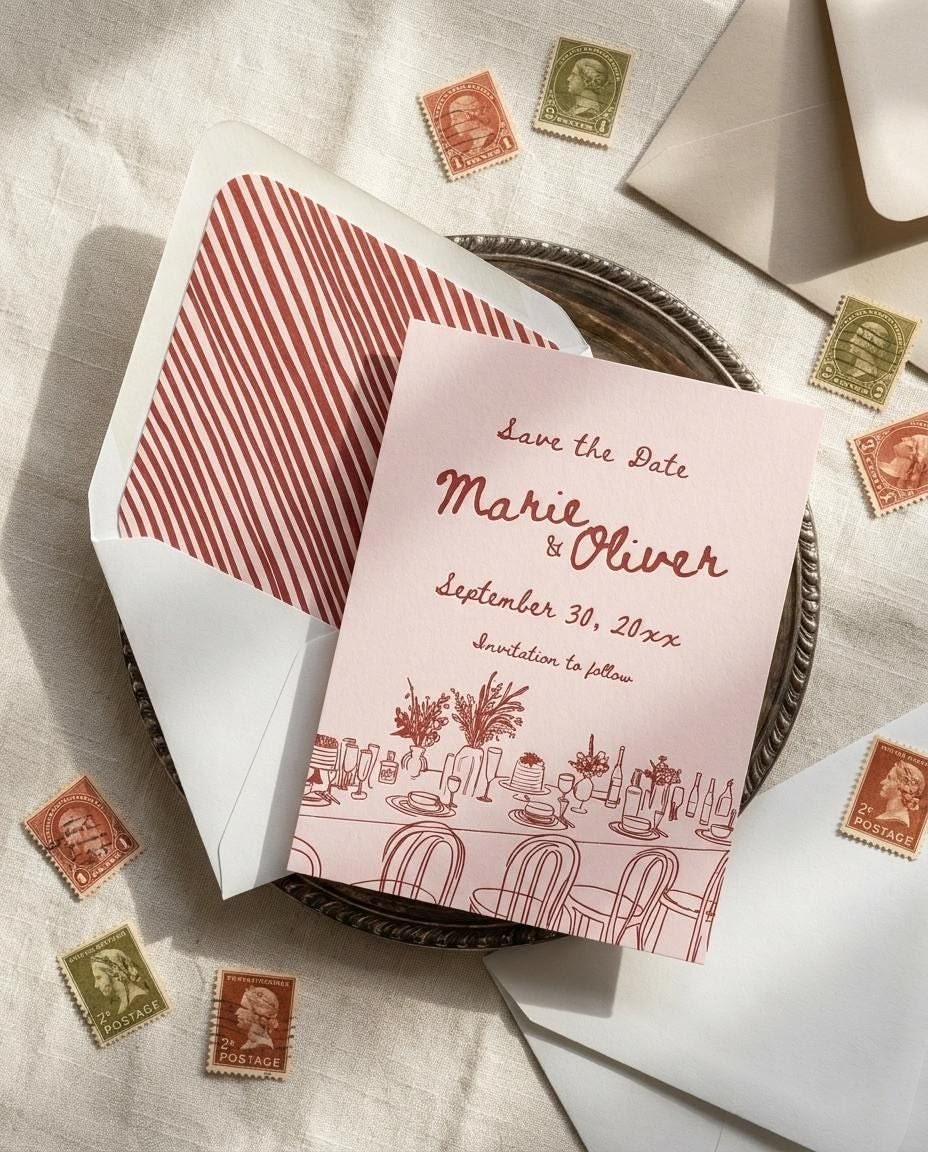
A party printable can look completely different on your screen and on paper.
Your laptop might show a gorgeous dusty pink, while your printer decides the correct interpretation is “slightly tired salmon.”
This is why I pay attention to the printer’s color quality.
You don’t necessarily need a professional photo printer. For most birthday projects, a good-quality home inkjet printer is more practical.
Look for a printer designed to produce good color and photo-quality prints, especially if your invitations have:
- Watercolor artwork
- Pastel colors
- Photos
- Gradients
- Detailed illustrations
- Lots of colored backgrounds
One important thing, though: your printer isn’t the only thing controlling color.
The paper matters too.
A design printed on bright white matte cardstock can look noticeably different from the same design printed on cream cardstock or glossy photo paper.
So if something looks slightly off, don’t immediately assume your printer is terrible.
Sometimes the paper is the drama queen.
4. Borderless Printing Can Save Your Design
This is one of my favorite features for party printables.
If your invitation design has a background that reaches all the way to the edge, a printer that supports borderless printing can print that design without leaving the usual white margin.
Without borderless printing, you might end up with a thin white strip around the edge.
And technically, it’s not the end of the world.
But if you designed a full-bleed pink background, that random white line suddenly becomes the star of the invitation.
Before buying a printer, check which paper sizes it supports for borderless printing. Some printers support borderless printing only at certain sizes or with certain media.
That’s one of those tiny specifications I used to ignore and now absolutely check.
5. Make Sure You Can Choose the Paper Type
This is another feature that sounds tiny until you’re actually printing.
When you print from your computer, you may be able to select settings such as:
- Plain paper
- Matte photo paper
- Glossy photo paper
- Cardstock
- Other specialty media
The exact options depend on the printer.
Why does this matter?
Because the printer may adjust how it feeds the paper and how much ink it uses based on the selected media setting.
If I’m printing a birthday invitation on cardstock, I don’t want to just hit “Print” and hope for the best.
I want to tell the printer, essentially, “Hey buddy, this is not regular printer paper.”
That can make a noticeable difference in print quality and paper handling.
6. Check the Maximum Paper Size
This one depends on what you’re making.
If you’re mostly printing standard 5×7 invitations, you don’t necessarily need a printer that handles enormous paper sizes.
But if you want to make larger birthday signs, welcome posters, party games, or decorations, check the printer’s maximum supported paper size before buying.
Think about what you actually make.
For my own birthday projects, I use a mix of:
- 5×7 invitations
- 8.5×11 signs
- Small tags
- Games
- Food labels
- Thank-you cards
I don’t need a giant professional printer sitting in my house.
I just need one that doesn’t throw a tantrum every time I put something slightly thicker than copy paper into it.
7. Don’t Ignore Ink Costs
Here’s where a cheap printer can become not-so-cheap.
You might find a printer at a great price, only to discover that colorful party invitations are basically an all-you-can-eat buffet for the ink cartridges.
If you print frequently, look at:
- Ink cartridge prices
- Page-yield estimates
- Whether high-yield cartridges are available
- Whether the printer uses individual color cartridges
- Whether the manufacturer offers a refillable or tank-style system
I especially like having individual color cartridges when possible.
If I use a lot of cyan because apparently every party in our house needs a blue sky, I don’t want to replace every color just because one cartridge is empty.
For families who print regularly, an ink-tank printer can also be worth considering because the ongoing ink cost may be lower, although the upfront price can be higher.
8. Wi-Fi Is Actually Useful
I know.
It doesn’t sound exciting.
But when I’m designing an invitation on my laptop and the printer is on the other side of the house, wireless printing is a lifesaver.
It’s also handy when someone sends me a last-minute PDF from their phone.
Because there is ALWAYS a last-minute PDF.
Wireless printing lets you move from designing to printing without having to play cable detective behind a desk.
Just make sure the printer works well with the devices you actually use.
9. Automatic Duplex Printing Isn’t Essential
This is one feature I wouldn’t prioritize specifically for party printables.
Automatic duplex printing means the printer can print on both sides of a sheet automatically.
That’s great for documents.
But most of my birthday invitations are single-sided.
If I’m printing a folded card or activity sheet, I might need two-sided printing, but it’s not something I’d pay a huge premium for just because I want to make invitations.
If you’re choosing between a printer with excellent cardstock handling and one with fancy duplex features, I’d take the cardstock handling every time.
Still planning the party? You might also like these ideas.
The Most Common Mistake I Made
I used to choose paper first and then figure out the printer.
Now I do the opposite.
Before buying a big pack of cardstock because the color is cute (yes, I have been personally victimized by pretty paper), I check:
Will my printer actually support this paper?
Then I check the printer settings and make sure the paper size and media type are available.
That little bit of research can save you from buying a 50-sheet pack of cardstock that your printer immediately rejects.
My Quick Fix When Your Prints Look Bad Today
If you’re already dealing with ugly party printables and don’t want to buy a new printer tonight, try this first:
1. Check your paper
Make sure the paper is actually intended for your printer and isn’t too thick.
2. Select the correct paper type
Don’t leave the printer set to plain paper if you’re printing on specialty cardstock.
3. Check the print quality
If your printer offers draft, standard, or high-quality modes, choose the appropriate higher-quality setting for your final invitations.
4. Turn off “fit to page” if exact sizing matters
If your invitation needs to be a specific size, automatic scaling can quietly mess with your dimensions.
5. Print one test copy
Please.
I am begging you.
Do not print 40 invitations first.
Print one.
Check the colors, margins, text, and size.
Then print the rest.
I learned this after discovering that the date on an entire batch of invitations was wrong.
Forty beautiful invitations.
Forty.
My Favorite Little Printing Trick
I always keep a plain sheet of paper nearby when I’m testing a new design.
I’ll print the invitation once on regular paper before using my nicer cardstock.
Then I check:
- Is everything centered?
- Is anything getting cut off?
- Does the text look readable?
- Are the margins even?
- Is the design the correct size?
- Did I accidentally leave an old date somewhere?
That last one is not hypothetical.
After everything looks right, I switch to the good cardstock and print the final version.
It costs me one sheet of cheap paper instead of potentially wasting a whole pack of cardstock.
What I Would Look For in the Best Printer for Party Printables
If I were shopping for a printer specifically for birthday projects, this would be my little checklist:
- Supports the cardstock weight I actually plan to use
- Has a rear or straight paper feed if possible
- Produces good color
- Supports the paper sizes I need
- Offers borderless printing if my designs use full-bleed backgrounds
- Lets me select different paper/media types
- Has reasonably priced ink
- Works with my laptop and phone
- Has settings that let me control scaling and print quality
I don’t need the printer to make coffee.
Although, honestly, if someone wants to add that feature, I won’t complain.
Don’t Forget the Printable Itself
A good printer can only do so much if the file you’re printing isn’t set up correctly.
Before I send a birthday invitation to the printer, I check the document size, margins, image quality, and whether the design is meant to print with a border or full bleed.
If you’re using one of my Drevio invitation designs, you can also start with the template and customize the details before printing, which saves me from staring at a blank Canva page wondering why I thought I could design an entire party invitation from scratch at 11:47 p.m.
Because sometimes I have ambition.
And sometimes I have bedtime.
Final Thoughts From My Kitchen Table
The best printer for party printables isn’t necessarily the most expensive one sitting on the shelf.
For me, the biggest things are cardstock support, reliable paper handling, good color, useful print settings, and reasonable ink costs.
If you get those right, you can make a surprisingly huge number of birthday details at home without turning your dining table into a full-time print shop.
And please learn from my mistakes: check the paper specifications, print one test copy, and never trust yourself to remember whether you updated the birthday date.
Because you won’t.
I say this as a woman who has absolutely printed the wrong date 40 times.