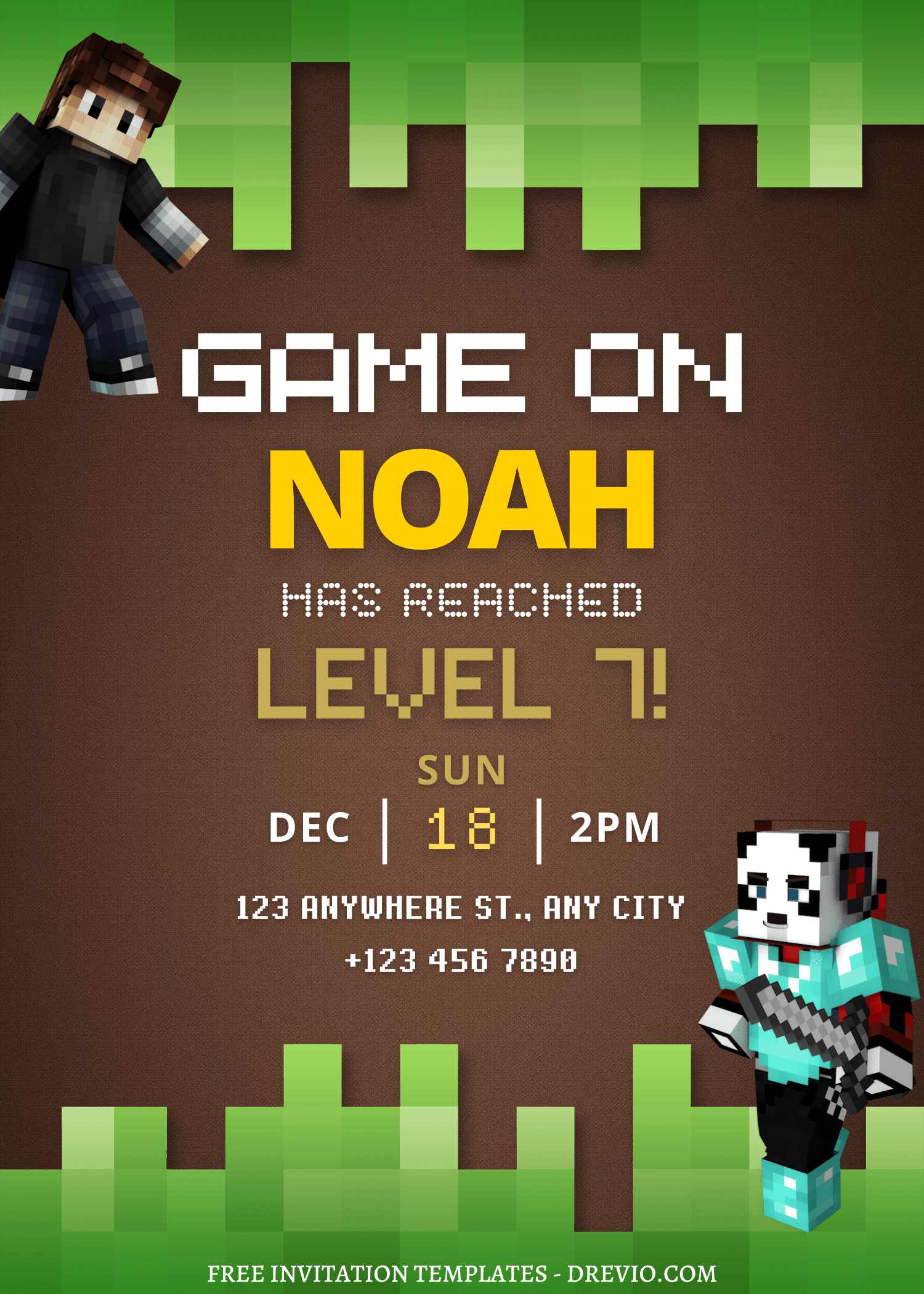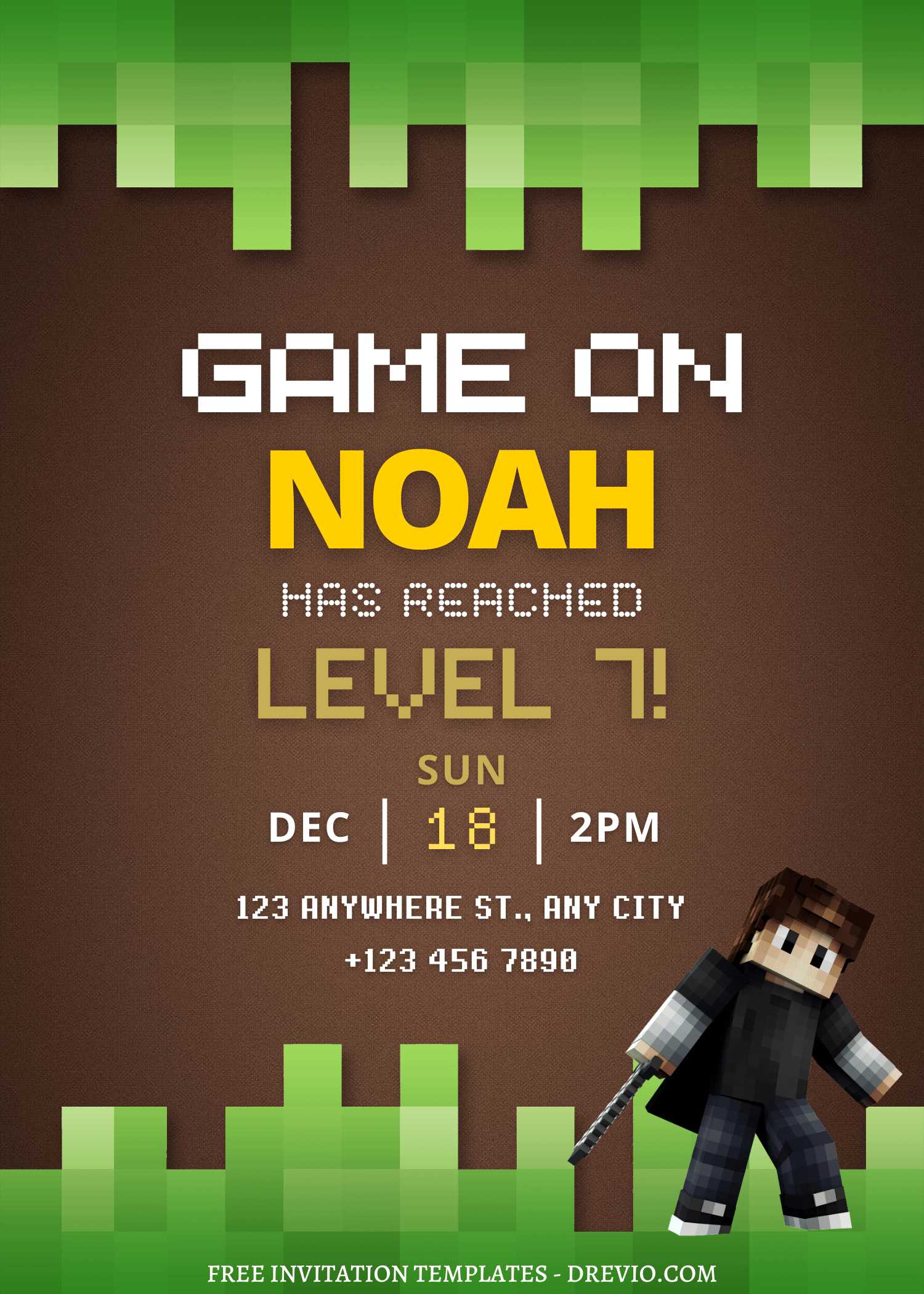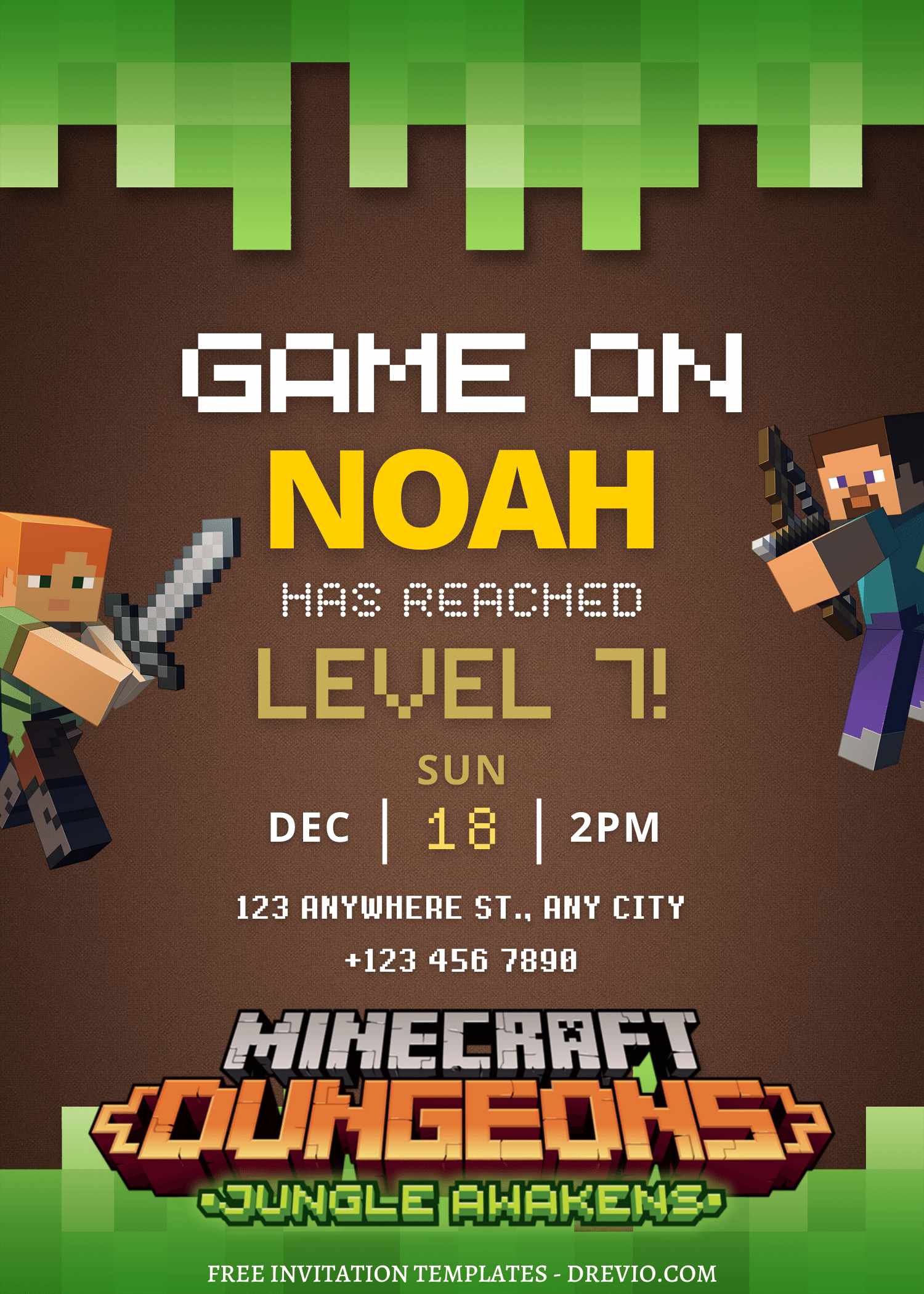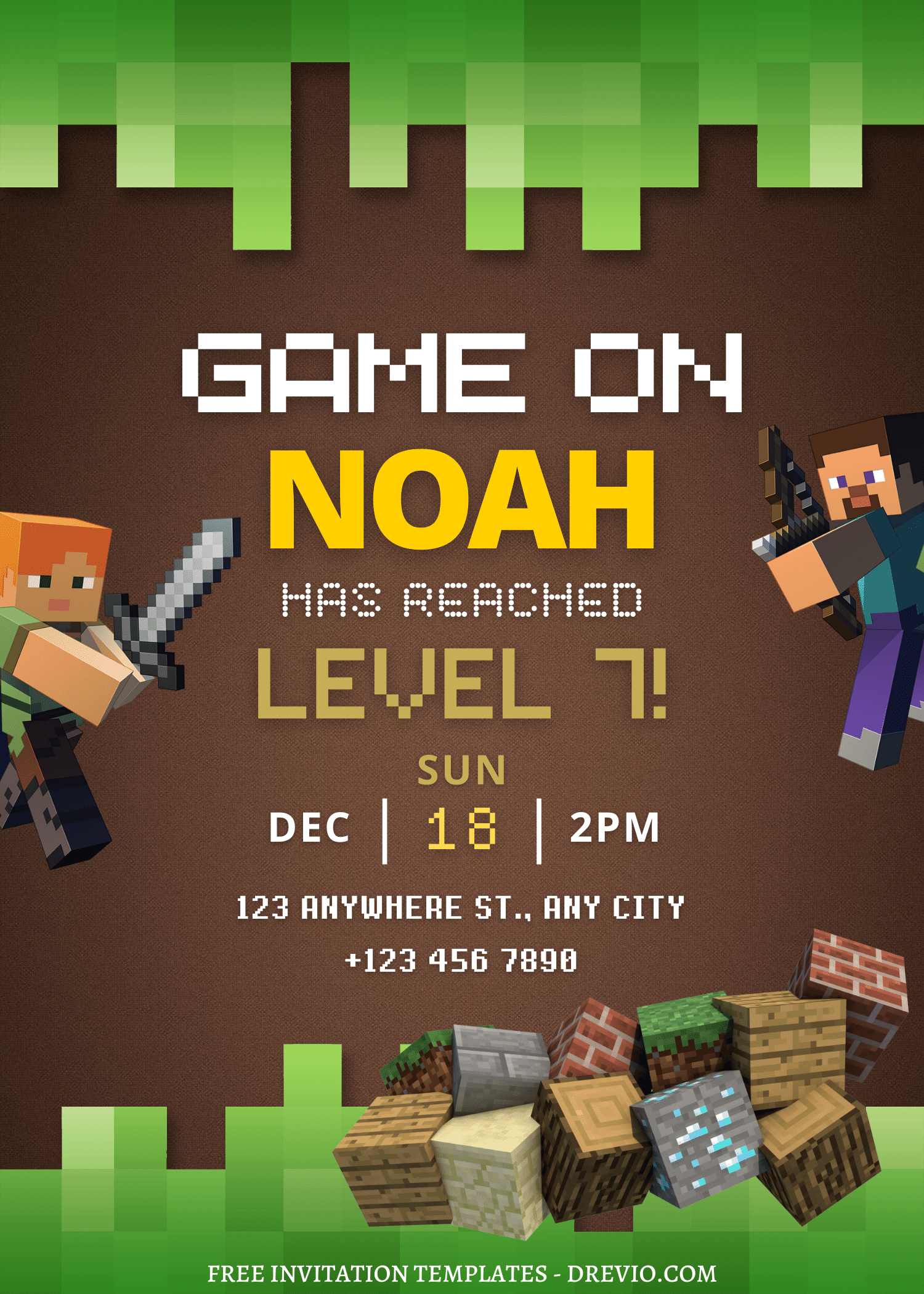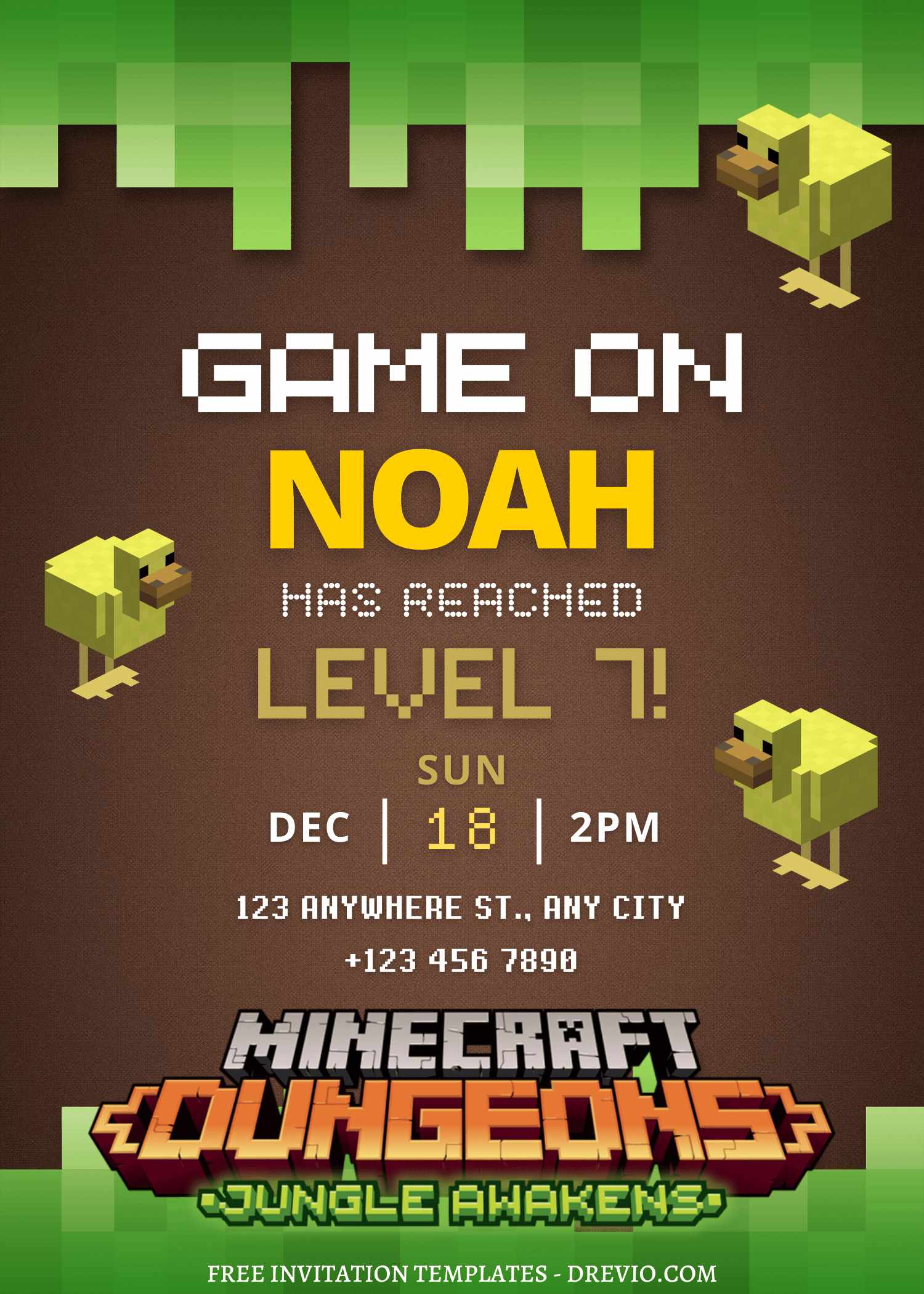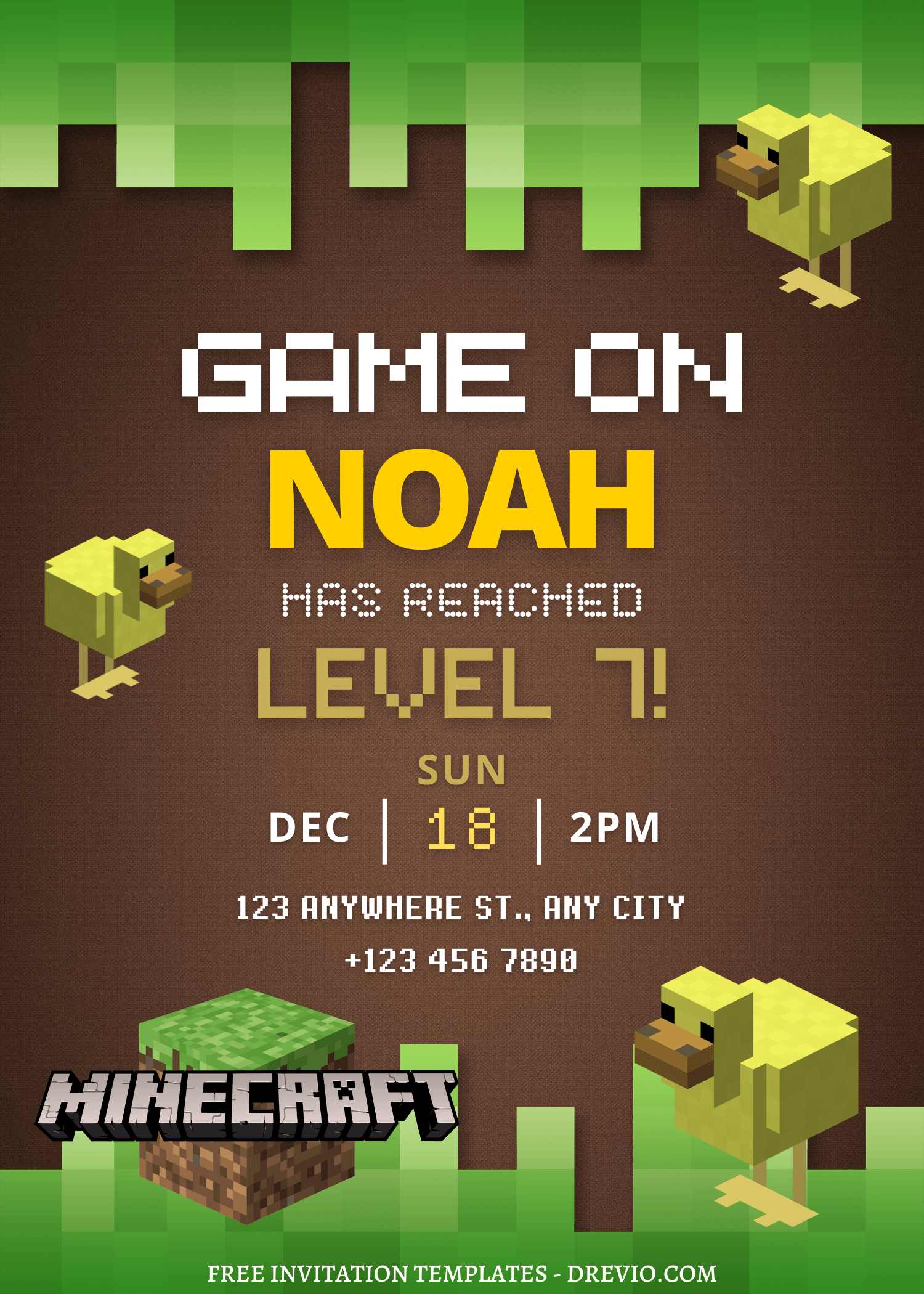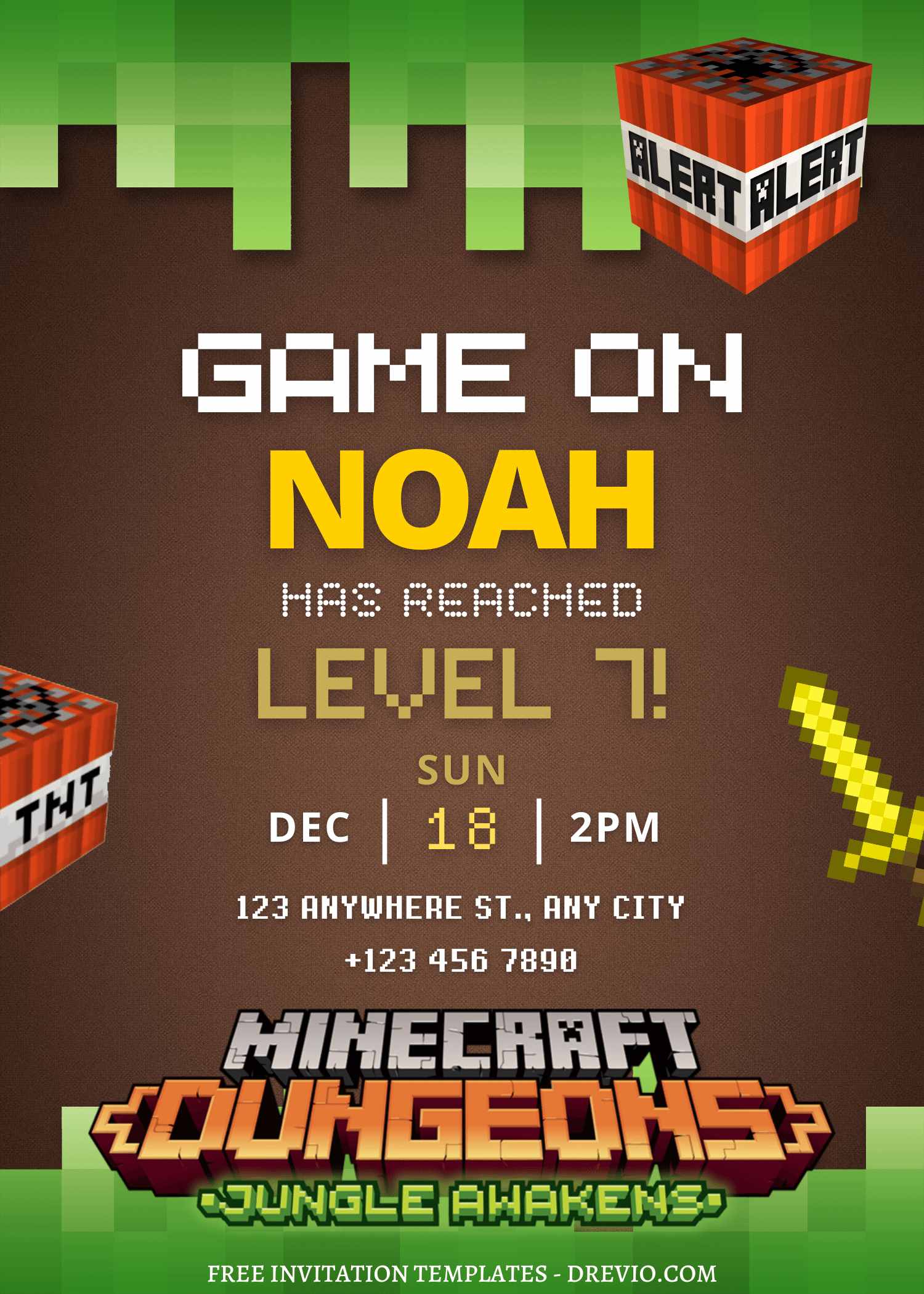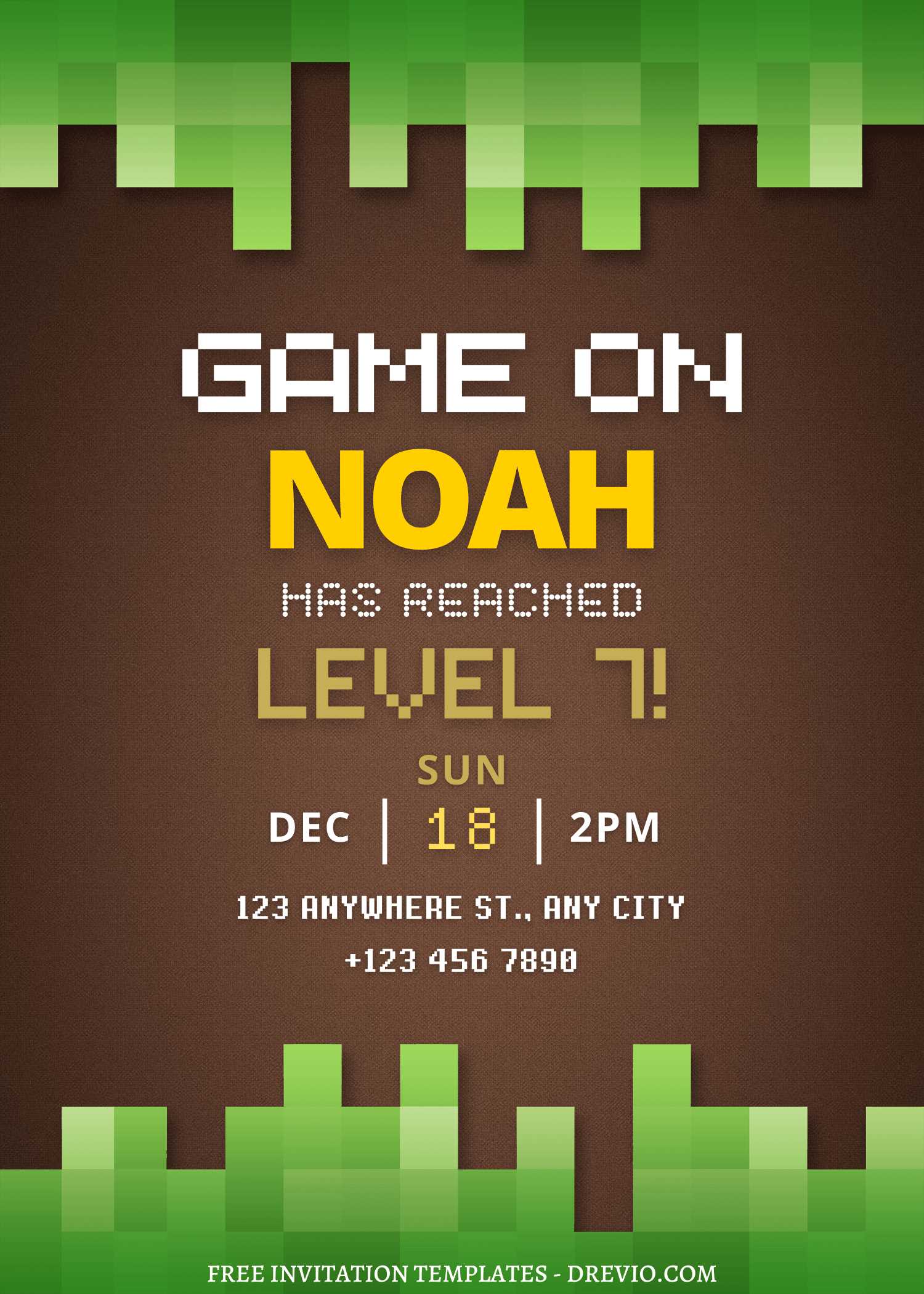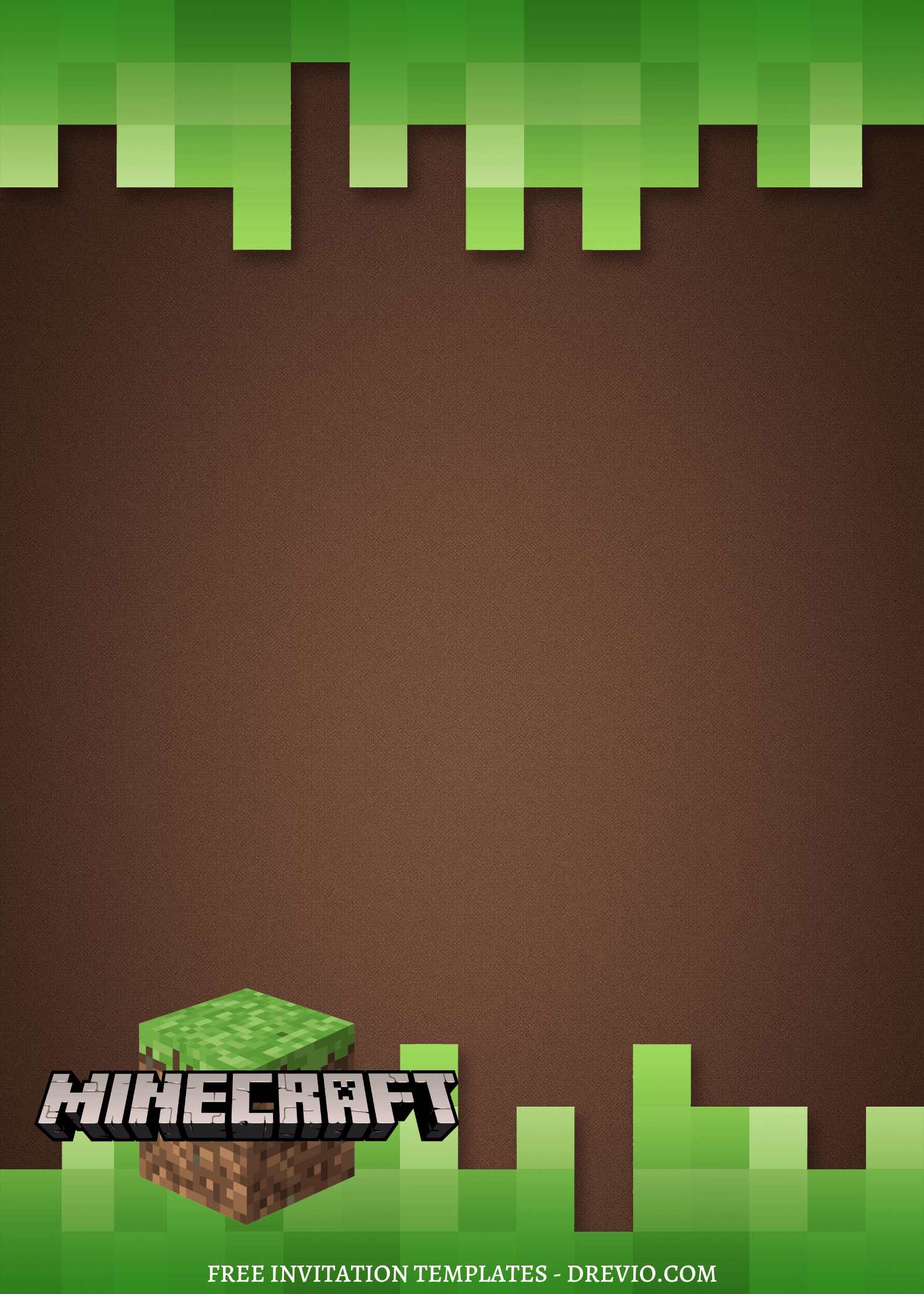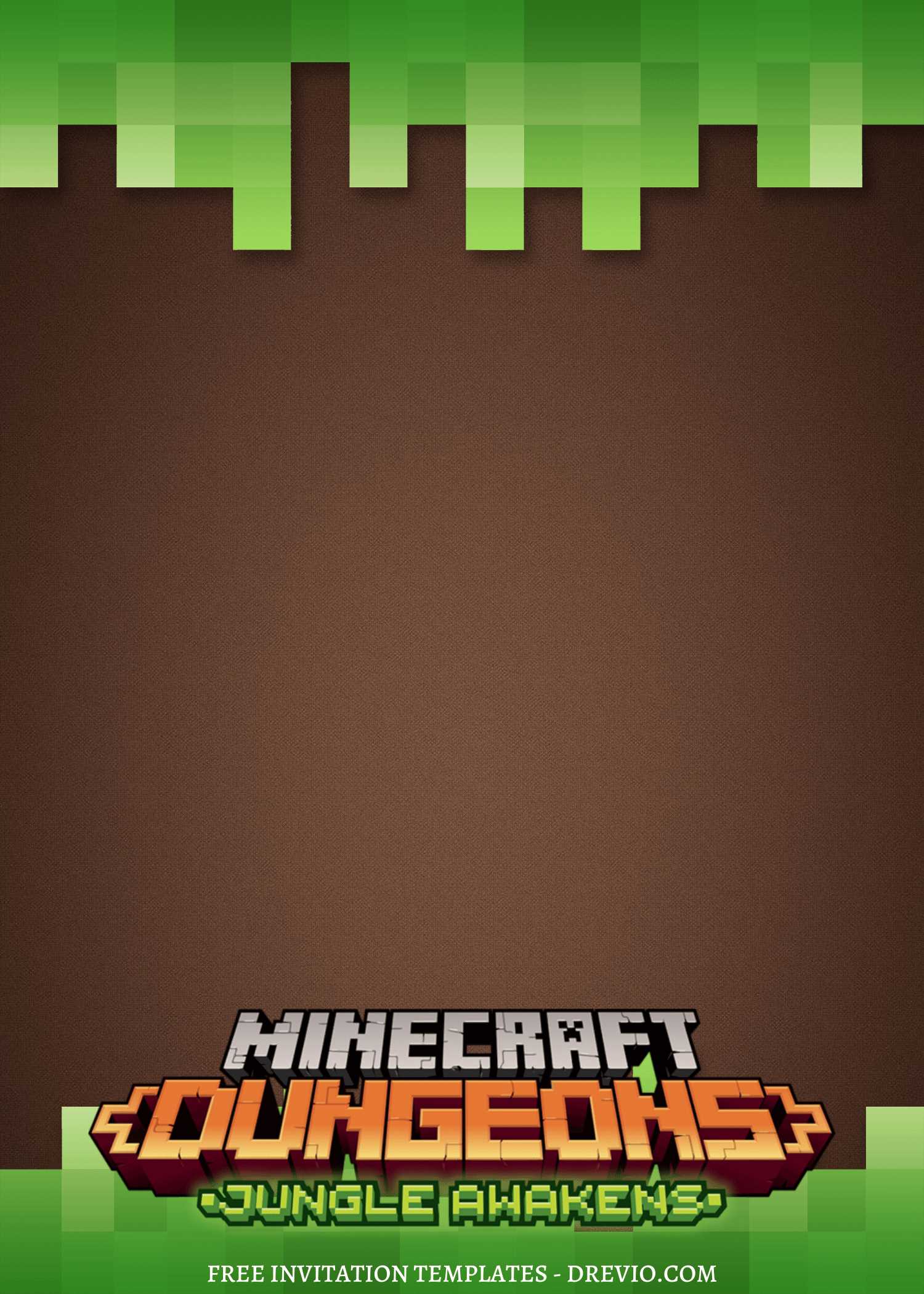
I’ve officially updated these Minecraft birthday invitation designs more times than I wanna admit 😂 It started as a “lemme just fix one little thing” situation and somehow turned into me swapping fonts, changing pixel blocks, and asking my husband which green looked “less weird.” Honestly though? The Minecraft birthday invitations finally came out way cuter once I stopped trying to make them perfect and just made them feel fun.
16+ Updated Minecraft Birthday Invitation Templates (Click, Edit, Free Download)
So yeah, this whole Minecraft party thing started over cereal
My 8-year-old was sitting at the counter looking absolutely exhausted before school, just quietly eating Cinnamon Toast Crunch like life was hard or whatever 😂
Then outta nowhere he goes:
“Mom… can I have a Minecraft birthday party this year?”
And I was like, “Oh yeah, totally. Easy.”
Why do I say things like that so confidently??
Because the SECOND I agreed, my brain immediately started spiraling into:
- decorations
- cake
- party favors
- Invitations
somehow needing green balloons specifically??
And honestly the Minecraft birthday invitations part should’ve been the simple thing.
Except… no.
Because once I started looking around, everything felt either:
- way too baby-ish
- weirdly over-designed
- or looked like somebody discovered every font in Canva at once
And I know kids don’t care THAT much… but also other moms see these invites too 😂
Not in a judgey way necessarily, but you know when you send something out and later you’re like:
“hmmm… that looked kinda chaotic actually.”
Yeah. I was trying to avoid that feeling.
So later that night I’m sitting on the couch pretending to watch TV while scrolling Canva on my phone instead.
My husband thought I was relaxing.
I was absolutely not relaxing.
Why Canva ended up saving me because wow, I was struggling before
Okay so I’ve tried making invites in other apps before and it’s always chaos.
Stuff not lining up. Fonts looking weird. Me zooming in way too much and somehow making it worse. You know that feeling where everything looks slightly off but you can’t fix it?? Yeah.
Canva is just… calmer. Like it does half the thinking for you.
And for Minecraft birthday invitations, it actually works SO well because:
- Everything is already kinda blocky anyway
- The colors are obvious (greens, browns, dark tones)
- You don’t have to “invent” the aesthetic
At one point my kid walked behind me, glanced at my screen for literally 3 seconds and went:
“Oh that one’s good.”
Cool. Approval secured. Moving on.
Picking a template without overthinking (which I almost did)
So I typed in “Minecraft birthday invitation” and got a ton of options.
And listen… some of them were doing WAY too much.
Like 4 different fonts?? explosions?? or random colors that are not even Minecraft?
I skipped those real fast.
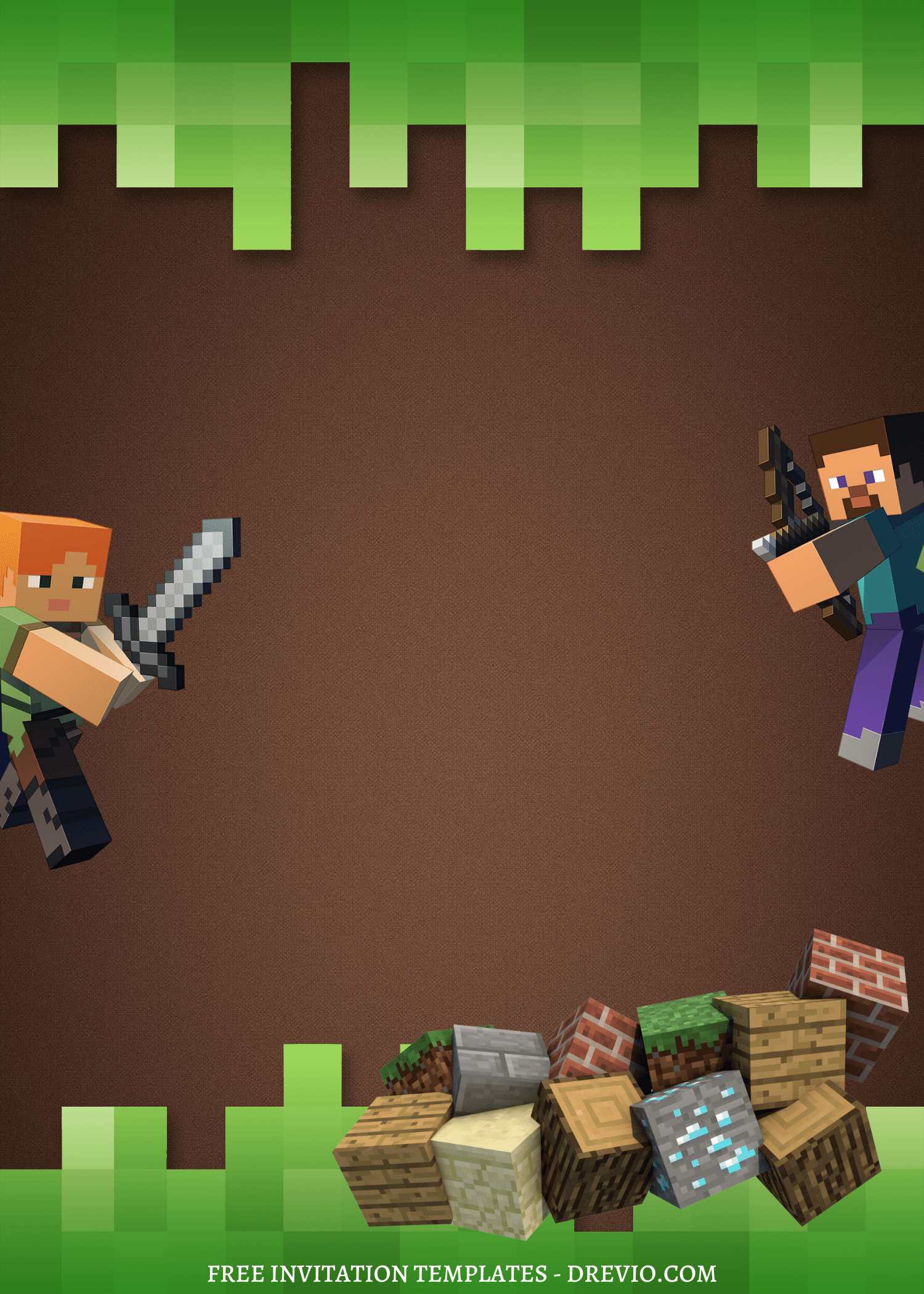
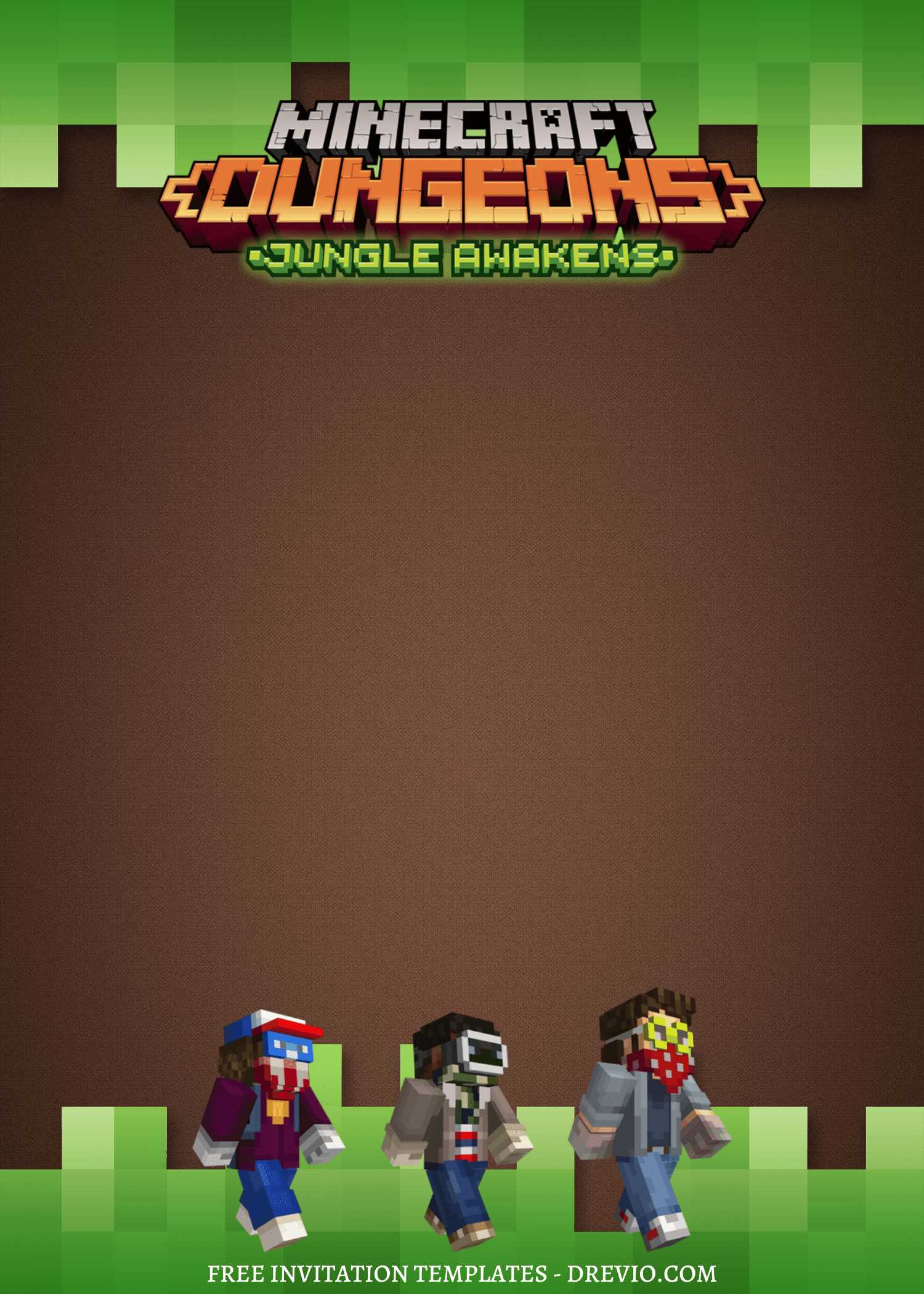
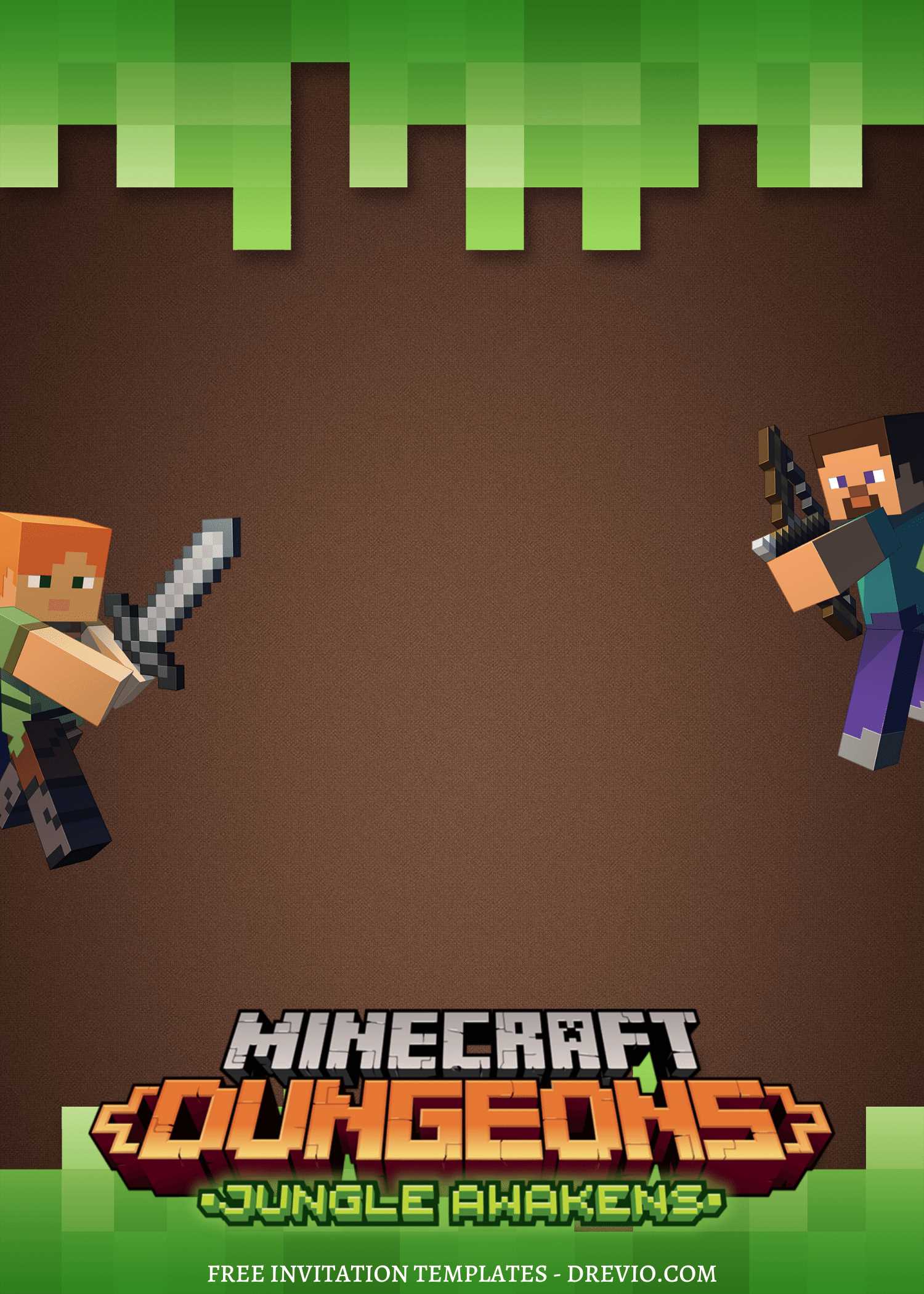
What actually worked better were the simple ones: grass block header, dirt background, and maybe a tiny sword or pickaxe.
That’s it. Kids don’t care about fancy design. They just wanna recognize the game.
Honestly? If there’s a creeper on it somewhere, you’re already winning.
Customizing it (aka me making unnecessary mistakes)
So I picked a template that already looked right and thought, “this’ll be quick.”
It was… mostly quick. Except for the parts where I made it harder for myself.
You can customize your minecraft invitation here on canva
Mistake #1: messing with the font
I don’t know why I do this every time.
I was like, “hmm maybe a cleaner font would look nicer.”
Nope.
My kid saw it and immediately went: “Why doesn’t it look like Minecraft anymore?”
…cool cool cool, reverting that immediately.
Lesson learned: Don’t get creative with fonts on Minecraft Things birthday invitations. Just don’t.
Mistake #2: cramming everything in
At first I tried to fit all the info super neatly.
But when I downloaded it… everything looked squished. Like one long sentence.
The time and address were basically holding hands 😩
So I went back and added more spacing, broke things into lines, made it breathe a little
Way better.
Mistake #3: trusting my screen too much
On my laptop, the green looked bright and cute.
Printed it? Why was it suddenly… dark and kinda dull??
I had to go back in and bump up the brightness a bit.
Not perfect, but definitely better.
What you actually need to include (because I almost forgot stuff)
Okay obvious things: date, time, address
But ALSO: RSVP (I literally forget this every time and then regret it immediately), quick note like “outdoor play” or “bring socks” or whatever, and tiny hint of what’s happening (I wrote “games + cake” just so it didn’t sound chaotic… even though it kinda was lol)
And keep it SHORT.
No one and I mean no one is reading paragraphs on an invite.
Printing vs just sending it (I did both, because of course I did)
So I tried a few options because apparently I like extra work:
Home printing
Fine… if your printer is behaving (mine was not)
Store prints
Honestly? Way better. Cheap, easy, done.
Digital
This is what saved me.
I just sent it in the parent WhatsApp chats and boom, done.
What I ended up doing:
printed a few for school friends
sent digital to everyone else
Best of both worlds, zero stress.
The templates I actually liked (not 20, just a few normal ones)
I didn’t go crazy comparing everything. Just picked what made sense:
- a simple grass block + bold font one (very kid-friendly)
- a slightly darker “survival mode” vibe (my kid thought this was cooler)
- one with a big creeper face (obviously a hit)
- a super minimal one (for my sanity, honestly)
You really don’t need a million options.
Little tips that actually helped (stuff I wish I knew earlier)
Okay random things that made a difference:
- Less text is better (seriously, don’t over-explain)
- stick to like 2–3 colors max
- don’t shrink text just to fit — move stuff instead
- let your kid approve it BEFORE you finalize
And this tiny thing I did kinda last minute, I added a small icon (like a pickaxe) next to the time.
Why did that make it look 10x better?? No idea. But it did.
Things that annoyed me (so you don’t get surprised)
Because yeah, not everything was smooth.
“Why does it look different when printed?”
Because screens lie. Always brighten a little before printing.
“Why does it look off even though it’s centered?”
Zoom out. I swear this helps.
“Why is it blurry when I send it?”
Download as PNG. Learned that the hard way after sending a fuzzy one to like… 3 moms 😅
After the party… did this even matter?
Okay real talk?
The kids didn’t sit there analyzing the invite.
BUT.
Before the party, my son kept showing it to his friends like:
“Look, this is my party.”
And that… yeah, that kinda made it worth it.
Also:
no one asked me “wait what time again?”
no one got lost
everyone showed up on time (a miracle honestly)
One mom even texted:
“Wait this is so cute, where did you make it?”
I was like… okay, I’ll take that win.
FAQ (aka things I googled at midnight)
Do I need Canva Pro?
Nope. Free version worked totally fine for some designs.
Digital or printed?
Digital is enough honestly, but kids do love holding a physical one.
What size works best?
5×7 felt right. Easy to print too.
Phone or laptop?
You can use your phone… but I switched to my laptop because spacing was driving me nuts.
When should I send invites?
I did about 2 weeks before and that worked well. Not too early, not chaotic.
Final thoughts (from a tired but relieved mom)
It wasn’t perfect. I definitely overthought parts of it. I changed things I didn’t need to change. I almost sent the blurry version 😅
But in the end? It looked cute. My kid was happy. And I didn’t spiral into a full-on party planning meltdown.
And honestly… that’s the bar these days.
If you’re trying to make Minecraft birthday invitations, just keep it simple, trust the theme, and don’t overdo it.
You got this. Even if it’s a little messy.


Keeps saying I need to request access. It will not open in Canva.
Please request. We will accept that.