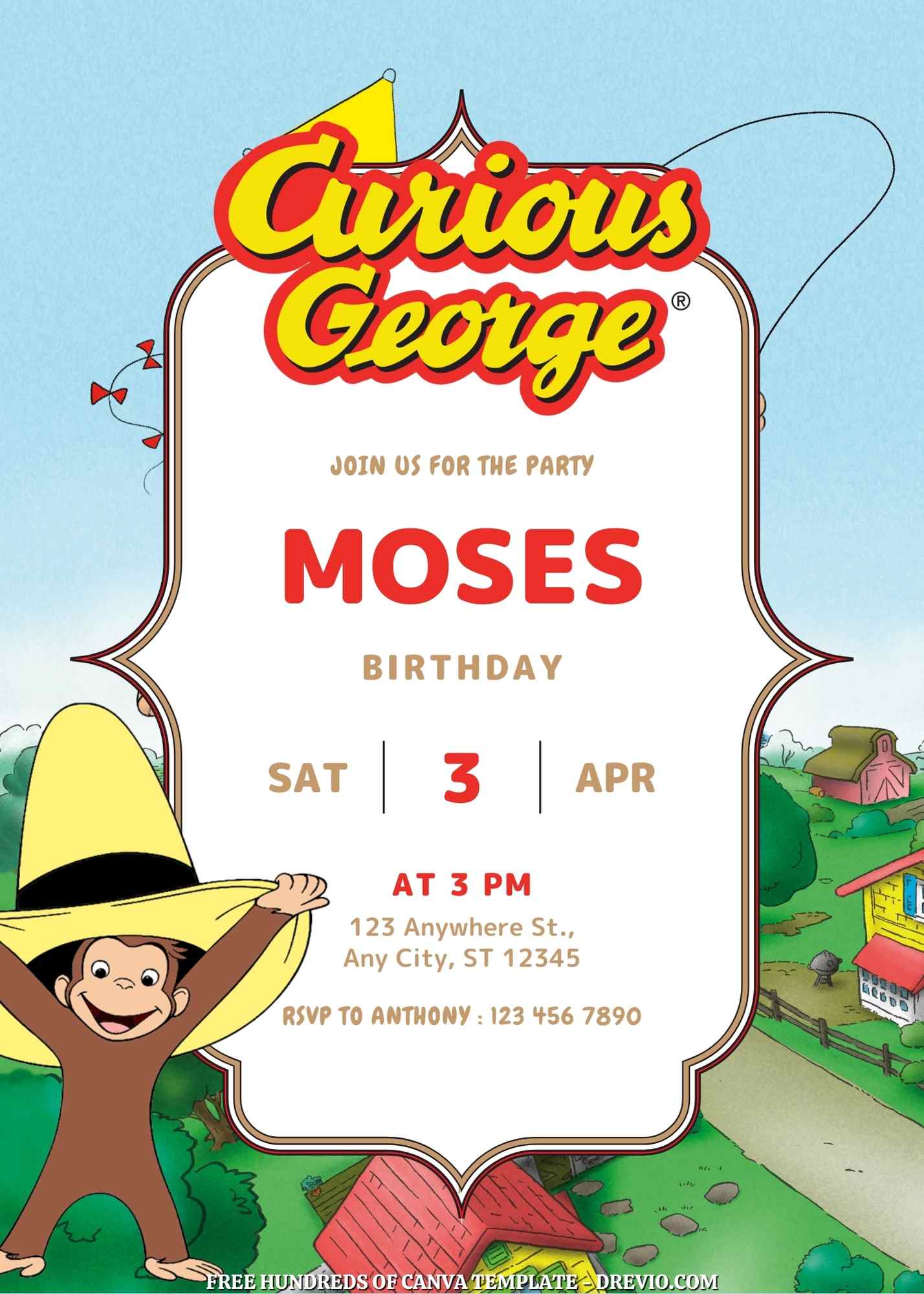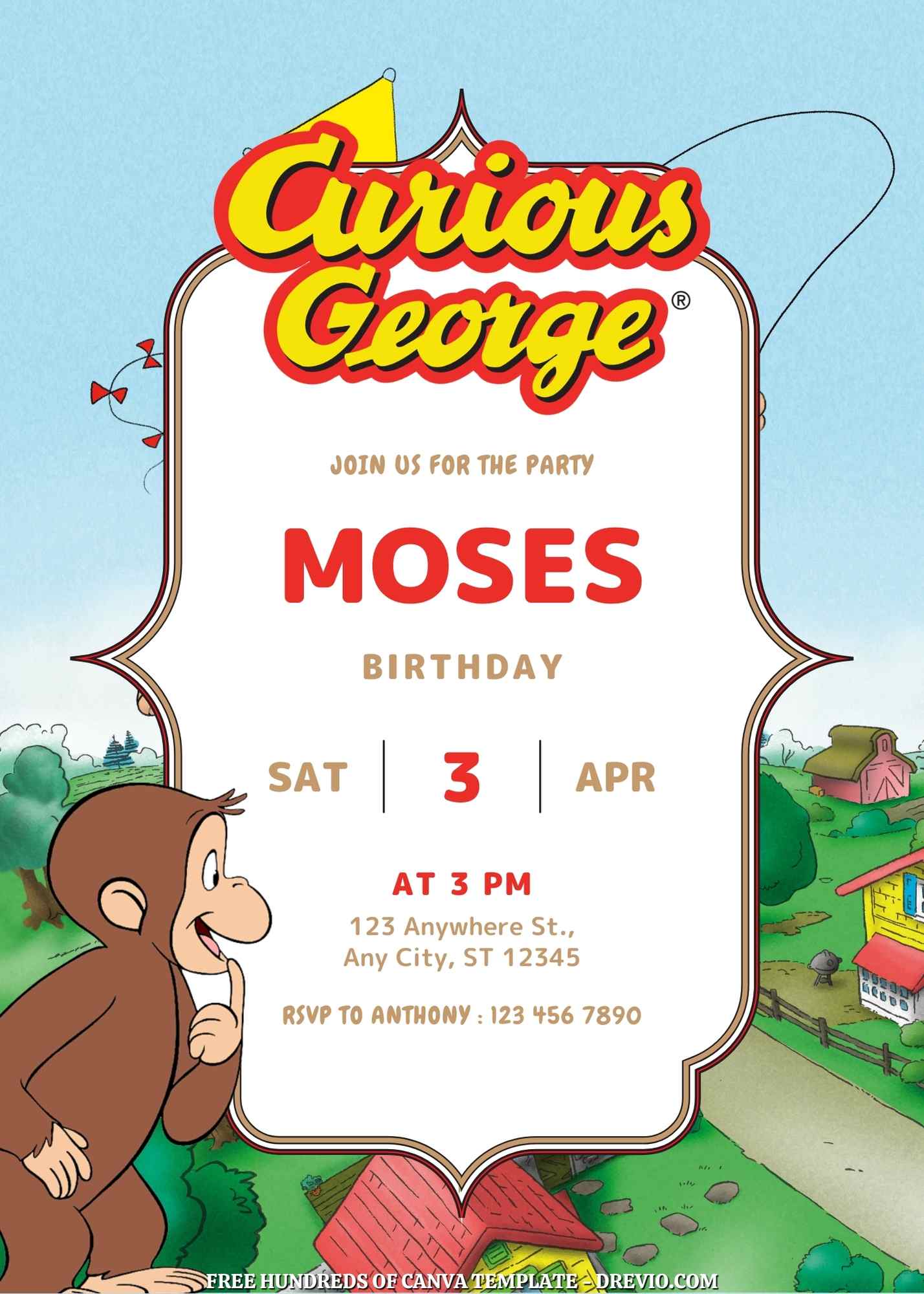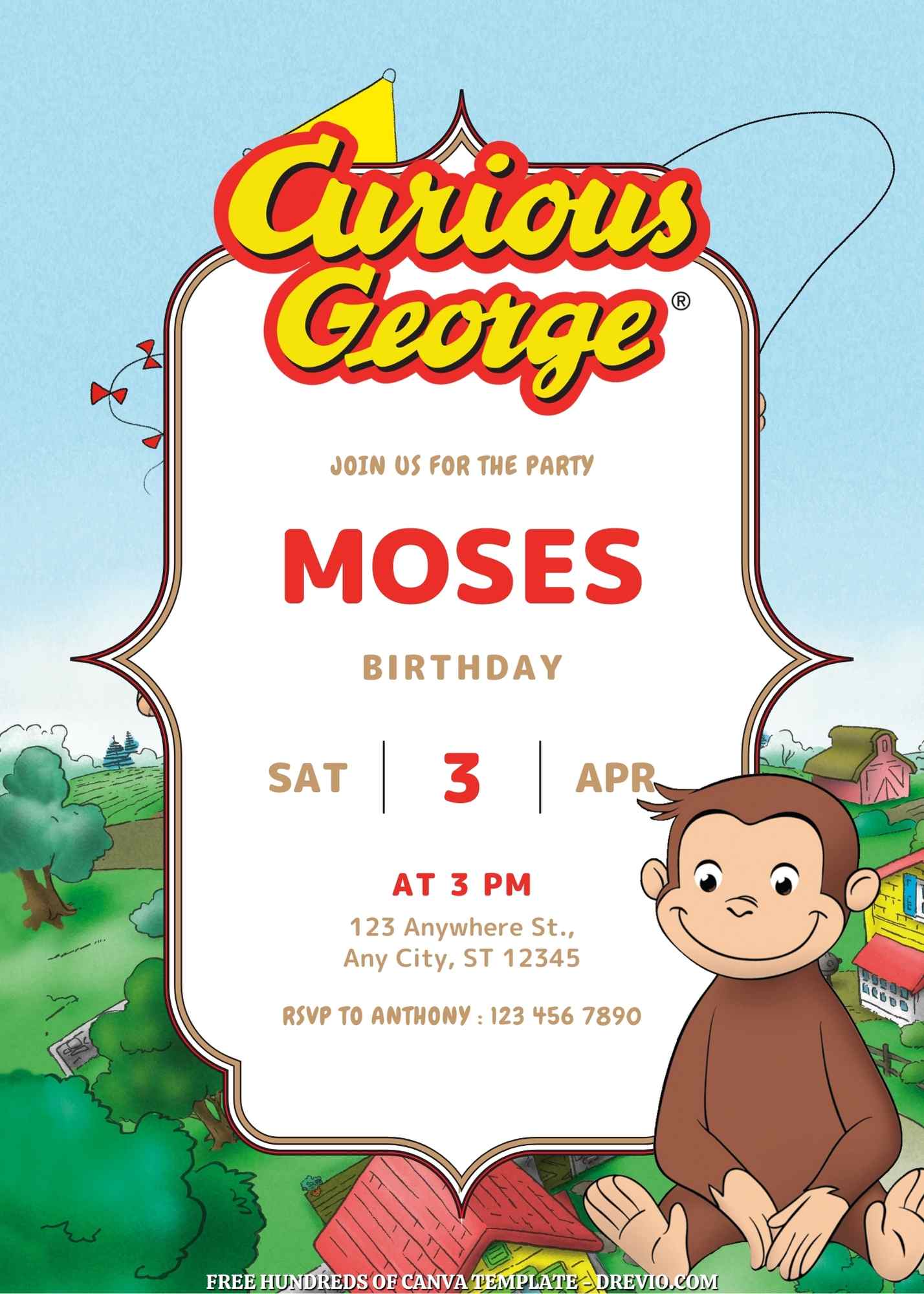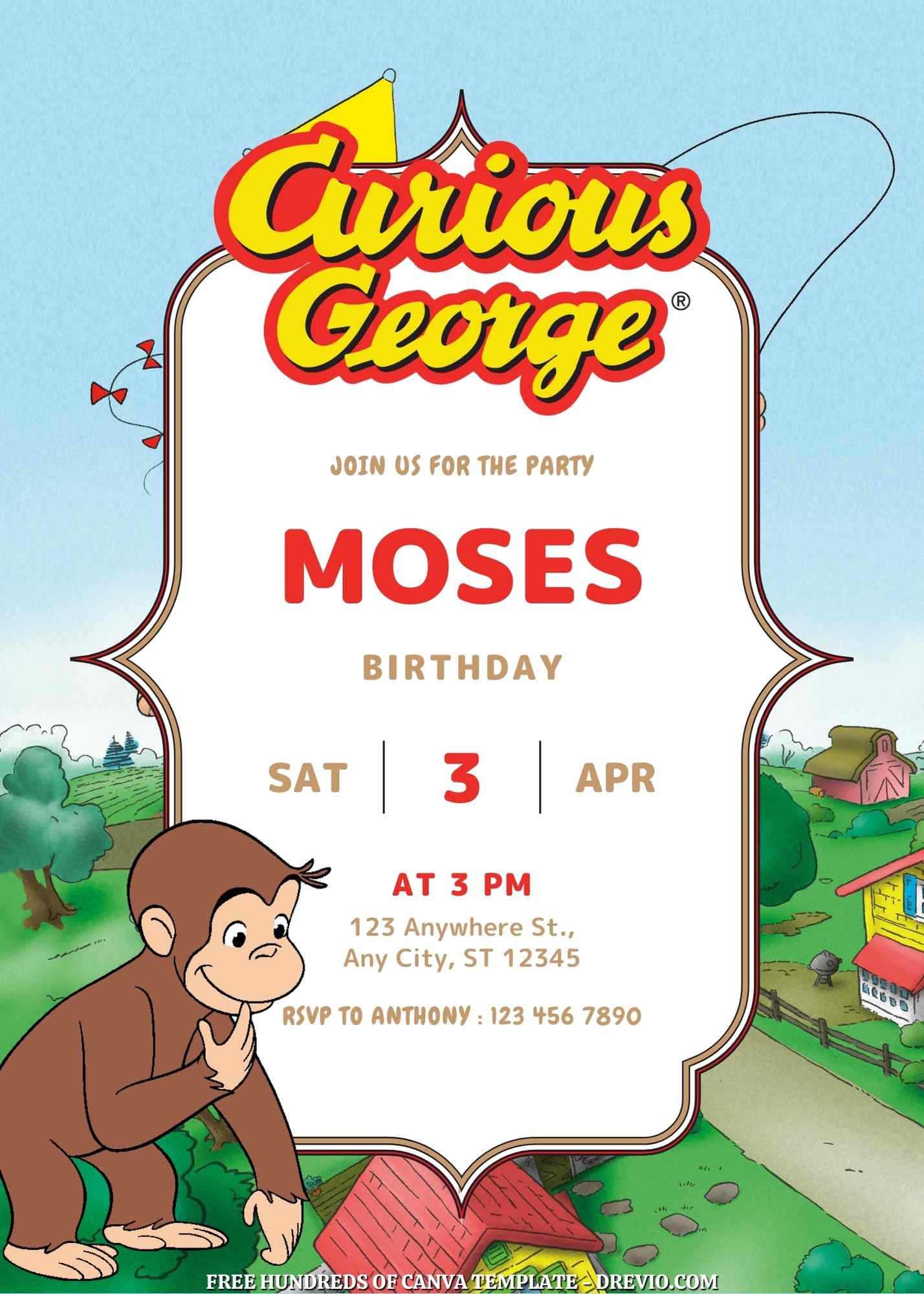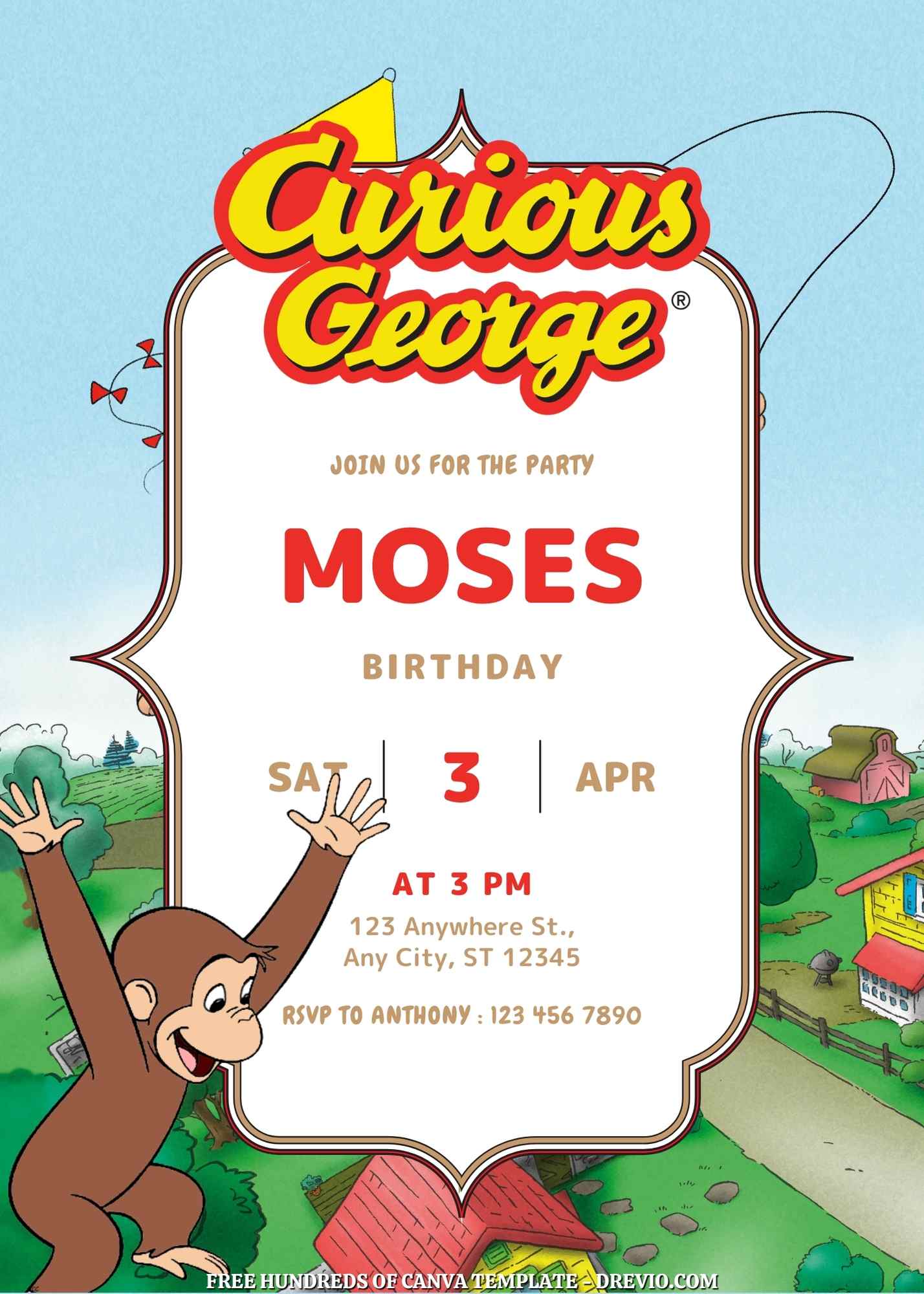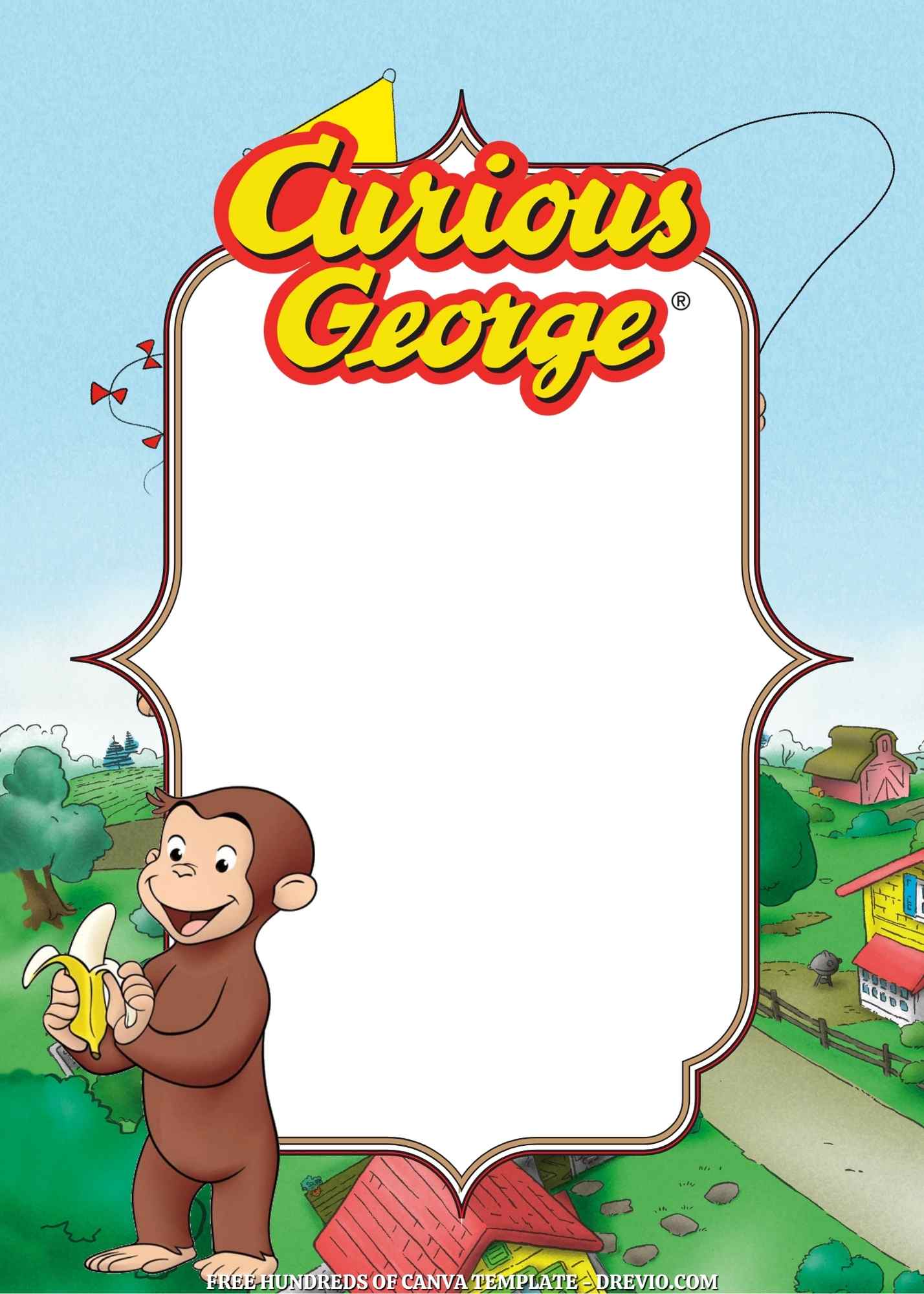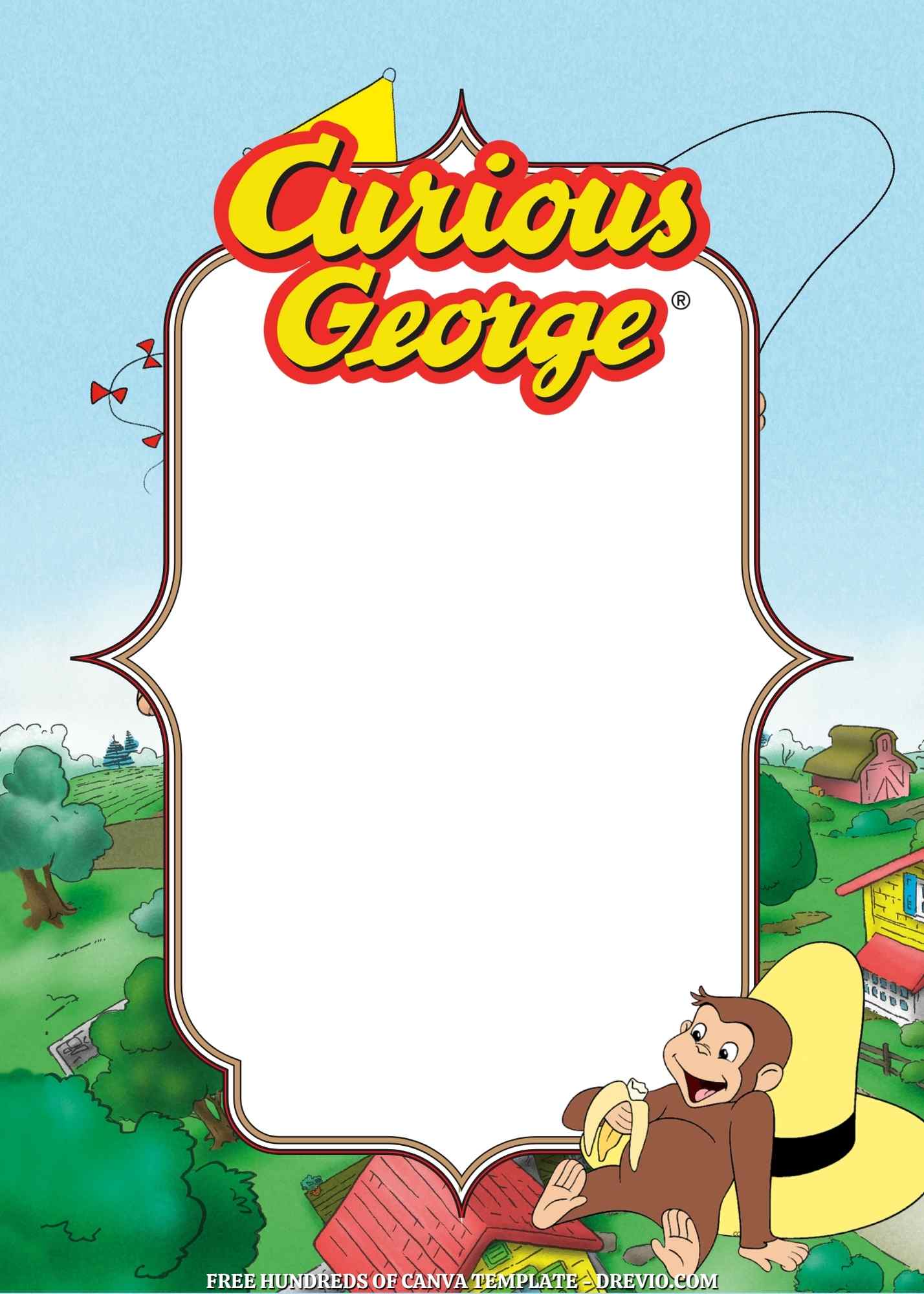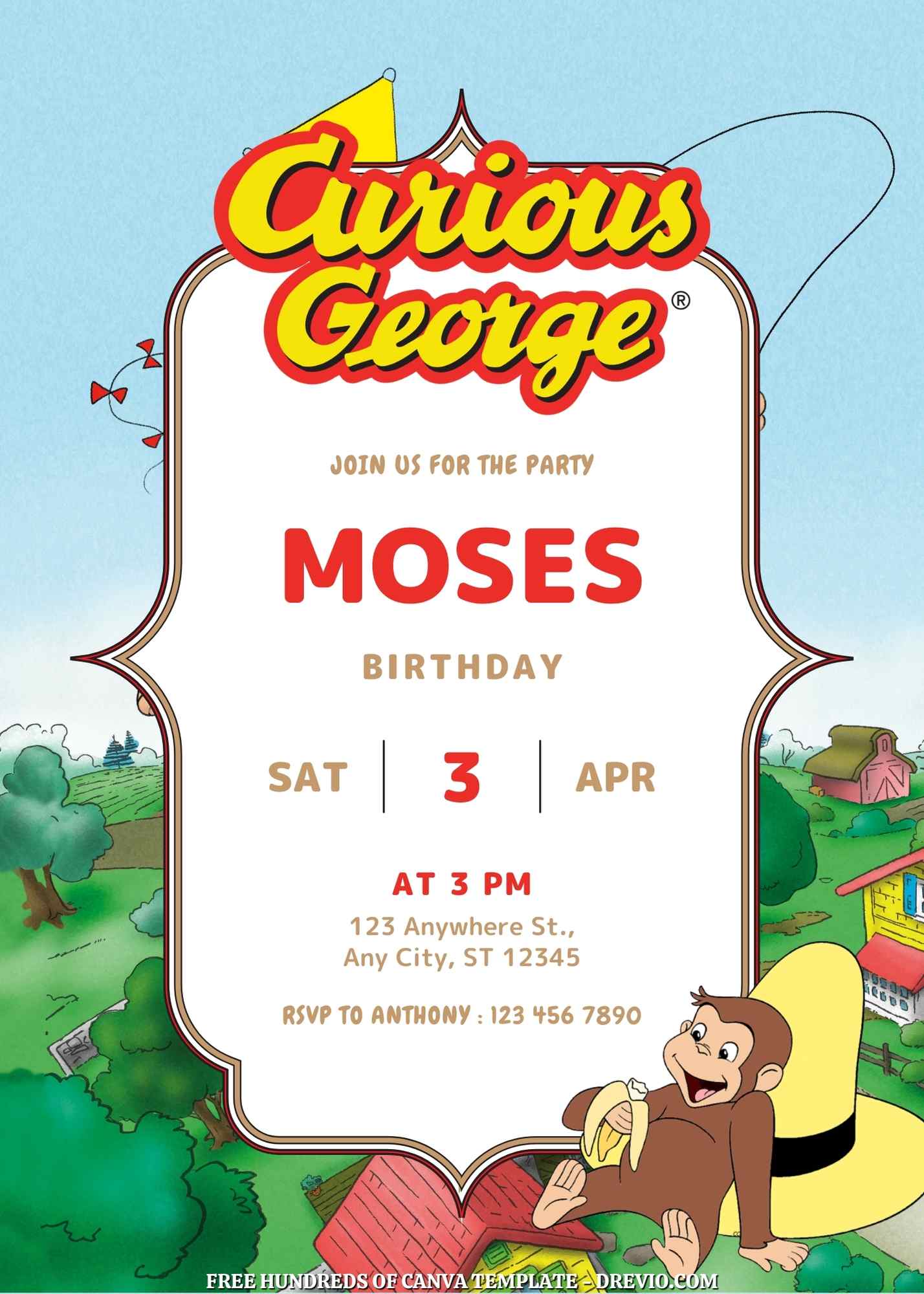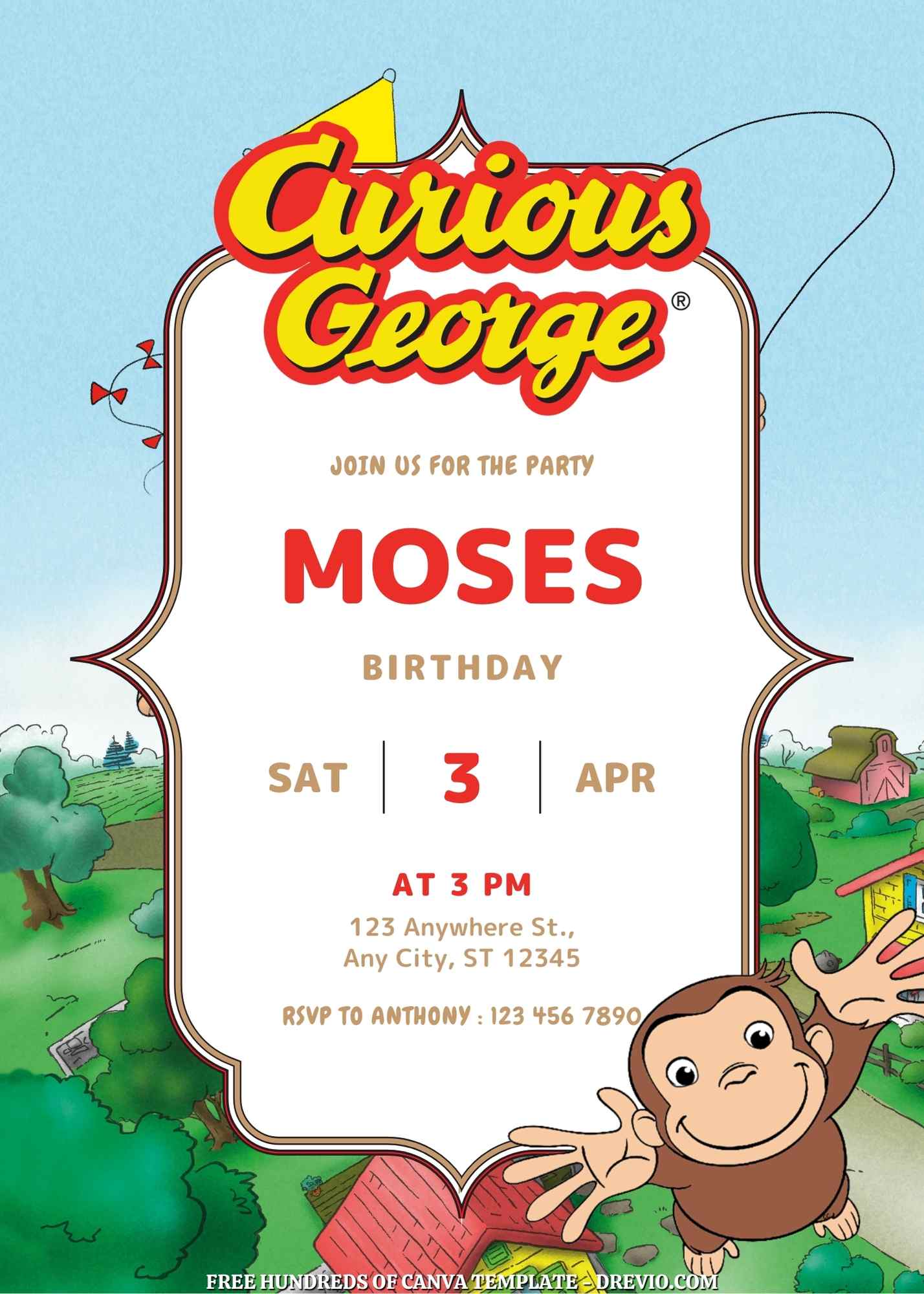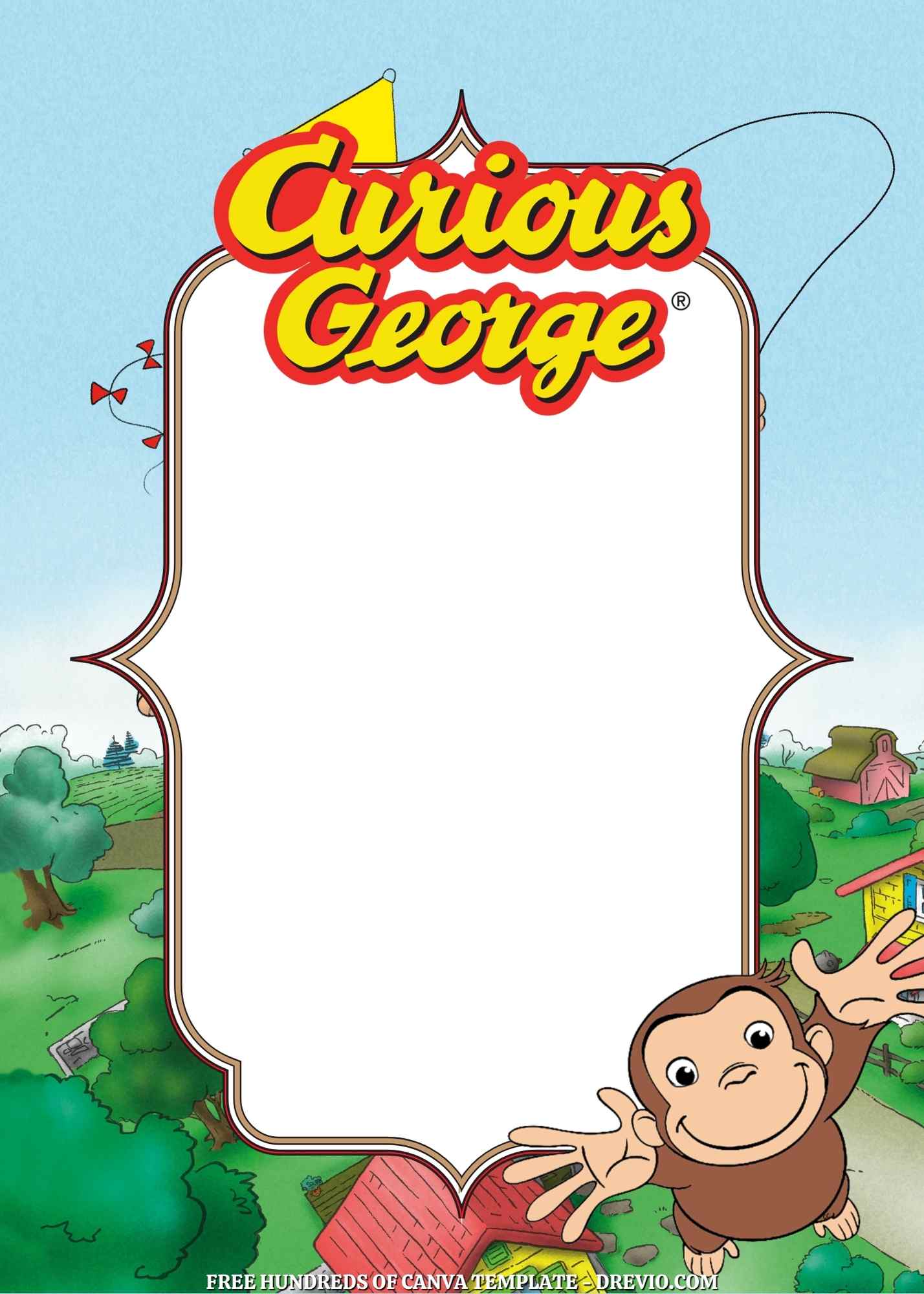
I always want to be that mom who has everything planned out early: cute theme, matching snacks, adorable little Curious George birthday invitations sent out two weeks ahead like a functioning adult. But nope. Real life said “lol, good luck.”
I used to spend way too long trying to find the perfect invite. Like scrolling… and scrolling… and suddenly it’s midnight and I’m comparing fonts like it’s that serious. This time I was like, yeah no, we’re not doing that again.
How We Even Landed on a Curious George Party
22+ Curious George Birthday Invitation Templates (Instant Download) — Updated
So this wasn’t even planned.
My youngest was arguing with his brother about whether Curious George eats only bananas (he does not, apparently?? this was a whole debate), and somehow that spiraled into:
“Mom, I want a George birthday party.”
And I’m standing there holding laundry I’ve been “folding” for like 40 minutes thinking… wait… his birthday is literally next week.
Cool cool cool.
So yeah. That’s how I ended up panic-making Curious George birthday invitations on a random Wednesday afternoon while also texting another mom about soccer snacks.
Why Curious George Actually Works So Well (Even If You Didn’t Plan It)
It’s low-key the easiest theme ever
I didn’t mean to pick a theme this year. But honestly? Curious George kinda saved me.
The colors are already there—yellow, red, a little green if you want to pretend it’s jungle-ish. And it’s not one of those themes where you feel like you need to go full Pinterest board or it looks sad.
Like… you can do the bare minimum and it still works.
And I love that energy for us.
Even older siblings don’t totally hate it
My older kid didn’t roll his eyes, which… if you have more than one kid, you know that’s basically a standing ovation.
George is just… chill. A little chaotic, sure, but in a cute way. Not loud superhero chaos where everything has to be explosions and sound effects.
The Invitations (aka me refusing to start from scratch)
Let me just say this upfront:
I did NOT design anything from scratch. Absolutely not. No ma’am.
I opened Canva, searched “Curious George birthday invitations,” and just started clicking around.
And honestly? Best decision.
I saved way too many at first
At one point I had like… 12 tabs open.
Different styles, different vibes. Some were super bright and toddler-y, some were a little softer and more “okay this could pass for a 6-year-old without embarrassment.”
Then I hit that wall where your brain just goes:
“Nope. Pick one and move on.”
So I did. Eventually.
The ones that actually made sense
Here’s what I ended up working with:
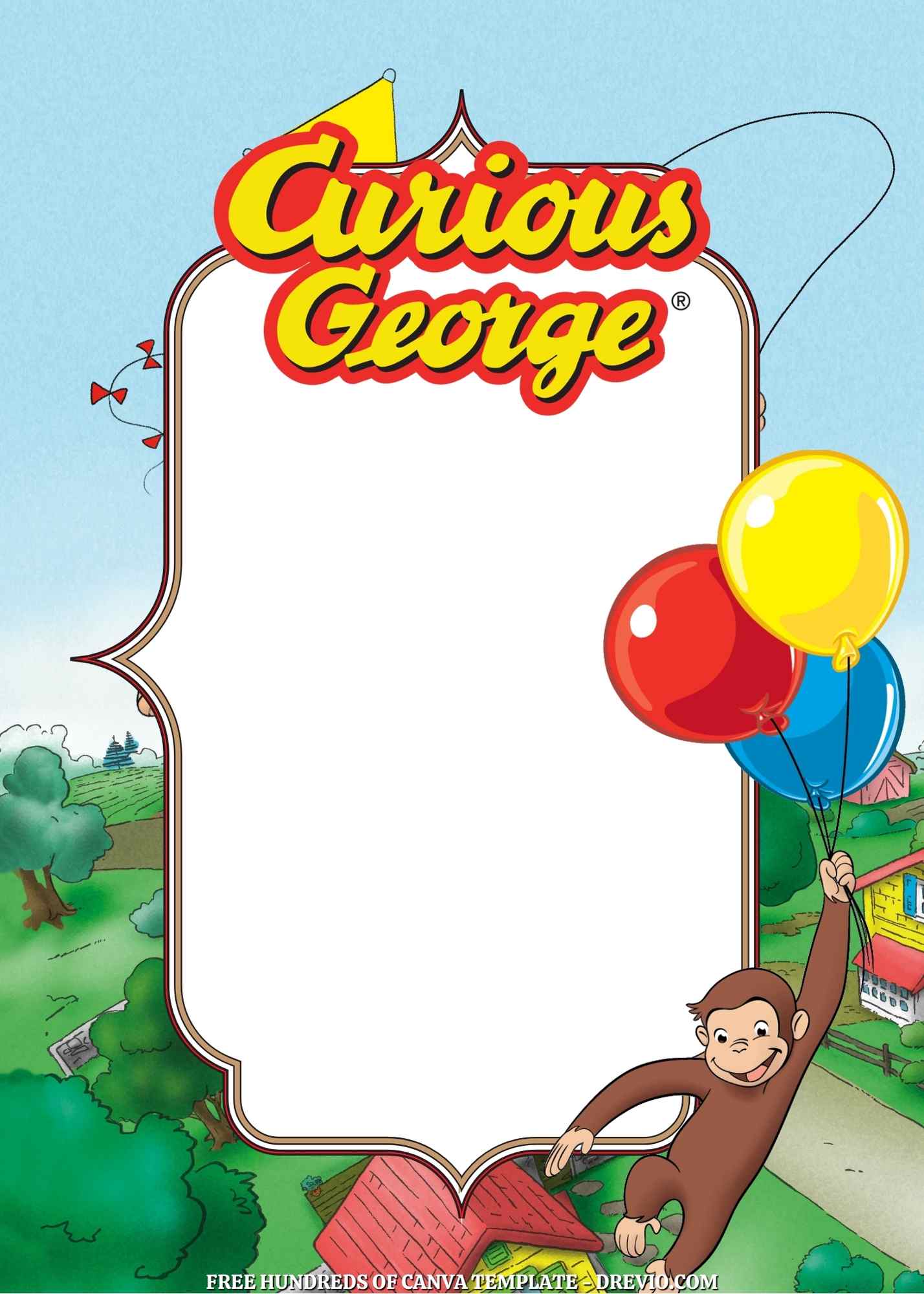
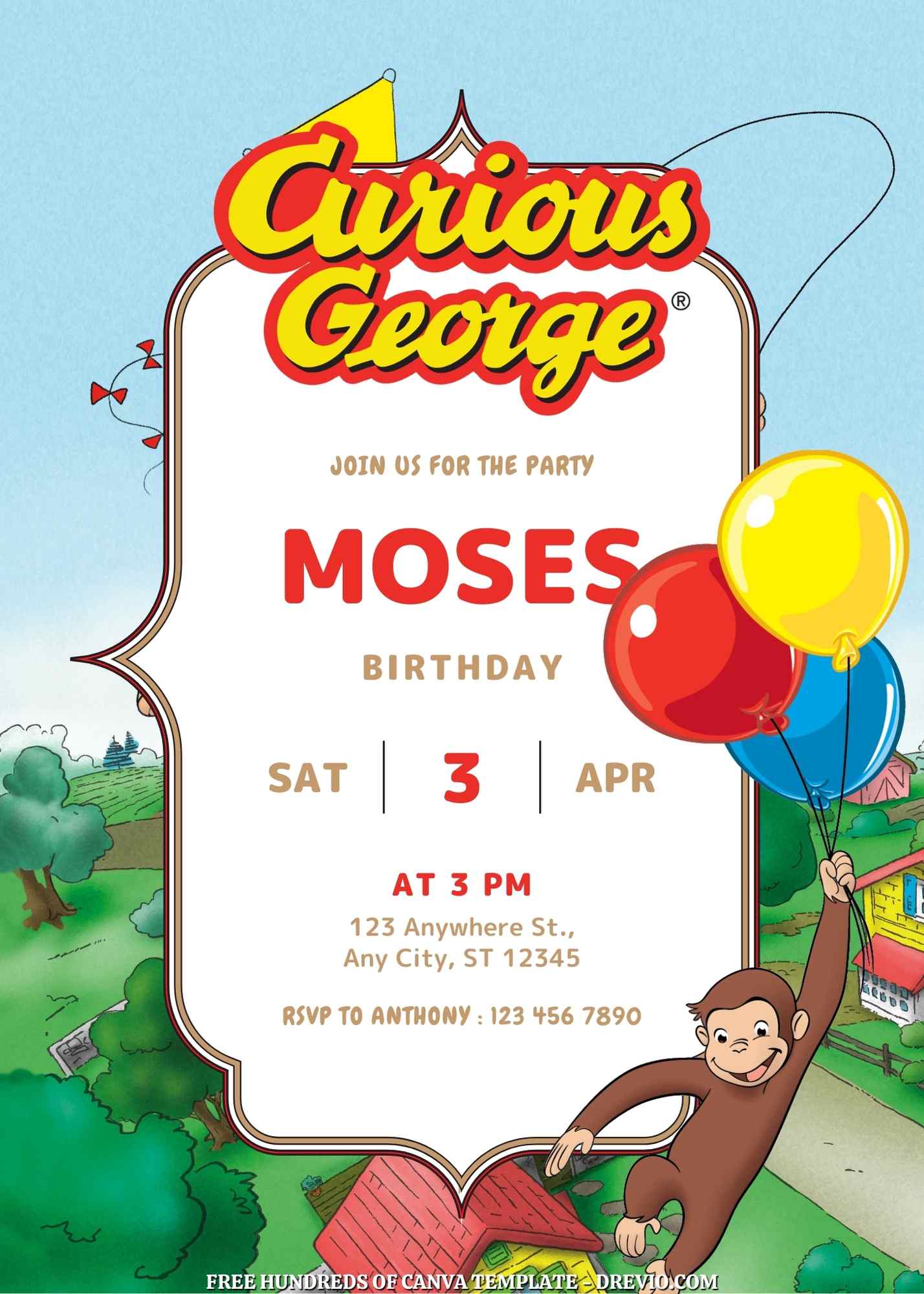
- A bright yellow one with balloons (very classic, very “this is clearly a kid party”)
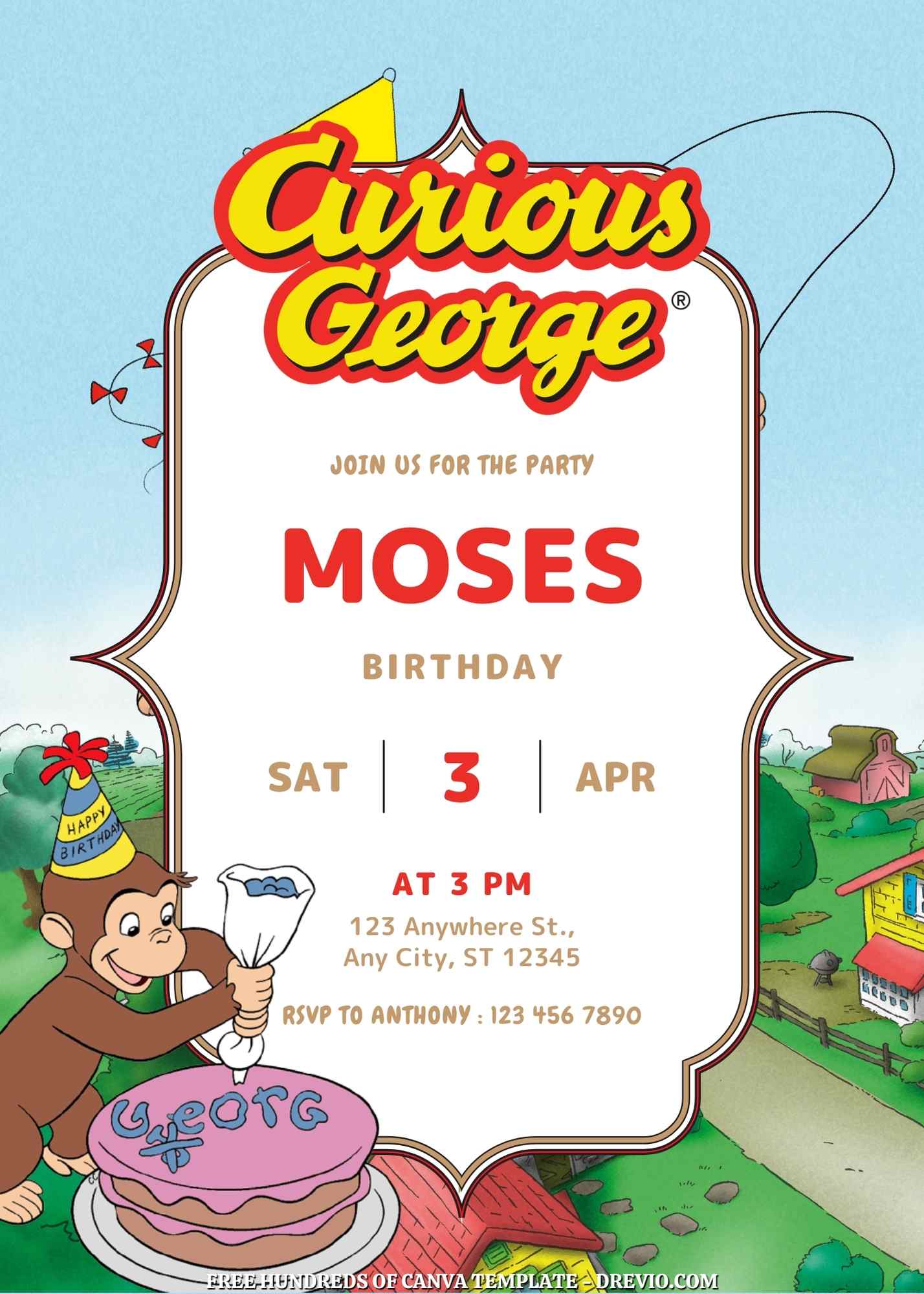
- A softer jungle-ish one (felt a little calmer, less in-your-face)
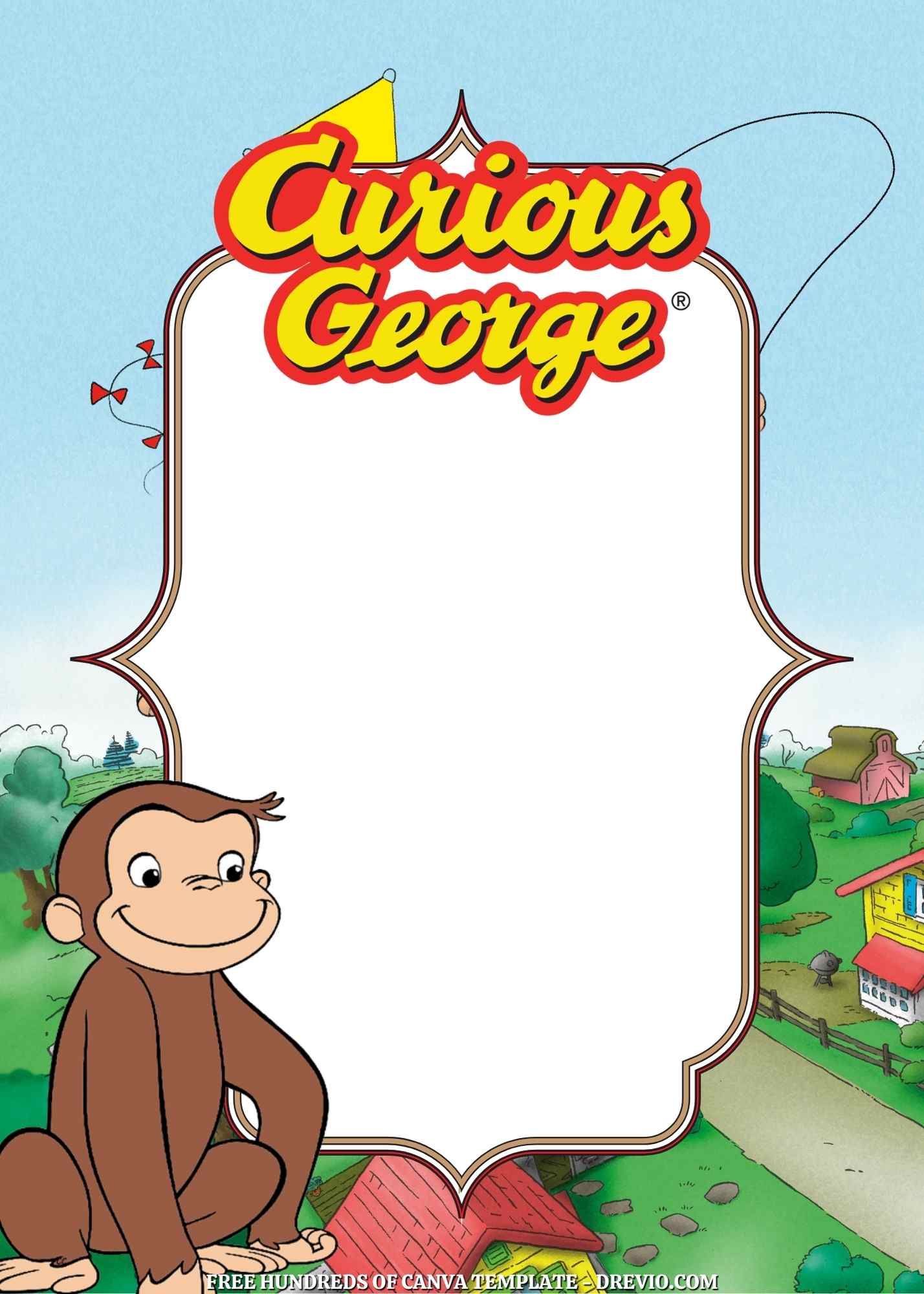
- One with a photo spot (used this for texting family)
- A super simple red and yellow layout (for when I was this close to giving up)
Nothing fancy. Just… solid, easy, done.
Customizing Them (aka where I made small mistakes… obviously)
It’s easy… but also I still messed up
You literally just click the text and type over it. Canva basically babysits you through the whole thing.
Name, age, date, time – done.
But also? I somehow printed a version that said:
“Bithday.”
Yep.
Five copies.
No one said anything but I KNOW they saw it.
customize your curious george birthday invitation here
Colors matter more than I expected
So the template looked super cute on screen: bright yellow, cheerful, very “George would approve.”
Then I printed a test at home and… it looked like a sad banana.
Like dull. Kinda gray-ish? Just… not it.
So I went back and bumped up the brightness and warmed the color a little.
Way better.
Tiny tweak, big difference.
Fonts are weirdly important
The default font felt a little too… baby shower.
And I needed something that parents could read quickly because let’s be real, no one is sitting down and studying your invitation.
They’re reading it while holding a toddler and answering a text.
So I picked something playful but super clear.
No regrets there.
- Random little tip I learned the hard way
- Zoom out before downloading (seriously, that typo haunts me)
- Don’t try to get too fancy with alignment (I tried… it looked off… I gave up)
- Download as PDF for print (it just looks sharper, trust me)
Printing… where I almost lost it a little
At-home printing was not it
I tried. I really did.
Regular paper, home printer… and it just felt kinda flimsy and sad.
Also my printer decided halfway through to act like it’s never printed before in its life.
So yeah. That lasted about 10 minutes.
What actually worked
I uploaded the file to Walgreens while I was already out grabbing snacks (because multitasking is survival at this point).
Did 5×7 prints.
And honestly? They looked GOOD.
Like… way better than I expected for something I threw together in pajamas.
The colors popped, the paper felt nice, and it was super quick.
Glossy vs matte (didn’t think I’d care, but here we are)
They printed mine on glossy photo paper.
It looked really vibrant, which I loved.
BUT—if you’re planning to write anything on the back? It’s a little annoying.
So next time I might try matte cardstock.
See? Growth.
Sending Them Out (aka paper + “just texting it”)
So I did both.
Because we live in reality.
Printed invites for school bags (where they may or may not survive)
Digital version in the class group chat (where things actually get seen)
And honestly? The digital one probably did most of the work.
Pulling the Party Together Without Losing My Mind
Decorations that took like… no effort
I grabbed:
Yellow balloons
A red tablecloth from Target
Printed a couple extra Georges to tape around
That’s it.
And somehow it looked… intentional?
Like I promise I did not spend hours on this.
Activities (aka how I bought myself 20 minutes of peace)
We did:
“Pin the Banana on George” (chaos, but good chaos)
Coloring station (this one saved me, not even kidding)
Nothing fancy. Just stuff that keeps little hands busy.
Food (keep it simple, seriously)
Bananas. Obviously.
Mini muffins, juice boxes.
That’s it.
Kids do not care. They just want snacks and sugar.
The Part That Actually Matters
So my kid sees the invitation and goes:
“Mom… George is coming to my party??”
And I just… paused.
Because like… no. But also… I didn’t have the heart to shut that down immediately.
We’ll cross that bridge later.
At the party, one of the moms was like:
“Wait, where did you make these? They’re so cute.”
And I almost laughed because I made them sitting at my kitchen counter in pajamas with cold coffee next to me.
Not glamorous.
But it worked.
Real Talk: It Wasn’t Perfect (and that’s fine)
I forgot to add the end time on one version.
One invite got juice spilled on it before we even handed it out.
I stressed about fonts for no reason.
But my kid had the best time.
Like… full-on happy, running around, banana in hand, zero concerns.
And at the end of the day, that’s the whole point.
Quick Answers Because I Had These Same Questions
- Are Curious George birthday invitations actually free on Canva?
Some are! Just double-check there’s no “Pro” label before you commit.
I’ve definitely fallen in love with designs before and then… nope. Paywall.
- Can you reuse the template for something else?
Honestly yeah.
Playdate, baby shower, whatever. Just swap the text.
- Do you need a Canva account?
Yeah, but it’s free and takes like 2 minutes.
Worth it.
Final Thought (from a mom who almost didn’t do this)
I didn’t spend a ton of money.
I didn’t plan weeks ahead.
I definitely didn’t do everything perfectly.
But it turned out to be one of those sweet, simple days where your kid falls asleep in the car holding a balloon and you just sit there like…
“Okay. Yeah. That was a good one.”
So if you’re stressing about Curious George birthday invitations?
Don’t overthink it.
Grab a template. Mess with it a little. Fix a typo or two (hopefully before printing, unlike me).
It doesn’t have to be perfect.
It just has to feel like your kid.
And maybe involve a monkey and some bananas.