My weekend plan was literally to clean the pantry.
Instead?
I’m sitting at the kitchen table with cold coffee, three snack wrappers that somehow aren’t mine, and Canva open for like…the fourth hour because my youngest looked up from watching Regular Show and goes,
“Mom…can my birthday look like Mordecai and Rigby threw the party?”
Well.
There went my Saturday. 😂
I already had a handful of Mordecai and Rigby invitations saved from a while back, but I opened them up and immediately had that “ehhh…” feeling.
You know when something isn’t bad, but it also isn’t giving?
Yeah. That.
So naturally I started changing one little thing.
Then another.
Then somehow I redesigned almost the whole collection.
No regrets though.
Why I Couldn’t Leave My Mordecai and Rigby Invitations Alone
I swear the older I get, the more I realize our kids steal everything we loved growing up.
Cartoons.
Music.
Snacks.
Half my hoodies.
My son laughs at Mordecai and Rigby just as hard as I did, and honestly? Their goofy chaos makes the absolute best birthday theme.
So instead of stuffing every inch of the invite with giant characters, I went with the vibe.
Bright blues.
Little pops of orange.
Retro stars.
Arcade details.
Clouds.
Comic shapes.
Tiny snack doodles because…snacks are basically another character in that show anyway.
It feels playful without looking like somebody dropped a sticker book on the page.
And thank goodness because my eyeballs get tired.
Turns Out Less Really Is More
I used to think adding more graphics automatically made invitations cuter.
Nope.
It just made me squint.
Now I leave empty space.
Crazy concept, I know.
The party info actually stands out, and moms can read it while pushing a Target cart with one kid asking for Pokémon cards and another trying to climb into the basket.
We’ve all been there.
Why This Theme Just Works
The thing I love about Regular Show is nobody is trying to save the galaxy every ten minutes.
They’re just making dumb decisions.
Trying to fix them.
Making them worse.
Then somehow surviving.
That’s basically parenting.
So the whole theme feels relaxed.
Nobody expects fancy.
Everybody wants pizza, cake, and kids who sleep well afterward.
That’s the dream.
The Party Didn’t Need To Be Pinterest Perfect
I quit chasing Pinterest years ago.
One time I made fruit skewers that looked adorable.
Do you know what disappeared first?
The bag of pretzels.
The pretzels won by a landslide.
Kids humble you so fast.
Canva Is Basically My Emotional Support App
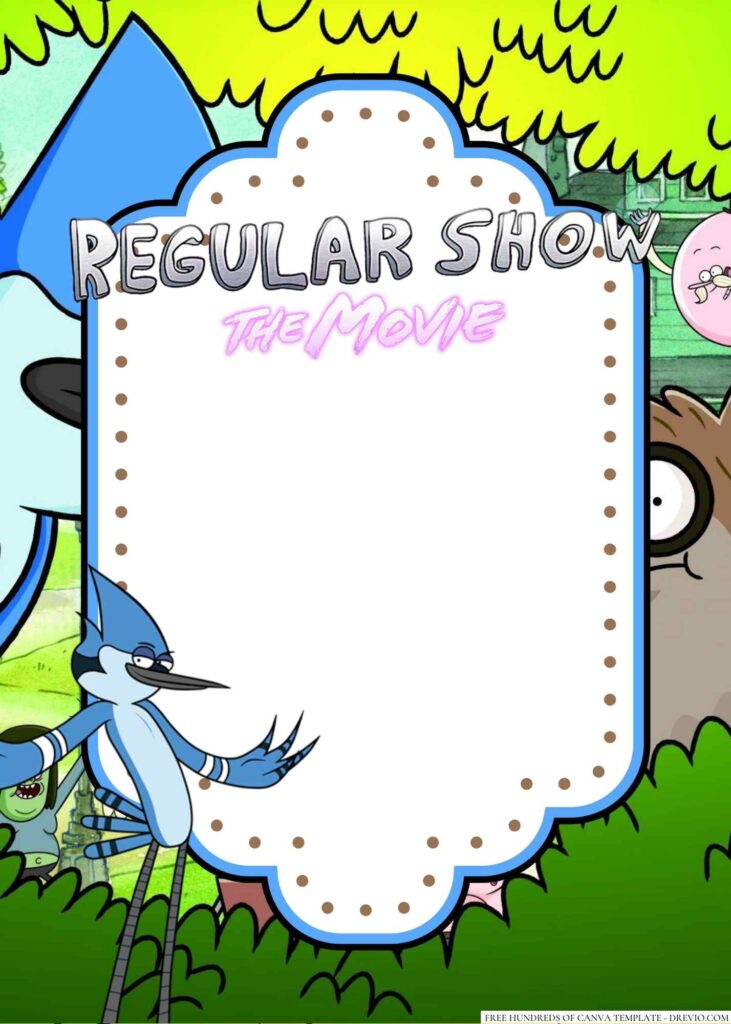
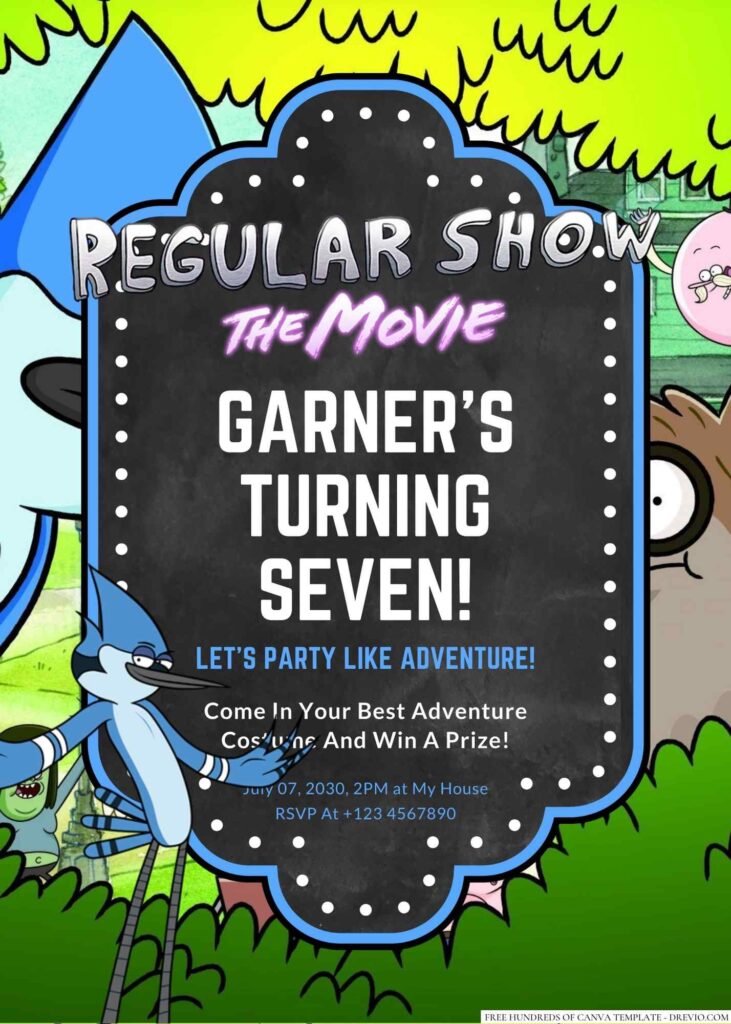
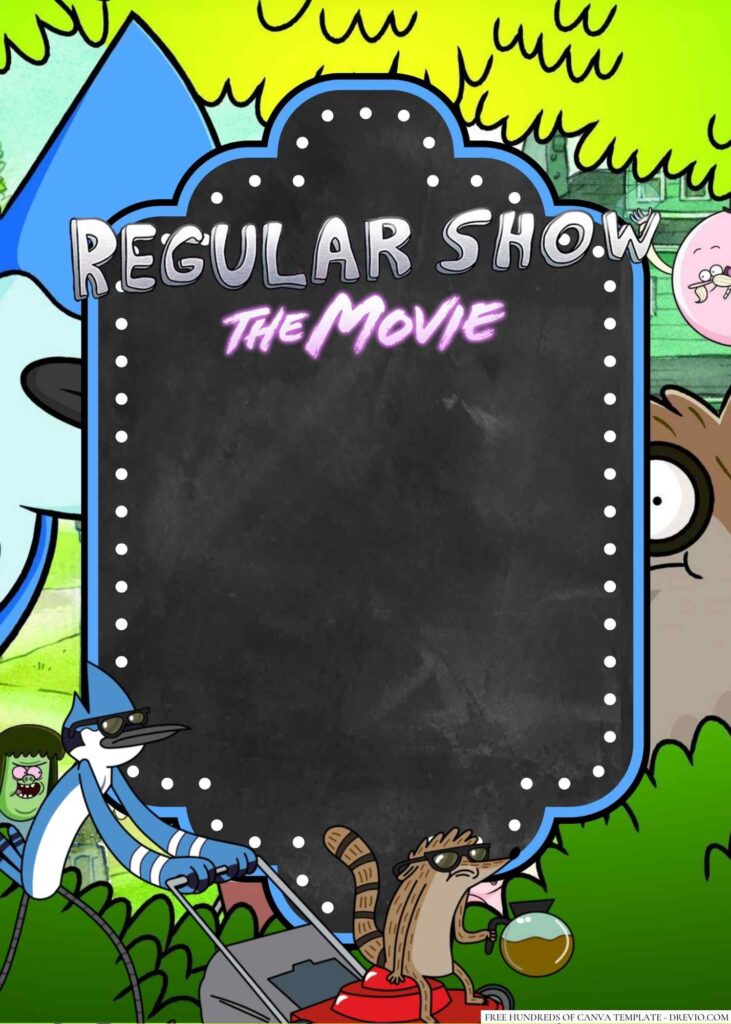
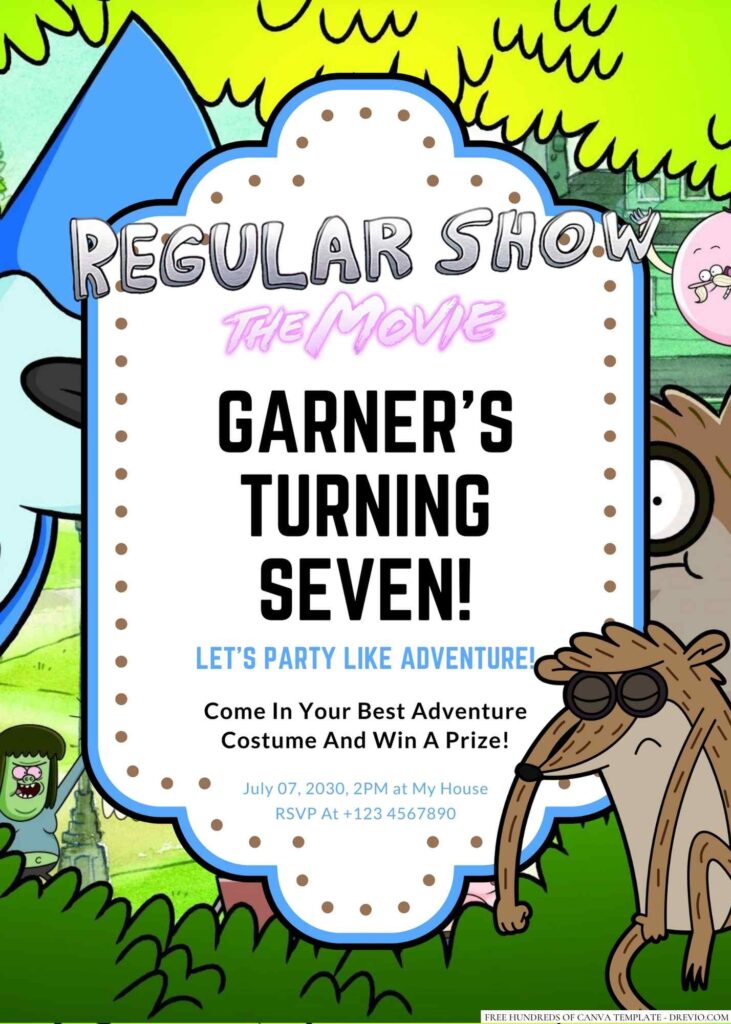
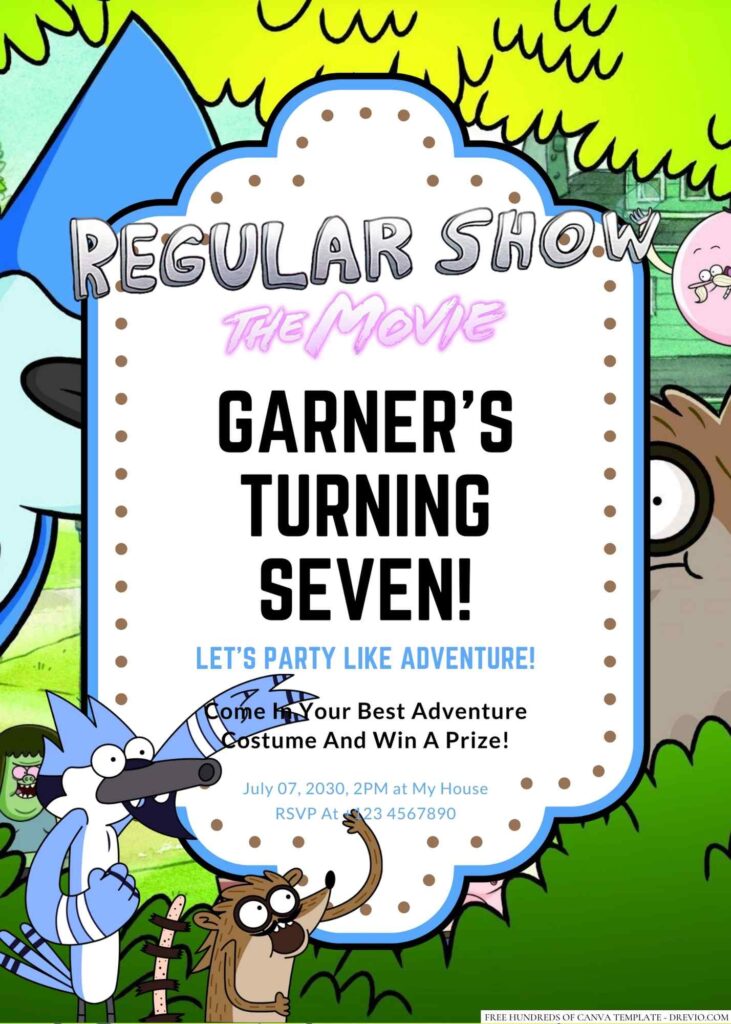
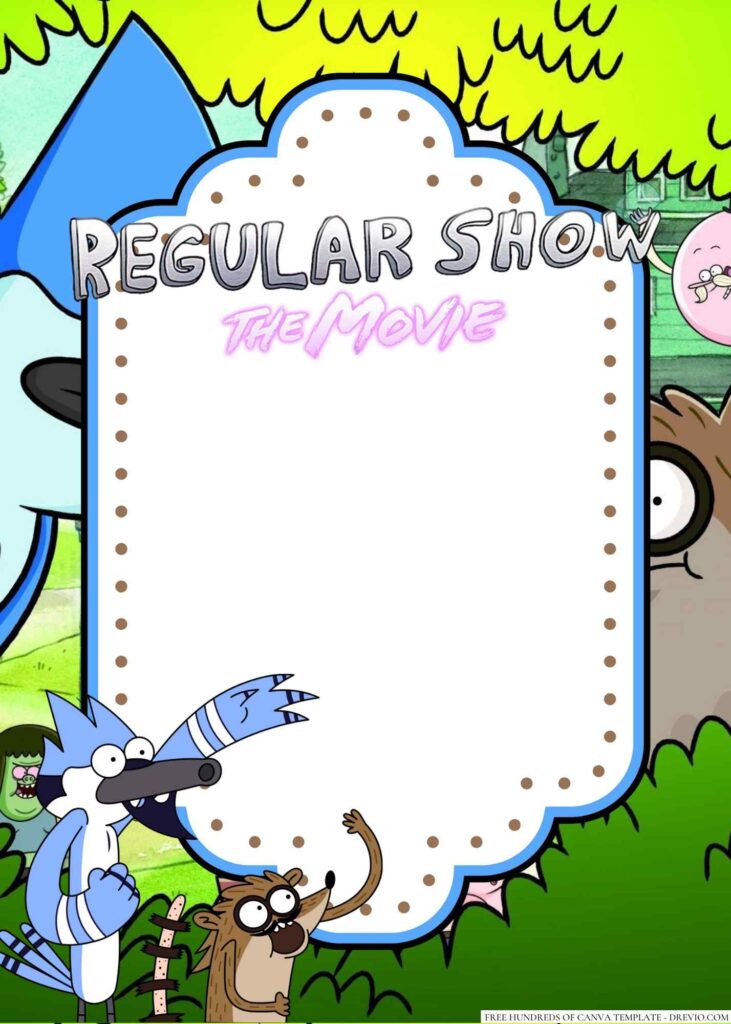
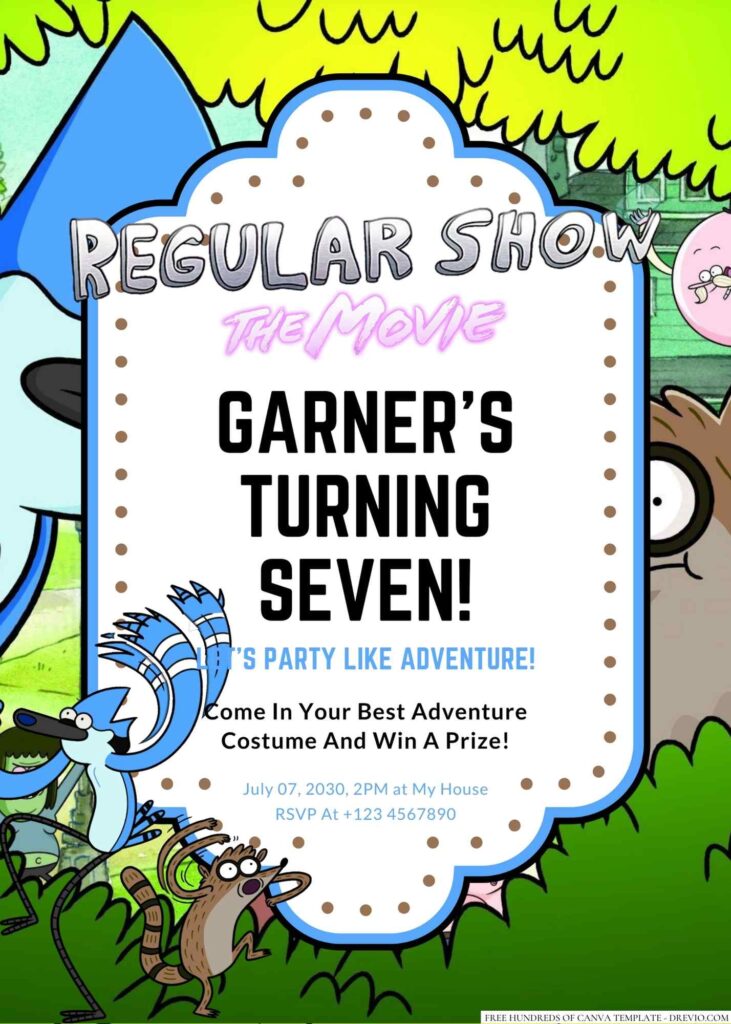
CUSTOMIZE YOUR MORDECAI AND RIGBY INVITATIONS HERE!
I have tried those fancy editing programs.
Absolutely not.
Five minutes in and I’m clicking random buttons hoping something magically fixes itself.
Canva?
Bless it.
Drag.
Drop.
Replace the name.
Move something three pixels to the left because my brain suddenly decides it’s crooked.
Done.
I’ve edited invitations sitting in the school pickup line.
I’ve edited invitations while waiting for garlic bread.
I’ve edited invitations while pretending to watch a movie with my husband.
He definitely noticed.
Accessing and Customizing Your Templates
The best part is you really don’t need design skills.
Seriously.
If you know how to accidentally spend forty bucks at Target when you only needed toothpaste, you can edit Canva.
My Extremely Scientific Editing Process
Open template.
Duplicate it.
Duplicate it again because apparently I don’t trust myself.
Change the name.
Change the date.
Move every text box around seventeen times.
Put it back where it started.
Call it finished.
That’s pretty much my workflow.
The Tiny Mistake I Keep Making
Long names.
Every single time.
You think it’ll fit.
It doesn’t.
Then you’re shrinking fonts and nudging stuff around wondering why your child couldn’t have gone by Sam instead of Sebastian Alexander James.
It’s fine.
Everything’s fine.
Colors Can Lie To You
Can we talk about computer screens?
Because wow.
I picked this electric green background thinking it looked fun.
Printed it.
It looked radioactive.
Like if slime had its own electricity bill.
I switched it to softer teal with brighter little accents and suddenly everything looked a million times better.
Lesson learned.
Print one copy first.
Always.
Little Details Make Mordecai and Rigby Invitations Feel So Much Cooler
You really don’t need fifty graphics.
The little stuff does all the heavy lifting.
I ended up adding:
comic bursts
arcade pixels
stars
clouds
cassette tapes
lightning bolts
goofy speech bubbles
retro shapes
confetti
tiny snack icons
It filled empty corners without making the whole thing look chaotic.
Which is funny considering the show itself is pure chaos.
Fonts Matter More Than I Thought
Cute script fonts?
No thanks.
Half the parents can’t read them while multitasking.
Chunky comic fonts with a simple font underneath?
Chef’s kiss.
Nobody has to decode where the party is.
Win-win.
Printing These Was Way Easier Than I Expected
My family still loves paper invitations.
My aunt puts them on her fridge like they’re artwork.
It’s honestly sweet.
I usually order 5×7 prints because they’re inexpensive and look surprisingly nice.
Matte cardstock has become my ride-or-die.
No fingerprints.
No weird glare.
Photos look cute.
The end.
The Oops Moment Nobody Warns You About
Everything was ready.
Everything.
I sent the final version to my husband.
He looked at it for maybe six seconds.
“You forgot the ZIP code.”
Y’ALL.
I almost ordered fifty copies.
Then I noticed the orange banner printed darker than my screen showed, so back into Canva I went.
Changed it.
Downloaded again.
Probably stared at it for another twenty minutes.
Meanwhile the laundry sat exactly where I left it.
Priorities.
The Designs I Keep Picking Over And Over
Retro Arcade Chaos
This one is loud.
Fun.
Colorful.
Basically made for kids who never stop moving.
Blue Sky Adventure
A little calmer.
Still playful.
Perfect if you don’t want graphics covering every inch.
Comic Explosion
If your birthday kid enters every room at maximum volume…
This one fits.
Park Party Fun
I love this for backyard birthdays.
Pizza.
Lawn games.
Bubble machines.
Done.
Neon Snack Run
This one cracks me up.
It’s goofy in the best way and older elementary kids seem obsessed with it.
Once The Invitations Were Done, Decorating Got Weirdly Easy
I already had my colors picked.
Blue.
Orange.
Teal.
Boom.
Shopping became so much easier.
I grabbed balloons, checkerboard runners, simple signs, and some cloud cutouts.
Nothing fancy.
People kept asking who decorated.
Me.
And the dollar store.
😂
The Kids Didn’t Care About Half The Decorations
Know what became the biggest attraction?
A giant bubble machine.
Not the backdrop.
Not the fancy sign.
Bubbles.
Forty-five minutes straight.
I should’ve just bought two bubble machines and called it a day.
The Food That Actually Disappeared
Pizza.
Mini sliders.
Cookies.
Chips.
Root beer floats.
Pretzels.
Again.
Kids stay incredibly consistent.
My Favorite Thing That Happened After The Party
After everyone left, one of my son’s friends grabbed his invitation off the gift table.
He looked at it and said,
“Wait…I’m keeping this.”
Another mom asked where I ordered them.
When I told her I made them in Canva, she gave me that look like she didn’t believe me.
Honestly, that felt pretty cool.
I spent way too much time nudging text boxes around for three days, so hearing someone notice made me laugh.
And that’s really why I keep making these Mordecai and Rigby invitations.
Sure, they’re cute.
Sure, they help set the theme.
But they also get kids excited before the party even starts.
And when your kid is waving the invitation around all week counting down until Saturday?
Yeah.
That’s worth every second I spent arguing with a font at my kitchen table.
Frequently Asked Questions
Are these Mordecai and Rigby invitations free?
Yep! You can customize them in Canva for free. If you decide to swap in certain premium graphics or fonts, Canva Pro might be needed, but the basic editing process doesn’t cost anything.
Can I use these designs for something besides birthdays?
Absolutely.
I’ve seen moms turn them into sleepover invites, end-of-school celebrations, backyard movie nights, gaming parties, and even family reunions with just a few wording changes.
What if I’ve never used Canva before?
You’ll be okay.
Open the template.
Click around a little.
Undo the mistakes.
Click around some more.
That’s honestly how I learned.
And don’t forget to double-check your RSVP info before sending it out.
Ask me why I say that.
Actually…don’t.
😂