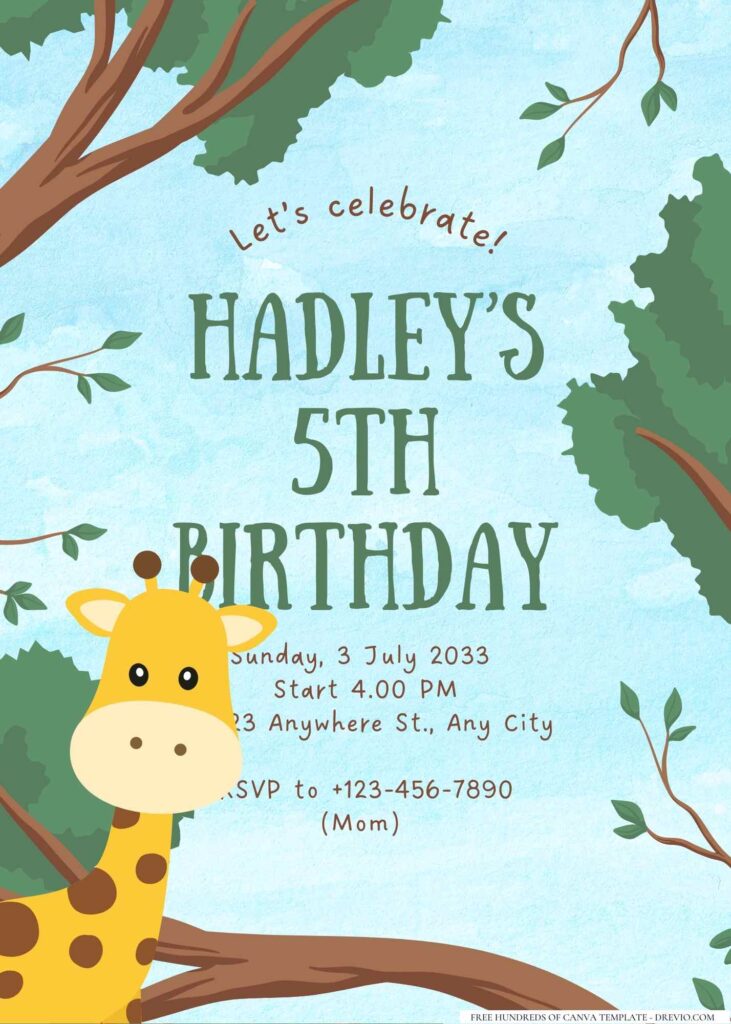
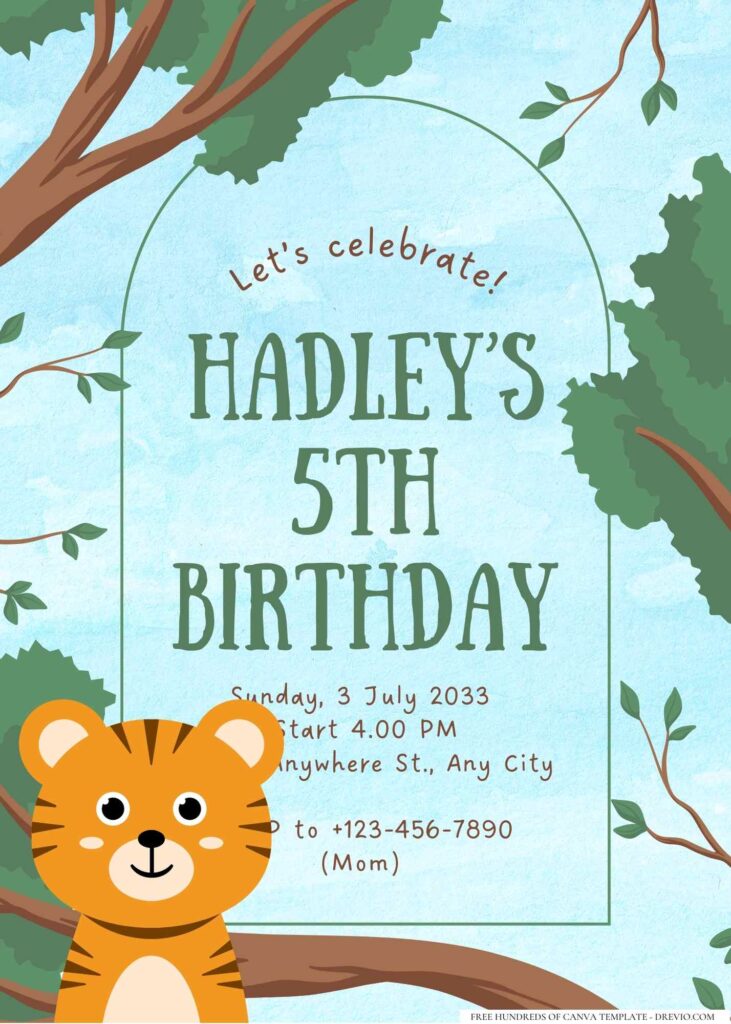
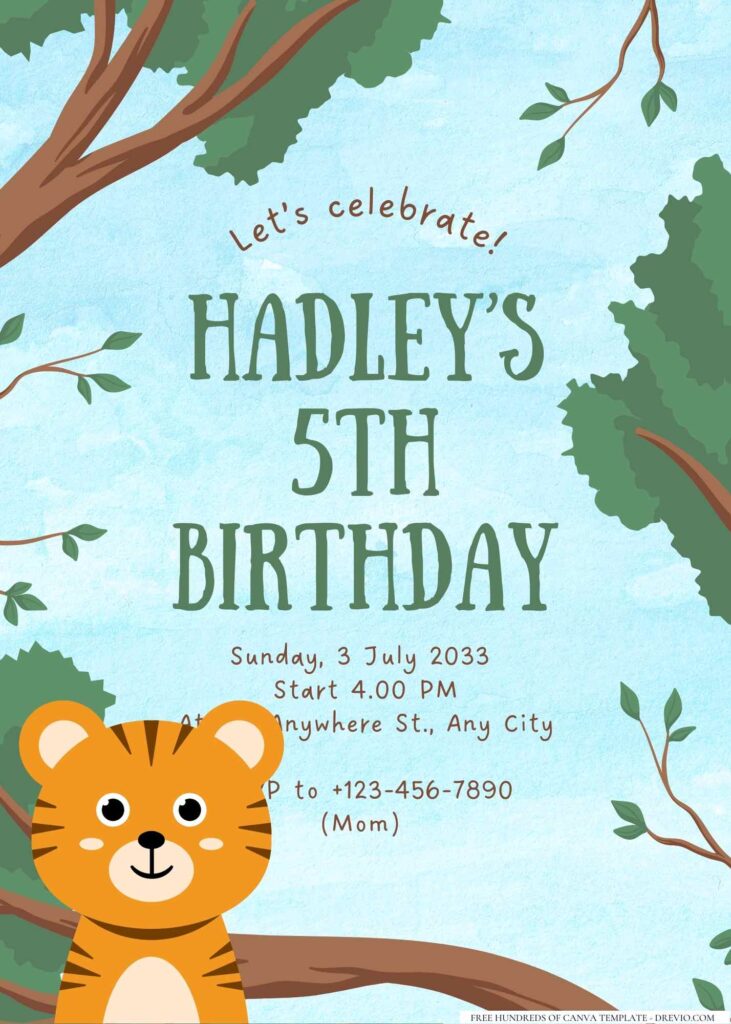
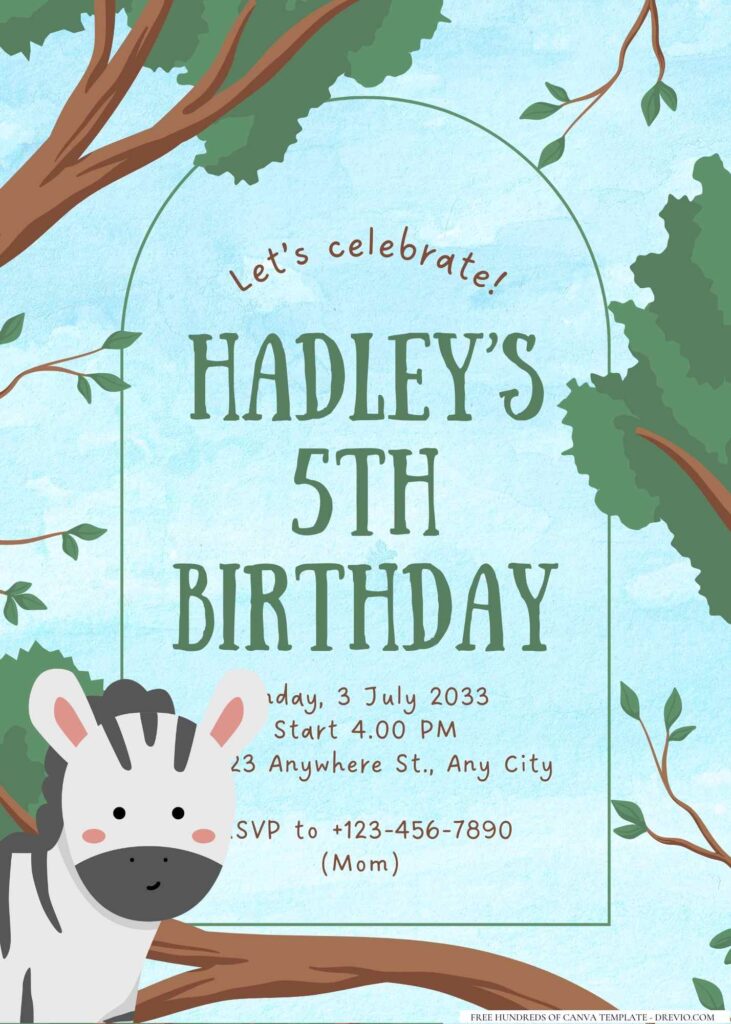
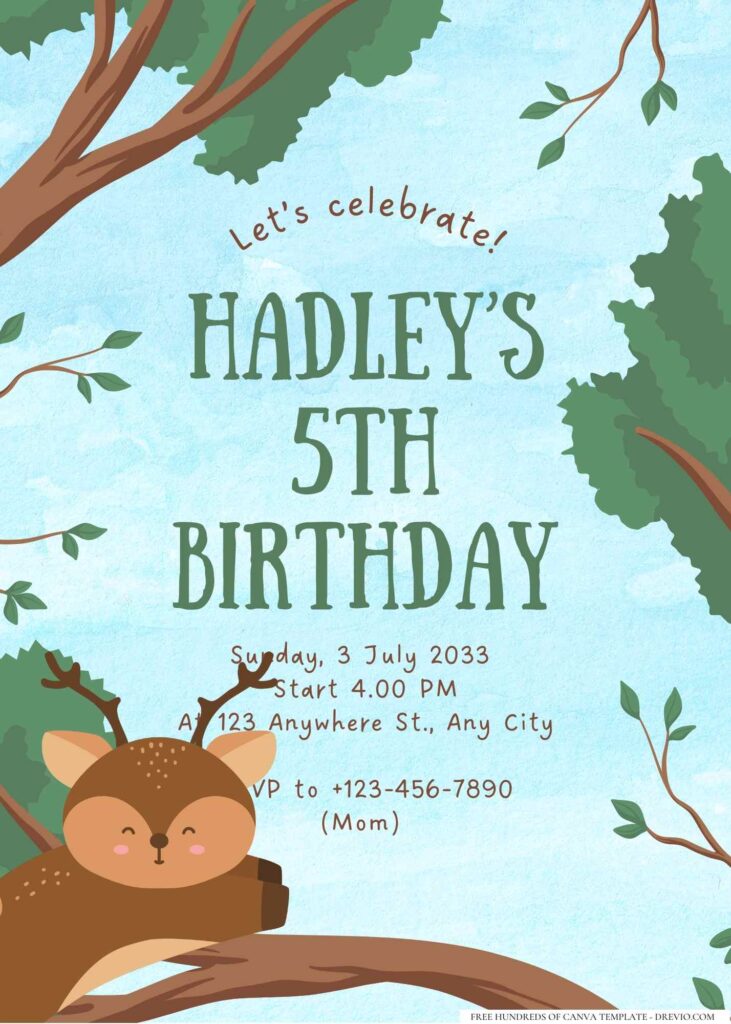
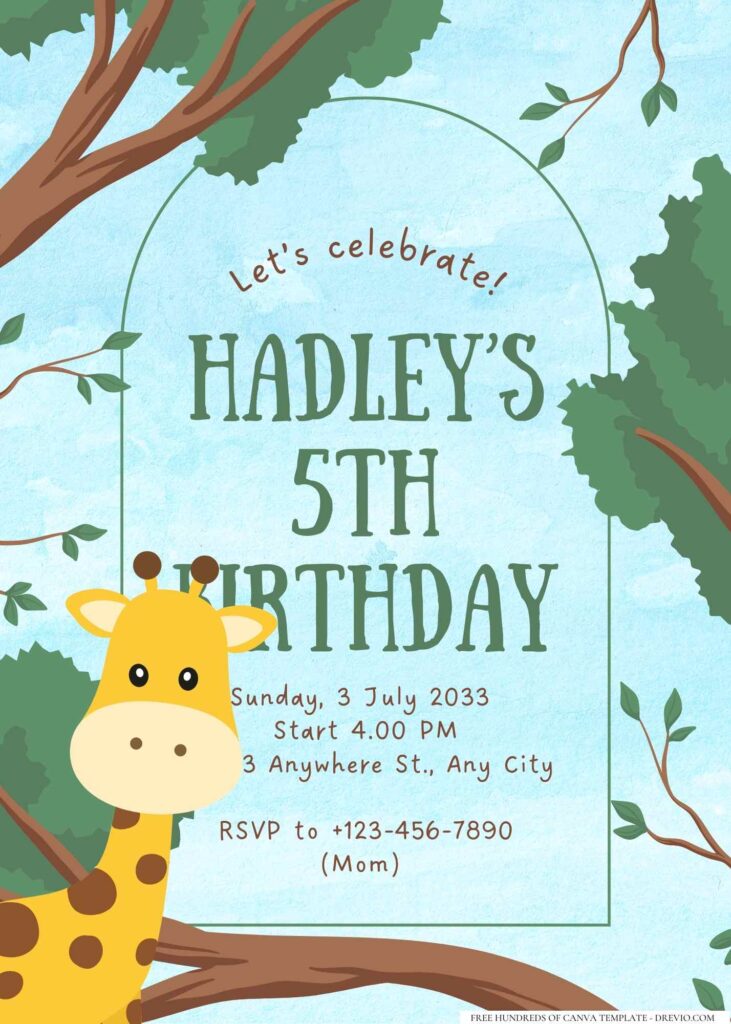
Charlotte has been in that phase where every stuffed animal suddenly lives in a “jungle rescue,” so naturally her birthday wishlist turned into monkeys, vines, parrots… the whole deal. Meanwhile, Louise just kept stealing the little tiger cutouts off my desk while I was trying to finish the invitations, so I figured that was probably a good sign that the designs were actually fun.
16+ Jungle Birthday Invitation Templates (FREE Canva Editable) – 2026’s Cutest Designs
Discover Your Perfect Jungle Invitation Template
I swear jungle parties never really go out of style. Every year I think the kids are gonna move on to something totally different, and then somebody spots a giraffe balloon at Target or watches one animal documentary and boom… we’re planning another wild birthday.
This time I didn’t want the invitations to feel super baby-ish though. I wanted something that still had cute animals but looked clean enough that parents would actually stick it on the fridge instead of letting it disappear into the backpack abyss.
Why Canva Just Makes Jungle Invitations So Much Easier
I’ve tried editing invitations in random apps before, and honestly? I always ended up making things harder than they needed to be.
Canva is basically my comfort app at this point. I can open it while waiting in the school pickup line, fix the party time because Andrew reminded me we booked the bounce house an hour later than I thought (yep…), and save everything before the line even starts moving.
No downloading weird fonts.
No accidentally messing up the whole layout.
Just click, type, move things around, done.
Also… if you’re anything like me, you’ll probably change your mind halfway through anyway. Canva kind of lets me be indecisive without punishing me for it.
Exploring Our Jungle Invitation Collection
One thing I learned after making birthday invitations for our own kids and a bunch of their friends is that “jungle” can mean completely different things depending on the kid.
Some kids want everything colorful and silly.
Others want something that feels like they’re heading on an actual safari.
That’s why I mixed a bunch of different styles into this collection instead of making sixteen copies of the same invitation.
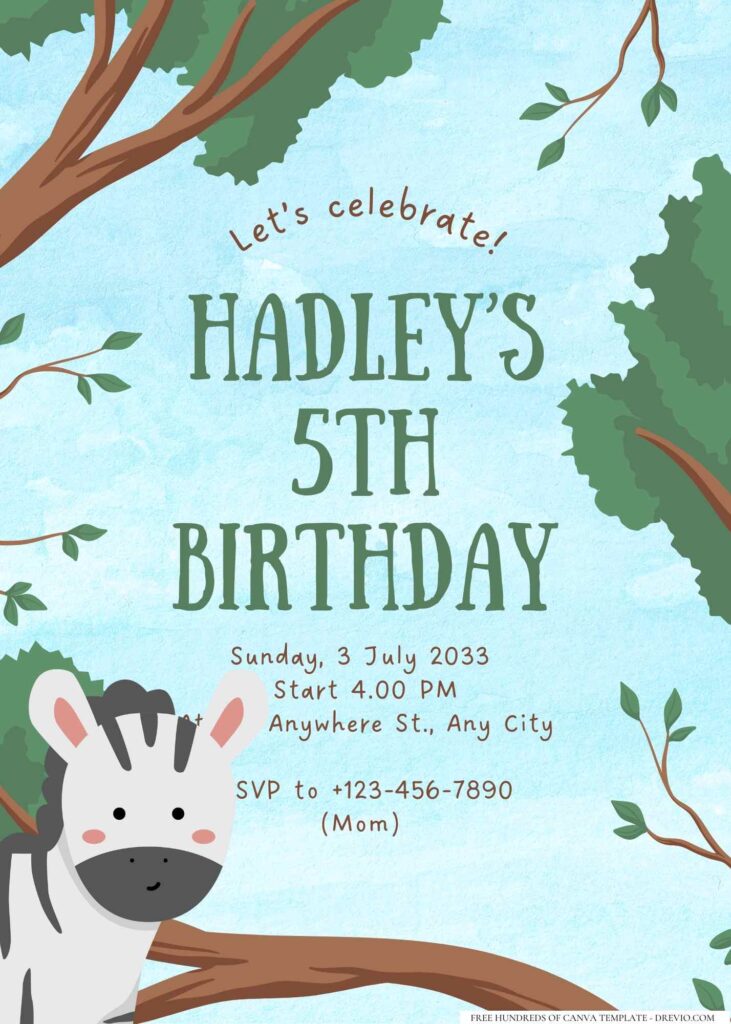
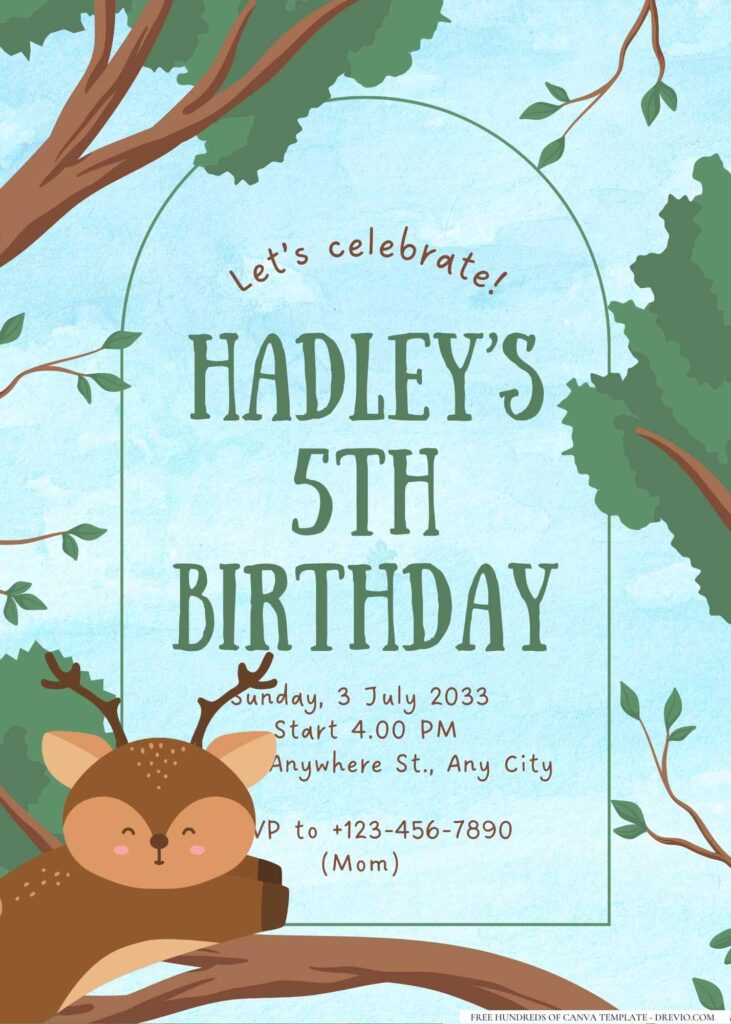
The watercolor leaves are probably my favorite little detail. They soften everything without making the page feel busy. Then I layered in leafy borders, tropical plants, vines curling around the corners, little monkeys hanging off branches, sleepy sloths, cheerful toucans, zebras, elephants, lions, giraffes, and a couple playful tigers because apparently every kid under eight thinks tigers automatically make something cooler.
Most of the backgrounds stay pretty light too, which sounds boring until you print them. Bright white or soft cream backgrounds keep all those greens from blending together, and parents can actually read the party information without squinting.
And I purposely left plenty of breathing room around the text.
Kids notice the animals.
Parents notice whether they can find the address in three seconds.
Both matter.
How I Ended Up Editing Mine
The funny part is… my first version wasn’t even the one we used.
I originally picked this really dark rainforest background because it looked gorgeous on my laptop. Deep greens, dramatic shadows, all that.
Then I printed one test copy at home.
It looked… muddy.
Not terrible. Just kind of blah.
The little monkey almost disappeared into the leaves, and the party details weren’t popping the way I wanted. Andrew looked at it for maybe two seconds and said, “I think it’s just too dark.”
He was right.
So I went back into Canva, brightened the background, swapped one heavy jungle texture for softer watercolor leaves, made the names a little bigger, and changed the text color from dark green to a warmer brown.
Tiny changes.
Huge difference.
I also almost forgot to leave room for the RSVP phone number.
No clue how I managed that because it’s literally one of the most important parts. I caught it during my final proofread while Louise was asking me if crocodiles eat birthday cake.
Priorities.
One thing I’ve started doing every single time is opening the invitation on my phone before I download it. If I can read every detail without zooming in, I know grandparents probably can too.
That little five-second check has saved me from reprinting invitations more than once.
A Few Jungle Templates I Keep Coming Back To
CUSTOM YOUR FREE JUNGLE-THEMED INVITATIONS HERE!
You’ll find more than sixteen editable Canva invitations in this collection, but these are the ones I keep recommending to other moms.
Watercolor Safari Friends
Perfect if your birthday kid loves animals but doesn’t want everything super loud. The soft greens and sweet little safari crew make it work really well for ages one through six.
Bright Tropical Adventure
This one’s for the kid who’s basically running laps before breakfast. Big leaves, colorful parrots, cheerful monkeys, and lots of fun energy without feeling chaotic.
Little Explorer Jungle
If your child is obsessed with binoculars, maps, bug catchers, or pretending the backyard is a rainforest, this one fits so well. It’s playful without looking too baby-ish.
Modern Green Jungle
Probably my pick for older kids around seven to ten. It keeps the jungle theme but skips a lot of the cartoon look, so it feels a little more grown up.
Wild Animal Birthday
This one has all the classic favorites together—lion, elephant, giraffe, zebra, and tiger—and honestly it’s the invitation that gets the biggest “awww” from parents because everybody immediately spots their kid’s favorite animal.
I always tell friends not to overthink which design is “the best.”
Kids usually decide in about ten seconds anyway.
Charlotte picked hers because “the giraffe looks friendly.”
Completely valid reason if you ask me.
How to Easily Customize Your Jungle Invitation in Canva
I don’t know if it’s just me, but editing the invitation is usually the point where the party starts feeling real. Up until then it’s just ideas floating around in my Notes app. Once the invite has everybody’s name on it, I’m like… okay, guess we’re actually doing this.
The nice thing is you really don’t need to know anything about graphic design. If you can drag a photo into Canva and change a text box, you’re basically set.
Step-by-Step Guide to Personalize It
I always duplicate the original template first.
Learned that one the hard way.
A couple years ago I accidentally saved over the original design while I was playing around with fonts. Nothing tragic happened, but I definitely sat there wishing I could hit an “undo” button from twenty minutes earlier.
Now I make a copy before touching anything.
The first thing I change is always my kid’s name. I make it a little bigger than Canva suggests because that’s usually what kids notice first.
Then I update:
Birthday age
Party date
Start and end time
Address
RSVP information
I leave the decorations and cute jungle animals until the very end because honestly… if the party address is wrong, nobody’s gonna care how adorable the monkey is.
Adding Your Own Wild Touches: Photos & Text
Some moms love adding a big birthday photo.
Some don’t.
I’ve done both.
For Charlotte’s last birthday we used one of her laughing in the backyard after she climbed halfway up our maple tree pretending she was exploring the rainforest. The photo wasn’t perfectly posed, but it matched the whole jungle vibe way better than any studio picture.
For Louise… absolutely not.
The only recent photos I had were him making dinosaur noises with cracker crumbs all over his shirt.
We skipped the photo.
Honestly, the invitation still looked great.
If you do add a picture, I’d keep it simple. One photo is usually plenty. Once you start squeezing in four or five pictures, the invitation gets busy really fast.
As for fonts…
I always think those super fancy script fonts are pretty until I realize Grandma probably isn’t going to read “Saturday” if it looks like a tangled vine.
Now I usually stick with one playful font for the birthday kid’s name and something really clean for everything else.
Future me appreciates it every single time.
Little Things That Made Mine Look Better
One thing I almost always adjust is the spacing.
Sometimes Canva centers everything a little tighter than I like, especially after changing the child’s name. Charlotte is a lot longer than “Mia,” and suddenly the whole layout looked squished.
Instead of shrinking the name, I moved a couple leaves down and gave everything a little breathing room.
Problem solved.
Another thing…
Zoom way out before downloading.
I know that sounds weird.
But when you’re zoomed in at 200%, everything looks perfect.
Then you zoom back out and realize one tiny leaf is covering part of the date.
Ask me how I know.
I also like sending the finished invitation to Andrew before downloading it.
Not because he’s secretly into invitation design.
He just catches random stuff my brain completely skips over.
One time he noticed I’d written “Sunday, June 18.”
The party was Saturday.
Would anyone have figured it out eventually?
Probably.
Did I want fifteen text messages asking if we changed the date?
Definitely not.
Downloading & Printing Your Roar-some Invitations
I used to overthink this part way more than I needed to.
The truth is, once you’ve finished editing, getting the invitations printed is probably the easiest thing left on your list.
Free Download Options Explained
After you’re happy with the design, download it as a PDF Print file if you’re planning to print physical invitations.
The text stays nice and crisp, especially if you’re printing several copies.
If you’re only texting the invitation to family or sending it in your class group chat, I usually download a PNG version instead. It looks really clean on phones and saves everyone from zooming in.
Honestly, we usually do both.
Printed invitations for classmates.
Digital copy for grandparents who somehow still ask me to “text it over again” every birthday.
Printing at Home vs. Professional Printing
I’ve tried both enough times that I don’t really have a favorite anymore.
If I only need ten or twelve invitations, I’ll usually print them at home because it’s easy and I’m already there.
If I need twenty-five or thirty, I almost always upload them to Walgreens.
Their 5×7 photo prints are usually around twenty cents each when they’re running one of their photo promotions, and I’ve had consistently good luck with the colors.
Staples is another solid option if you want thicker cardstock instead of photo paper. I especially like them when I want the invitations to feel a little sturdier in little hands.
If I’m already running errands, I’ll just send the file over while I’m grabbing groceries and pick everything up later that afternoon.
One less thing sitting on my kitchen counter.
Paper & Envelope Recommendations
People ask me matte or glossy all the time.
Honestly?
They’re both good.
If your invitation has lots of bright jungle colors and you love that vibrant look, glossy really makes everything pop.
If you want something that’s easier to write on and feels a little softer, matte cardstock is usually my favorite.
Most of ours end up being matte simply because I write little notes on a few invitations for close friends, and regular pens work so much better.
For envelopes, standard A7 envelopes fit most 5×7 invitations perfectly, and they’re easy to find online or at craft stores.
I usually grab white, kraft brown, or light green ones.
Nothing fancy.
The invitation is already doing all the talking.
Complement Your Party: Jungle Theme Ideas & More
By the time I finish the invitations, I’m usually at that point where I tell myself, “Okay… don’t buy a million decorations.”
Do I always listen to myself?
Absolutely not.
But I have gotten a lot better about figuring out what actually makes the room feel fun without spending a fortune.
Decorating for a Wild One Birthday
My favorite trick is letting the balloons do most of the work.
Green balloons in a few different shades instantly make the room feel “jungly” (pretty sure that’s not a word, but we’re rolling with it). Then I scatter a few fake tropical leaves on the food table, add a couple stuffed animals Charlotte already owns, and suddenly it looks like I planned everything weeks in advance.
Ngl… half those stuffed animals went right back on her bed after the party.
If you’re looking for budget ideas, these are the places I usually browse before buying anything:
Amazon for balloon garlands, tropical leaves, safari hats, cupcake toppers, and jungle tableware.
Etsy if I want a personalized birthday sign or cake topper that feels a little more special.
Pinterest is honestly where I steal—uh… borrow—most of my setup inspiration before deciding what I actually need.
A lot of moms in online parenting groups also recommend keeping decorations simple and even reusing stuffed animals or buying secondhand decor instead of starting from scratch every birthday. Honestly, the kids care way more about playing together than whether every balloon matches perfectly.
One thing I’ve learned…
Kids really don’t need ten organized games.
The adults think they do.
The kids absolutely do not.
Our biggest hit was a little animal scavenger hunt. I hid plastic jungle animals around the backyard while Andrew distracted everyone by helping them “practice their explorer skills.”
It bought me about fifteen peaceful minutes.
Honestly? Worth it.
We’ve also done:
Feed the Hungry Lion (bean bag toss)
Pin the Tail on the Tiger
Jungle Animal Freeze Dance
Safari Binocular Hunt
Bubble Safari outside
And if the weather cooperates, letting everyone run around pretending they’re explorers somehow burns more energy than any organized activity I’ve ever planned.
Matching Thank You Cards & Party Favors
I like keeping favors really simple because let’s be honest… most little plastic toys end up under somebody’s couch.
Instead we usually do:
Animal stickers
Mini coloring books
Jungle crayons
Safari binoculars
Little bags of gummy animals
Then I match the thank-you cards to the invitation so everything feels put together without buying an entirely different design.
It’s one of those tiny details that probably matters more to me than it does to the kids…
But it makes me happy.
After the Party
The funniest part was seeing all the invitations lined up on everyone’s refrigerators when we dropped Charlotte off for a playdate a couple weeks later.
Apparently several moms had saved them because their kids kept pointing at the animals.
One mom laughed and asked where I’d bought the invitations.
When I told her I just edited a Canva template, she looked genuinely surprised.
I’ll take that as a win.
Charlotte’s favorite part wasn’t even the decorations.
It was hearing one of her friends yell, “Look! The monkey from your invitation is on the cupcake!”
That tiny connection between the invitation and the actual party made the whole theme feel complete.
Louise, meanwhile, adopted one of the inflatable monkeys and insisted it needed to sit at the dinner table for three more days.
No regrets.
Frequently Asked Questions About Jungle Invitations
Are these templates really free?
Yep! You can edit the templates in Canva without paying for the design itself. If you decide to use Canva Pro graphics or fonts that aren’t included for free, Canva will let you know before you download anything.
What ages work best for these invitations?
I’d say most of these designs work really well anywhere from first birthdays through about ten years old. The watercolor and safari styles are especially cute for toddlers, while the cleaner jungle layouts feel a little more grown up for older kids.
Can I edit everything on my phone?
You definitely can. I’ve fixed party times from the school pickup line, changed an RSVP number while waiting for soccer practice to end, and even caught a spelling mistake from my phone the night before printing.
That being said…
If you’re changing lots of text or moving design elements around, a laptop is still a little easier on your eyes.
What’s the best size to print?
I almost always choose 5×7.
It’s easy to mail, easy to hand out at school, and Walgreens usually has affordable photo-print deals that make it a really budget-friendly option.
Matte or glossy?
If you asked me while standing in the print aisle…
I’d probably grab matte.
It’s easier to write little notes on, fingerprints don’t show as much, and I just like how it feels.
But if your design has lots of bright tropical colors, glossy really does make everything pop.
Honestly, you can’t go wrong with either.
Just pick whichever makes you smile when you hold it.
Because after planning the snacks, remembering the candles, texting everyone’s parents, and wondering if you bought enough juice boxes…
You deserve at least one thing that’s easy.